








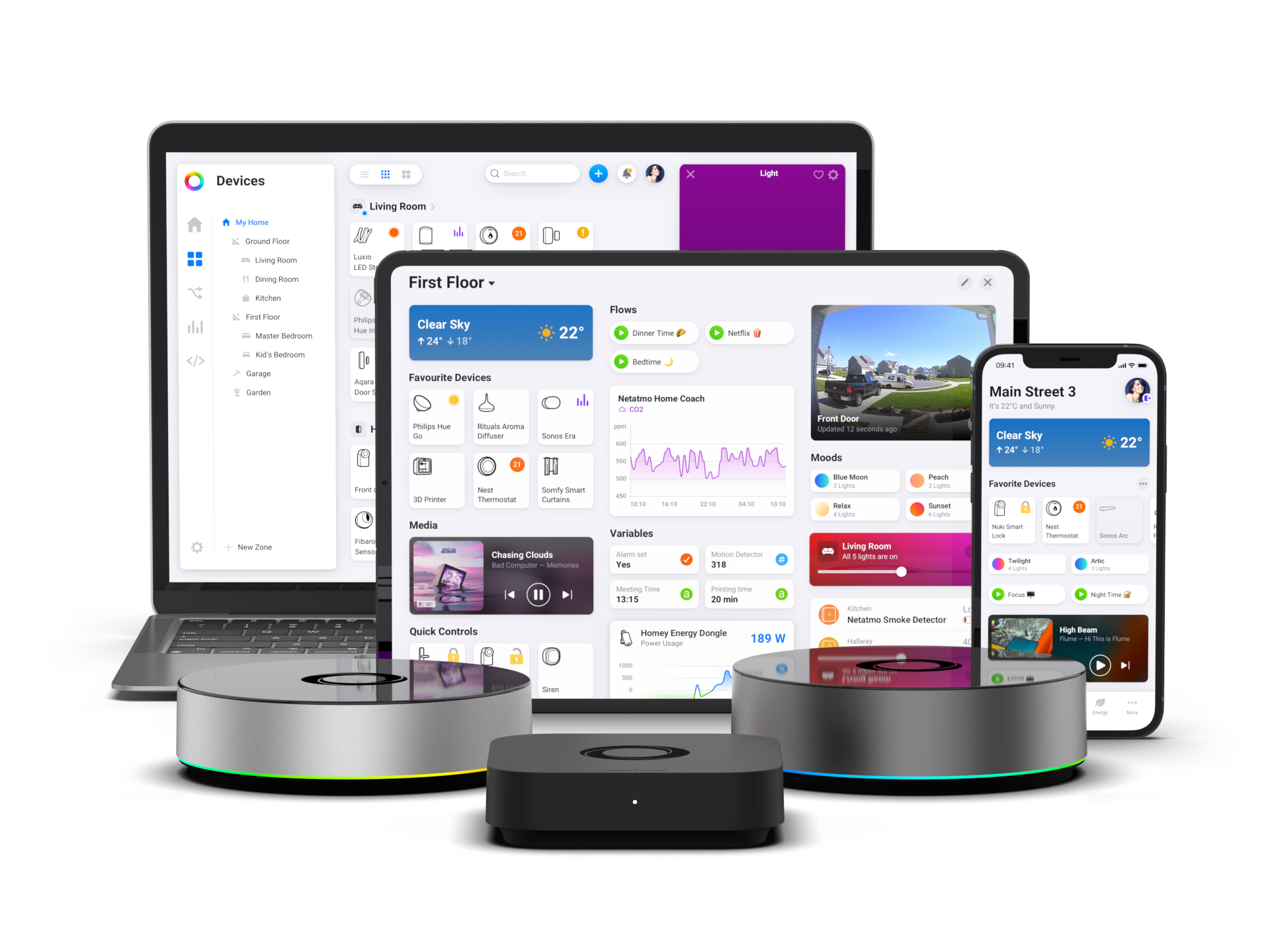
Control Any Smart Home Device with Apple Home Using Homey
With the Matter Bridge app, Homey can share its devices with Apple Home. That includes devices that don’t support Apple Home themselves, such as Zigbee, Z-Wave, infrared, and 433 MHz devices. You can then control them in the Apple Home app, with Siri, and in scenes and automations.
Supported Device Technologies
Homey can share devices that use the following technologies with Apple Home, as long as the Matter Bridge app supports the device type:
- Zigbee
- Z-Wave
- Bluetooth LE
- Infrared (IR)
- 433 MHz radio
- Wi-Fi devices supported by Homey apps
For example, a 433 MHz blind, a Z-Wave thermostat, or an IR-controlled fan can show up in Apple Home once it’s added to Homey. The Matter Bridge app supports common device types such as lights, thermostats, plugs, locks, blinds, sensors, and alarms.
What You Need
To control smart home devices via Apple Home, you need:
- Homey Pro (2023 — 2026), Homey Pro mini, or Homey Self-Hosted Server
- The Matter Bridge app, installed from the Homey App Store
- One or more devices added and configured in Homey
- An Apple Account and the Apple Home app on an iPhone or iPad
- A home hub (HomePod, HomePod mini, or Apple TV 4K) if you want remote access and Apple Home automations
Depending on the device technology, Homey Pro mini and Homey Self-Hosted Server may need a Homey Bridge. The Matter Bridge app isn’t available for Homey Cloud.
How It Works
When Homey exposes a device to Apple Home, it shares that device using the Matter standard. The device stays paired with Homey and controlled by Homey, and it appears in Apple Home as an accessory alongside your other Apple Home devices.
Apple Home talks to Homey over your local network, not to the device itself. When you control a device in Apple Home or with Siri, Homey translates the command and sends it to the device using its native technology.
Connect Homey to Apple Home
You manage exposed devices from within Homey. You don’t need to re-pair devices or change how they’re connected.
- Add your devices to Homey and make sure they work.
- Install the Matter Bridge app from the Homey App Store.
- Open the Matter Bridge settings to show the QR code:
- Homey Mobile App: More → Settings → Matter Bridge
- Homey Web App: Settings → Matter Bridge → Configure
- In the Apple Home app on your iPhone or iPad, tap Add Accessory and scan the QR code.
- Name the bridge and tap Continue.
- Back in the Matter Bridge settings in Homey, select which devices to show in Apple Home.
The selected devices then appear in Apple Home without any additional pairing. See the support article for detailed instructions.
No Home Hub?
If your iPhone runs iOS 18 or later, you can add and control your devices in Apple Home without a home hub while you’re on your home network. On earlier versions of iOS, you need a home hub to add them. To control your devices remotely and use Apple Home automations, you need a HomePod, HomePod mini, or Apple TV 4K.
Alternative: HomeKitty
The community-built HomeKitty app is another way to connect Homey to Apple Home. It also works on Homey Pro (2016 — 2019), which the Matter Bridge app doesn’t support.
What You Can Do in Apple Home
Once exposed, your devices can be used like other Apple Home accessories, within the limits of their capabilities. You can:
- Control devices in the Apple Home app
- Use Siri voice commands
- Organize them into rooms alongside your other Apple Home devices
- Add them to scenes and automations
- Control them from your Apple Watch, HomePod, or Mac
Limitations
- Not every device feature is available in Apple Home. Matter exposes standardized capabilities, so some advanced features stay in Homey.
- Some devices, such as infrared or 433 MHz devices, may not report their real-time state.
- Removing a device from Homey also removes it from Apple Home.
Use Apple Home for everyday control, scenes, and Siri. For automations that combine devices from different technologies or need more logic, use Flows and Advanced Flows in Homey.
Learn More
The Matter Bridge app also works with other platforms that support Matter. Read how Matter Bridge works, or see how Homey works with Google Home and Amazon Alexa.
To learn more about the technologies in this article, read about Zigbee, Z-Wave, Bluetooth, Infrared, 433 MHz, and Wi-Fi.


