








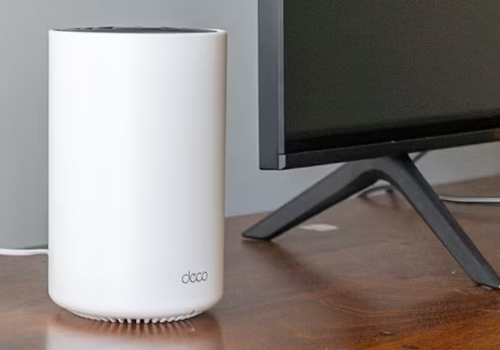
TP-Link Deco
WAN status changed
Click on a device above to show related Flow cards only.


Having an issue with this app? Contact the developer via email.
Version 1.4.79 — Fixed the router password sometimes not being saved for a device right after pairing, which showed up as 'no clients ever appear' and 'Missing API configuration settings' errors that only went away after manually reopening the device's settings and re-entering the password. It's now saved in a second, more reliable place during pairing and automatically restored if needed — no more manual fix required.
 TP-Link Deco is not compatible with the selected Homey.
 TP-Link Deco will install on Homey shortly.
We’ll let Mathias Törnblom know you love the app. Maybe consider supporting Mathias Törnblom by making a donation?
The developer of TP-Link Deco accepts donations.
Make a donation to say thanks!
We’ll notify Mathias Törnblom you’ve sent a suggestion.
 Belgium
 Bulgaria
 Croatia
 Cyprus
 Czech Republic
 Estonia
 Finland
 Greece
 Hungary
 Iceland
 Ireland
 Latvia
 Lithuania
 Malta
Malta
 Moldova
 The Netherlands
 Portugal
 Romania
 Slovakia
 Slovenia
 Türkiye
 Ukraine
 United Kingdom


