





Troubleshooting Thread and Matter with Homey
Thread is designed to quietly hold your smart home together. Most of the time, it does exactly that. But when something goes wrong, the symptoms are rarely dramatic. Instead, you get devices marked as unreachable in Homey, automations that trigger late or pairing attempts that fail without explanation.
These are not signs that Thread is broken. They usually mean the mesh, the commissioning flow, or the multi-controller setup needs a bit of attention. The goal is not to poke blindly, but to work through a few checks in a sensible order.
Step 1 – Check Physical Basics
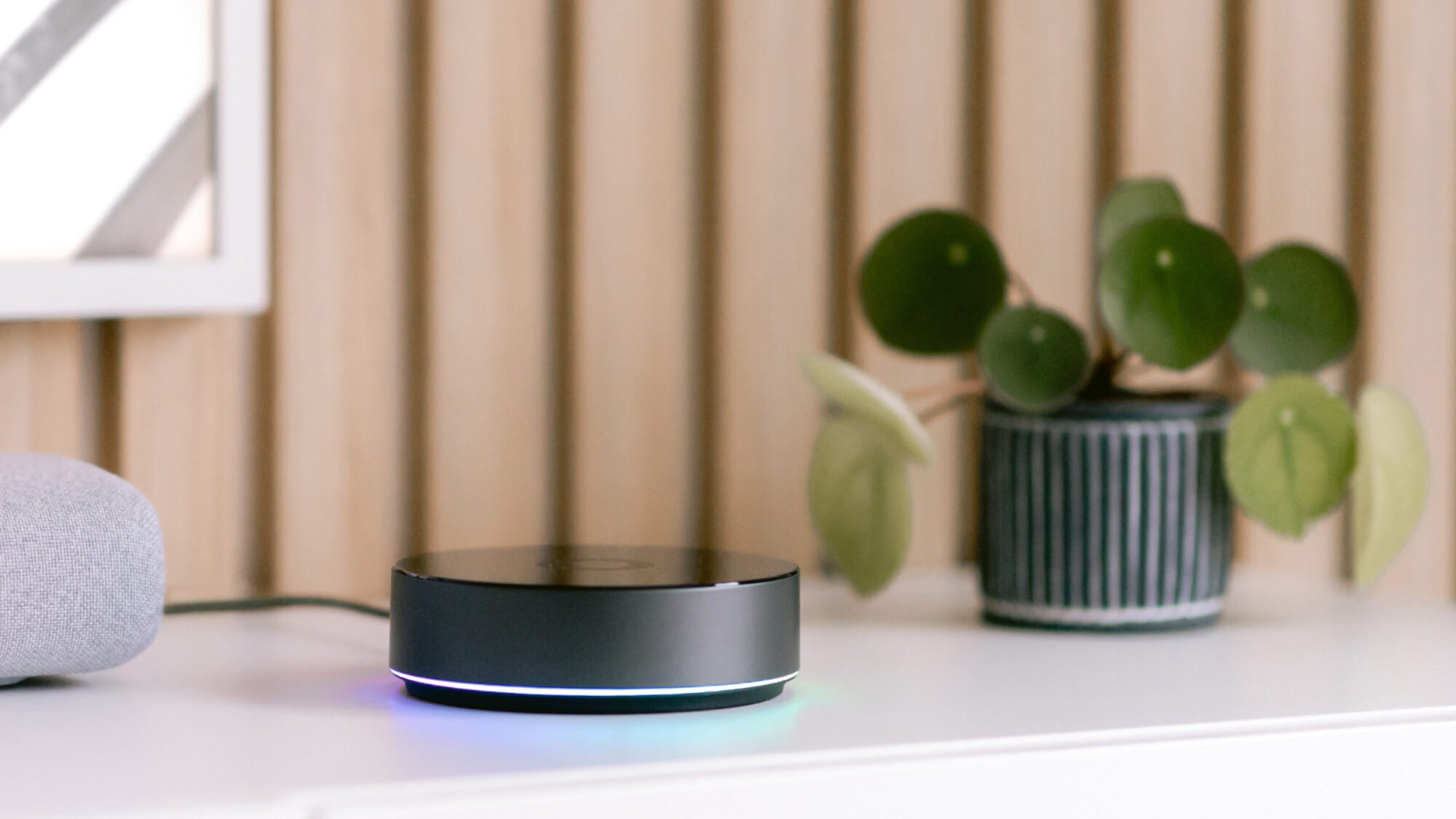
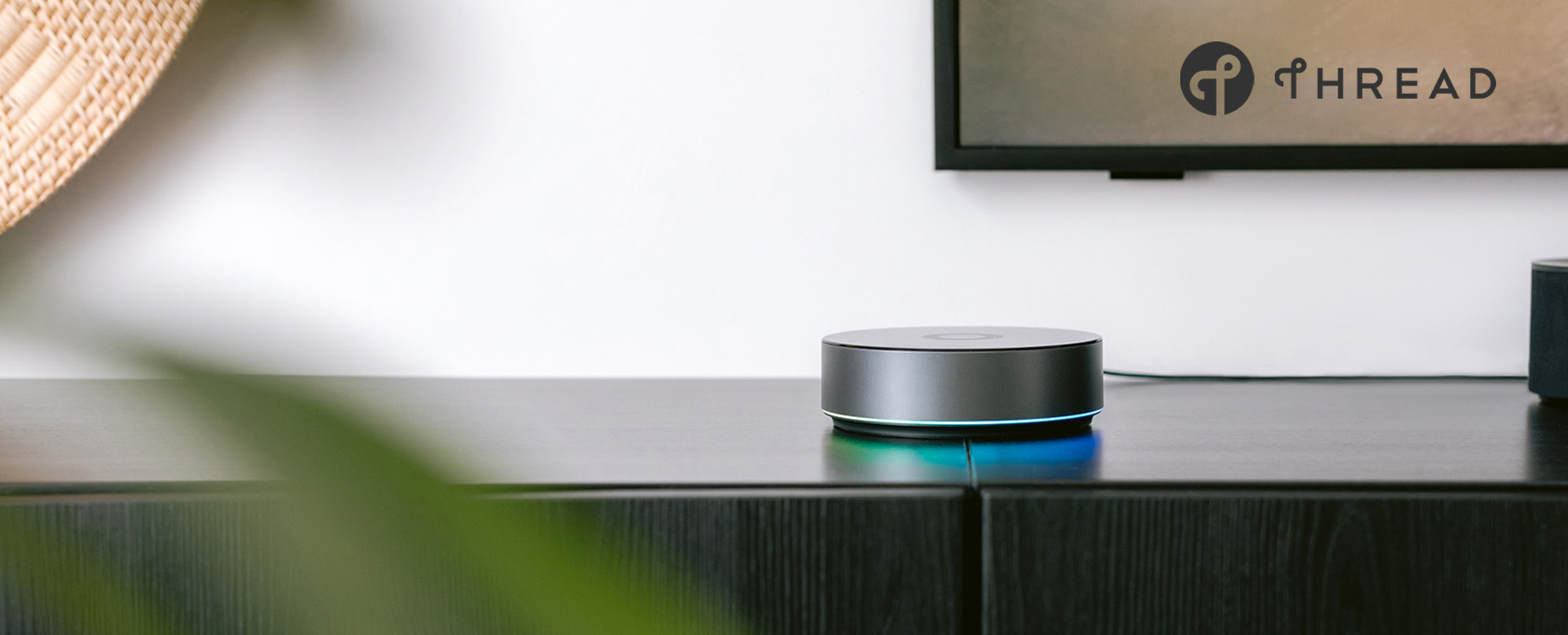
It sounds simple, but physical layout is the foundation of a healthy Thread mesh. Start by asking yourself: is your Homey Pro placed in a reasonable location? If it’s hidden behind metal appliances, stacked with other hubs, or buried in cabinets, signal quality will suffer. Open space, some height, and a bit of distance from dense electronics make a real difference.
Also think about what you are asking the network to do. If a device needs to punch through multiple concrete walls or reach a detached building with no intermediate routers, instability is not surprising.
Before changing anything else, ask yourself:
- Is Homey Pro placed in open space, not behind metal or inside a cabinet?
- Are Thread devices expected to span unrealistic distances indoors?
- Have recent furniture moves, renovations, or new appliances changed RF conditions?
Physical layout is the foundation of healthy Thread Mesh Network. Choosing an optimal installation location for Homey Pro or Homey Pro mini often solves more problems than you would expect.
Step 2 – Add Enough Routers
Thread works best when there are enough mains-powered devices to act as routers. A network made up almost entirely of battery-powered sensors is fragile by nature. Those devices sleep, transmit briefly, and rely heavily on parent routers.
If you notice instability, look at your device mix. Do you have enough powered Thread devices such as plugs, switches, or other always-on nodes distributed through the home? Or is everything depending on a single Border Router and a handful of sleepy sensors?
Warning signs include:
- Devices at the edges of the home dropping offline first
- Reliability changing when specific plugs or lamps are powered off
- Delays that disappear when you temporarily move a router closer
In many cases, adding just one or two well-placed powered Thread devices halfway between trouble spots and Homey is enough to stabilize the mesh. You are providing additional travel paths for devices back to your Homey Pro acting as a Thread Border Router.
Step 3 – Border Router Interactions
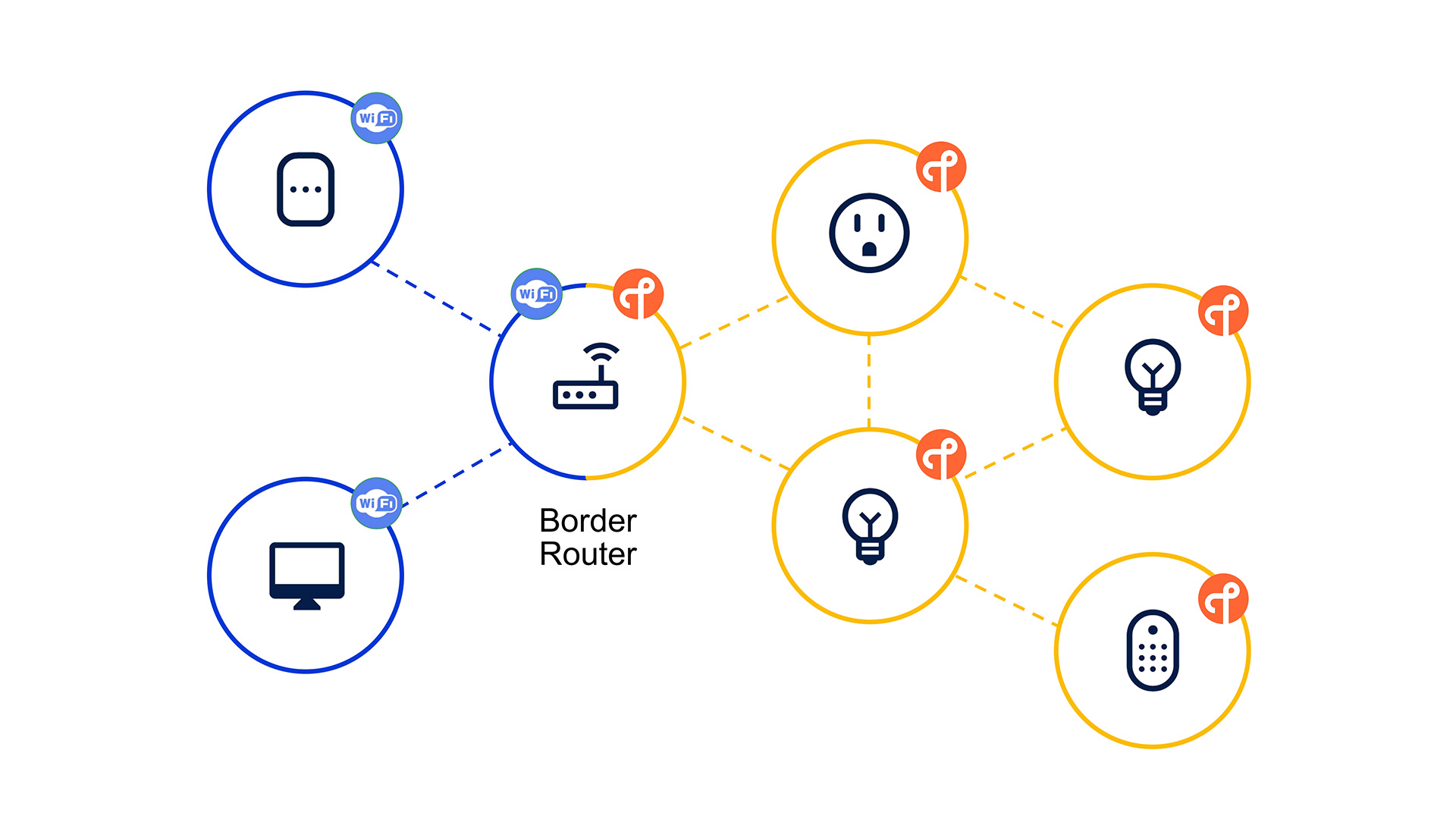
Many homes now have more than one Thread Border Router. Homey Pro, Apple devices, and Google hubs can all participate at the same time. This is expected by Thread, but it can still introduce confusion during commissioning.
A device may be added through one ecosystem first and primarily associated with that Thread network, with Homey joining later as an additional controller. Firmware mismatches between platforms can also create subtle latency or reliability issues.
To reduce friction:
- Keep all Border Routers and hubs fully up to date
- Decide which platform you want to use as your primary Thread device commissioner
- If a device is consistently flaky, remove it from all controllers, factory-reset it, and recommission it cleanly starting from Homey
Multiple Border Routers are not a problem by design, but messy commissioning histories often are. Simply resetting a Thread device and adding to Homey Pro first can go a long way in fixing Thread issues.
Step 4 – Routing and Range Issues
A healthy Thread network looks like a series of overlapping stepping stones. When those stones are too far apart, devices start to hesitate. If certain rooms or areas are always slower or less reliable, or if problems appear when specific powered devices go offline, you are likely dealing with a sparse or fragile routing paths.
Practical fixes include:
- Adding a powered Thread device (router) between Homey and the affected area
- Re-pairing End Devices once you have enough routers
- Rebooting Homey and power-cycling a few key routers to let the mesh reconverge
Thread is dynamic, but it still benefits from stable, predictable routing paths.
Step 5 – Commissioning Problems and Pairing Failures
When pairing fails repeatedly, slow down and verify the basics. Confirm that the device truly supports Matter over Thread. Some early products advertise Thread support but rely on proprietary stacks like HomeKit rather than Matter. Furthermore, make sure you are scanning the Matter QR code, not a Wi-Fi or vendor-specific one.
Before each attempt:
- Perform a proper factory reset
- Ensure the device is not still attached to another controller
- Perform commissioning through Homey Pro instead of Android/iOS
If pairing still fails, check vendor firmware notes. Many early Matter devices improved significantly after updates.
Step 6 – Differentiating Thread Issues from Matter Issues
Not every problem is a network problem. Sometimes Thread is doing its job perfectly, while the Matter implementation on the device is incomplete or buggy. For example, you might see strange behaviours like a plug turning on/off reliably, but failing to report power usage. Or a sensor that updates motion status perfectly but skips battery level updates. These are signs of incomplete or buggy cluster implementations on the device side.
Clues that point to application-layer issues include:
- The device responds quickly but ignores specific commands
- Basic functions work, but advanced features like energy reporting are unreliable
- Only one product misbehaves while the rest of the mesh is stable
In these cases, adding routers or rearranging the mesh will not help. Firmware updates, Homey app updates, or simply waiting for the ecosystem to mature are often the only realistic fixes.
Conclusion
Thread is reliable by design, but smart homes are rarely simple. Walls are thick, devices move, ecosystems overlap, and firmware evolves. By working through placement, router density, Border Router behaviour, and commissioning history in a structured way, you can usually restore stability without guesswork.
With Homey orchestrating everything, even a complex multi-protocol setup can settle back into something that feels calm and predictable again.
FAQ – Thread Troubleshooting
How do I know if it’s a Thread issue or a device issue?
If multiple Thread devices misbehave similarly, suspect the mesh or Border Routers. If only one product is flaky, suspect device firmware or its Matter implementation.
Can I see Thread signal quality in Homey?
Homey doesn’t expose raw Thread link metrics today; you infer quality from behaviour and placement.
Does rebooting Homey help Thread issues?
Sometimes. A reboot can force routing reconvergence and clear state in the Border Router.
Should I turn off other Border Routers to stabilize things?
Temporarily disabling extra Border Routers is a valid diagnostic step. Long-term, multiple Border Routers should work, but buggy combinations do exist.
Can I overbuild a Thread mesh? Too many routers?
Thread is designed to cope with many routers, but in a small home, a modest number of well-placed routers is usually cleaner than a huge cluster all fighting for airtime.
Is it safe to factory-reset Thread devices when debugging?
Yes, but do it intentionally. Removing and re-adding often clears weird state that’s hard to diagnose otherwise.
Can 2.4 GHz Wi-Fi congestion cause Thread issues?
Yes, in extreme cases. If your Wi-Fi band is saturated, moving APs or using 5 GHz more aggressively can give Thread and Zigbee more breathing room.
Glossary – Troubleshooting Terms
Matter Commissioner
The entity that onboards new devices into a Thread/Matter network, handling key exchange and credentials.
Fabric (Matter)
A logical security and administration domain. Devices joining multiple fabrics can be controlled by multiple Matter ecosystems.
Partition (Thread)
A temporary split in a Thread network when segments lose connectivity; they may later merge again.
Device Recommissioning
Removing a device from existing controllers and adding it again from scratch, often after a factory reset.
Routing Convergence
The process by which Thread routers update and stabilize their routing tables after changes.
OTA Update
Over-the-air firmware update for devices, often crucial for fixing early Thread/Matter issues.


