



Measure, Learn and Automate with Homey Energy
You are relaxing on the couch in the evening and notice your energy bill is high again. You wonder whether your new air conditioner or that old freezer is secretly guzzling energy. Imagine if you did not have to dig through stacks of bills to figure it out. You could know instantly what was happening and have the right actions taken automatically. That is exactly what Homey helps with through smart flows that provide insight and automate routines.
Why Energy Monitoring Pays Off
It all starts with smart insights. You can make smarter decisions when you know where and when you use energy. Think of a smart meter module that shows your live usage or a solar system feeding power back into the grid. Then comes control where automation lets you adapt lighting or heating based on price or habits as well as solar availability. This adds up to more comfort and lower costs. Studies show energy monitors can reduce your bill by 5 to 10 percent.
Understanding Homey Energy
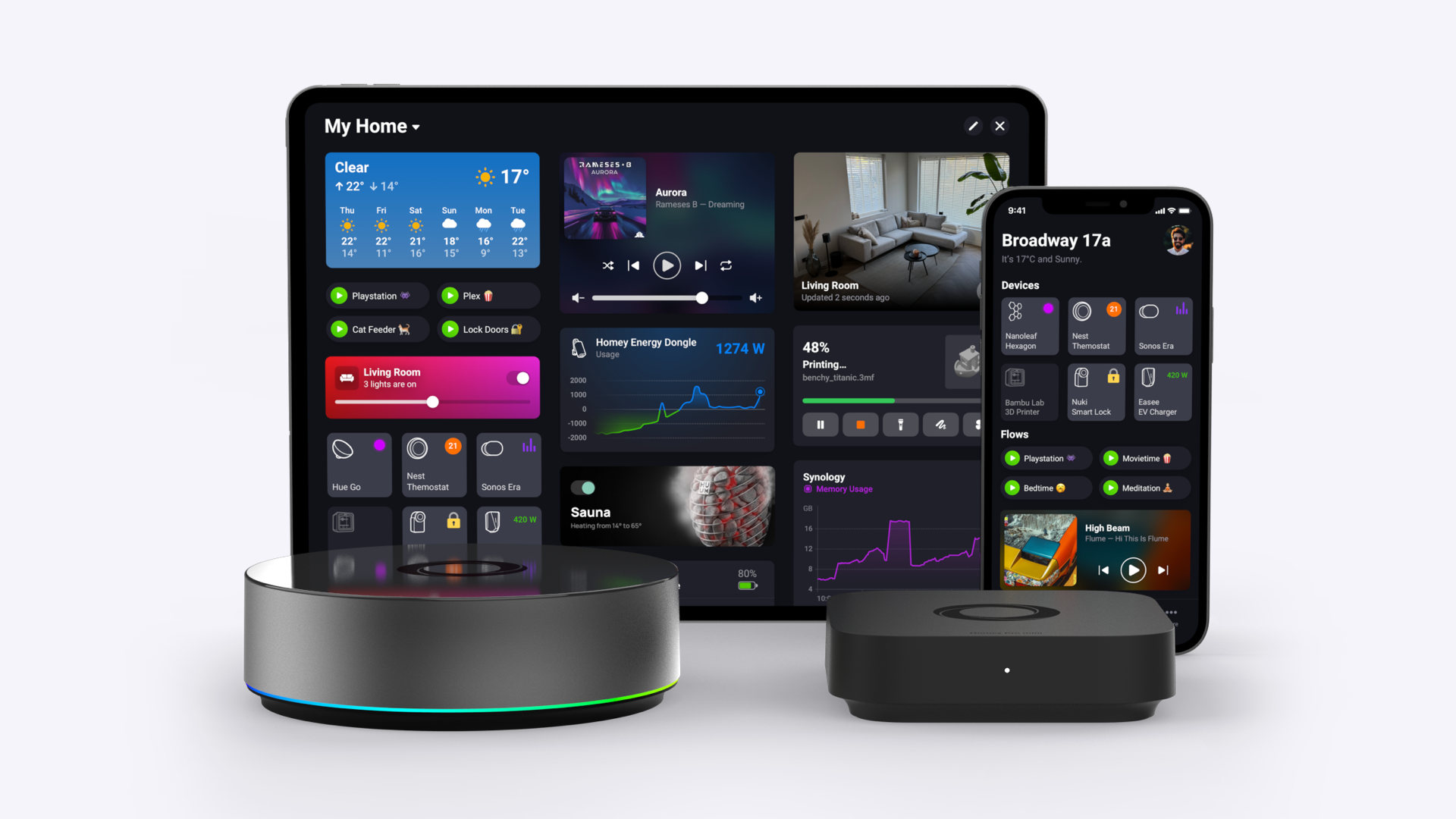
Smart energy management starts with reliable data. Homey Energy allows you to collect power and gas data and visualize it in clear dashboards. You can turn those insights into automation to increase solar self-consumption and reduce peak loads while cutting standby use.
Homey Energy shows real-time device-level usage and total consumption along with generation if you have solar. You can see exactly how much solar you use directly if you also connect your smart meter. The more self-consumption you achieve the bigger the savings.
Building Your Energy Picture with Data Sources
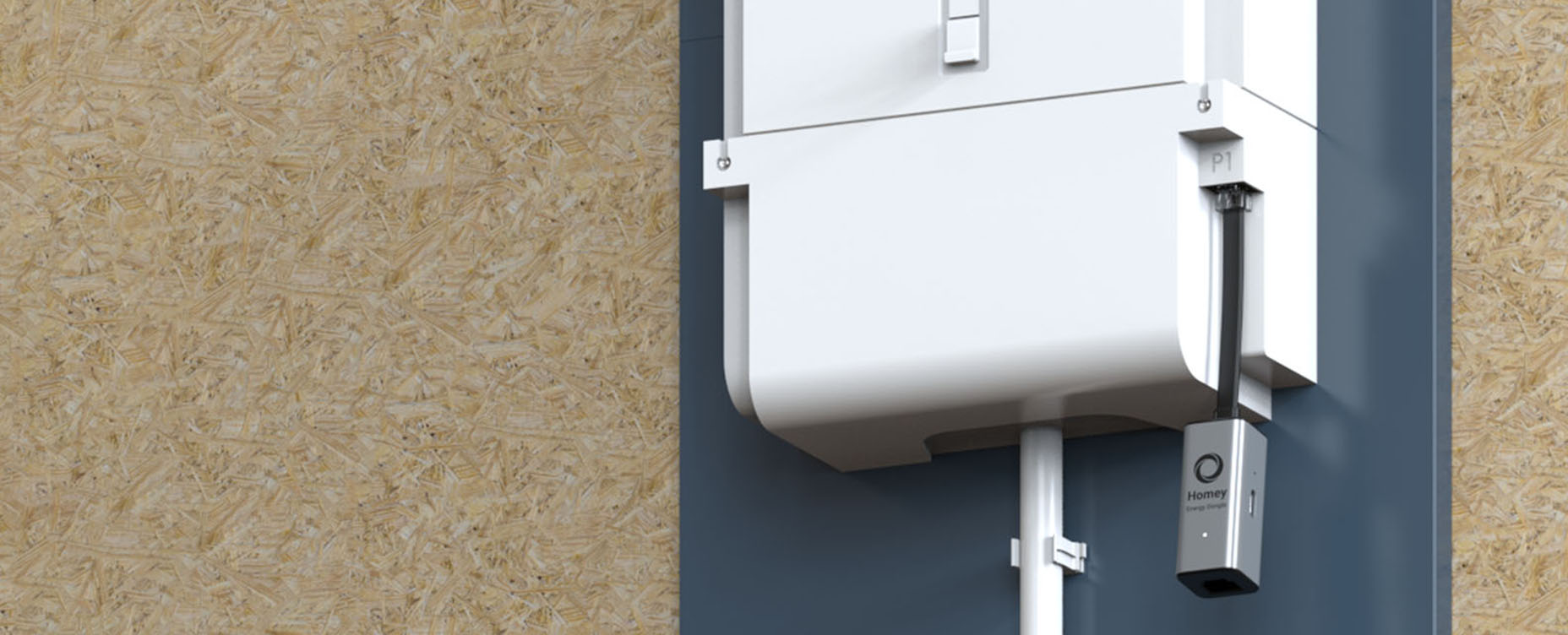
- P1 Smart Meter and Homey Energy Dongle
Plug the Energy Dongle into your P1 port to see total consumption and feed-in instantly. You will also see current and voltage per phase for three-phase meters. - Solar Inverter
Connect your inverter to Homey to view PV generation live and historically. Homey shows how much of your solar you consume and how much is sent to the grid when combined with P1 data. - Smart Plugs and Switches
Track and control energy use per device. Identify energy hogs and automate them later. - EV and EV Chargers
Some EVs can report power back to your home or grid via bidirectional chargers. Homey shows how much your EV contributes to your energy balance if available through integration.
Integrating Smartly with Heat Pumps Batteries and EVs
Heat pumps and home batteries also report usage and generation data to a connected platform. They can be monitored and controlled via Homey to support smarter automation. You can charge your battery only with solar or pause EV charging during peaks. You can also run your heat pump on a solar surplus.
Managing Power Spikes with Advanced Flow
Use Advanced Flow to manage peak loads. You can pause your EV charger when the heat pump is running. You can also create rules to only charge if PV is above 1000 watts and feed-in is above 300 watts.
Moving from Graph to Context with Dashboards
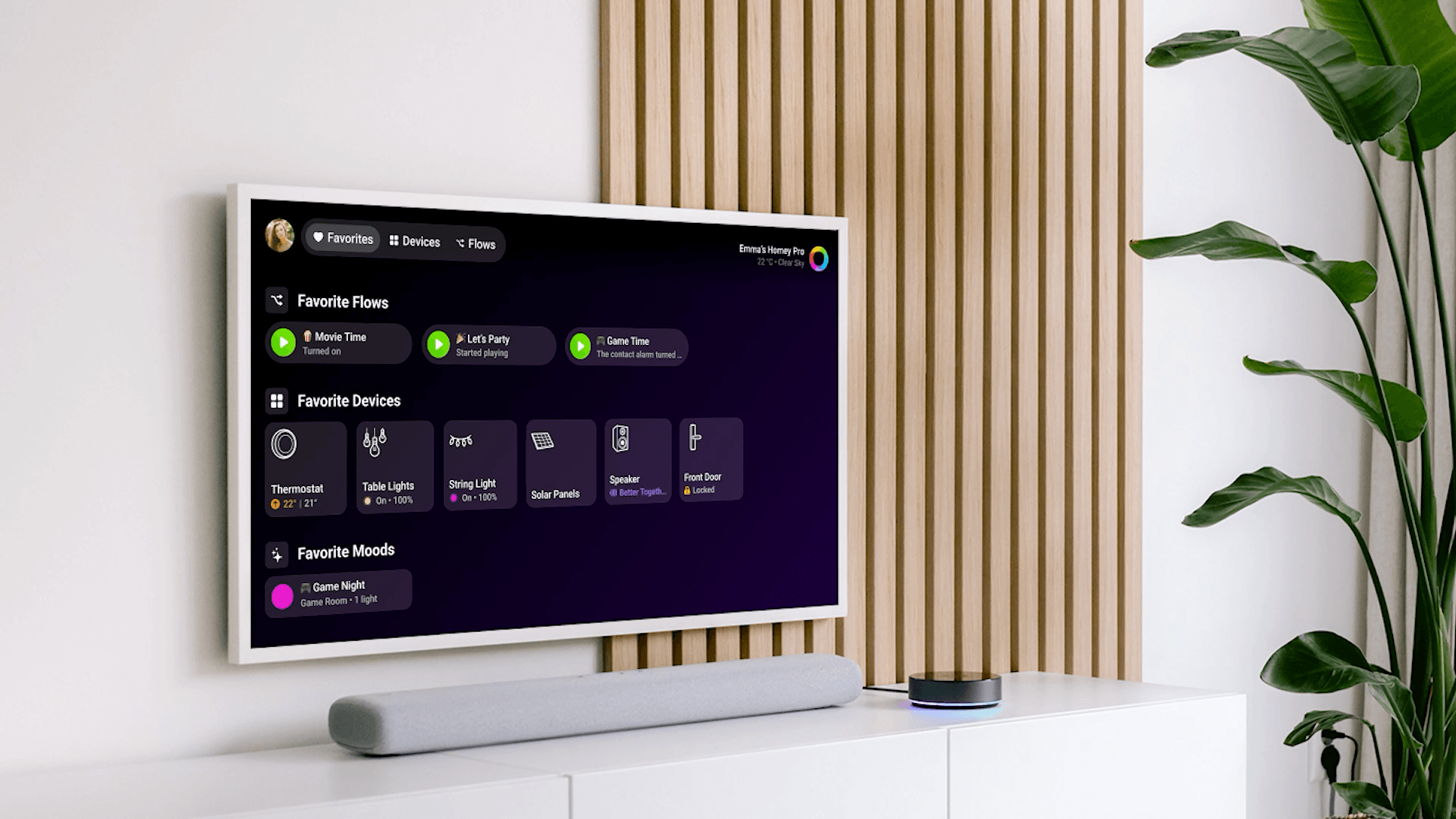
Everything comes together in Homey Pro with Energy and Dashboards as well as Insights for historical analysis. Use Insights to trigger actions from trends. You can briefly boost ventilation when the dryer is done or switch off plugs when standby use exceeds a threshold at night.
Automating from Insight
Flow is simple while Advanced Flow gives you a full canvas with extra logic. Use Energy values as triggers and actions.
Example Flow
- Turn on boiler until feed-in is near zero if PV generation is above 1200 watts and feed-in is above 300 watts.
- Pause non-critical loads like the dryer or EV if net use is above 3.5 kilowatts between 1700 and 2100 hours.
- Switch off standby plugs and send an alert if standby use is above 150 watts after 0030 hours.
Exploring Three Practical Use Cases
- Maximize Self-Consumption
See if you are feeding back to the grid. Preheat water or charge a device right when it is free if you are. - Reduce Peak Loads
See which appliances cause spikes. Use Advanced Flow to avoid stacking such as running cooking and laundry at once. - Cut Standby Use
Insights help find always-on devices. Create a rule to switch off standby groups at night when no one is home.
Getting Started with Homey Energy
- Homey Pro as Your Base
Energy and Dashboards along with Insights and Advanced Flow live on Homey Pro. Make sure it is up to date. - Connect P1 via Homey Energy Dongle
Plug into your smart meter. Use USB-C for the dongle if it is unstable or underpowered. - Link Solar Inverter
Combine inverter and P1 data for accurate solar usage. - Add Device Meters
Smart plugs add granularity. You now see device-level and total usage as well as generation. - Build Your First Flows
Start small. Use a power trigger and a time or occupancy condition to shift or pause usage. Switch to Advanced Flow for more complex needs.
Expecting Quality Data and Protocols
Homey Pro supports Matter 1.3 and Thread as well as Zigbee and Z-Wave along with 433 MHz and IR. Everything runs locally on Homey Pro. Cloud features like remote access are completely optional. There is no need for cloud meters or portals.
Quick Setup Checklist
- P1 connected via Energy Dongle for live usage and feed-in.
- Inverter linked so solar generation and self-use are visible.
- Insights enabled to spot trends and thresholds.
- Flows active to automate self-use and peaks as well as standby.
- Homey Pro updated for local use with optional cloud.
Conclusion
Homey connects your solar panels and plugs along with heat pump and battery as well as EV into one smart system. You boost savings and reduce peaks while taking control without micromanaging.
You unify insights and devices as well as automation into one intelligent system with Homey Energy. Your home becomes smarter and more efficient as well as more comfortable whether you start with a plug or manage an energy ecosystem.
Start today with a single device connection and explore your Homey Energy insights to let your home start thinking with you automatically.
FAQs
What is the difference between PV production and feed-in?
PV production is the total electricity generated by your solar panels while feed-in is only the excess energy sent back to the grid after your home has used what it needs.
Do I need a P1 meter if I already have a connected inverter?
Yes. The inverter only shows generation while the P1 meter shows net grid consumption and export. You need both to calculate exactly how much solar power you are using yourself.
Can Homey measure energy usage for individual devices?
Yes. Homey can measure usage if the device reports it natively or if it is connected through a smart plug with energy monitoring capabilities.
How does Homey help reduce the energy bill?
Homey automates appliances to run when energy is free or cheap and identifies power-hungry devices to reduce standby usage. It also prevents costly peak loads.
Is my energy data stored locally or in the cloud?
Your energy data on Homey Pro is stored and processed locally on the device to ensure privacy and reliability. Cloud connections are used only for optional features like remote access.
Glossary
P1 Port
A standardized physical port on modern smart meters that allows users to connect devices like the Homey Energy Dongle to read real-time electricity and gas data.
Self-Consumption
The practice of using the electricity generated by your own solar panels immediately within your home instead of feeding it back into the public grid.
Advanced Flow
A visual automation editor in Homey Pro that allows users to create complex logic trees and rules for their smart home devices.
Standby Power
The electricity consumed by appliances even when they are turned off or in sleep mode. This is often referred to as vampire power.
Inverter
A device that converts the direct current (DC) electricity generated by solar panels into alternating current (AC) electricity that can be used by home appliances and the grid.


