




Widgetkeeper

Custom widgets and dashboards in your browser

Warning! This app might not work properly.

This app version is currently being tested, and has not yet been reviewed. It might not work as expected.
Be extra careful when installing this app.
« Back to the regular version

Custom widgets and dashboards in your browser

Read more ›

Flow cards

When...

Widgetkeeper
Counter became overdue
i
A Days Since counter turned red (its Red after days have passed since the reset), even with no dashboard open.
Widgetkeeper
Flow Tile Tile on Board was tapped
i
On any dashboard. Only tiles a Flow like this one listens to can be tapped. Value is the tile's text or number.
Widgetkeeper
A Keypad button was tapped by Code
i
When a Keypad button ran, on any dashboard. Code is the name of the code typed: with Any code, whose it was. Empty for a button without one.
Widgetkeeper
A wrong code was typed on a Keypad
i
On a Keypad widget, or at a web dashboard’s code. Keypad is the widget’s title or the dashboard’s name. Locked says this try locked the code; Tries left counts down to that.
Widgetkeeper
Button was tapped
i
Once a tapped button's settings reached the thermostat, on any screen. Not for the controls, or a Flow running the button.
Widgetkeeper
A timer on the Timers widget finished
i
A timer started from the Timers widget ran out, even with no dashboard open.

And...

Widgetkeeper
Counter is overdue
i
Whether a Days Since counter is red now. With Any counter: whether any is.
Widgetkeeper
Button is active
i
Whether the thermostat matches everything the button sets, as when the widget lights it.

Then...

Widgetkeeper
Refresh the picture of Camera
i
Takes one new picture for Cameras widgets set to Only by Flow, or to 5 minutes or longer. This wakes a battery camera. A camera with only video gets its picture from a dashboard that's open, or else the next one opened.
Widgetkeeper
Reset Counter
i
Starts the counter again from now, on every Days Since widget that shows it.
Widgetkeeper
Set Counter to Days days ago
i
As if it was reset that many days ago: for something done before the widget was set up.
Widgetkeeper
Set the button colour of Flow to Colour
i
Colours the Flow Buttons that start this flow, on every dashboard. Default gives the button its own colour again.
Widgetkeeper
Remove every Flow Tile from Board
Widgetkeeper
Remove Flow Tile Tile from Board
Widgetkeeper
Remove the fill from Flow Tile Tile on Board
Widgetkeeper
Fill Flow Tile Tile on Board to Percentage %
i
Fills the tile from the left, like a battery level, in the tile's colour (blue without one). 0 to 100. Makes the tile if it isn't there yet. Every Flow Tiles widget showing this board shows it, on every screen.
Widgetkeeper
Give Flow Tile Tile on Board the icon Icon in Colour
i
The colour tints the tile, or colours its fill. Default is the widget's own look. Makes the tile if it isn't there yet. Every Flow Tiles widget showing this board shows it, on every screen.
Widgetkeeper
Set Flow Tile Tile on Board to Number Units, Decimals
i
Shown in the screen's number format, with the units if you give some (°C, %, kWh …). Makes the tile if it isn't there yet. Every Flow Tiles widget showing this board shows it, on every screen.
Widgetkeeper
Set the second line of Flow Tile Tile on Board to Text
i
Small and muted at the end of the name's row. Leave the text empty to remove it. Makes the tile if it isn't there yet. Every Flow Tiles widget showing this board shows it, on every screen.
Widgetkeeper
Set Flow Tile Tile on Board to Text
i
Makes the tile if it isn't there yet. Every Flow Tiles widget showing this board shows it, on every screen. Its icon, colour, fill and second line stay as they are.
Widgetkeeper
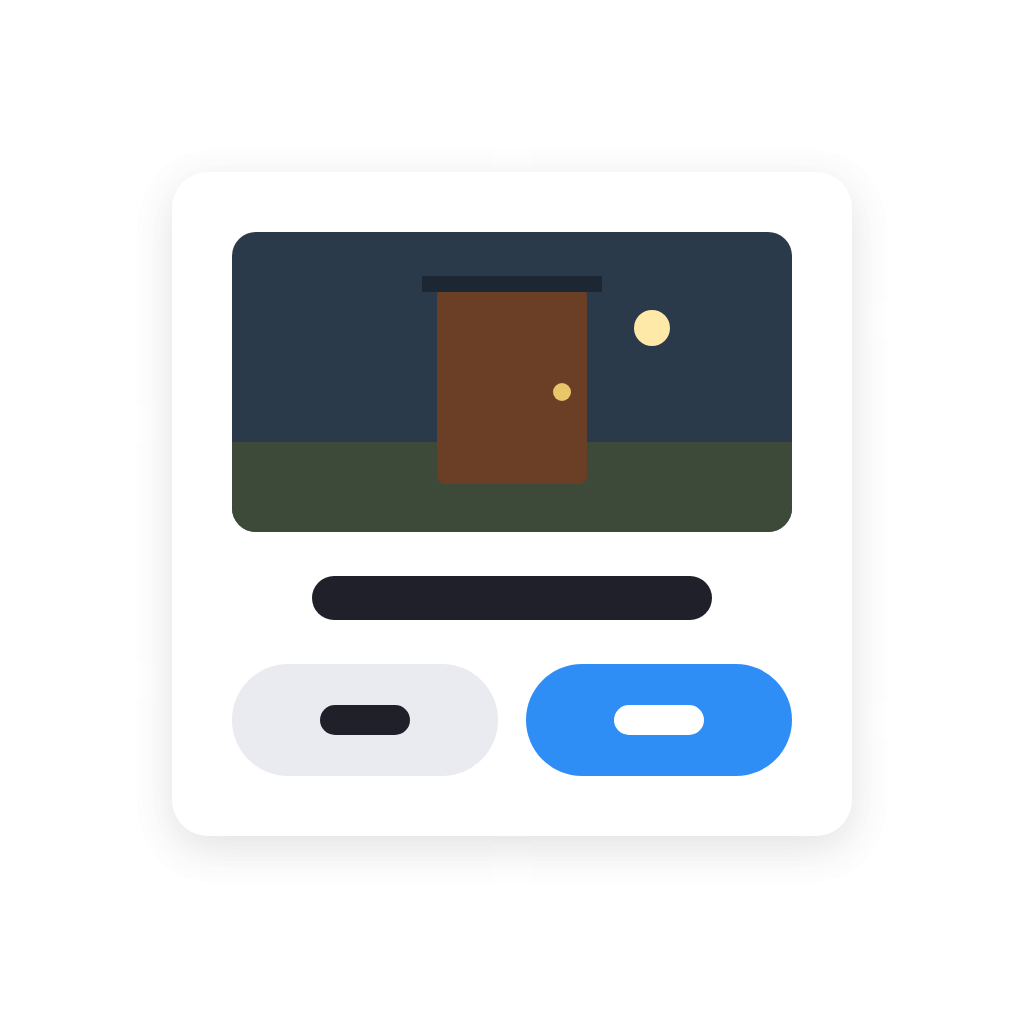
Ask Question on Screen, buttons: Button and Second button, picture: Picture, wait up to Wait (seconds) seconds, sound: Sound, size: Size, camera: Camera shows
i
Shows the question with your buttons: Yes and No when both are empty, one button when only one is filled in. The first answer from any screen closes it everywhere. Answer is yes for the first button and no for the second, Button is its text, and Answered is no when nobody answered in time. Use it in an Advanced Flow to act on the tags. On web dashboards, the popup can fill the screen, and a camera can play live video instead of images.
Advanced
Widgetkeeper
Ask Question with ... on Screen, buttons: Button and Second button, wait up to Wait (seconds) seconds, sound: Sound, size: Size
i
As Ask a question in a popup, with an image tag (or a text tag with a picture address) dropped on this card. On web dashboards, the popup can fill the screen.
Advanced
Widgetkeeper
Close the popups on Screen
i
Closes the messages and questions sent to that screen; Everywhere closes them all. An open question ends unanswered.
Widgetkeeper
Show Text on Screen for Duration Unit, picture: Picture, sound: Sound, size: Size, camera: Camera shows
i
In front of everything on the web dashboards and on the phones and tablets with a Popups widget of that screen name. A tap closes it on that screen. On web dashboards, the popup can fill the screen, and a camera can play live video instead of images.
Widgetkeeper
Show Text with ... on Screen for Duration Unit, sound: Sound, size: Size
i
Drop an image tag (a doorbell's or camera's snapshot) or a text tag with a picture address on this card. The picture is taken when the Flow runs. On web dashboards, the popup can fill the screen.
Widgetkeeper
Return Smart Stacks to rotation
i
Ends every 'Bring forward' that is still running.
Widgetkeeper
Bring Widget forward on Smart Stacks for Minutes minutes
i
Every Smart Stack with this widget among its pages shows it, on every screen, until the time is up or a Flow returns the stacks to rotation.
Widgetkeeper
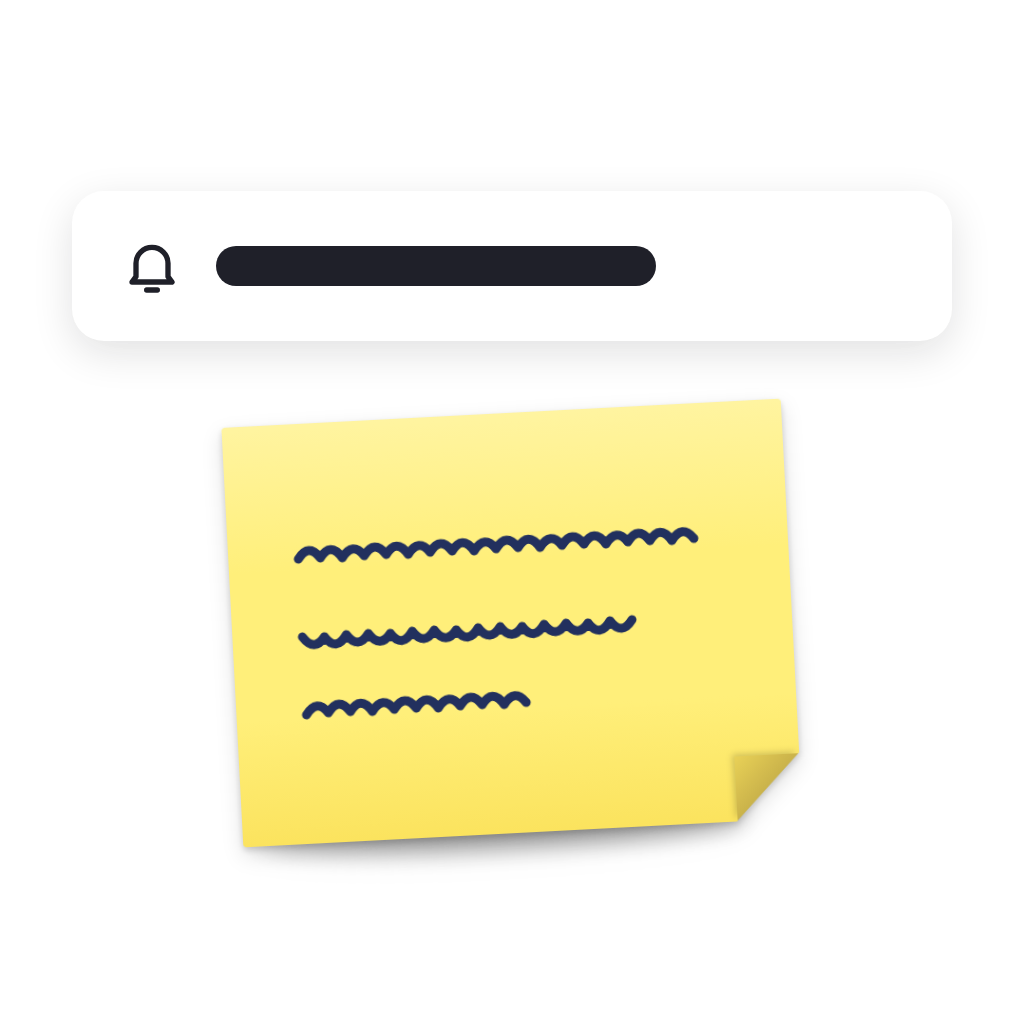
Clear the note Note
i
The widgets show their own message again.
Widgetkeeper
Write Text on the note Note
i
Every Notes widget with this note name shows it, on every screen. The name is the widget's Note name setting (Note by default).
Widgetkeeper
Write Text on the note Note in Colour
i
As Write on a note, with a colour: a tinted tile, or the Post-it's paper. Default uses the widget's own colour.
Widgetkeeper
Run Button
i
Sets the thermostat as a tap on the button does, with the button's settings as they are now. Buttons on Homey's own dashboards need an API key with the Homey permission.
Widgetkeeper
Set the tile colour of Device value to Colour
i
Colours the Device Values tiles that show this value, on every dashboard. Default gives the tile its normal look again.
Widgetkeeper
Dim Screen by Dim (%) %
i
Web dashboards only: every browser, or those showing a dashboard with a Popups widget of that screen name. 0 is not dimmed. It lasts until another Flow, a change of the browser's Dim, or the start or end of its set times.
Widgetkeeper
Remove the web dashboards password
i
For a forgotten password: removes it and signs every browser out. Set a new one in the app's settings.

Widgets

You can add this app’s widgets to your dashboard or homescreen in the mobile app.
Activity Dots
Activity Dots
Cameras
Cameras
Chart · Basic
Chart · Basic
Chart · Daily Profile
Chart · Gauge
Chart · Gauge
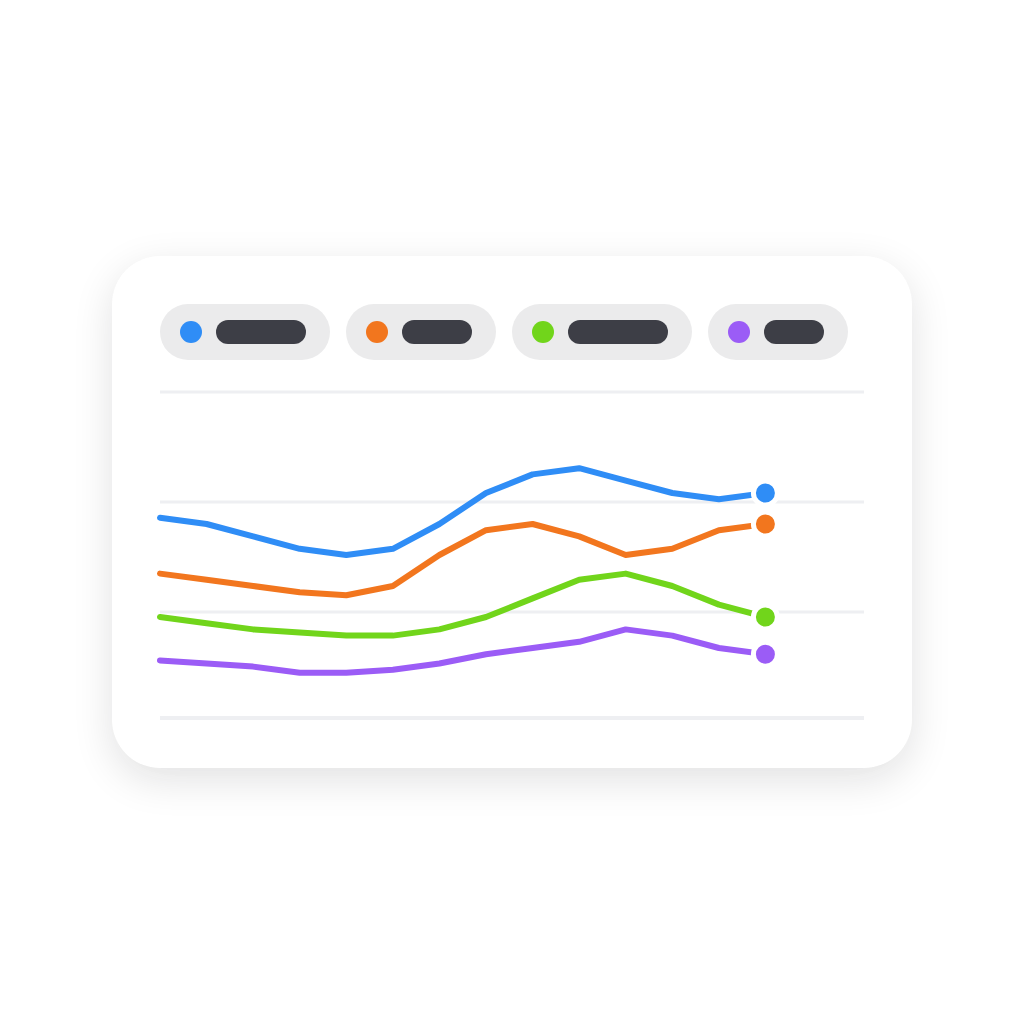
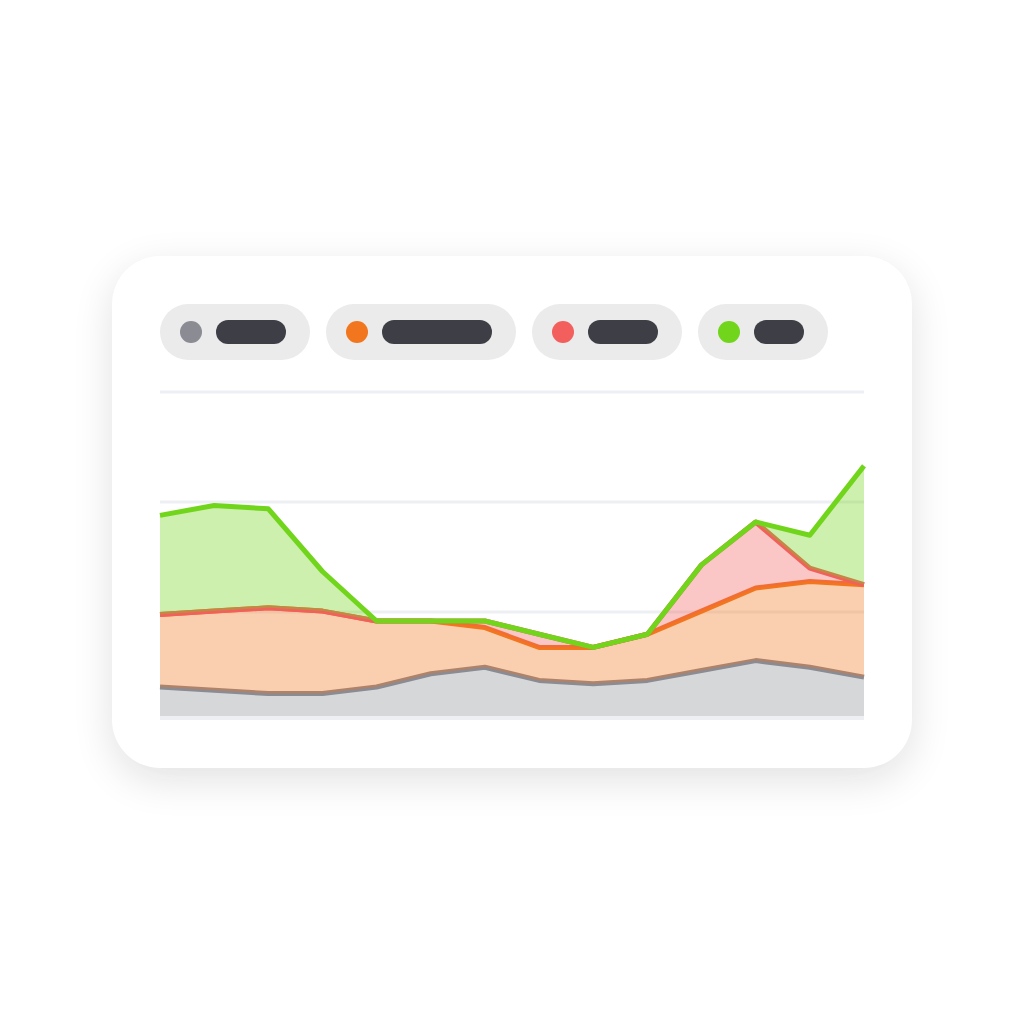
Chart · Lines
Chart · Lines
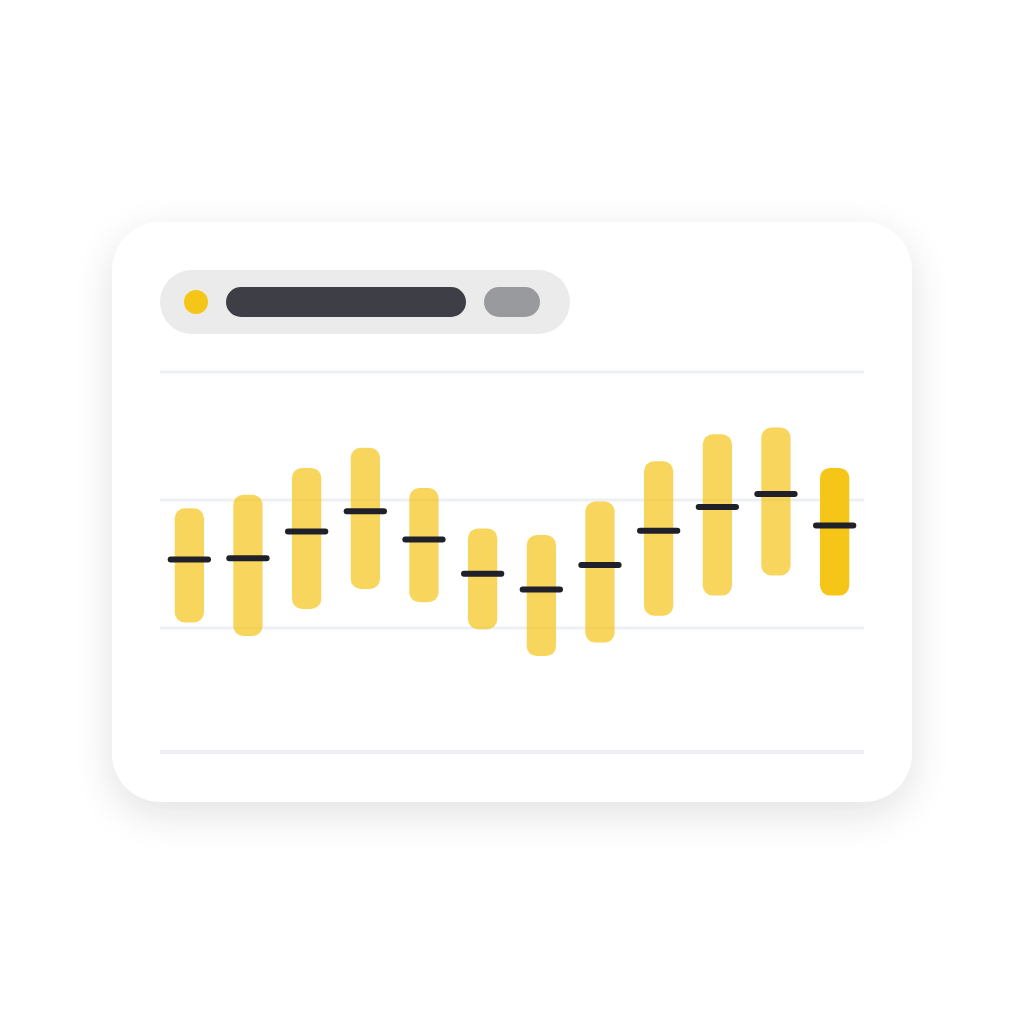
Chart · Min/Max
Chart · Min/Max
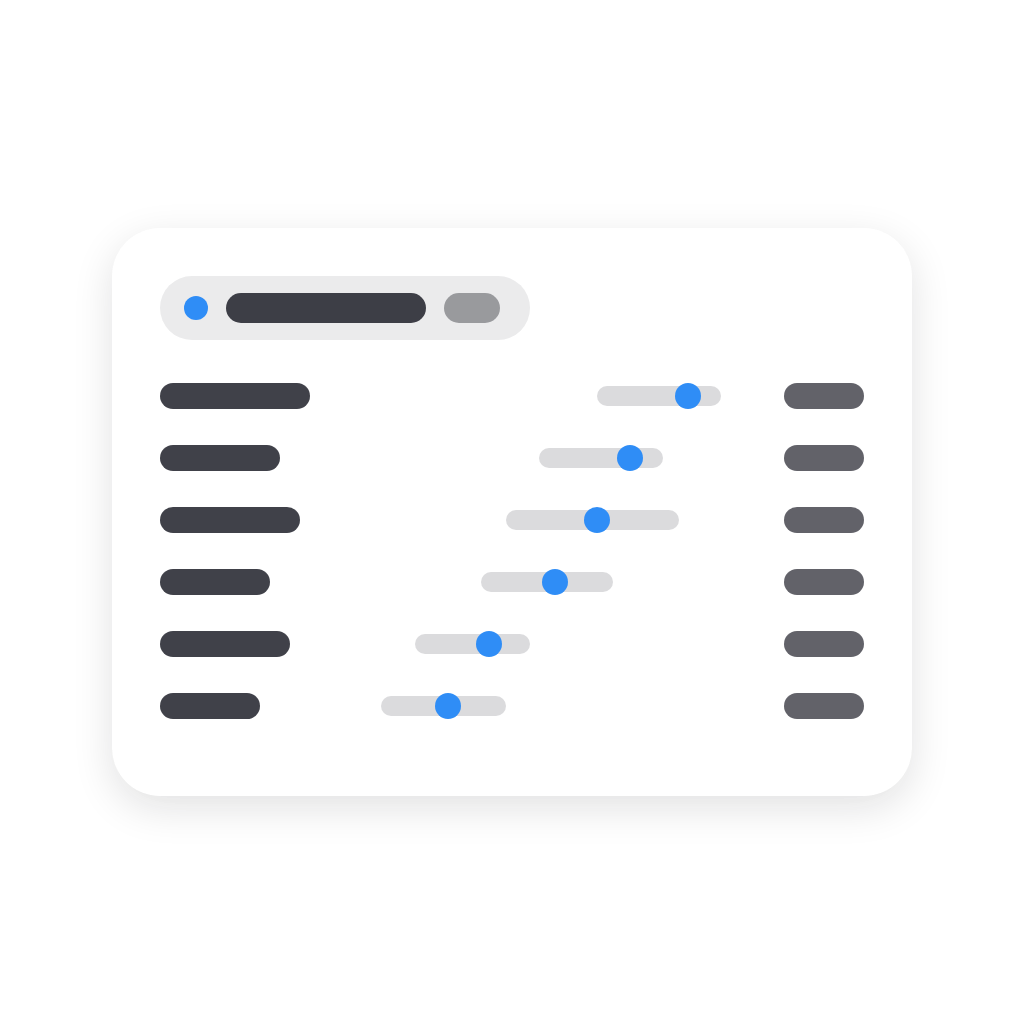
Chart · Ranking
Chart · Ranking
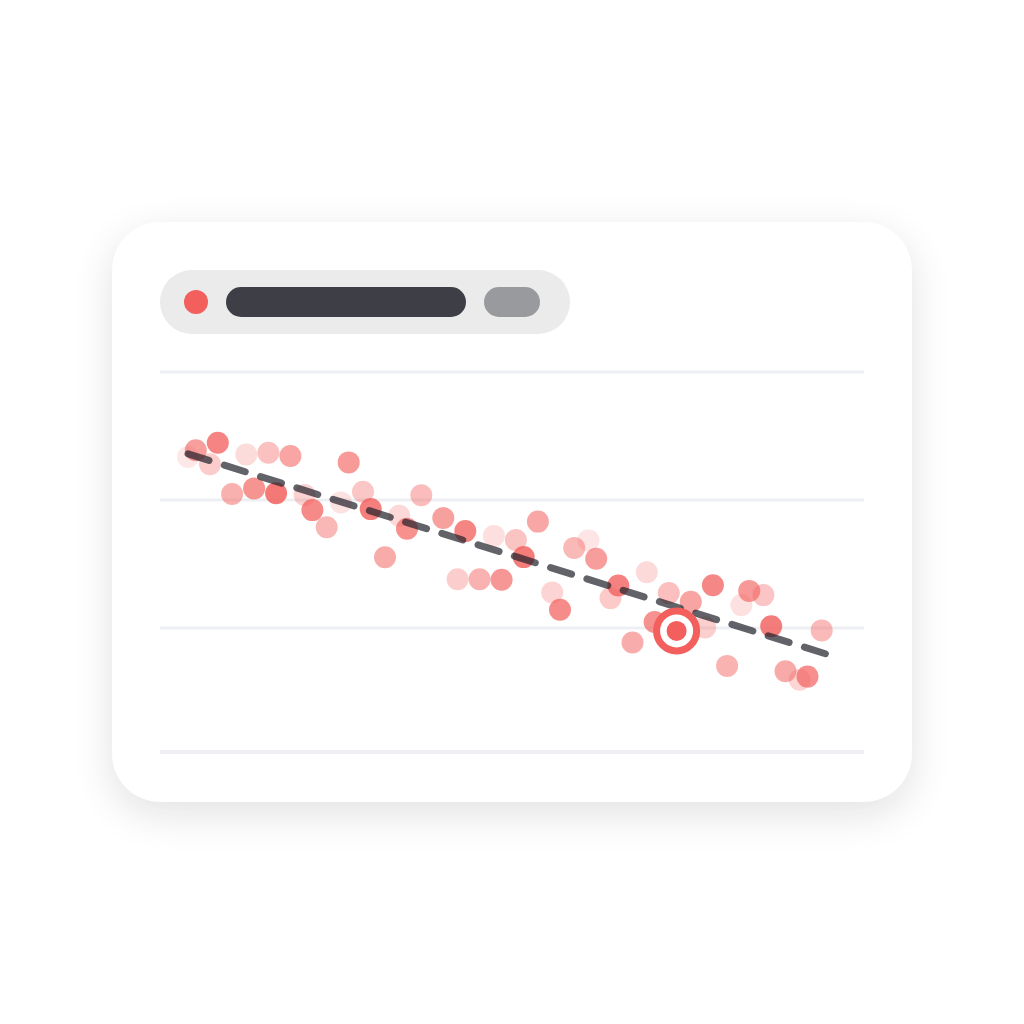
Chart · Scatter (XY)
Chart · Stacked
Chart · Stacked
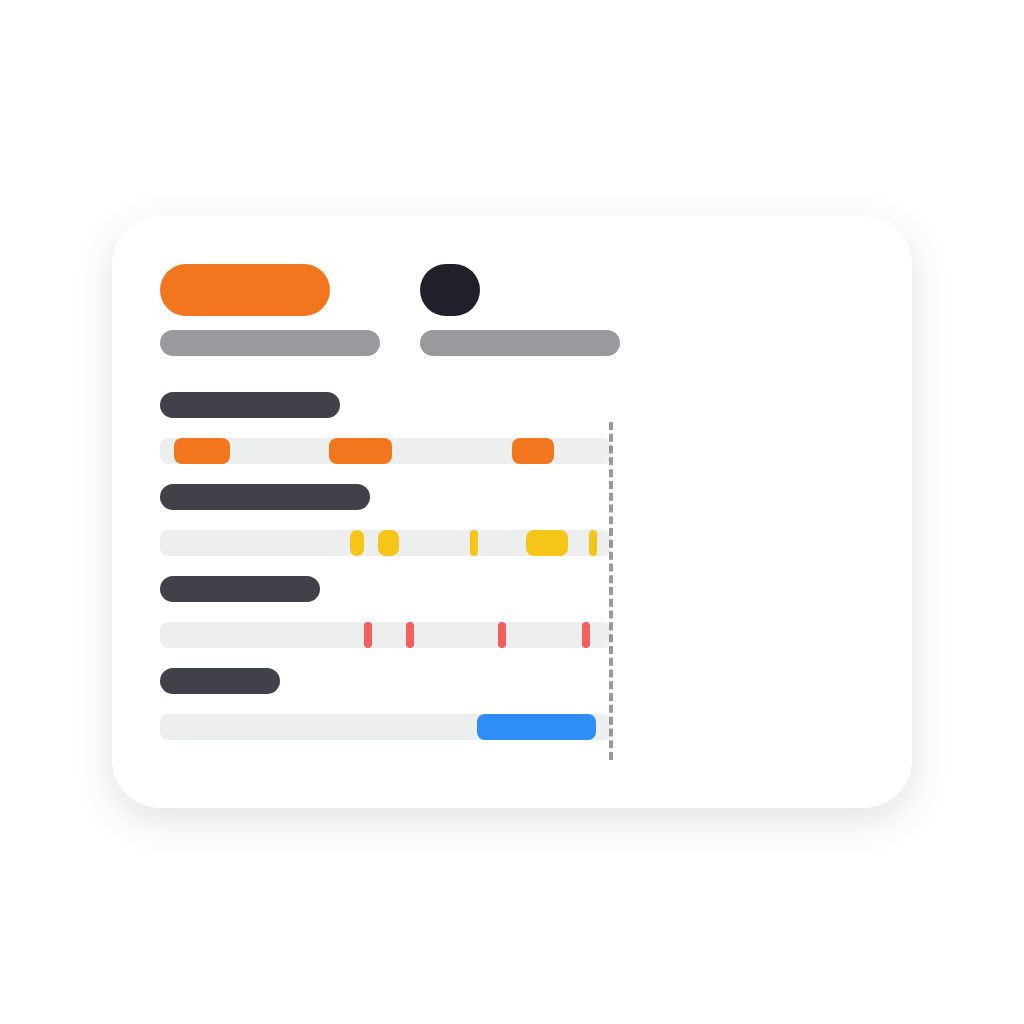
Chart · Timeline
Chart · Timeline
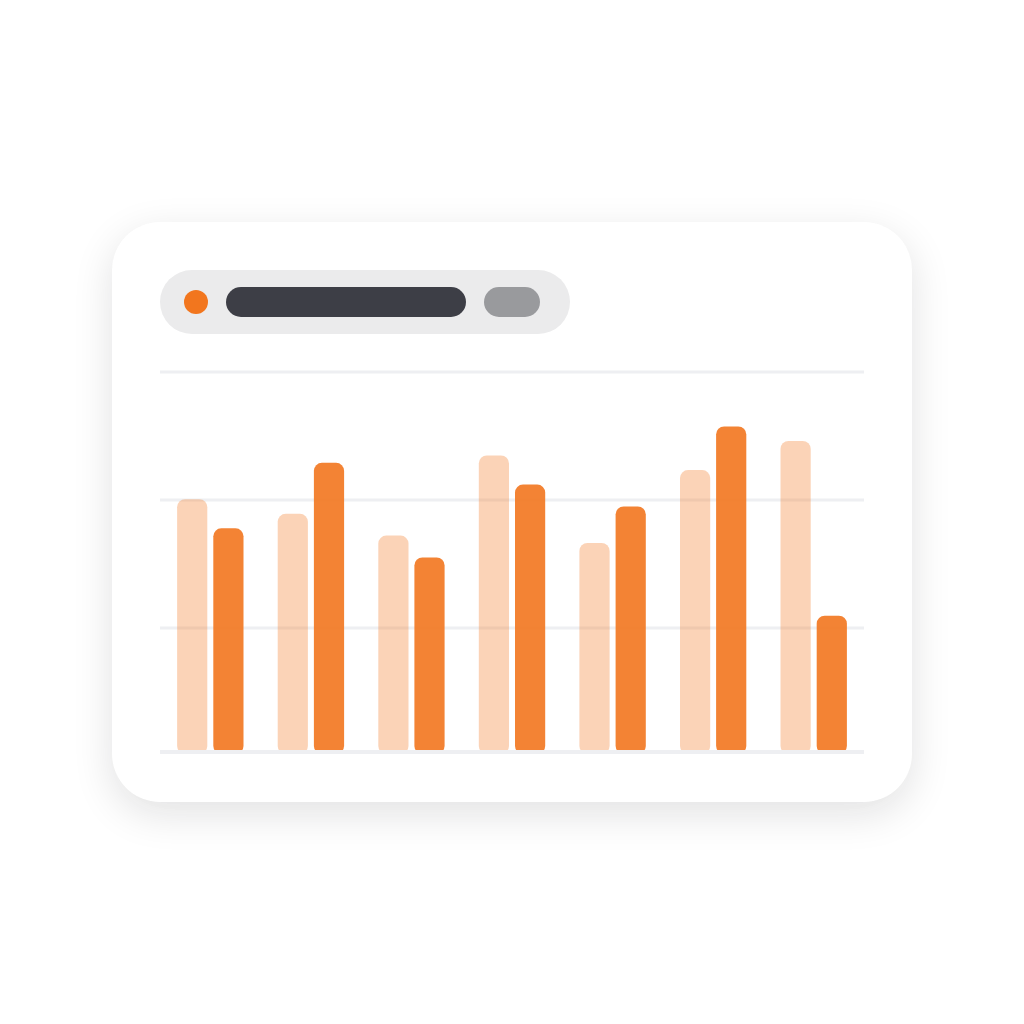
Chart · Totals
Chart · Totals
Clock
Clock
Combined Value
Combined Value
Curtains
Curtains
Dashboard Shortcuts
Dashboard Shortcuts
Days Since
Days Since
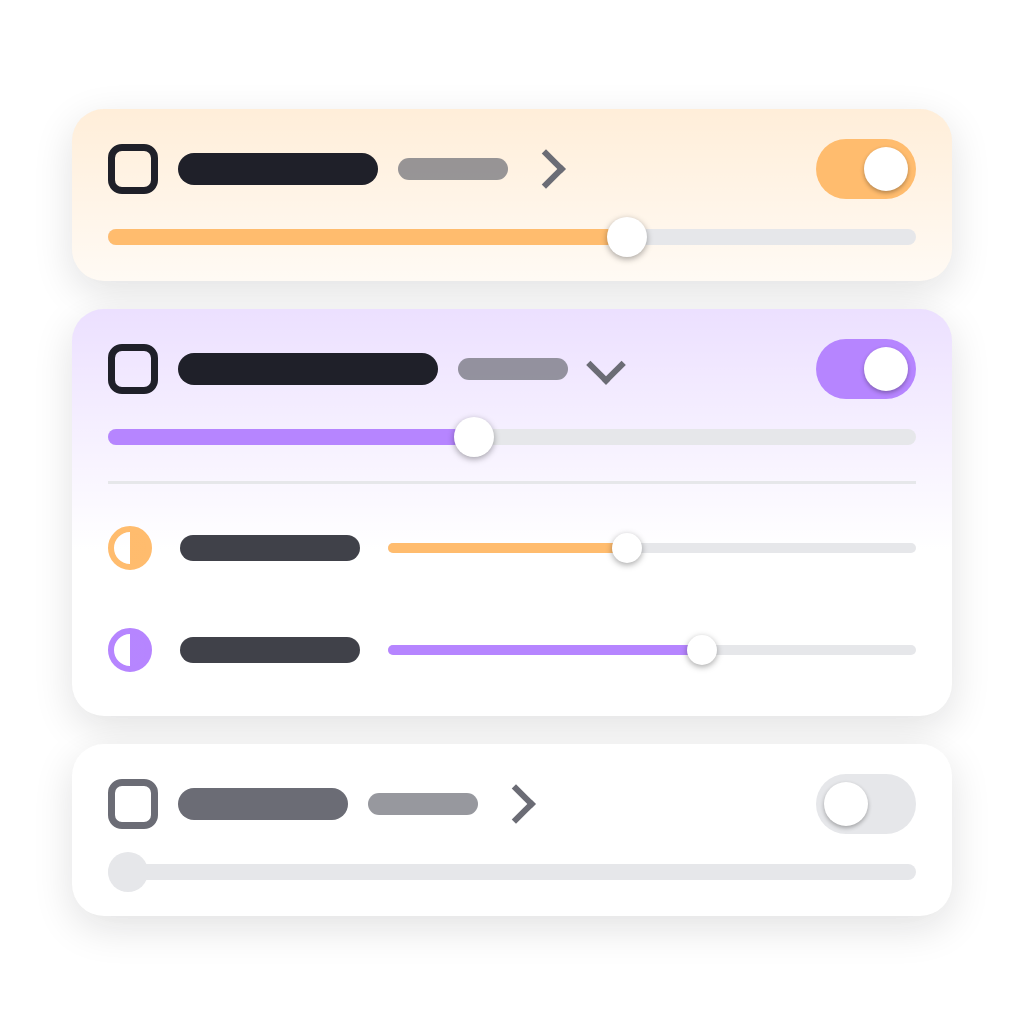
Device Quick Actions
Device Values
Device Values
Electricity Overview
Energy Price Strip
Energy Price Strip
Flow Buttons
Flow Buttons
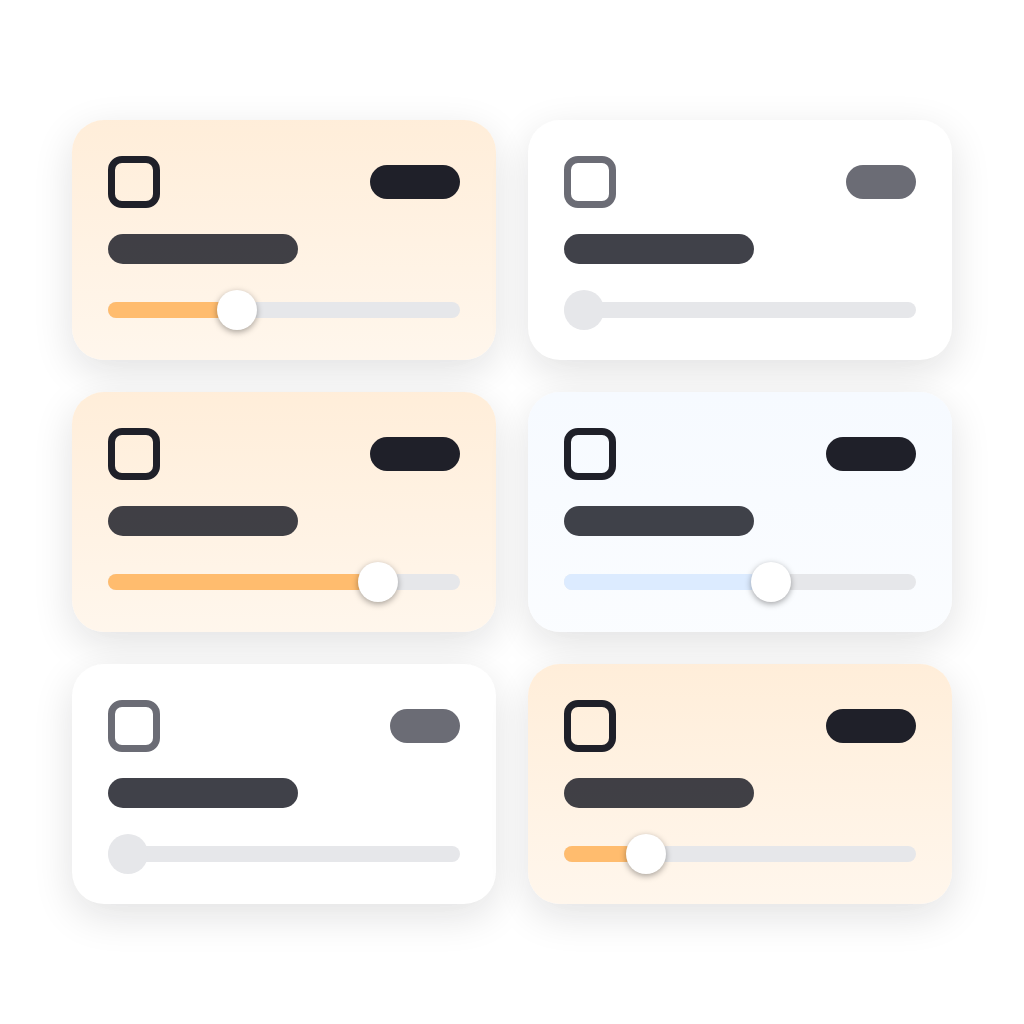
Flow Tiles
Flow Tiles
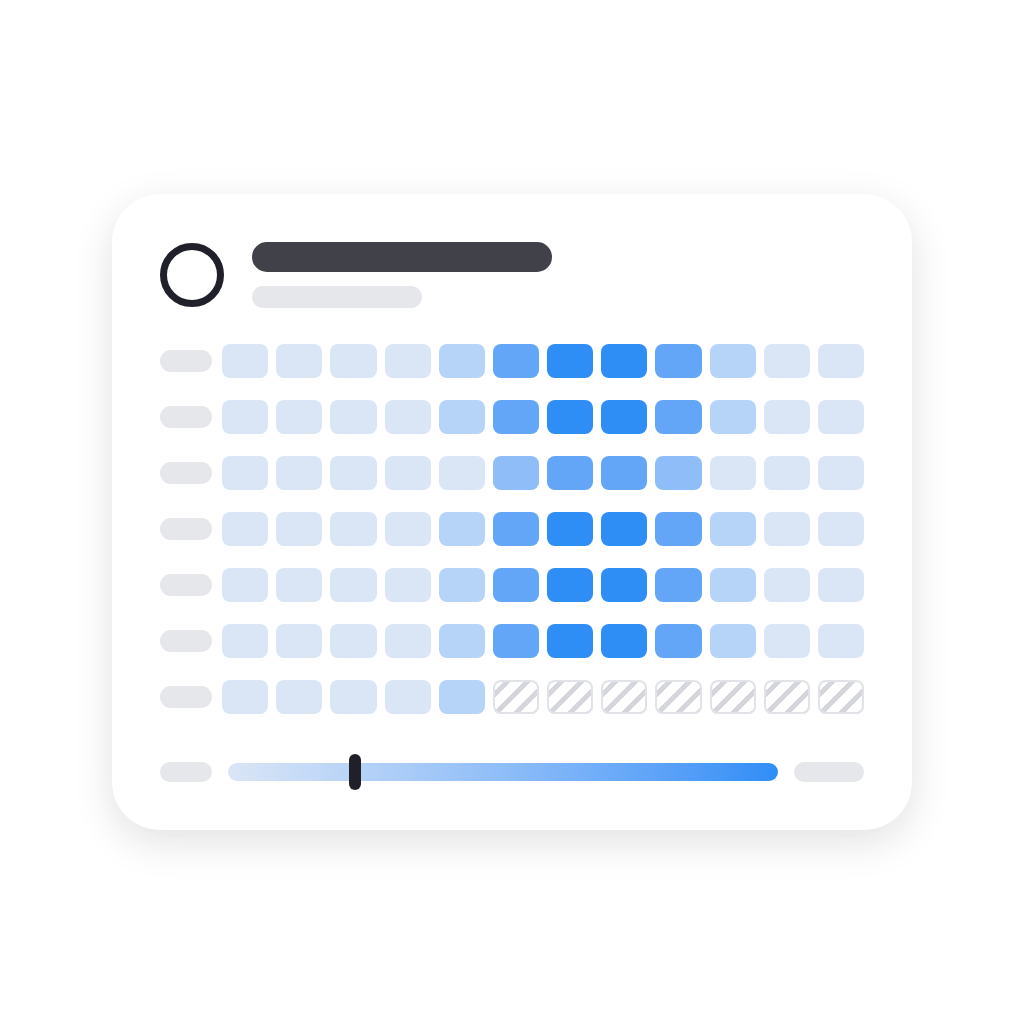
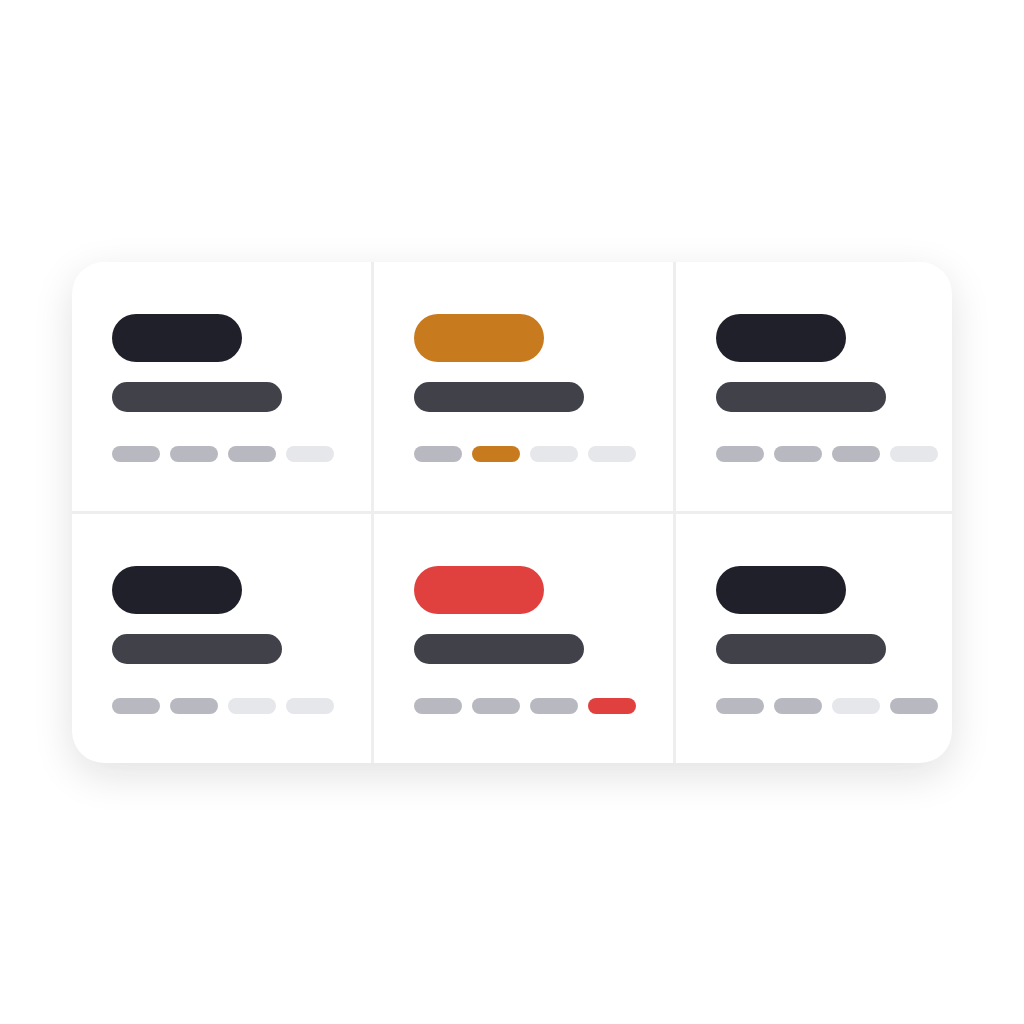
Insights Heatmap
Insights Heatmap
Keypad
Keypad
Light Controls
Light Controls
Lights by Room
Lights by Room
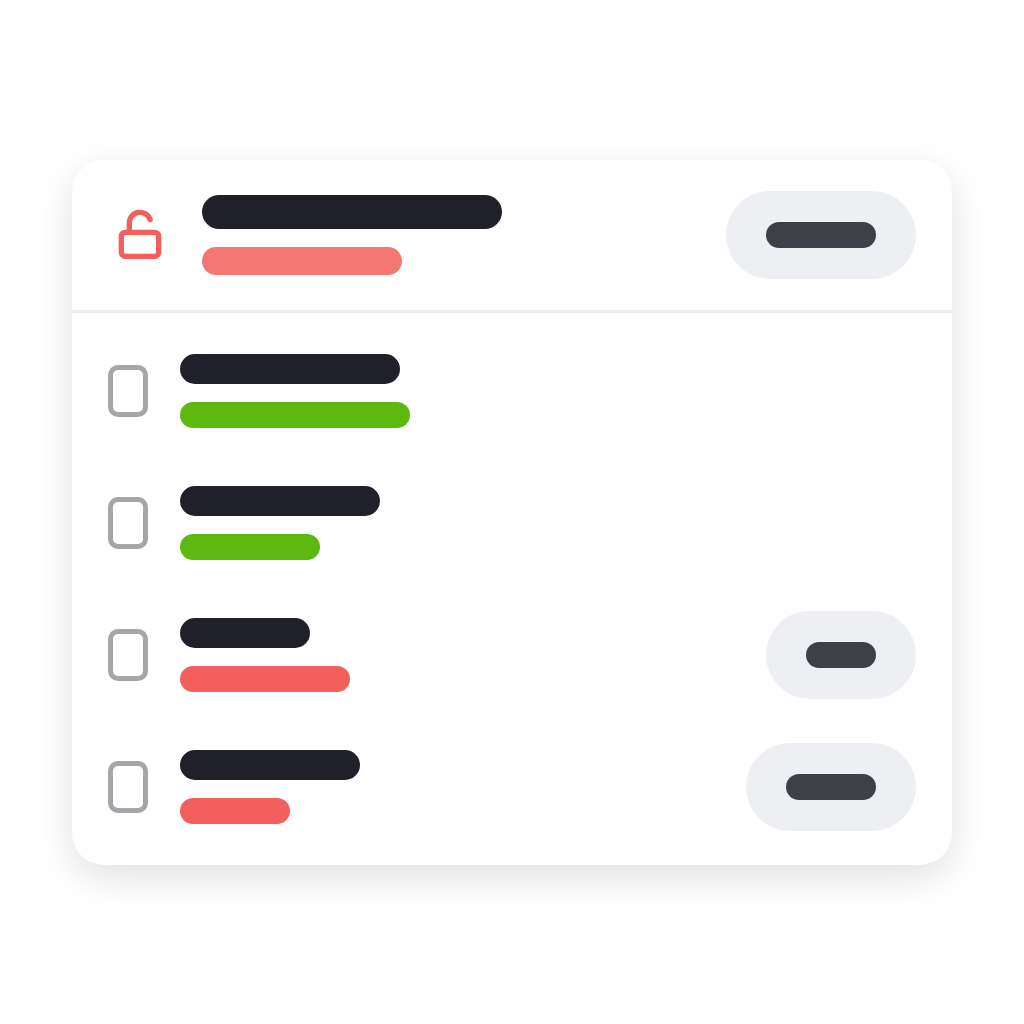
Locks and Doors
Locks and Doors
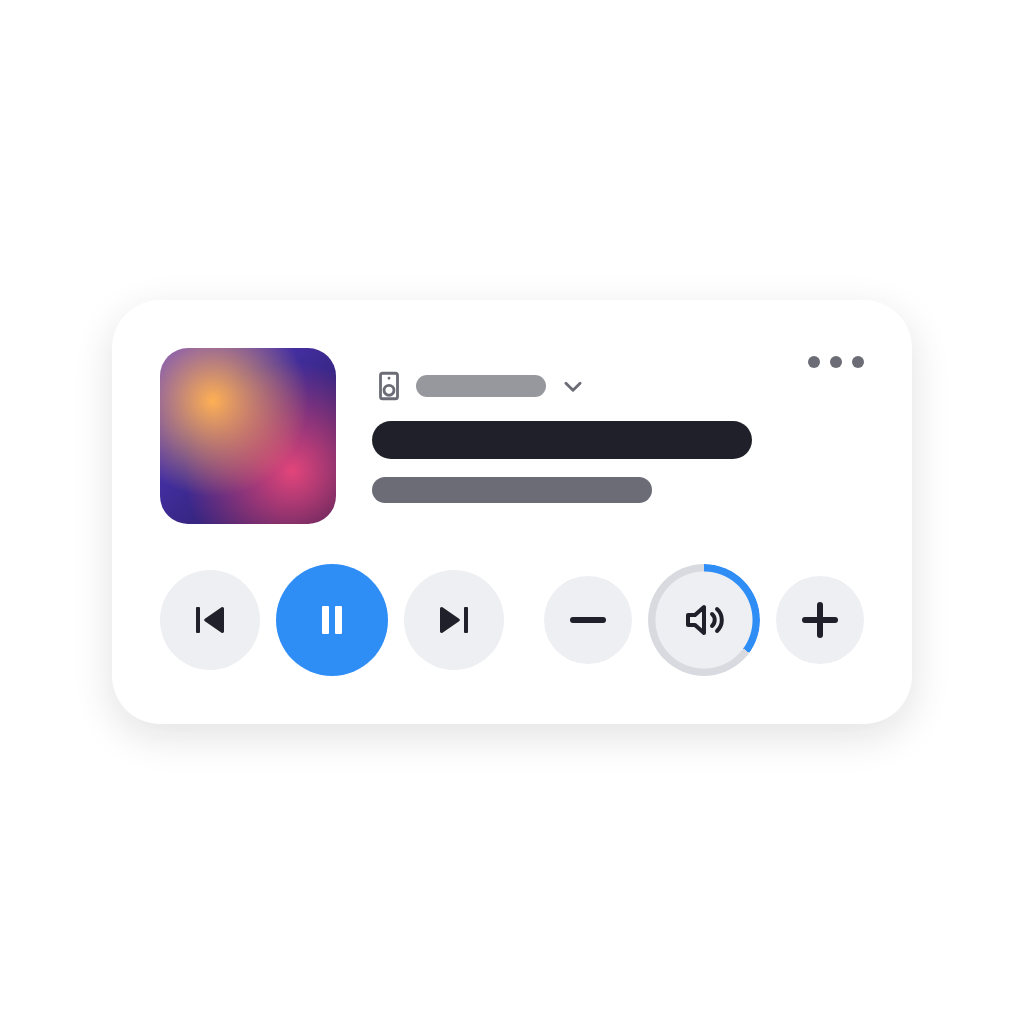
Media
Media
Notes
Notes
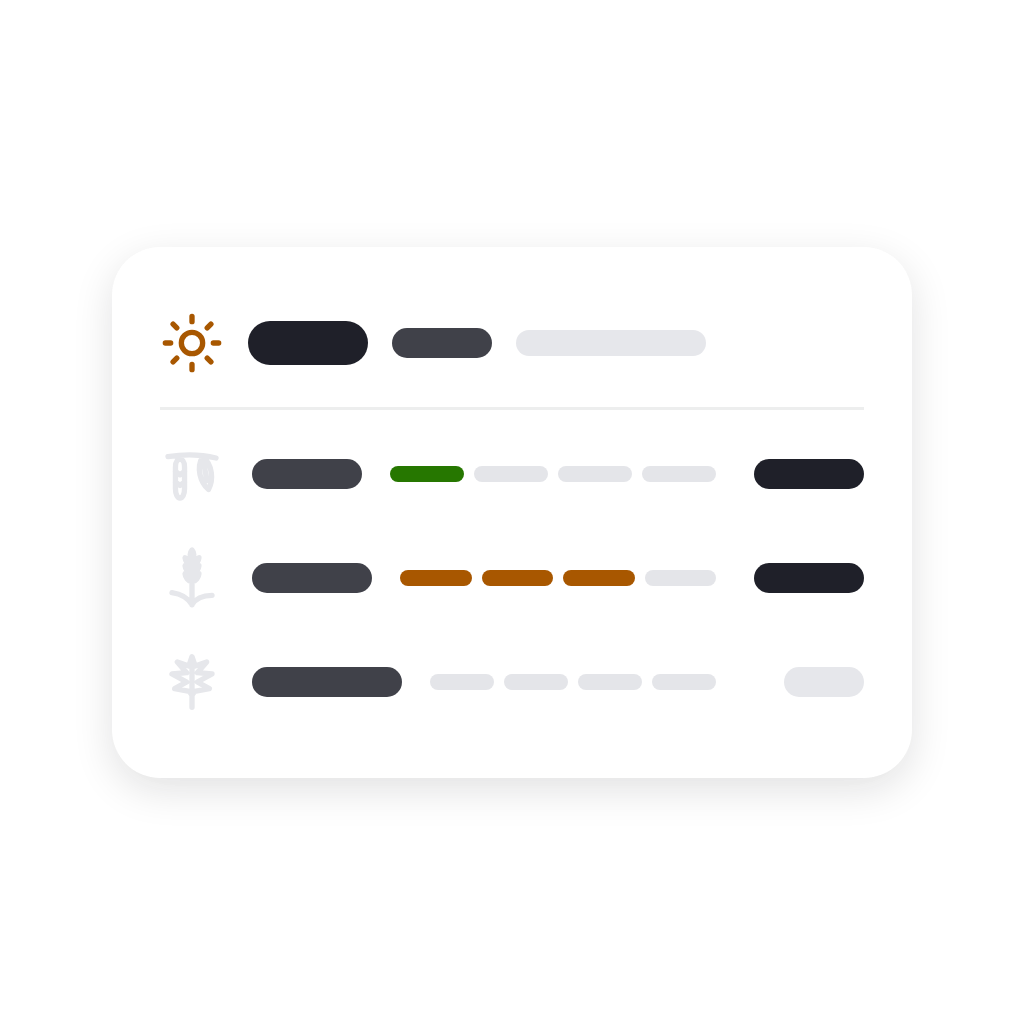
Pollen and UV
Pollen and UV
Popups
Popups
Room Health
Room Health
Sensor Alarms
Sensor Alarms
Smart Stack
Smart Stack
Spacer
Spacer
Sparklines
Sparklines
Thermostat Presets
Thermostat Presets
Timers
Timers
Value Board
Value Board
Value Matrix
Value Matrix
Variable Presets
Variable Presets
Variables
Variables
Weather Forecast
Weather Forecast
Web Page
Web Page

Support

Having an issue with this app? Report issues via the developer issue tracker.
What’s new

Version 1.3.2 — Temperatures in °C or °F: choose under Temperature in the app's settings, or let Automatic follow your Homey's units. Every widget shows them in it, and the temperatures you type in their settings are in it too. Tile shadows are no longer cut off at the bottom.

View changelog

Widgetkeeper

This app can manage your entire Homey.

Widgetkeeper is not compatible with the selected Homey.

Widgetkeeper will install on Homey shortly.
Install App