








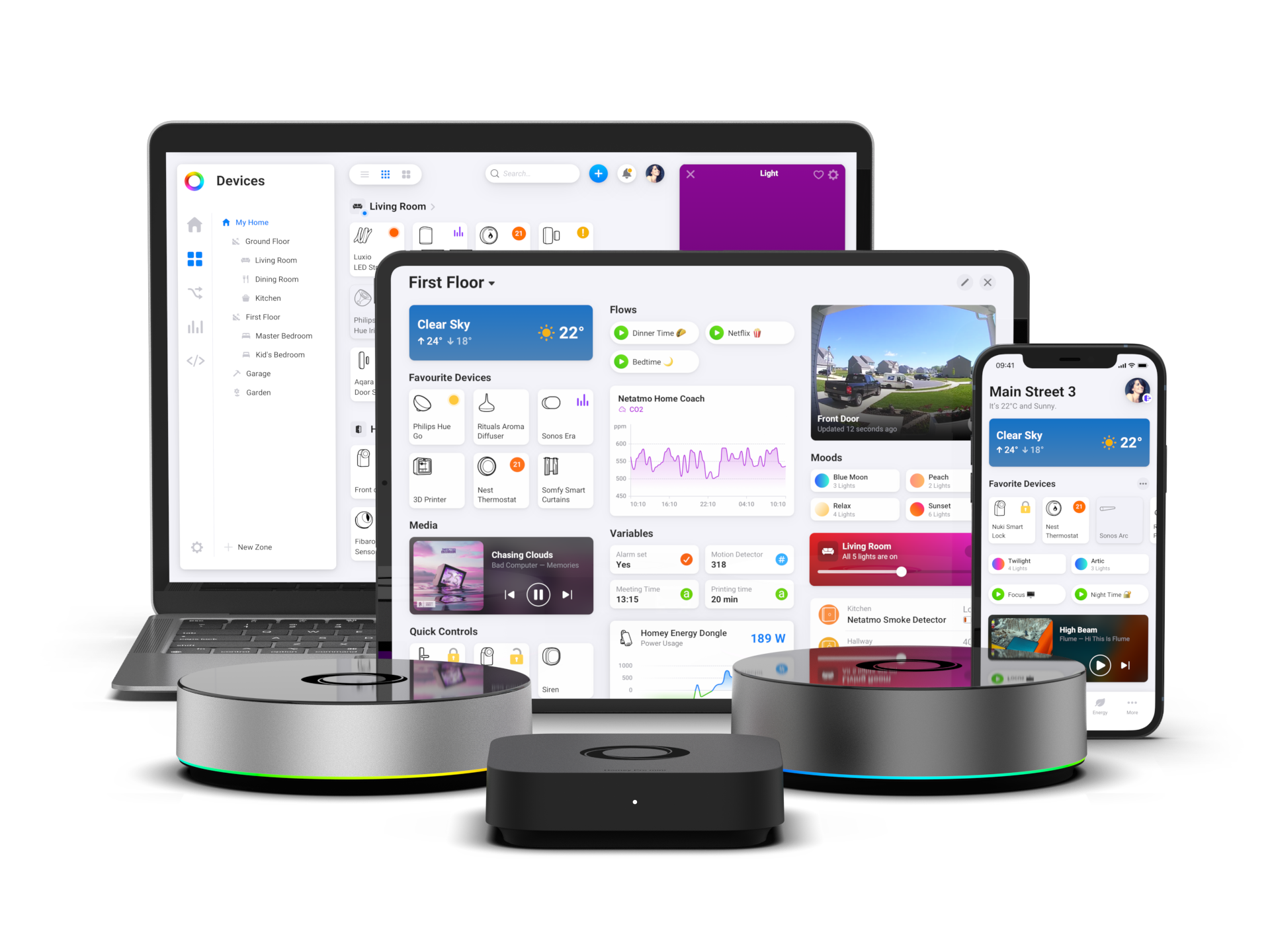
Control Any Smart Home Device with Amazon Alexa Using Homey
Not all smart home devices work with Amazon Alexa directly. Many devices use different protocols, apps, or radio technologies, and some don’t support Alexa at all.
To control supported smart home devices with Amazon Alexa, you need a smart home hub that can connect to those devices and make them available to Amazon’s platform.
Homey acts as that hub.
Homey connects to your devices using their native technologies and exposes them to Amazon Alexa through the Homey skill. Homey remains in control of the devices. Alexa becomes an additional way to interact with them using voice commands or simple routines.
What “any smart home device” means
With Homey, “any smart home device” can include devices using:
As long as Homey supports the device, it can typically be exposed to Amazon Alexa.
What you need
To control smart home devices with Amazon Alexa, you need:
- A Homey Pro or a Homey Bridge, in combination with Homey Pro mini, Homey Cloud or Homey Self-Hosted Server - depending on the required connectivity.
- One or more devices added and configured in Homey
- An Amazon account and the Alexa app
All devices must first be added to Homey, before they are added to Amazon Alexa.
What “exposing devices” means
When Homey exposes a device to Amazon Alexa, it shares that device with Alexa through the Homey skill.
The device:
- stays paired with Homey
- continues to be controlled by Homey
- becomes visible in the Alexa app as a smart home device
Amazon Alexa does not communicate with your devices directly. Instead, Alexa communicates with the Homey integration, and Homey controls the devices using their native technologies.
In simple terms:
Homey translates many different device technologies into devices Alexa understands.
How to connect Homey to Amazon Alexa
You don’t need to re-pair devices or change how they’re connected.
The process works like this:
- Make sure Alexa is set up
Ensure your Alexa device is connected to Wi-Fi and that you have the Alexa app installed. - Enable the Homey skill
In the Alexa app:
- Go to More → Skills & Games
- Search for Homey
- Select the Homey skill
- Tap Enable
- Sign in with your Athom account to link Homey to Alexa
3. Discover devices
After linking, start device discovery in the Alexa app.Alexa automatically finds supported
Homey devices and adds them to your smart home.
No additional pairing steps are required in Alexa.
How the connection works
Behind the scenes, the setup works like this:
- Devices connect to Homey
Homey communicates with devices using their native technologies (Zigbee, Z-Wave, IR, 433 MHz, Wi-Fi, etc.). - Alexa connects to Homey
Alexa communicates with the Homey integration (skill). - Homey forwards commands
When you control a device using Alexa, Homey translates the command and sends it to the device.
What you can do with Amazon Alexa
Once exposed, devices appear in Alexa as standard smart home devices, depending on their capabilities.
You can:
- Control devices using Alexa voice commands
- Control devices in the Alexa app
- Assign devices to rooms
- Include devices in Alexa routines
What to keep in mind
- Not all device features are available in Alexa
- Some devices (such as infrared or 433 MHz devices) may not report their real-time state
- Advanced automation logic stays in Homey
- Removing a device from Homey also removes it from Alexa
Use Amazon Alexa for voice control and simple routines. Use Homey for advanced automation and cross-technology coordination.
In short
Amazon Alexa doesn’t need to support every device technology directly.
Homey connects your smart home devices and exposes them to Alexa in a consistent way — regardless of how they communicate underneath.
Alexa becomes a simple, unified way to interact with your entire smart home Homey stays in control.
Discover more about Homey by connecting additional devices through the Homey App Store. Control them with the Homey App and create your own automations with Flows and Advanced Flows. Monitor your smart home using Dashboards, and gain deeper understanding with Homey Energy and Insights.
Smart home technologies and platforms supported by Homey
Smart homes often use multiple wireless technologies and platforms. As a powerful smart home hub, Homey supports a wide range of communication standards, including Zigbee, Z-Wave, Matter, Thread, KNX, 433 MHz, Wi-Fi, Bluetooth and Infrared.
Homey also integrates with popular smart home platforms such as Amazon Alexa, Google Home and Apple Home. By combining multiple technologies and platforms in one system, Homey allows devices from different ecosystems to work together in one flexible smart home setup.


