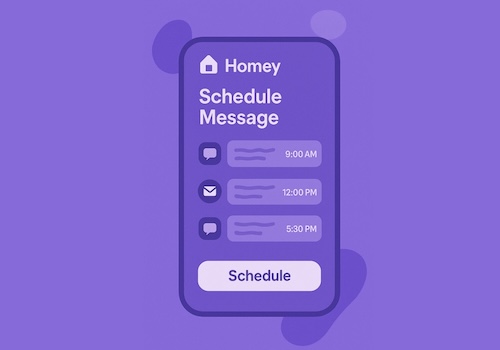
Schedule Message

Easily schedule messages to be sent at any time

Read more ›

Flow cards

When...

Schedule Message
Schedule is Triggered
And...

Schedule Message
Category is Category

Then...

Schedule Message
Remove recurring messages from Category (leave empty for all)
i
Removes only recurring messages (daily, weekly, every 2 weeks). One-off scheduled messages are kept.
Schedule Message
Remove scheduled messages from Category (leave empty for all)
i
This action will remove scheduled messages from the system
Schedule Message
Schedule Message to Recipient (optional) at Time Repeat on Days (optional) and use category Category
i
Schedule a message on a time only. 'Once' sends it at the next occurrence of that time (today, or tomorrow when the time has passed). Daily, weekly and every 2 weeks keep repeating until you remove the message. Days is optional: a comma separated list like mon,wed,fri, 1-7 (1 = Monday), weekdays or weekend. When empty, daily runs every day and weekly runs on the weekday of the first occurrence.
Schedule Message
Schedule Event Message on Date at Time and use category Category
i
This action allows you to schedule an event with a specific message at a given date and time. This card doesnt contain a recipient, so it can be used with apps that handle the message themselves.
Schedule Message
Schedule Message Message to Recipient on Date at Time and use category Category
i
This action allows you to schedule an event with a specific message at a given date and time to a spefici receipient
Schedule Message
Schedule Message with raw data date|time|recipient|message and prefix Prefix to remove from the raw data and use category Category
i
This action allows you to schedule a message with raw data and an optional prefix to remove from the raw data. This card can be used with apps that handle the message themselves. Use this format: date|time|recipient|message. For example: 2025-12-04|12:00|+31612341234|Hello World. Or with a prefix: prefixToRemove##2025-12-04|12:00|+31612341234|Hello World

Widgets

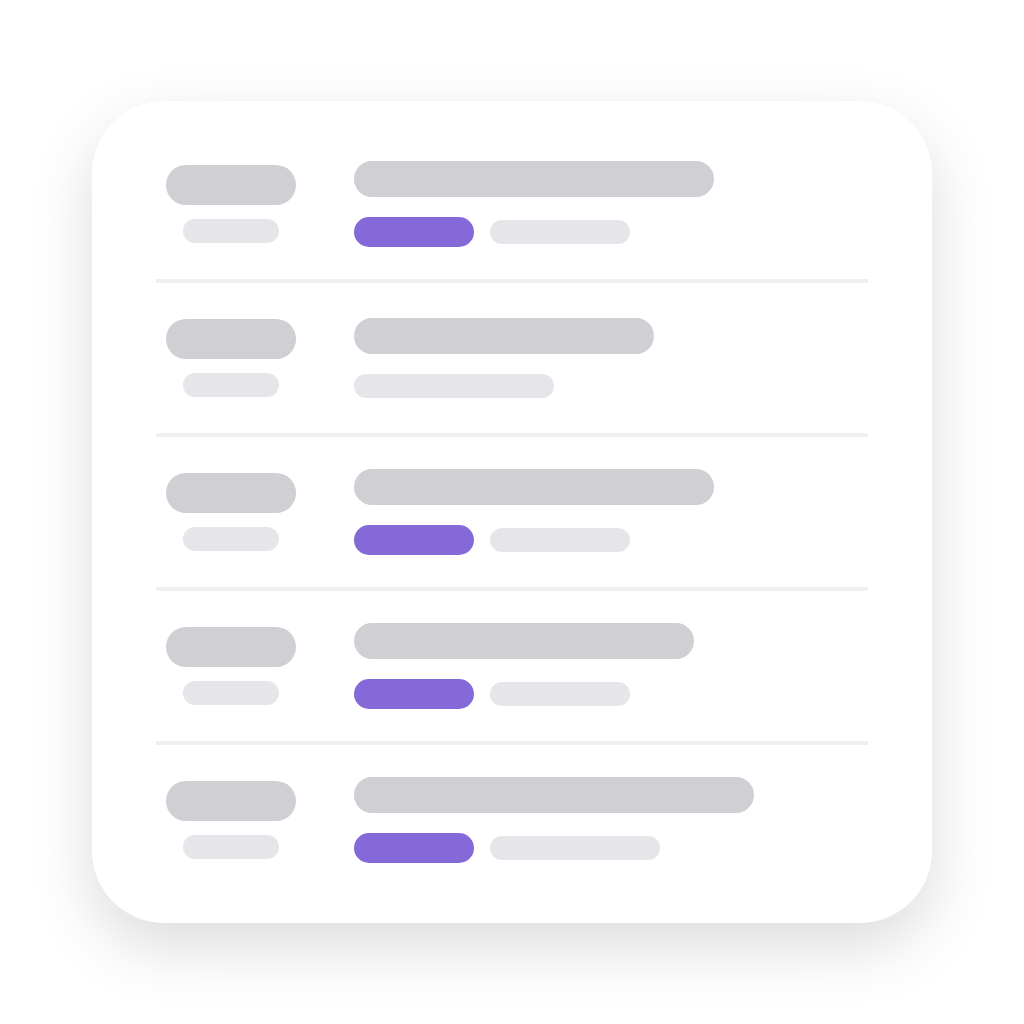
You can add this app’s widgets to your dashboard or homescreen in the mobile app.

Scheduled messages
Scheduled messages

Support

Having an issue with this app? Contact the developer via the developer website.

What’s new

Version 1.4.1 — FIX: widget preview images

View changelog

Schedule Message

Schedule Message is not compatible with the selected Homey.

Schedule Message will install on Homey shortly.
Install App