




🖤 Save $ 50 on Homey Pro and up to 29% on everything else No code needed • Discount automatically applied at checkout

Chronograph

Adds precise timer, stopwatch and transition functionality to Homey.

Read more ›

Supported devices

Flow cards

Click on a device above to show related Flow cards only.

When...

Chronograph
Stopwatch Pick / Name (* BLL supported) is started
i
This card is activated when a stopwatch with the provided name is started. You can either select a name, or type and select it, or type a name in the name field. The Picker is leading when both are filled. The name will only appear in the picker after saving the (enabled) flow.
Chronograph
Timer Pick / Name (* BLL supported) is started
i
This card is activated when a timer with the provided name is started. You can either select a name, or type and select it, or type a name in the name field. The Picker is leading when both are filled. The name will only appear in the picker after saving the (enabled) flow.
Chronograph
Transition Pick / Name (* BLL supported) is started
i
This card is activated when a transition with the provided name is started. You can either select a name, or type and select it, or type a name in the name field. The Picker is leading when both are filled. The name will only appear in the picker after saving the (enabled) flow.
Chronograph
Timer Pick / Name (* BLL supported) is finished
i
This card is activated when a timer with the provided name is finished, not when a timer is prematurely stopped. You can either select a name, or type and select it, or type a name in the name field. The Picker is leading when both are filled. The name will only appear in the picker after saving the (enabled) flow.
Chronograph
Transition Pick / Name (* BLL supported) is finished
i
This card is activated when a transition with the provided name is finished, not when a transition is prematurely stopped. You can either select a name, or type and select it, or type a name in the name field. The Picker is leading when both are filled. The name will only appear in the picker after saving the (enabled) flow.
Chronograph
Stopwatch Pick / Name (* BLL supported) is stopped
i
This card is activated when a stopwatch with the provided name is stopped. You can either select a name, or type and select it, or type a name in the name field. The Picker is leading when both are filled. The name will only appear in the picker after saving the (enabled) flow.
Chronograph
Timer Pick / Name (* BLL supported) is stopped
i
This card is activated when a timer with the provided name is prematurely stopped, not when a timer is finished. You can either select a name, or type and select it, or type a name in the name field. The Picker is leading when both are filled. The name will only appear in the picker after saving the (enabled) flow.
Chronograph
Transition Pick / Name (* BLL supported) is stopped
i
This card is activated when a transition with the provided name is prematurely stopped, not when a transition is finished. You can either select a name, or type and select it, or type a name in the name field. The Picker is leading when both are filled. The name will only appear in the picker after saving the (enabled) flow.
Chronograph
Stopwatch Pick / Name (* BLL supported) has reached a duration of Duration Unit
i
This card is activated when a stopwatch with the provided name has reached a specific duration. You can either select a name, or type and select it, or type a name in the name field. The Picker is leading when both are filled. The name will only appear in the picker after saving the (enabled) flow. For milliseconds, enter at least 50 in increments of 50.
Chronograph
Timer Pick / Name (* BLL supported) has been running for Elapsed time Unit
i
This card is activated when a timer with the provided name has been running for the specified duration. You can either select a name, or type and select it, or type a name in the name field. The Picker is leading when both are filled. The name will only appear in the picker after saving the (enabled) flow. For milliseconds, enter at least 50 in increments of 50.
Chronograph
Timer Pick / Name (* BLL supported) has reached Remaining time Unit remaining
i
This card is activated when a timer with the provided name has the specified amount of time remaining. You can either select a name, or type and select it, or type a name in the name field. The Picker is leading when both are filled. The name will only appear in the picker after saving the (enabled) flow. For milliseconds, enter at least 50 in increments of 50.
Chronograph
Transition Pick / Name (* BLL supported) has reached a step
i
This card is activated when a transition with the provided name has reached a step. You can either select a name, or type and select it, or type a name in the name field. The Picker is leading when both are filled. The name will only appear in the picker after saving the (enabled) flow.
Chronograph
Stopwatch Pick / Name (* BLL supported) is paused
i
This card is activated when a stopwatch with the provided name is paused. You can either select a name, or type and select it, or type a name in the name field. The Picker is leading when both are filled. The name will only appear in the picker after saving the (enabled) flow.
Chronograph
Timer Pick / Name (* BLL supported) is paused
i
This card is activated when a timer with the provided name is paused. You can either select a name, or type and select it, or type a name in the name field. The Picker is leading when both are filled. The name will only appear in the picker after saving the (enabled) flow.
Chronograph
Transition Pick / Name (* BLL supported) is paused
i
This card is activated when a transition with the provided name is paused. You can either select a name, or type and select it, or type a name in the name field. The Picker is leading when both are filled. The name will only appear in the picker after saving the (enabled) flow.
Chronograph
Every Amount Unit
i
Enter a fixed whole number. Flows with the same interval share a schedule. If an interval expires while the app is stopped, it triggers once after startup and then begins a new interval. For milliseconds, enter at least 50 in increments of 50.

And...

Chronograph
A delay of Duration Unit has passed
i
Use this card to delay executing the then flow cards by max. 89 seconds.
Chronograph
Stopwatch Pick / Name (* BLL supported) is running
i
Use this card to run or cancel a flow depending on the run state of the stopwatch with the provided name. You can either select a name, or type and select it, or type a name in the name field. The Picker is leading when both are filled. The name will only appear in the picker after saving the (enabled) flow.
Chronograph
Timer Pick / Name (* BLL supported) is running
i
Use this card to run or cancel a flow depending on the run state of the timer with the provided name. You can either select a name, or type and select it, or type a name in the name field. The Picker is leading when both are filled. The name will only appear in the picker after saving the (enabled) flow.
Chronograph
Transition Pick / Name (* BLL supported) is running
i
Use this card to run or cancel a flow depending on the run state of the transition with the provided name. You can either select a name, or type and select it, or type a name in the name field. The Picker is leading when both are filled. The name will only appear in the picker after saving the (enabled) flow.
Chronograph
Stopwatch Pick / Name (* BLL supported) has a duration longer than Duration Unit
i
Use this card to run or cancel a flow depending on the duration of the stopwatch with the provided name. You can either select a name, or type and select it, or type a name in the name field. The Picker is leading when both are filled. The name will only appear in the picker after saving the (enabled) flow.
Chronograph
Timer Pick / Name (* BLL supported) has a duration longer than Duration Unit
i
Use this card to run or cancel a flow depending on the duration of the timer with the provided name. You can either select a name, or type and select it, or type a name in the name field. The Picker is leading when both are filled. The name will only appear in the picker after saving the (enabled) flow.
Chronograph
Transition Pick / Name (* BLL supported) has a duration longer than Duration Unit
i
Use this card to run or cancel a flow depending on the duration of the transition with the provided name. You can either select a name, or type and select it, or type a name in the name field. The Picker is leading when both are filled. The name will only appear in the picker after saving the (enabled) flow.

Then...

Chronograph
Start or replace stopwatch Pick / Name (* BLL supported)
i
Use this card to start a stopwatch with the provided name. If a stopwatch with the same name is already running, it is replaced. You can either select a name, or type and select it, or type a name in the name field. The Picker is leading when both are filled. The name will only appear in the picker after saving the (enabled) flow.
Chronograph
Start or replace timer Pick / Name (* BLL supported) with a duration of Duration (* BLL supported) Unit
i
Use this card to start a new timer with the provided name and duration. If a timer with the same name already exists, it is replaced. You can either select a name, or type and select it, or type a name in the name field. The Picker is leading when both are filled. The name will only appear in the picker after saving the (enabled) flow. For milliseconds, enter at least 50 in increments of 50.
Chronograph
Start or replace transition Pick / Name (* BLL supported) from From to To in Steps steps during Duration (* BLL supported) Unit
i
Use this card to start a new transition with the provided name, duration and steps. If a transition with the same name already exists, it is replaced. You can either select a name, or type and select it, or type a name in the name field. The Picker is leading when both are filled. The name will only appear in the picker after saving the (enabled) flow. For milliseconds, enter at least 50 in increments of 50.
Chronograph
Resume stopwatch Pick / Name (* BLL supported)
i
Resumes an existing paused stopwatch with the selected name. It does not create a new one. If no matching stopwatch exists, the action reports an error. You can either select a name, or type and select it, or type a name in the name field. The Picker is leading when both are filled. The name will only appear in the picker after saving the (enabled) flow.
Chronograph
Resume timer Pick / Name (* BLL supported)
i
Resumes an existing paused timer with the selected name. It does not create a new one. If no matching timer exists, the action reports an error. You can either select a name, or type and select it, or type a name in the name field. The Picker is leading when both are filled. The name will only appear in the picker after saving the (enabled) flow.
Chronograph
Resume transition Pick / Name (* BLL supported)
i
Resumes an existing paused transition with the selected name. It does not create a new one. If no matching transition exists, the action reports an error. You can either select a name, or type and select it, or type a name in the name field. The Picker is leading when both are filled. The name will only appear in the picker after saving the (enabled) flow.
Chronograph
Start or resume stopwatch Pick / Name (* BLL supported)
i
Use this card to start a stopwatch with the provided name. If a stopwatch with the same name is already running, it is resumed. You can either select a name, or type and select it, or type a name in the name field. The Picker is leading when both are filled. The name will only appear in the picker after saving the (enabled) flow.
Chronograph
Start or resume timer Pick / Name (* BLL supported) with a duration of Duration (* BLL supported) Unit
i
Use this card to start a new timer with the provided name and duration. If a timer with the same name already exists, it is resumed. You can either select a name, or type and select it, or type a name in the name field. The Picker is leading when both are filled. The name will only appear in the picker after saving the (enabled) flow. For milliseconds, enter at least 50 in increments of 50.
Chronograph
Start or resume transition Pick / Name (* BLL supported) from From to To in Steps steps during Duration (* BLL supported) Unit
i
Use this card to start a new transition with the provided name, duration and steps. If a transition with the same name already exists, it is replaced. You can either select a name, or type and select it, or type a name in the name field. The Picker is leading when both are filled. The name will only appear in the picker after saving the (enabled) flow. For milliseconds, enter at least 50 in increments of 50.
Chronograph
Pause stopwatch Pick / Name (* BLL supported)
i
Use this card to pause a stopwatch with the provided name. You can either select a name, or type and select it, or type a name in the name field. The Picker is leading when both are filled. The name will only appear in the picker after saving the (enabled) flow.
Chronograph
Pause timer Pick / Name (* BLL supported)
i
Use this card to pause a timer with the provided name. You can either select a name, or type and select it, or type a name in the name field. The Picker is leading when both are filled. The name will only appear in the picker after saving the (enabled) flow.
Chronograph
Pause transition Pick / Name (* BLL supported)
i
Use this card to pause a transition with the provided name. You can either select a name, or type and select it, or type a name in the name field. The Picker is leading when both are filled. The name will only appear in the picker after saving the (enabled) flow.
Chronograph
Adjust stopwatch Pick / Name (* BLL supported) with a duration of Adjustment (* BLL supported) Unit
i
Use this card to adjust the duration of the stopwatch with the provided name. Use a positive duration to extend the stopwatch, or a negative duration to shorten the stopwatch. You can either select a name, or type and select it, or type a name in the name field. The Picker is leading when both are filled. The name will only appear in the picker after saving the (enabled) flow.
Chronograph
Adjust timer Pick / Name (* BLL supported) with a duration of Adjustment (* BLL supported) Unit
i
Use this card to adjust the duration of the timer with the provided name. Use a negative duration to extend the timer, or a positive duration to shorten the timer. One can't extend the duration, when the new duration will be longer than the timer's original duration. One can't shorten the duration, when the new duration will be lower than zero. You can either select a name, or type and select it, or type a name in the name field. The Picker is leading when both are filled. The name will only appear in the picker after saving the (enabled) flow.
Chronograph
Adjust transition Pick / Name (* BLL supported) with a duration of Adjustment (* BLL supported) Unit
i
Use this card to adjust the duration of the transition with the provided name. Use a negative duration to extend the transition, or a positive duration to shorten the transition. One can't extend the duration, when the new duration will be longer than the transition's original duration. One can't shorten the duration, when the new duration will be lower than zero. You can either select a name, or type and select it, or type a name in the name field. The Picker is leading when both are filled. The name will only appear in the picker after saving the (enabled) flow.
Chronograph
Stop stopwatch Pick / Name (* BLL supported)
i
Use this card to stop a stopwatch with the provided name. You can either select a name, or type and select it, or type a name in the name field. The Picker is leading when both are filled. The name will only appear in the picker after saving the (enabled) flow.
Chronograph
Stop timer Pick / Name (* BLL supported)
i
Use this card to stop a timer with the provided name. You can either select a name, or type and select it, or type a name in the name field. The Picker is leading when both are filled. The name will only appear in the picker after saving the (enabled) flow.
Chronograph
Stop transition Pick / Name (* BLL supported)
i
Use this card to stop a transition with the provided name. You can either select a name, or type and select it, or type a name in the name field. The Picker is leading when both are filled. The name will only appear in the picker after saving the (enabled) flow.
Chronograph
Get the elapsed duration of stopwatch Pick / Name (* BLL supported)
i
You can either select a name, or type and select it, or type a name in the name field. The Picker is leading when both are filled. The name will only appear in the picker after saving the (enabled) flow.
Advanced
Chronograph
Get the elapsed/remaining duration of timer Pick / Name (* BLL supported)
i
You can either select a name, or type and select it, or type a name in the name field. The Picker is leading when both are filled. The name will only appear in the picker after saving the (enabled) flow.
Advanced
Chronograph
Get the elapsed/remaining duration of transition Pick / Name (* BLL supported)
i
You can either select a name, or type and select it, or type a name in the name field. The Picker is leading when both are filled. The name will only appear in the picker after saving the (enabled) flow.
Advanced
Chronograph
Stop all stopwatches
i
Use this card to stop all stopwatches.
Chronograph
Stop all timers
i
Use this card to stop all running timers.
Chronograph
Stop all transitions
i
Use this card to stop all running transitions.

Widgets

You can add this app’s widgets to your dashboard or homescreen in the mobile app.

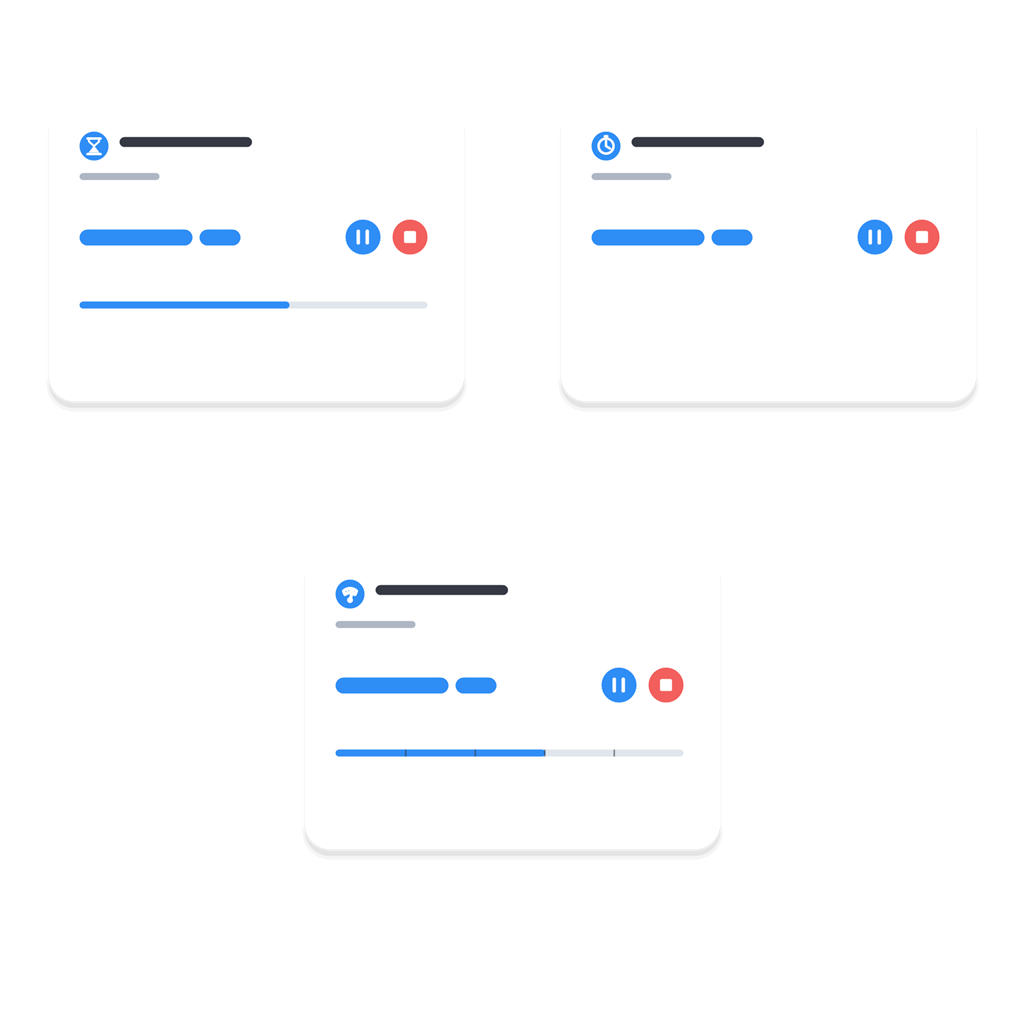
Multiple Chronographs
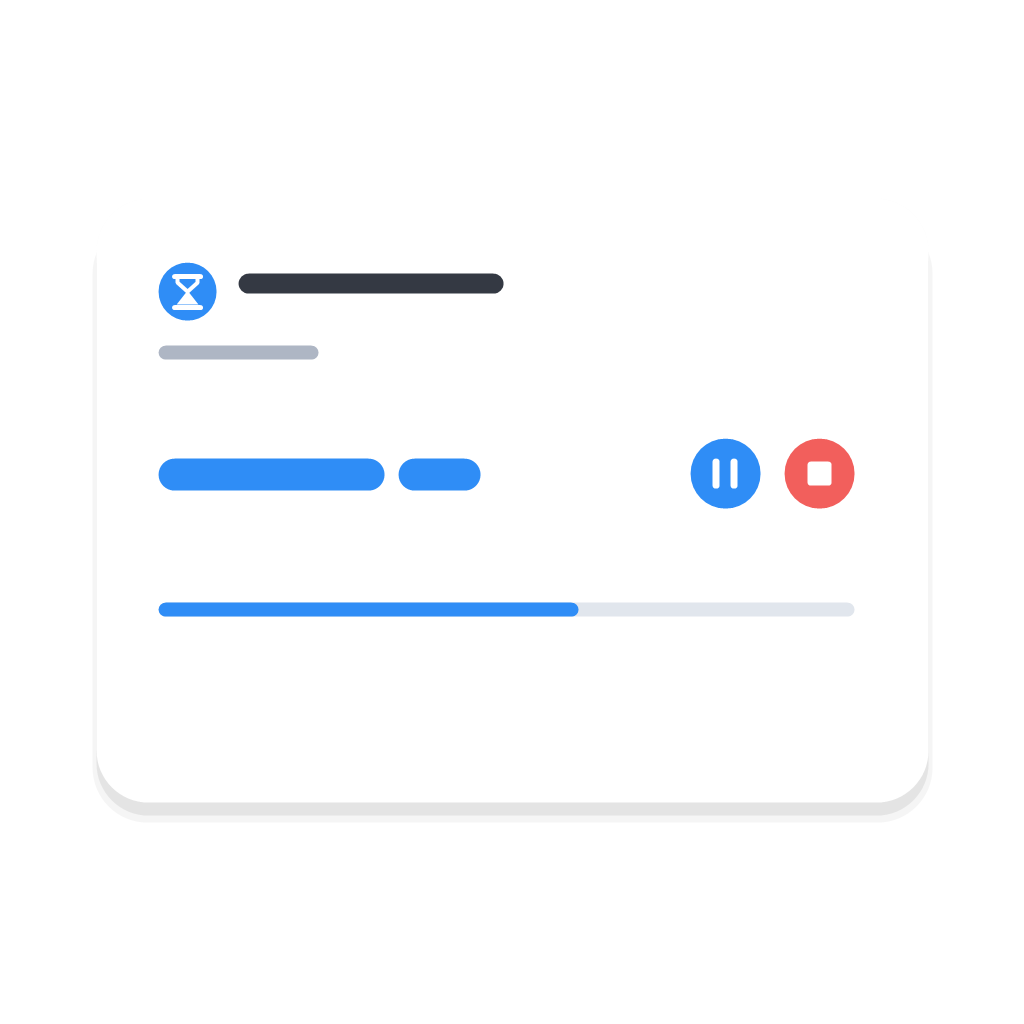
Stopwatch
Stopwatch
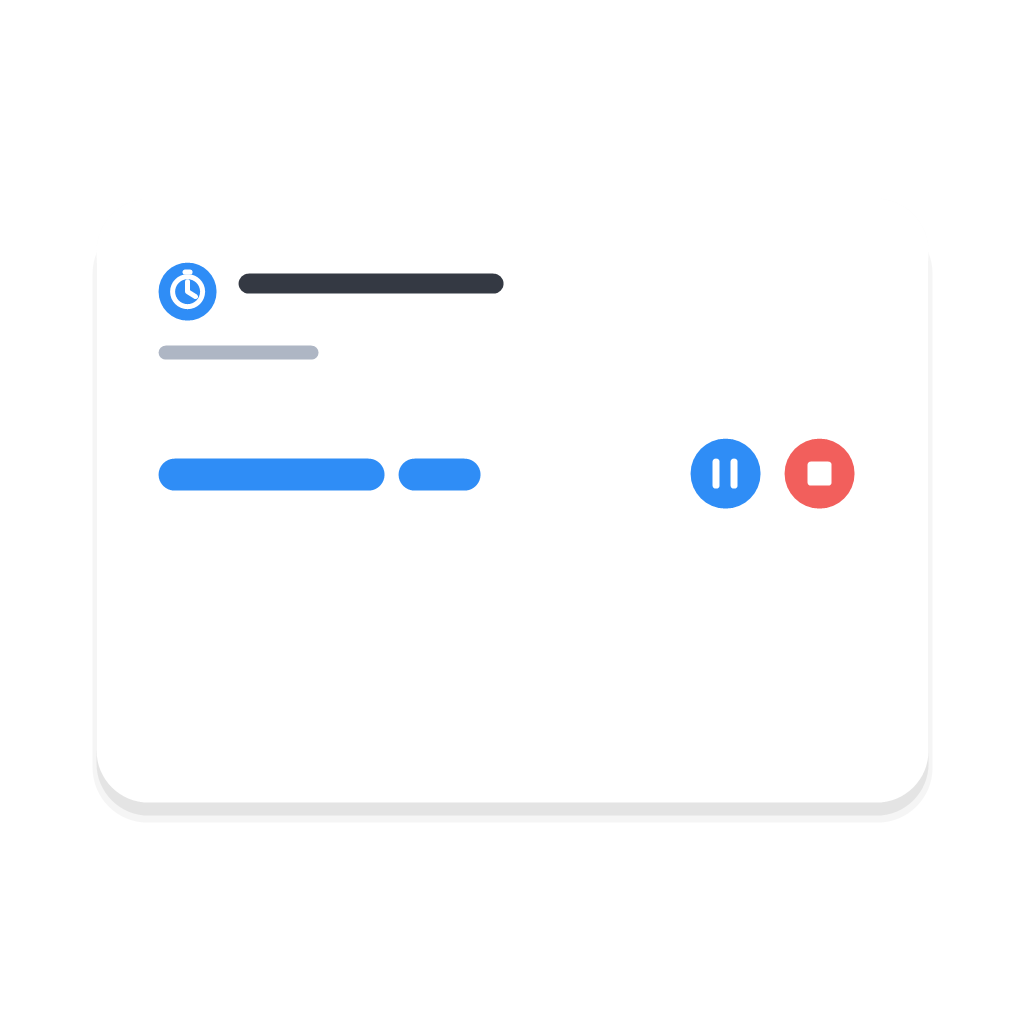
Timer
Timer
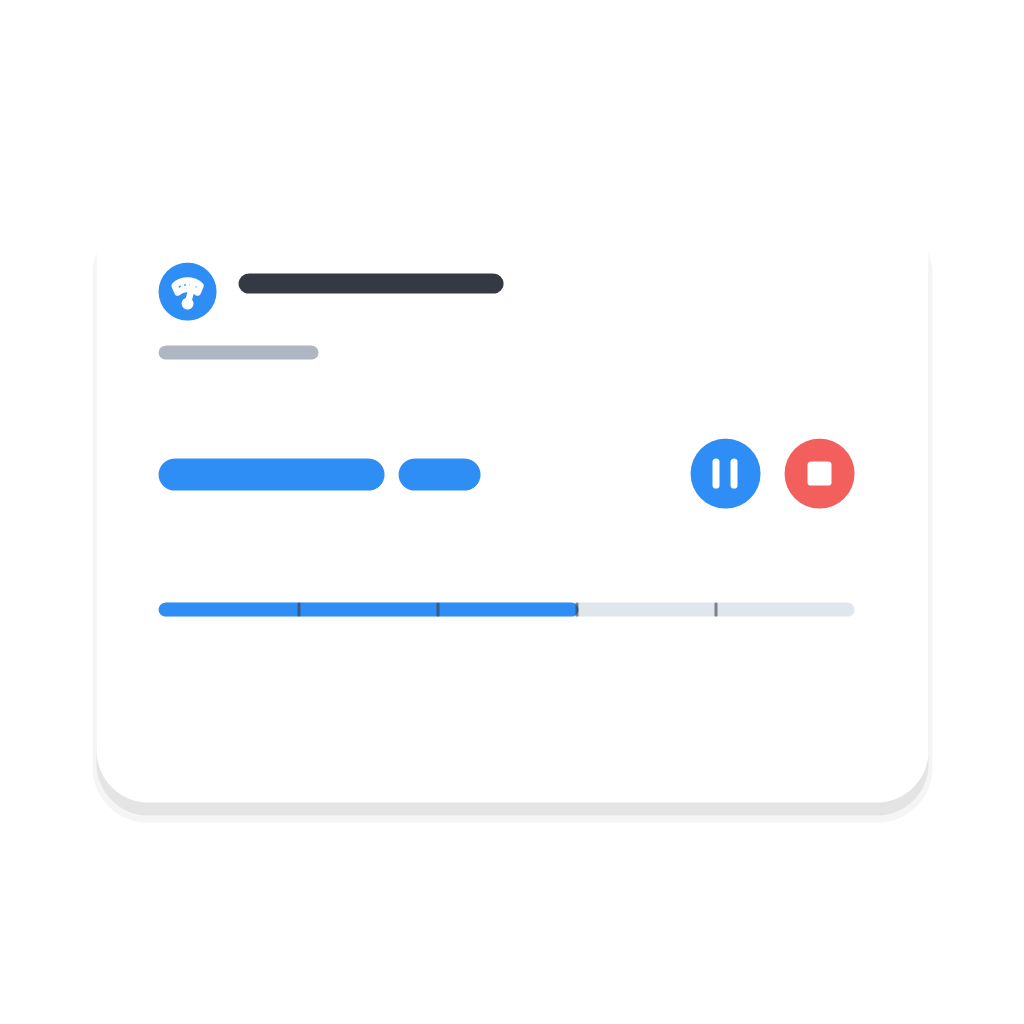
Transition
Transition

Support

Having an issue with this app? Report issues via the developer issue tracker.

What’s new

Version 3.1.3 — Added milliseconds in 50 ms steps to timer and stopwatch milestone cards and the Every interval card. Added milliseconds to timer and transition start and resume cards.

View changelog

Chronograph

Chronograph is not compatible with the selected Homey.

Chronograph will install on Homey shortly.
Install App