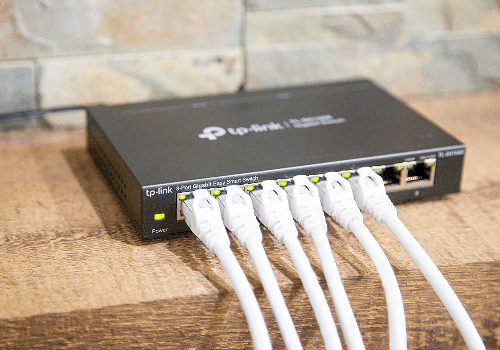
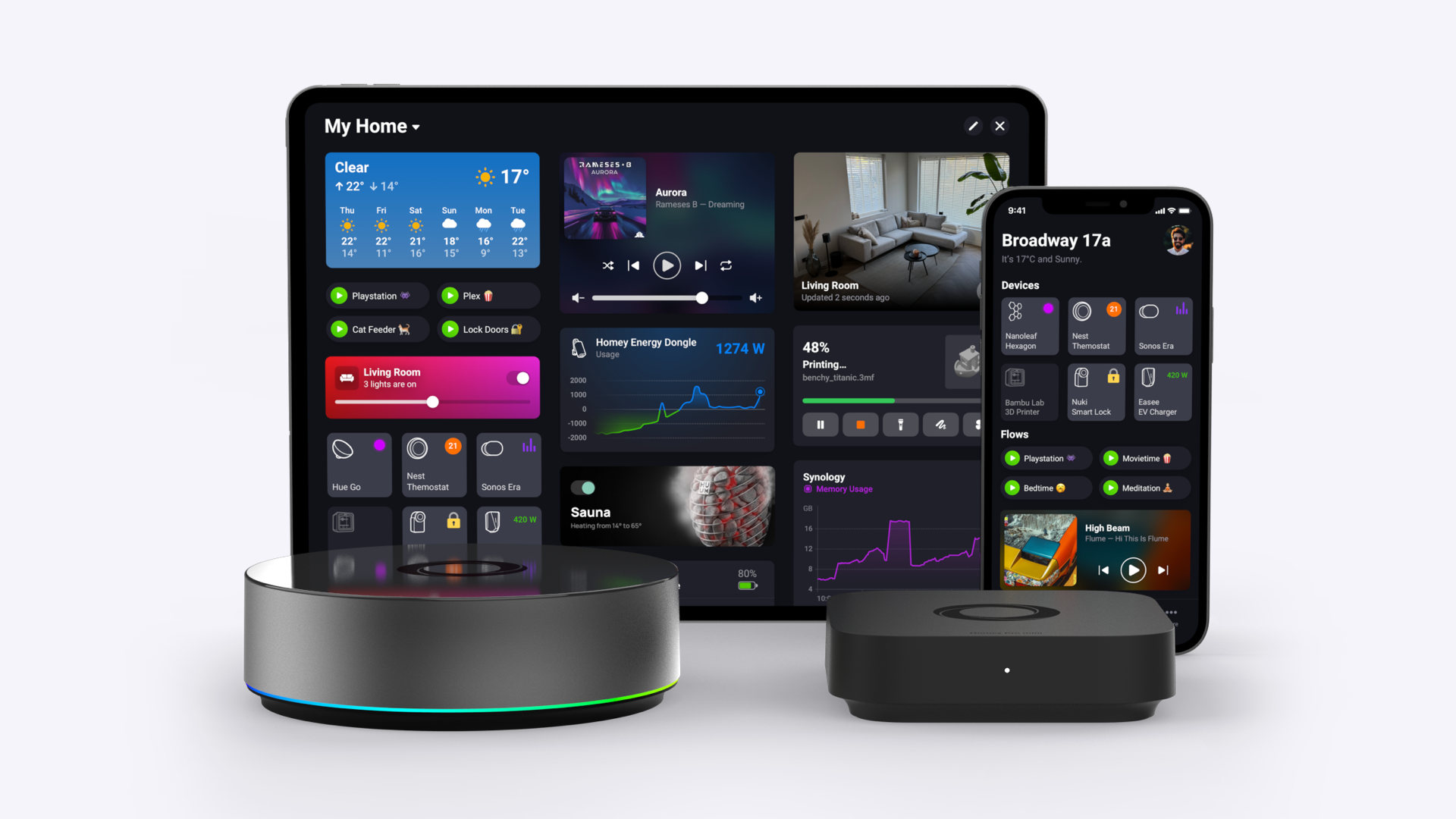
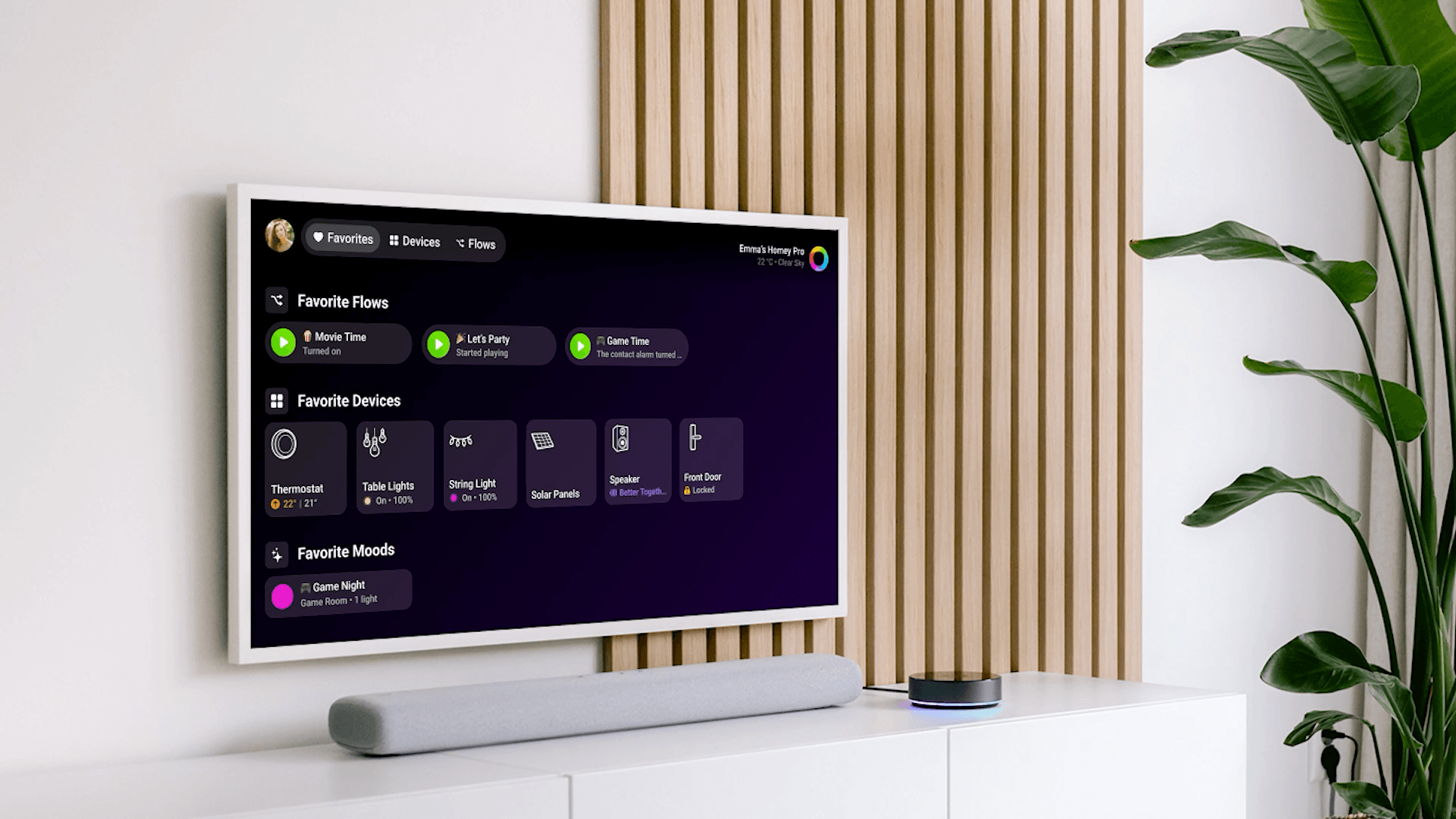



Streamline your network with smart automation: connect TP-Link Easy Smart Switch devices to Homey for port control, status, and Flow-driven network automation.
Features:
- Port Control: Enable or disable individual ports on your TP-Link Easy Smart Switch directly from the Homey app or through Homey Flows.
- Device Integration: Seamlessly integrate with multiple TP-Link Easy Smart Switch models.
- Automation: Create Homey Flows to automate network management tasks based on your preferences or specific conditions—including LED control, reacting when link state changes, and restarting the switch when needed.
- Status Monitoring: View the status of each port (enabled/disabled) within the Homey app.
- Detection of Link Changes: Switch ports are monitored for link status about every minute.
The switch must be on the same local network as your Homey. Use a fixed IP address or a DHCP reservation so the address does not change. Enter the same username and password you use for the switch’s web management page.
Supported hardware:
- TP-Link TL-SG105E (HW v5 & v5.6)
- TP-Link TL-SG108E (HW v6 & v6.6)
- TP-Link TL-SG116E (HW v2.20 & v2.26)
- TP-Link TL-SG1024DE (HW v4.20, v6, v6.6, v7, & v7.60)
- Other TP-Link Easy Smart Switch models with compatible firmware (for example v1.0.0 build 20230214 or newer where applicable) may work if they use the same web management UI.
Disclaimer:
This app is an independent third-party application and is not affiliated with, endorsed by, or sponsored by TP-Link Technologies Co., Ltd. TP-Link is a registered trademark of TP-Link Technologies Co., Ltd. All product names, logos, and brands are property of their respective owners. The use of these names, logos, and brands does not imply any affiliation with or endorsement by them.
자세히 읽기 ›