








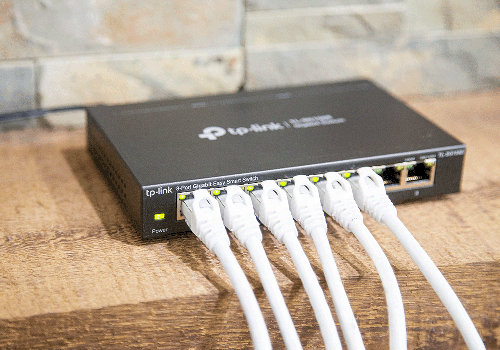
TP-Link Managed Switch
Port became disconnected
Click on a device above to show related Flow cards only.
Having an issue with this app? Contact the developer via the developer website.
Version 0.1.10 — Fixed an issue where the switch could go unavailable and miss port link-state Flow triggers while a port capability was still registering. Dependency security updates.
 TP-Link Managed Switch is not compatible with the selected Homey.
 TP-Link Managed Switch will install on Homey shortly.
We’ll let Jamison Bennett know you love the app.
We’ll notify Jamison Bennett you’ve sent a suggestion.
 Belgium
 Bulgaria
 Croatia
 Cyprus
 Czech Republic
 Estonia
 Finland
 Greece
 Hungary
 Iceland
 Ireland
 Latvia
 Lithuania
 Malta
Malta
 Moldova
 The Netherlands
 Portugal
 Romania
 Slovakia
 Slovenia
 Türkiye
 Ukraine
 United Kingdom


