








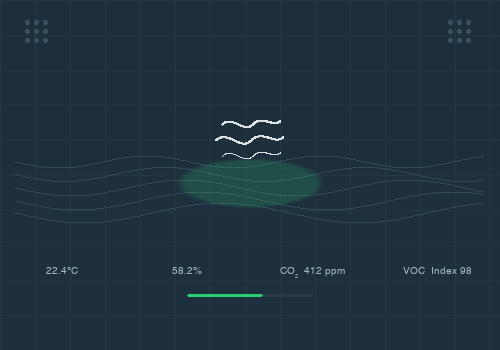
Open AIR Mini
The dim level changed
Click on a device above to show related Flow cards only.
Having an issue with this app? Contact the developer via email.
Version 1.4.0 — Valve tiles now use Homey's standard on/off control, and valve state updates are synchronized from ESPHome position and movement telemetry.
 Open AIR is not compatible with the selected Homey.
 Open AIR will install on Homey shortly.
We’ll let Julien Moysens know you love the app.
We’ll notify Julien Moysens you’ve sent a suggestion.
 Belgium
 Bulgaria
 Croatia
 Cyprus
 Czech Republic
 Estonia
 Finland
 Greece
 Hungary
 Iceland
 Ireland
 Latvia
 Lithuania
 Malta
Malta
 Moldova
 The Netherlands
 Portugal
 Romania
 Slovakia
 Slovenia
 Türkiye
 Ukraine
 United Kingdom


