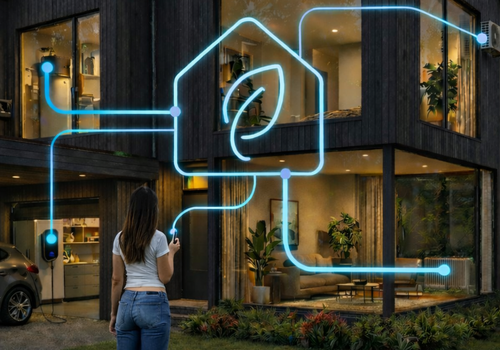

PELS controls EV chargers such as Easee, Zaptec, Alfen, Peblar, Wallbox and Zappi, heating, hot water and home batteries using the controls provided by their Homey apps. When several appliances need power at once, it lowers charging current, adjusts heating or pauses devices you have given a lower priority. PELS raises the charging current and resumes paused devices when more power is available. Equipment from different manufacturers can be controlled from the same app.
After installing, open Homey > More > Apps > PELS > Settings to finish setup. A guided setup connects your meter, picks a first device and shows the settings that apply to your home. This is also where you choose devices, configure PELS and see what it is doing.
Capacity limit manages average power over an hour or 15 minutes to reduce tariff peaks. Grid import limit controls the power drawn from the grid right now. Either limit can be used independently, or both together. Measurements come from Homey Energy, a meter reader or Flows.
Main fuse watches each phase against your fuse, such as 3x25 A. When a phase nears the limit, PELS lowers the devices it manages on that phase in your priority order: the car, the battery, the heat pump, the water heater. A meter that reports each phase, such as a P1 meter, shows PELS which phase is full.
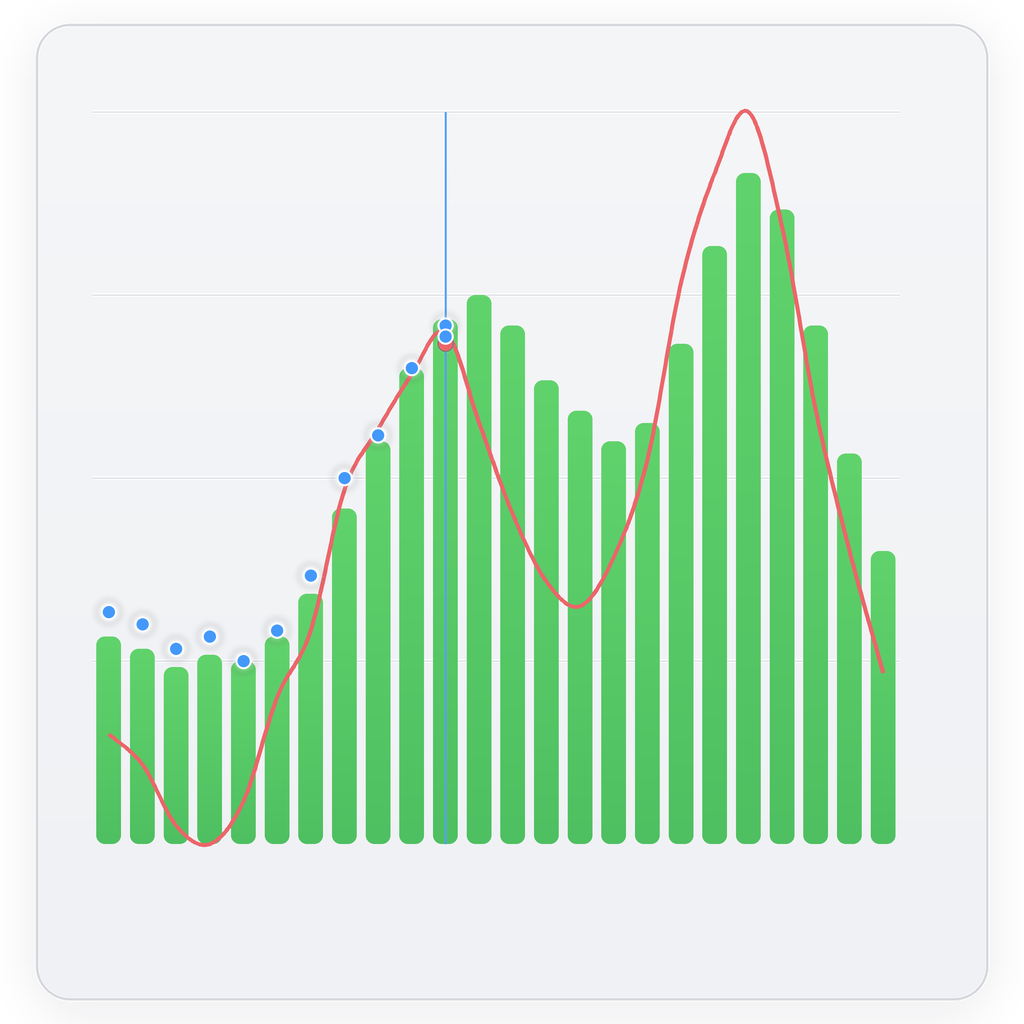
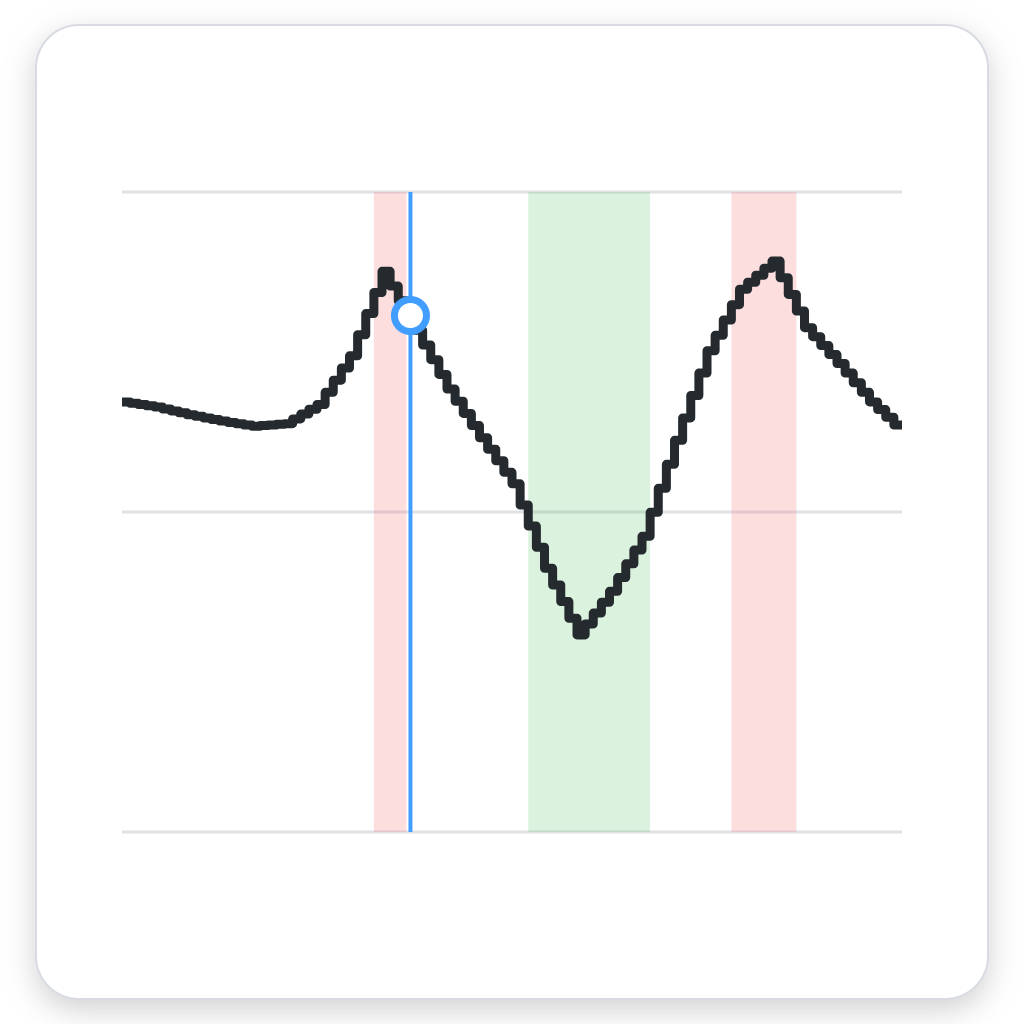
In Smart tasks, you set a goal and deadline: the car at 80% by 07:00, a warm living room when you get home or a set amount of energy for your water heater. PELS selects the cheapest hours before that deadline. When Homey provides the car's battery level, PELS plans how much charging is needed to reach your target on time. Prices come from Homey Energy, Power by the Hour or Flows, including time-of-use rates and network charges supplied by your chosen source. Heating and cooling also respond to 15-minute prices. Use Schedules to create Smart tasks or change mode at set times, once or on selected days.
Solar surplus can heat water, warm or cool your home and charge your car. PELS adjusts charging current to the available solar power. In suitable installations, it can also use otherwise unused solar production when export is disabled. Your export price is included in planning, even when it is negative. Usage shows production, self-consumption, export and avoided grid costs.
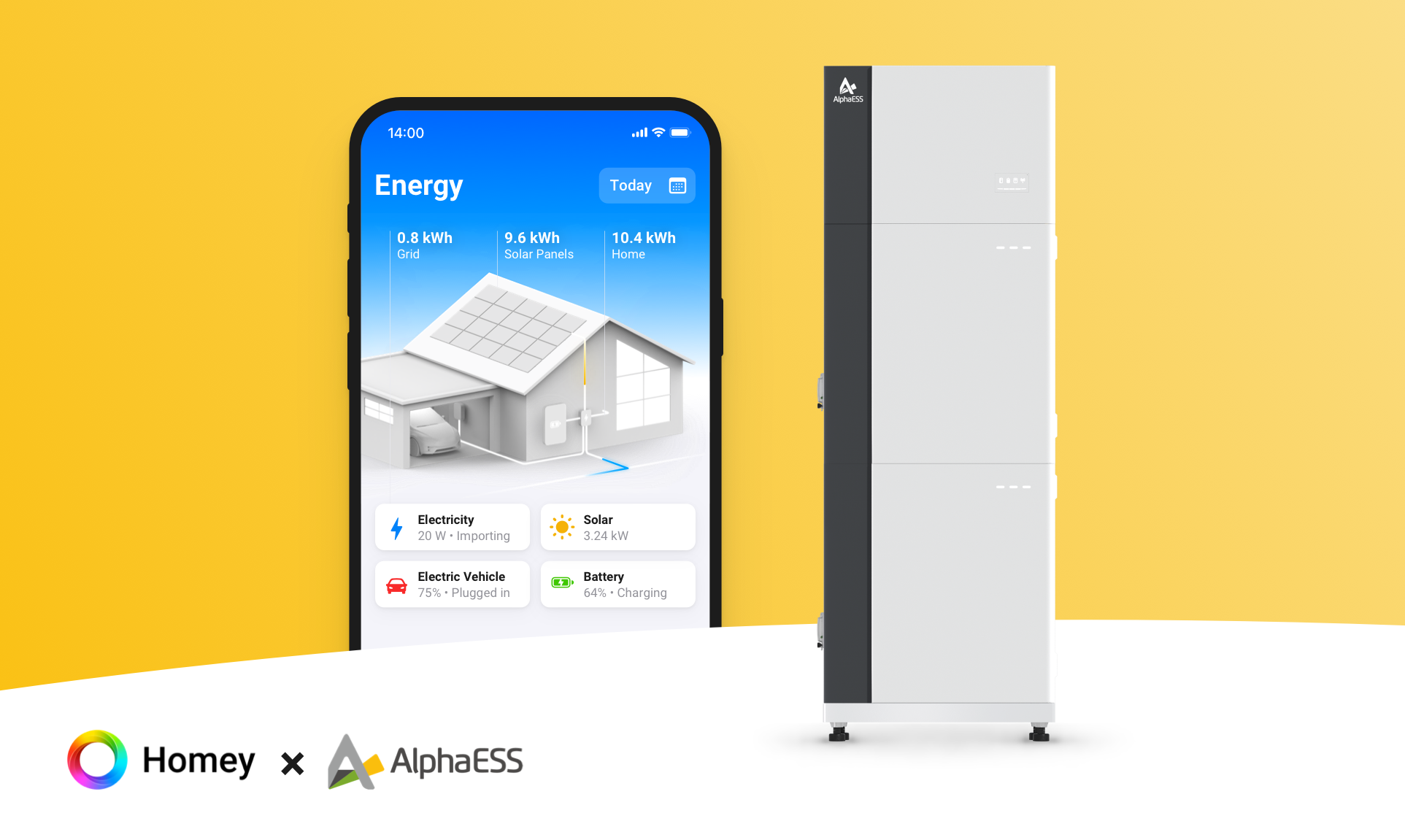
A home battery, such as a Sessy, Marstek Venus, Zendure, Huawei LUNA2000, Sigenergy or Anker SOLIX, stores the solar surplus left after other devices have used what they need. PELS reduces battery charging when a higher-priority appliance needs power and discharges the battery to keep consumption within your chosen limit. If you turn it on, PELS can also sell stored energy when that lowers your cost. With several batteries, PELS plans them together in your priority order, so no battery charges from another.
Modes such as Home, Away or Night each keep their own temperatures and device priorities. Flows can switch between them as your routine changes. Daily budget spreads energy use across the day.
Simulation mode previews how devices would be controlled until you choose Start managing at the end of setup.
Read more ›