



Power by the Hour

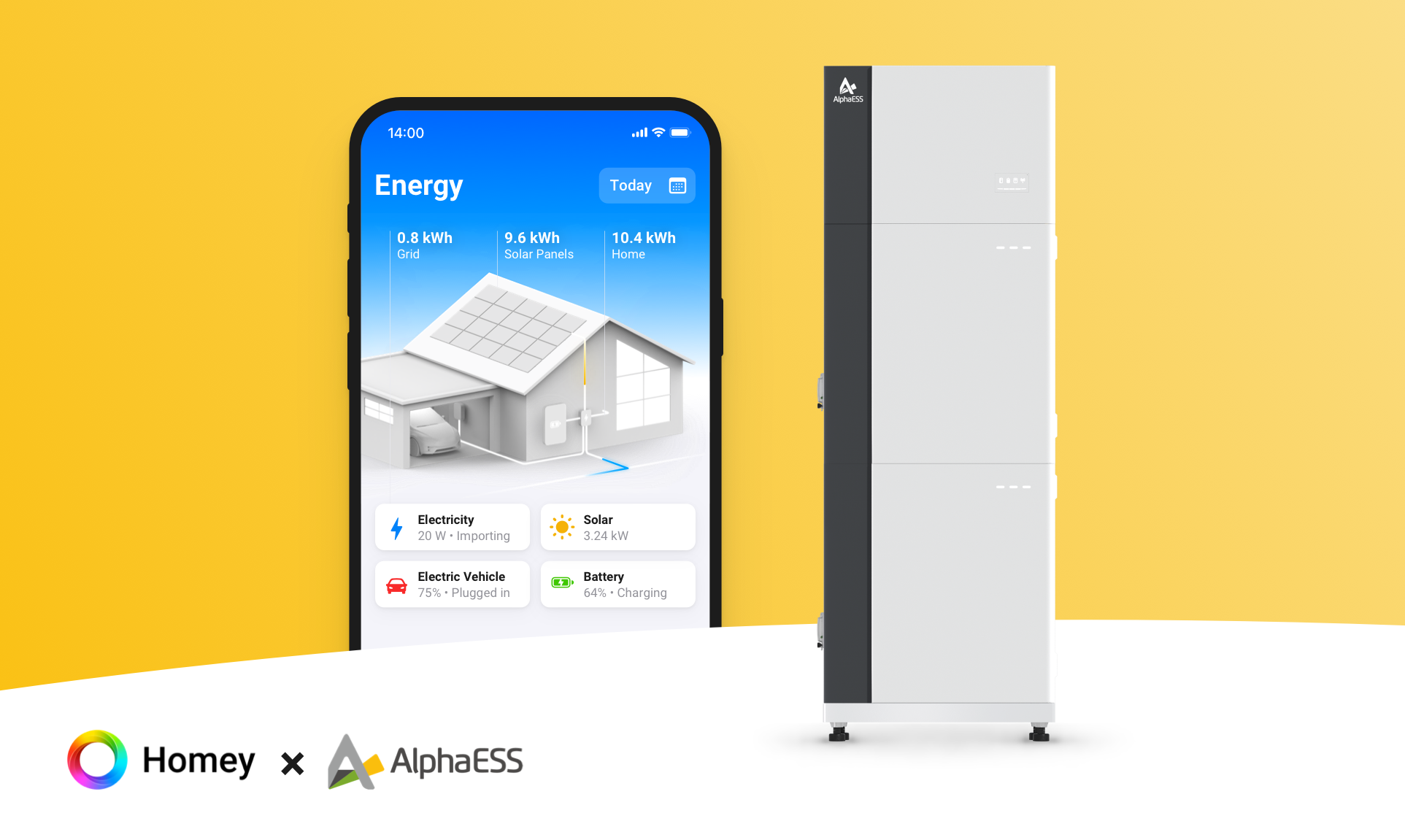
Your own energy management system: smart home battery, EV charging and appliances on prices and solar.

Warning! This app might not work properly.

This app version is currently being tested, and has not yet been reviewed. It might not work as expected.
Be extra careful when installing this app.

« Back to the regular version

Your own energy management system: smart home battery, EV charging and appliances on prices and solar.

Read more ›

Supported devices

Flow cards

Click on a device above to show related Flow cards only.

When...

Energy Price
The Type block of Duration Unit between From and Until starts
i
Finds the consecutive block with the lowest (or highest) average price between two clock times (e.g. 7:30 or 7.5, overnight allowed) and checks if now is inside it. Outside these times: false. Fires once, when this starts.
Energy Price
The Type block of Duration Unit in the next Hours hours starts
i
Finds the consecutive block with the lowest (or highest) average price in the coming hours (0 = all known) and checks if now is inside it. For devices that must run without a break. Fires once, when this starts.
Energy Price
The price becomes one of the Type Number Unit between From and Until
i
Ranks the prices between two clock times (e.g. 7:30 or 7.5, overnight allowed) and checks if the current price is among the N cheapest or most expensive. Outside these times: false. Fires once, when this starts.
Energy Price
The price becomes one of the Type Number Unit in the next Hours hours
i
Ranks the prices of the coming hours (0 = all known) and checks if the current price is among the N cheapest or most expensive. Separate moments, not one block. Fires once, when this starts.
Energy Price
A new price period started
i
Fires at the start of every price period (every 15 minutes or every hour, depending on the price source), with the import and export price.
Energy Price
New prices received for Period (include forecast: Include forecast prices)
i
When unchecked, the trigger only fires for confirmed market prices, not for forecast price updates.
Energy Price
The price becomes Percent% Above or below the average of Period
i
Compares the current price with the average of the chosen period. E.g. 10% below: the price is at most 90% of the average. Fires once, when this starts.
Grid Monitor
Home load forecast for Period updated
Grid Monitor
Projected peak exceeds billing level
i
Once per peak interval, as soon as the current interval is on course to raise this month's capacity cost.
Power Monitor
Now is the cheapest program start between Earliest start and Latest start
i
Over the whole window, with the learned duration and power of the program. 22:00–07:00 is over midnight, 00:00–24:00 the whole day.
Power Monitor
Cheapest program start in the next Hours hours
i
With the learned duration and power of the program.
Power Monitor
Program finished
i
5 minutes after the last activity once the program reached its learned length, else after 30 minutes (pauses).
Power Monitor
Planned start
i
At the start of "Next run". Start the program from this flow, e.g. by switching on the plug or via the appliance's app.
Power Monitor
Program started
i
Expected values from the learned program, empty while learning.
Power Monitor
The power changed
Smart Battery
Battery mode changed
Smart Battery
New planned battery power (inverted: Invert power sign)
i
Every plan block: the planned power for now, and 0 W when the action ends. Same plan as the chart. Charging is positive (+), unless inverted.
Smart Battery
New XOM power available (inverted: Invert power sign)
i
Continuously: the power that keeps the grid near the XOM target. Only for batteries the app does not control. Charging is positive (+), unless inverted.
Smart EV Charger
Car status changed
Smart EV Charger
Charge mode changed
Smart EV Charger
Car not plugged in while charging is needed
Smart EV Charger
New planned charging power
i
Every price period and when settings change: the planned charging power and duration for now.
Solar Monitor
Solar curtailment detected
Solar Monitor
Solar curtailment ended
Solar Monitor
Solar forecast for Period updated
Solar Monitor
Solar production becomes one of the top hours hours of today
Solar Monitor
Yield between From and Until is less than kWh kWh

And...

Energy Price
The Type block of Duration Unit between From and Until is now
i
Finds the consecutive block with the lowest (or highest) average price between two clock times (e.g. 7:30 or 7.5, overnight allowed) and checks if now is inside it. Outside these times: false.
Energy Price
The Type block of Duration Unit in the next Hours hours is now
i
Finds the consecutive block with the lowest (or highest) average price in the coming hours (0 = all known) and checks if now is inside it. For devices that must run without a break.
Energy Price
The price is one of the Type Number Unit between From and Until
i
Ranks the prices between two clock times (e.g. 7:30 or 7.5, overnight allowed) and checks if the current price is among the N cheapest or most expensive. Outside these times: false.
Energy Price
The price is one of the Type Number Unit in the next Hours hours
i
Ranks the prices of the coming hours (0 = all known) and checks if the current price is among the N cheapest or most expensive. Separate moments, not one block.
Energy Price
The price is Percent% Above or below the average of Period
i
Compares the current price with the average of the chosen period. E.g. 10% below: the price is at most 90% of the average.
Grid Monitor
Peak headroom is below W W
i
False while there is no month peak yet.
Power Monitor
Now is the cheapest program start between Earliest start and Latest start
i
Over the whole window, with the learned duration and power of the program. 22:00–07:00 is over midnight, 00:00–24:00 the whole day.
Power Monitor
Now is the cheapest program start in the next Hours hours
i
With the learned duration and power of the program.
Smart Battery
Battery mode is Mode
Smart EV Charger
Car status is Status
Smart EV Charger
Charge mode is Mode
Solar Monitor
Solar curtailment is active
Solar Monitor
Solar production is one of the top hours hours of today
Solar Monitor
Expected yield for Period is less than kWh kWh
Solar Monitor
Yield between From and Until is less than kWh kWh

Then...

Energy Price
Find the Type block of Duration Unit in the next Hours hours, before Before
i
Finds when the cheapest (or most expensive) consecutive block in the coming hours starts. 'Before' is optional: leave it empty for no end time. Gives start, end, minutes until start and average price.
Advanced
Energy Price
Provide Import or export prices JSON for Period
i
Gives the import or export prices of the period as a JSON list, one price per price period, e.g. for a script or a chart.
Advanced
Energy Price
Set Component to Value
i
Changes a price setting of this device, e.g. a new energy tax from 1 January. Same as changing it in the device settings.
Energy Price
Set Setting to Value
i
Changes the time-of-day markup (hour:markup;hour:markup, e.g. 7:0.05;23:0) or the price formula. Empty clears it.
Gas Monitor
Set fixed cost per Period to Fixed cost
Gas Monitor
Set Tariff to Value
i
Applies with tariff group 0.
Grid Monitor
Extra load Power (W) W Day at Start for Duration (min) min
i
A known extra load, e.g. a fortnightly legionella run: added to the forecast and not learned. 0 W removes it.
Grid Monitor
Provide home load forecast JSON for Period
Advanced
Grid Monitor
Set fixed cost per Period to Fixed cost
Grid Monitor
Set Tariff to Value
i
Applies with tariff group 0.
Power by the Hour
Send Reading (kWh or m³) reading to Virtual device
i
The cumulative meter reading (the meter total), not the use since the last reading.
Power by the Hour
Set XOM (XOM-target: XOM target (W)W, smoothing: Smoothing (%)%, min. battery load: Minimum battery power (W)W)
i
Empty fields stay unchanged. The XOM target applies to all batteries (also built-in control and the battery setting). Smoothing and min. battery load apply to the XOM flows only.
Power Monitor
Plan start at Start time
i
Sets "Start today/tomorrow" to Via flow with this start (the next time it is this time) and shows it at "Next run". At that start the card "Planned start" fires: start the appliance from that flow.
Advanced
Power Monitor
Plan cheapest start between Earliest start and Latest start
i
Sets "Start today/tomorrow" to Via flow and picks the cheapest start in this window and shows it at "Next run". At that start the card "Planned start" fires: start the appliance from that flow. Prices change: the start moves along.
Advanced
Power Monitor
Cancel planned program
Power Monitor
Set fixed cost per Period to Fixed cost
Power Monitor
Set Tariff to Value
i
Applies with tariff group 0.
Smart Battery
Action calibration
i
Fully empty, then fully full, until the battery itself stops, so it corrects its own SoC. Starts as soon as at most half of the batteries calibrate. Needs built-in control.
Smart Battery
Provide planned battery power (inverted: Invert power sign)
i
The same tokens as the trigger New planned battery power, on demand.
Advanced
Smart Battery
Set Cost to Value¤ per kWh
i
Changes the device setting, and the battery plans again.
Smart Battery
Set battery mode to Mode for Minutes minutes
i
0 minutes: until changed. After the time, the previous mode returns.
Smart EV Charger
Car away from From to To (inclusive)
i
E.g. a holiday: no trips are planned and these days are not learned. Also for past days. Adds to Away periods in the settings.
Smart EV Charger
Set charge mode to Mode
i
Smart plans on price and solar; Charge now charges straight to the maximum.
Smart EV Charger
Departure Day at Departure, min. SoC SoC (%)%
i
Once. Time: 07:30, auto or - (car not used). SoC 0: automatic.
Smart EV Charger
Car Presence
i
Away at once, before the car app reports it. Ends when the car is back: charging, plugged in, a trip ending at home, or 'is home'.
Smart EV Charger
Set car SoC to SoC (%)%
i
Manually set the current battery percentage of the EV. Useful if your charger does not report the battery level.
Solar Monitor
Set curtailment to Active
i
When curtailment is active, the solar learning logic is paused.
Solar Monitor
Set Tariff to Value
i
Applies with tariff group 0.
Solar Monitor
Provide solar forecast JSON for Period
Advanced
Water Monitor
Set fixed cost per Period to Fixed cost
Water Monitor
Set Tariff to Value
i
Applies with tariff group 0.

Support

Having an issue with this app? Report issues via the developer issue tracker.

What’s new

Version 9.0.0 — Major rewrite: your own EMS on Homey. New Energy Price device for power, gas and water. Smart battery with built-in modes and control. Smart EV charger. Self-learning solar, home load and appliance forecasts. Peak shaving and phase fuse guard. Setup and repair from your phone. Far fewer flow cards. Test version: expect bugs.

View changelog

Power by the Hour

This app can manage your entire Homey.

Power by the Hour is not compatible with the selected Homey.

Power by the Hour will install on Homey shortly.
Install App