








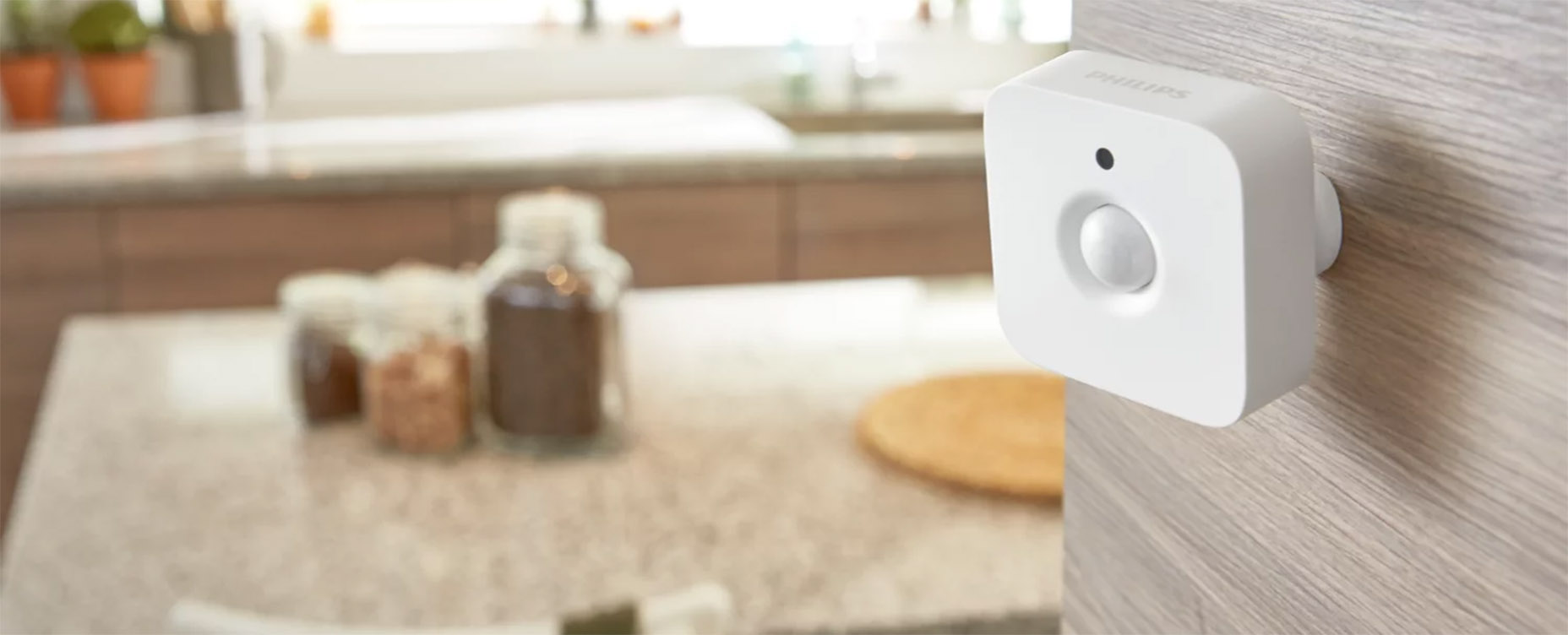
Stop building a Flow for every motion sensor
The first motion sensor you set up probably has its own Flow. It works fine until you have sensors in three rooms and want the lights to turn off only when every room has been quiet for a while. Suddenly, you’re building five Flows, or one Advanced Flow that looks like a subway map.
Use the zone, not the sensor
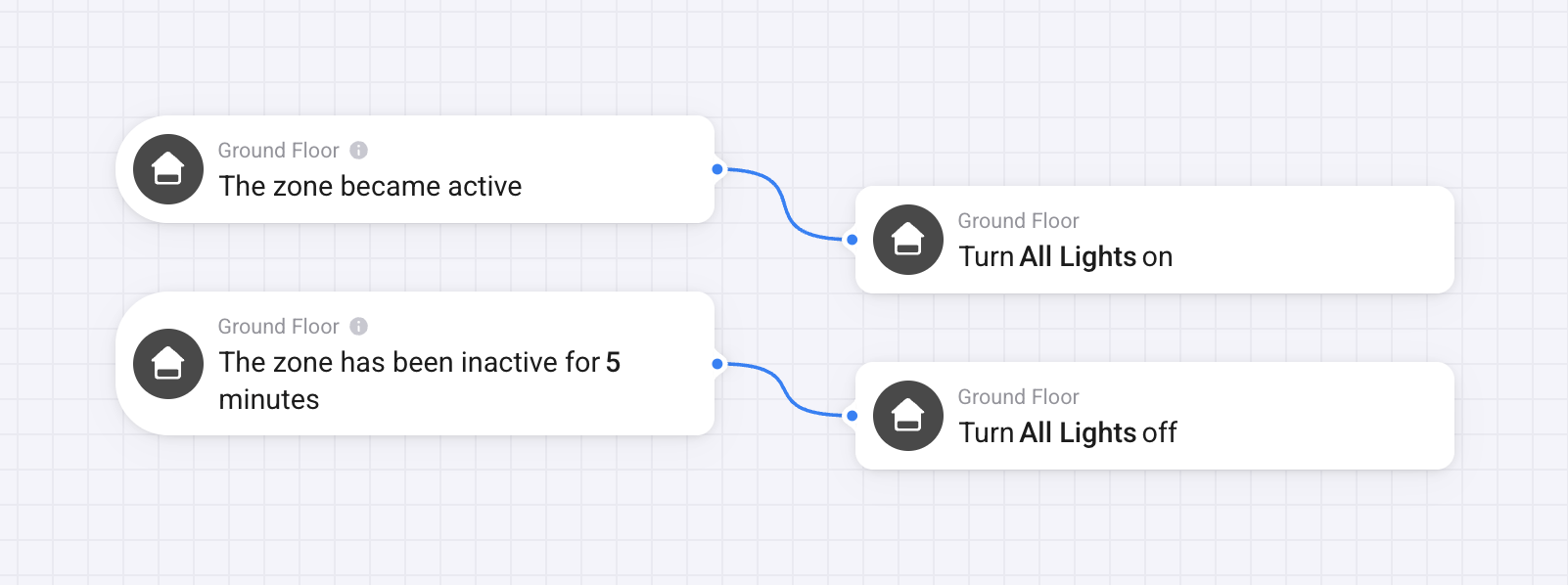
There’s a simpler way. Instead of triggering a Flow from an individual sensor, you can trigger it from an entire zone. The Flow card “Zone became active” fires whenever any sensor in that zone detects activity. “Zone has been inactive for X minutes” fires when the whole zone has been quiet for however long you decide. One Flow covers every sensor in that zone, and if you add a new sensor later, it works automatically.
Setting it up
First, make sure your sensors are assigned to the right zone. You can check this in the Devices tab. Each device shows which zone it belongs to, and you can move it if needed.
- Open Advanced Flow and add a new When card.
- Search for “zone” to find the zone activity cards.
- Select your zone and set a timer if you’re using the inactive trigger.
Then build the rest of your Flow as normal.
What it’s good for
Lighting is the most common use: lights on when anyone enters the living room, off five minutes after the last person leaves. It also fixes the classic problem of lights cutting out while you’re sitting still. If a sensor briefly loses sight of you, the timer resets as soon as it sees you again. The lights only go off when the whole zone has been quiet for the full five minutes.
Zone activity works for anything presence-based. Lower your thermostat when the ground floor has been inactive for 30 minutes. Turn on the outdoor lights when any sensor in your garden detects movement, not just the one by the front door. Turn off everything in the game room after an hour of inactivity.
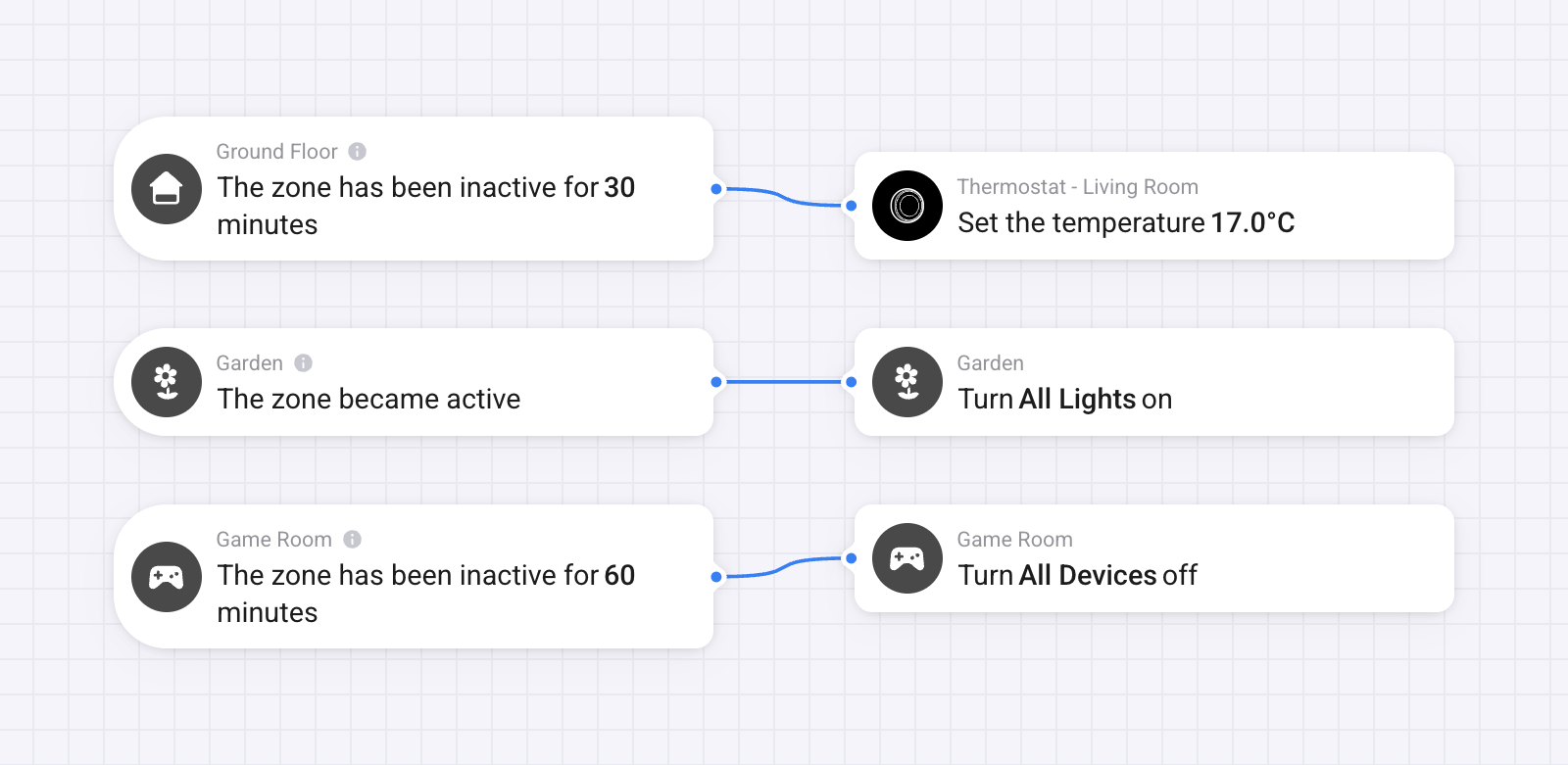
Any automation that currently depends on a single sensor works better as a zone.
Check your existing Flows
If you have motion-based Flows triggered by individual sensors, it’s worth revisiting them. In most cases, switching the trigger to a zone makes the Flow more reliable and easier to maintain. And once you’re in there, it’s worth checking your other sensors too — door and window sensors work exactly the same way.


