








Remote control
Button is pressed
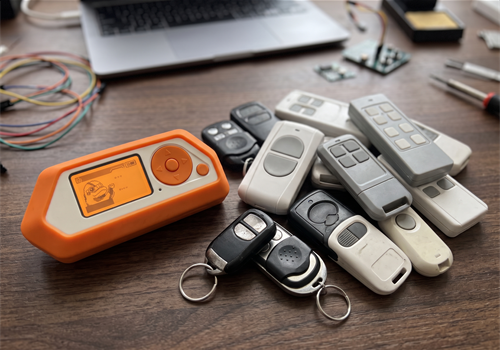
Click on a device above to show related Flow cards only.
Having an issue with this app? Contact the developer via the developer website.
Version 1.5.0 — Two new fixed-code protocols from the Unleashed firmware: Telcoma/Cardin EDGE (gates) and Doorbell32 (wireless doorbells). Listen also recognises Doorbell32 and no longer mistakes remotes it cannot decode for another protocol.
 Universal RF Remote is not compatible with the selected Homey.
 Universal RF Remote will install on Homey shortly.
We’ll let Bo Sundgaard know you love the app.
We’ll notify Bo Sundgaard you’ve sent a suggestion.
 Belgium
 Bulgaria
 Croatia
 Cyprus
 Czech Republic
 Estonia
 Finland
 Greece
 Hungary
 Iceland
 Ireland
 Latvia
 Lithuania
 Malta
 Moldova
 The Netherlands
 Portugal
 Romania
 Slovakia
 Slovenia
 Türkiye
 Ukraine
 United Kingdom


