



Integrate Legacy 433 MHz Devices With Modern Smart Home Gear
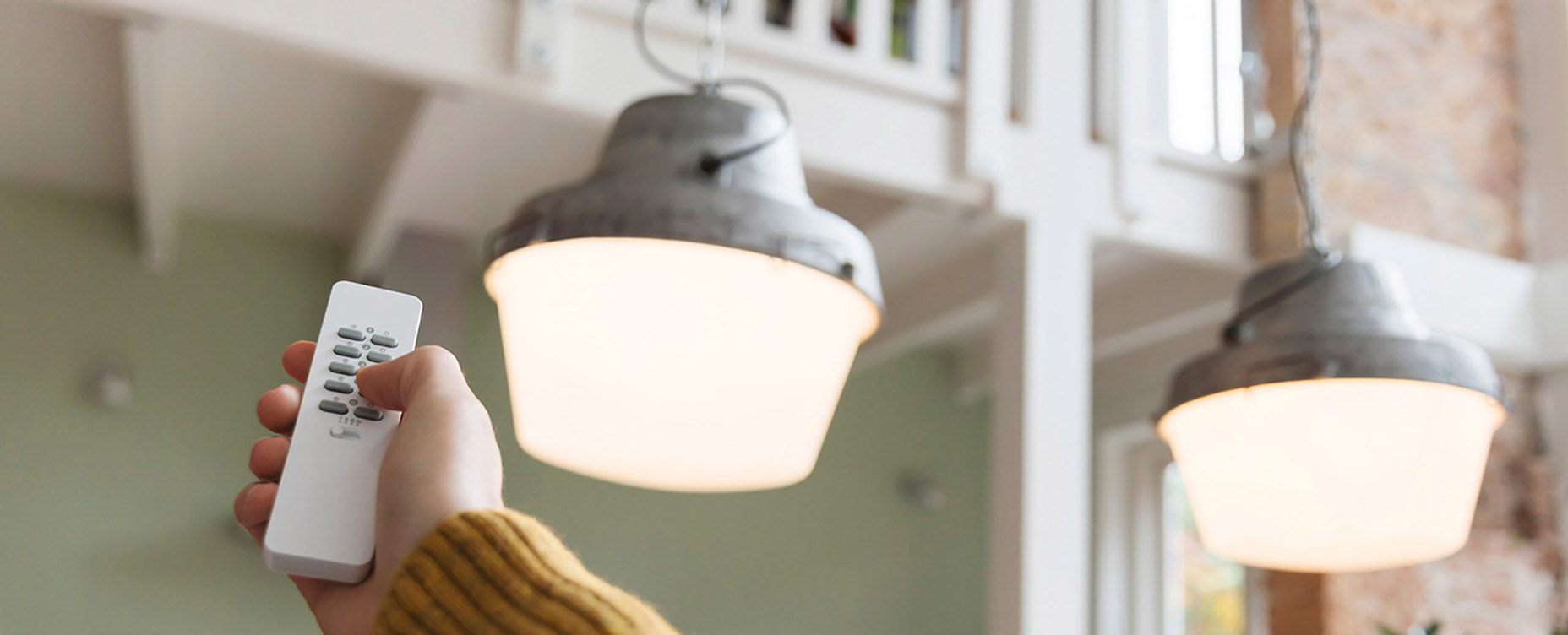
Many people don’t start their smart home journey with a grand plan. They start with a cheap 433 MHz plug set, a garage remote or a set of wireless blinds. Years later, they discover Zigbee, Z-Wave and Matter and wonder if they must replace everything.
The short answer, if you use Homey: no. You can keep a surprising amount of legacy 433 MHz gear and gradually build richer automation around it. That saves money, reduces waste and gives you time to learn what you actually want from your home.
Note: The content here applies to both 433 MHz (Europe) and 434 MHz (North America). These bands are functionally compatible in Homey and follow the same setup steps. Read more about 434 MHz.
Step 1: Take Inventory of Your 433 MHz Devices
Before integrating, understand what you have. Typical legacy 433 collections include:
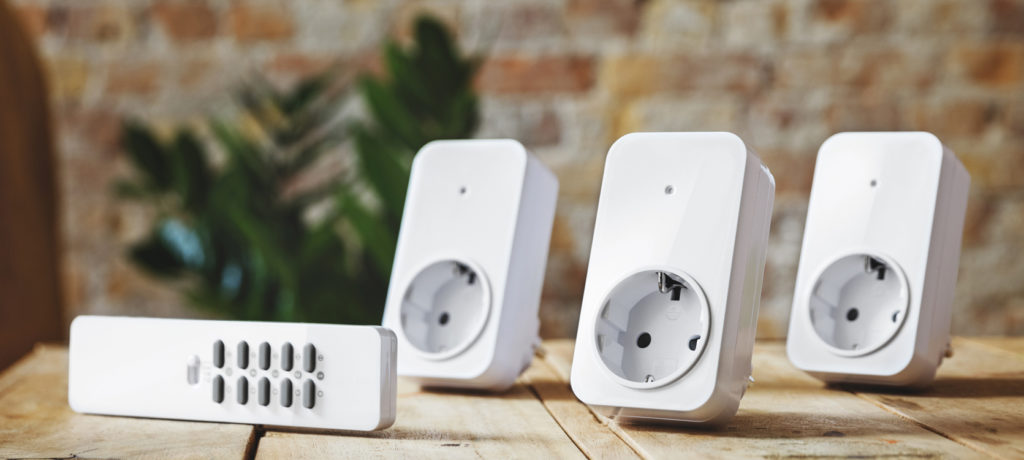
- Smart plugs for lamps and small appliances
- Blind or awning motors with simple remotes
- Doorbell pushes and chimes
- Weather stations or outdoor thermometers
- Odd-brand remotes from DIY store bundles
Write down brand names and approximate product families. Many of them — KlikAanKlikUit, Nexa, Smartwares, Elro, Telldus, Somfy and others — already have support in Homey’s app ecosystem.
Step 2: Add 433 MHz Devices to Homey
With Homey set up in a central spot, open the app and add devices per brand. For each supported device, you follow a pairing wizard: put the plug or blind motor in learning mode, let Homey send or listen for a signal, confirm that it reacts.
Once paired, the device appears like any other: plugs with simple on/off tiles, blinds with up/down controls, chimes as output devices. They may be simple, but they are now part of a much larger picture.
Step 3: Wrap Legacy Devices in Modern Flows
This is where the magic happens. A 433 MHz plug on its own is just a remote-controlled switch. In Homey, you wrap it with:
- Presence information
- Time-of-day conditions
- Triggers from Zigbee motion sensors or Z-Wave contacts
- Scenes and modes (e.g. “evening”, “away”, “vacation”)
Suddenly, that cheap plug behaves like a “modern” smart device. It turns on when you come home, off when you go to bed, and can be controlled from the same app as your Matter plugs or Zigbee lamps.
Step 4: Plan Gradual Upgrades Where It Matters
Not everything needs upgrading at once. A reasonable strategy looks like this:
- Keep 433 MHz for decorative and convenience loads that are rarely critical.
- Replace or avoid 433 MHz for devices where status, security or fine control matters.
For example:
- Keep 433 MHz plugs for Christmas lights.
- Move core lighting to Zigbee or Matter.
- Keep 433 MHz blinds where “open/close” is enough.
- Move heating control, security sensors and locks to Z-Wave or Zigbee.
Homey doesn’t care which protocol a device uses, so you’re free to upgrade room by room, or function by function, instead of all at once.
Step 5: Use Developer Tools and Apps for Oddball Devices
Some legacy devices don’t match well-known brand patterns. For these, Homey’s developer tools and Apps SDK give power users and developers a way to decode and support them.
For example, you might:
- Capture raw 433 MHz payloads from a DIY remote.
- Build a small app that treats each payload as a “button press” capability.
- Expose it in Homey as a virtual button or sensor, even if the original product had nothing like that.
This is more advanced, but it can breathe new life into hardware that would otherwise end up in a drawer.
Conclusion: Don’t Throw Away; Integrate, Then Evolve
If you’ve invested in 433 MHz gear over the years, you don’t need to scrap it to go “proper smart home”. With Homey, legacy devices can live alongside modern Zigbee, Z-Wave and Matter equipment in one coherent system.
The art lies in allocating roles wisely. Let legacy 433 MHz gear handle simple, forgiving tasks; let modern protocols handle the rest. Over time, as devices age out or needs change, you can upgrade where it really matters, without ever losing control of the whole picture.
FAQ
Do I have to replace all my 433 MHz devices to use Homey?
No. Homey is explicitly designed to integrate many 433 MHz brands, so you can reuse a lot of what you already own.
What if my 433 MHz brand isn't listed in Homey?
Check if there is a generic app or community app; in some cases, power users create apps for lesser-known brands.
Can I control a 433 MHz plug with a Zigbee motion sensor?
Yes. Once both are paired to Homey, you can connect them via Flows regardless of protocol.
Is it worth integrating a very cheap, unreliable 433 MHz device?
If you depend on it rarely, yes. For anything important, it's often better to replace with a more robust device.
Can I still use the original 433 MHz remote after pairing with Homey?
Usually yes. Many devices can accept commands from both Homey and their original remote.
Is it possible to "upgrade" a 433 MHz blind to Zigbee or Z-Wave?
Sometimes by replacing the motor/controller. Otherwise you can keep using 433 MHz for control and rely on other protocols for sensing and automation logic.
Will integrating lots of 433 MHz devices overload Homey?
Normal use is fine. The main limitation is radio behaviour, not CPU. For heavy usage, spread commands out slightly in Flows.
Can I migrate automations later if I replace a 433 MHz device?
Yes. In Homey you can edit Flows to swap devices, keeping your logic while changing the underlying hardware.
What about 433 MHz weather stations?
Some can be integrated; others may need custom apps. Once in Homey, their readings can feed more advanced automations.
Is there any risk mixing old and new devices in the same system?
The main risk is complexity. Homey helps by presenting a unified interface and letting you simplify over time.
Glossary
Legacy Device
A device that predates your current smart home architecture. Often uses simpler protocols like 433 MHz but can still be useful when integrated properly.
Bridge (Hub)
A device that connects different protocols and exposes them via one interface. Homey is a bridge for 433 MHz, Zigbee, Z-Wave, Matter, Wi-Fi and more.
Flow Migration
The process of reusing existing automation logic while swapping underlying devices, such as moving from a 433 MHz plug to a Zigbee plug.
Hybrid Setup
A smart home built from multiple generations and protocols of devices. A hybrid setup is normal; a good hub makes it feel consistent.
Capabilities
The functions a device exposes, such as on/off, dim, temperature, open/close. Homey abstracts these so you don't interact with raw RF codes.
Zone-Based Integration
Adding legacy and modern devices room by room, treating each room as a "zone" and cleaning it up over time.
Refactoring (Automations)
Reorganising Flows and automations to make them simpler and more maintainable as your device mix changes.
Protocol-Agnostic Logic
Automation logic that doesn't depend on the underlying wire protocol. Homey encourages this by letting you build Flows around events and actions, not radio details.
Virtual Device
A software-only representation of a device or function in Homey. Useful when wrapping legacy behaviour or consolidating multiple physical devices into one logical control.
Community App
A Homey app developed by the community rather than the vendor, often adding support for niche or legacy devices.


