








Control your ConnectLife appliances with Homey
The official ConnectLife app for Homey is now available. Bring appliances from Hisense, Gorenje, ASKO, ATAG, and Pelgrim into your smart home.
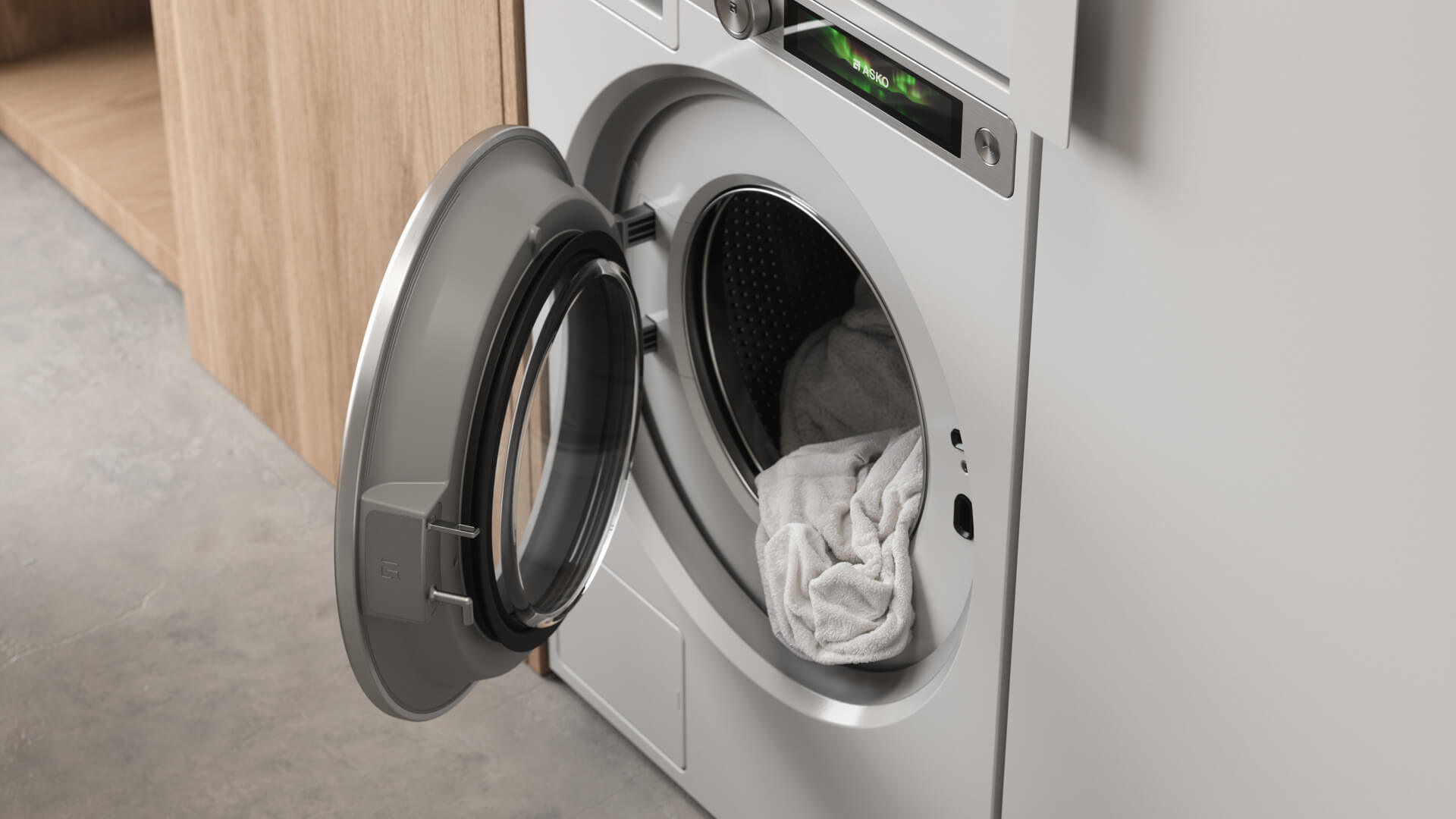
Once added, your washing machine, tumble dryer, dishwasher, or split air conditioner no longer has to live in a separate app. It shows up in Homey alongside your lights, sensors, and heating, ready to control and use in Flows.
See what your appliance is doing
Open an appliance in Homey to check its current cycle and how much time is left. Depending on the appliance, you can also see whether a door is open, the rinse aid is running low, or a dryer tank needs emptying. For a split air conditioner, you can change the temperature, mode, and fan speed. You can start and stop supported programs from Homey too.
Put your appliance to work
Create a Flow that sends you a notification when the washing machine finishes, or turn on a light as a reminder. If the dishwasher needs salt or rinse aid, Homey can let you know. A split air conditioner can start cooling when someone’s in the room and it gets too warm, then switch off again once the room has been empty for a while.
Run them when electricity is cheapest
If you use Dynamic Electricity Prices in Homey Energy, you can also time supported appliances around the cheapest hours of the day. For example, load the washing machine in the morning and let a Flow start it when electricity is cheaper. The same applies to a dishwasher. For this to work, you need to enable remote start on the appliance first, and load it so it’s ready to run.
Get started
The ConnectLife app works with Homey Cloud, Homey Pro, Homey Pro mini, and Homey Self-Hosted Server. Install it from the Homey App Store and sign in with the ConnectLife account your appliances are already registered to.


