Avertissement ! Cette appli peut ne pas fonctionner correctement.
Cette appli est en cours de test, et n’a jamais été revue. Il se peut qu’elle ne fonctionne pas comme attendu. Prenez des précautions supplémentaires en installant cette appli.
Adds support for Sonnen Batterie - Time of Use (ToU) and more.
The sonnenBatterie does not only store energy, it's smart. As an intelligent, backup capable, energy storage system, sonnenBatterie 10 can integrate into any existing PV system on the market. Gain your energy independence now and secure yourself against future energy price increases.
This app allows you to set or reset Time-Of-Use, change the operating mode and enable/disable forecast/prognosis charging.
This is very useful with changing energy prices, you can pause your batterie delivery on low tariff or charge batterie on low tariff - so being fully charged in times with high tariff.
The battery's backup buffer (EM_USOC) - the state of charge the battery will not discharge below during normal operation - can be monitored on the device, changed in the device settings and automated from flows.
Reset Time-Of-Use is very useful, because once schedule is set - the schedule is repeated daily. Reset will clear the schedule. Please use this before setting a new schedule.
Be aware, currently only one schedule/Time-Of-Use is supported to be set by a flow.
However the device settings dialog already allows to set multiple events.
Be sure to enable the ToU operating mode to be effective.
Note that changes to the ToU schedule, prognosis charging and operating mode are only possible if the Sonnen write API is enabled.
Usage notes:
Be sure to create at least a "sonnenBatterie" home battery device.
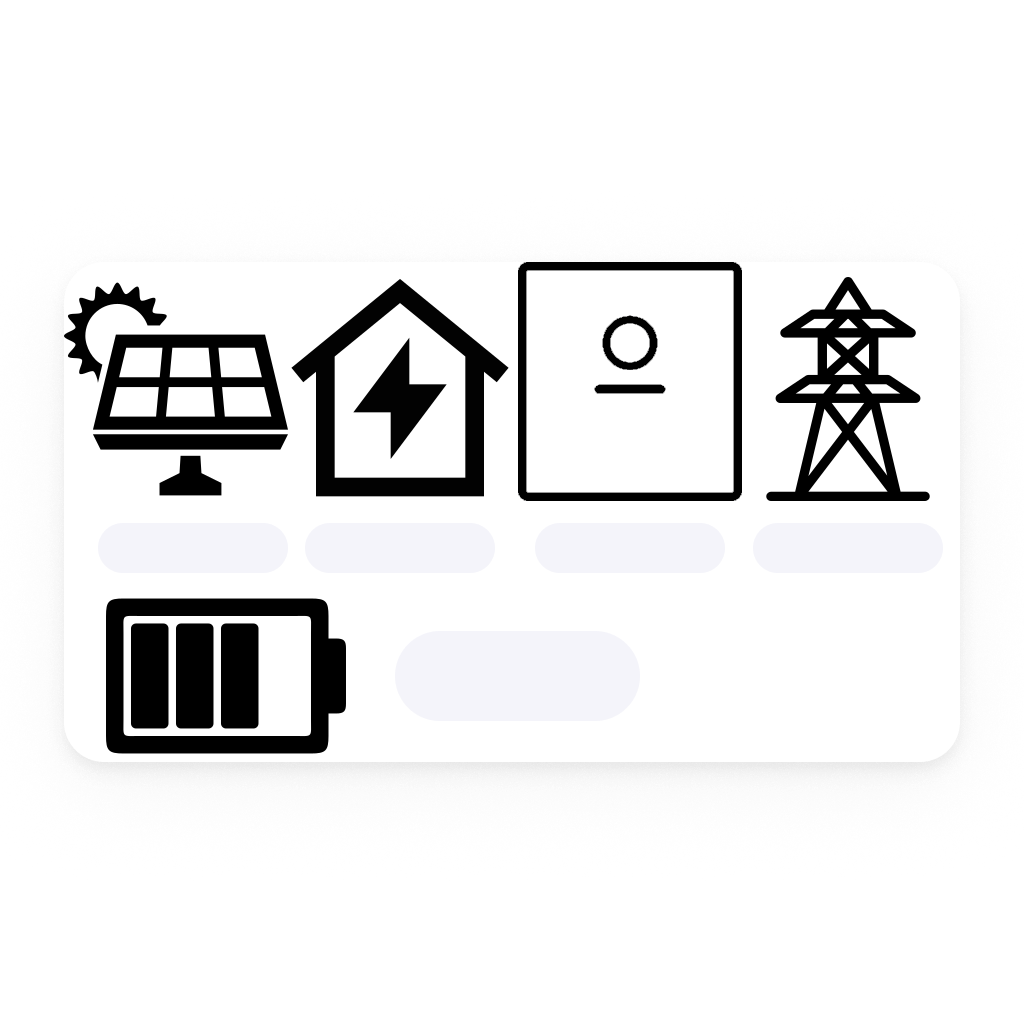
This device is mandatory to provide data to all other derived devices such as "household", "grid" and "solar panel".
The derived devices offer nicely grouped capabilities, convenient insights and dedicated status indicators.
Also you can associate your solar panel with your home's roof zone, your grid device and home battery with cellar or whatever zone fits.
Instead of using this app's derived devices also dedicated apps providing smart meter or solar panel/inverter devices can be used.
However when having multiple devices providing the same type of data, be sure to exclude all but one from Energy tab by using the device's "Exclude from Energy" setting.
Also consider excluding the household device from Energy.
Please visit the application's settings page, after installing this application. Configuration fields are mandatory.
Cliquez sur un appareil ci-dessus pour afficher uniquement les cartes Flow associées.
Quand...
sonnenBatterie
Le niveau de la batterie a changé
sonnenBatterie
L'état de charge de la batterie a changé ...
sonnenBatterie
L'alarme générique s'est activée
sonnenBatterie
L'alarme générique s'est désactivée
sonnenBatterie
L'énergie a changé
sonnenBatterie
The operating mode changed
sonnenBatterie
The prognosis charging is active
sonnenBatterie
The prognosis charging is inactive
sonnenBatterie
Connection alarm turned on
sonnenBatterie
Connection alarm turned off
sonnenBatterie Grid
L'énergie a changé
sonnenBatterie household
L'énergie a changé
sonnenBatterie solar panel
L'énergie a changé
sonnenBatterie solar panel
Le compteur électrique a changé
Et...
sonnenBatterie
L'état de charge de la batterie est ...
sonnenBatterie
L'alarme générique est en marche
sonnenBatterie
Battery level is above or equal to Battery percentage level%
i
Battery level above or equal percentage provided.
sonnenBatterie
Battery level is below Battery percentage level%
i
Battery level below percentage provided.
sonnenBatterie
Backup buffer is above or equal to Backup buffer percentage%
i
Backup buffer above or equal percentage provided.
sonnenBatterie
Backup buffer is below Backup buffer percentage%
i
Backup buffer below percentage provided.
sonnenBatterie
Operating mode is ...
i
Current operating mode
sonnenBatterie
Prognosis charging is active: ...
sonnenBatterie Grid
Consuming watts from grid is greater than Power (W) W
i
Is consuming power from grid.
sonnenBatterie Grid
Feed-in to grid is greater than Power (W) W
i
Feeding-in power to grid
Alors...
sonnenBatterie
Set Time-of-Use starting Enter starting time for new charge event and ending Enter end time for the new charge event with charge of maximum Max. power from grid (0-46000 W)W within this period.
i
Set period for Time-of-Use
sonnenBatterie
Set Time-of-Use starting Enter starting time for new charge event and ending after Specify hours after 'start' to end of schedule hours with charge of maximum Max. power from grid (0-46000 W)W within this period.
i
Set period for Time-of-Use
sonnenBatterie
Set Time-of-Use starting Enter starting time for new charge event. String must be well-formatted 24h format (ex: 13:15) and ending after Specify hours after 'Start' to end of schedule hours with charge of maximum Max. power from grid (0-46000 W)W within this period.
i
Set period for Time-of-Use
sonnenBatterie
Set Time-of-Use starting Enter starting time for new charge event. String must be well-formatted 24h format (ex: 13:15) and ending Enter end time for the new charge event. String must be well-formatted 24h format (ex: 13:15) with charge of maximum Max. power from grid (0-46000 W)W within this period.
i
Set period for Time-of-Use
sonnenBatterie
Reset Time-of-Use
i
Resets the schedule for Time-of-Use
sonnenBatterie
Pause Time-of-Use starting Enter starting time for new charge event and ending Enter end time for the new charge event. Battery will be paused within this period.
i
Pause battery consumption within a given period of time
sonnenBatterie
Pause Time-of-Use starting Enter starting time for new charge event. String must be well-formatted 24h format (ex: 13:15) and ending Enter end time for the new charge event. String must be well-formatted 24h format (ex: 13:15). Battery will be paused within this period.
i
Pause battery consumption within a given period of time
sonnenBatterie
Start charging of battery with max. power Max. power from grid (0-46000 W) W
i
Start charging of battery (Time-of-Use)
sonnenBatterie
Stop charging of battery
i
Stop charging of battery (Time-of-Use)
sonnenBatterie
Switch operating mode to ...
i
Switch to the appropriate operating mode to have e.g. the Time-of-Use schedule applied
sonnenBatterie
Prognosis charging: ...
i
Toggle prognosis charging
sonnenBatterie
Set backup buffer to Backup buffer percentage (0 = disabled, 5-100 %) %
i
Set the state of charge the battery will not discharge below during normal operation. Valid values: 0 (disabled) or 5-100 %.
sonnenBatterie
Manual charging of battery with max. power Max. power from grid (0-46000 W) W
i
Use with operating mode: Manual
sonnenBatterie
Set manual discharging of battery with max. power Max. power to grid (0-46000 W) W
i
Use with operating mode: Manual
sonnenBatterie
Set Time-of-Use schedule: Schedule (one period per line)
i
One period per line, same format as the device settings: 'HH:MM-HH:MM: maxW', e.g. '00:00-09:00: 2000W' and '09:00-12:00: 3000W'. Press Shift+Enter for a new line. Tip: store schedules in variables and switch between them from flows.
Widgets
Vous pouvez ajouter les widgets de cette application à votre tableau de bord ou à votre écran d’accueil dans l’application mobile.
Sonnen Batterie
Assistance
Vous avez un problème avec cette appli ?
Contacter le développeur ici.
Nouveautés
Version 2.8.0 — New backup buffer feature: the battery's backup buffer (the state of charge it will not discharge below during normal operation) is now shown on the device, can be changed in the device settings or from Flows with the new 'Set backup buffer' action card, and can be used in flow conditions and change triggers. Connection handling: more resilient against a transient settings read issue that could show a 'Could not connect to the battery' warning after changing device settings. Added Swedish (SV) localization.









 Sonnen Batterie n’est pas compatible avec le Homey sélectionné.
 Sonnen Batterie va s’installer sur Homey dans un instant.
 Belgium
 Bulgaria
 Croatia
 Cyprus
 Czech Republic
 Estonia
 Finland
 Greece
 Hungary
 Iceland
 Ireland
 Latvia
 Lithuania
 Malta
Malta
 Moldova
 The Netherlands
 Portugal
 Romania
 Slovakia
 Slovenia
 Türkiye
 Ukraine
 United Kingdom


