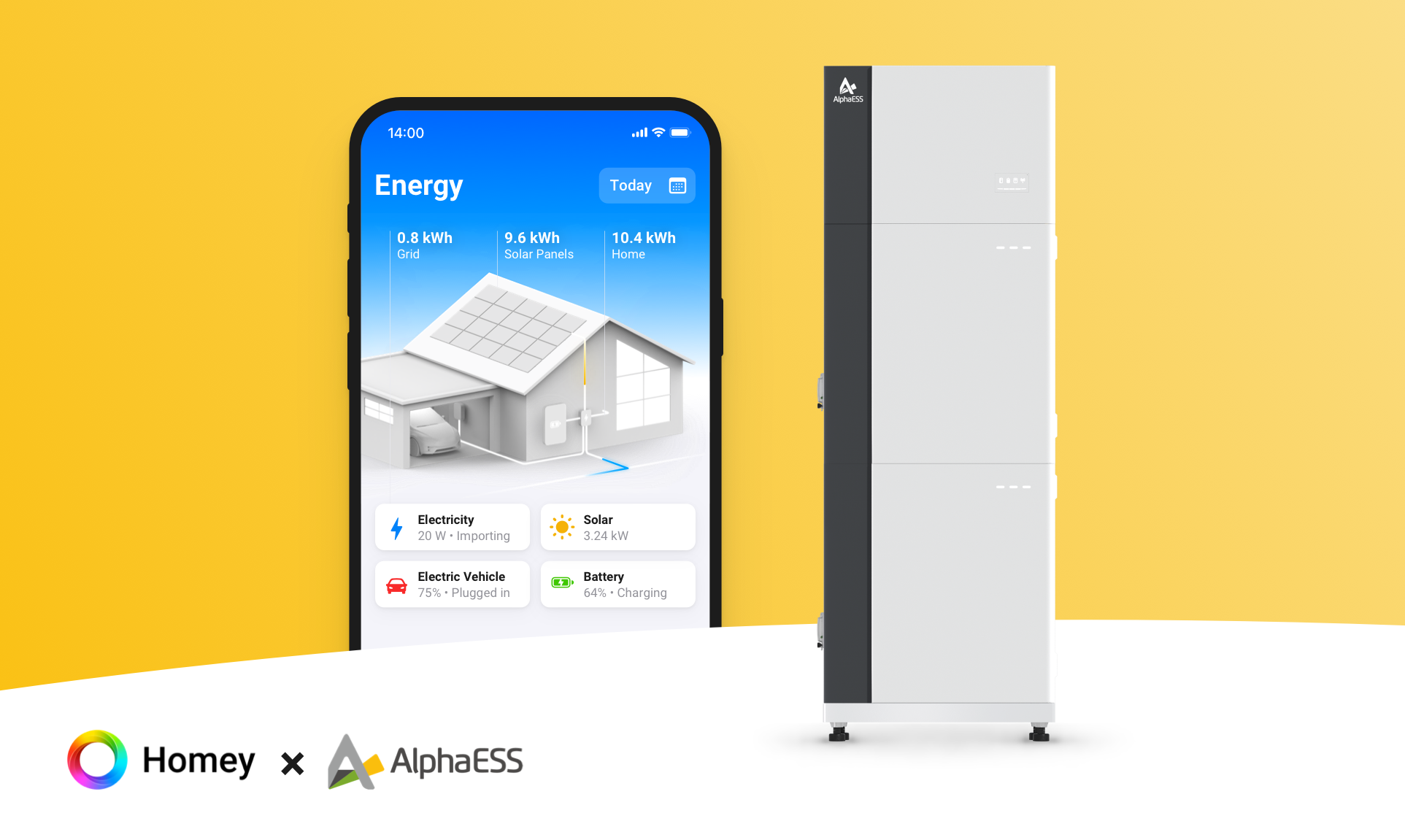




Home energy powered by AI

Lire plus ›

Appareils pris en charge

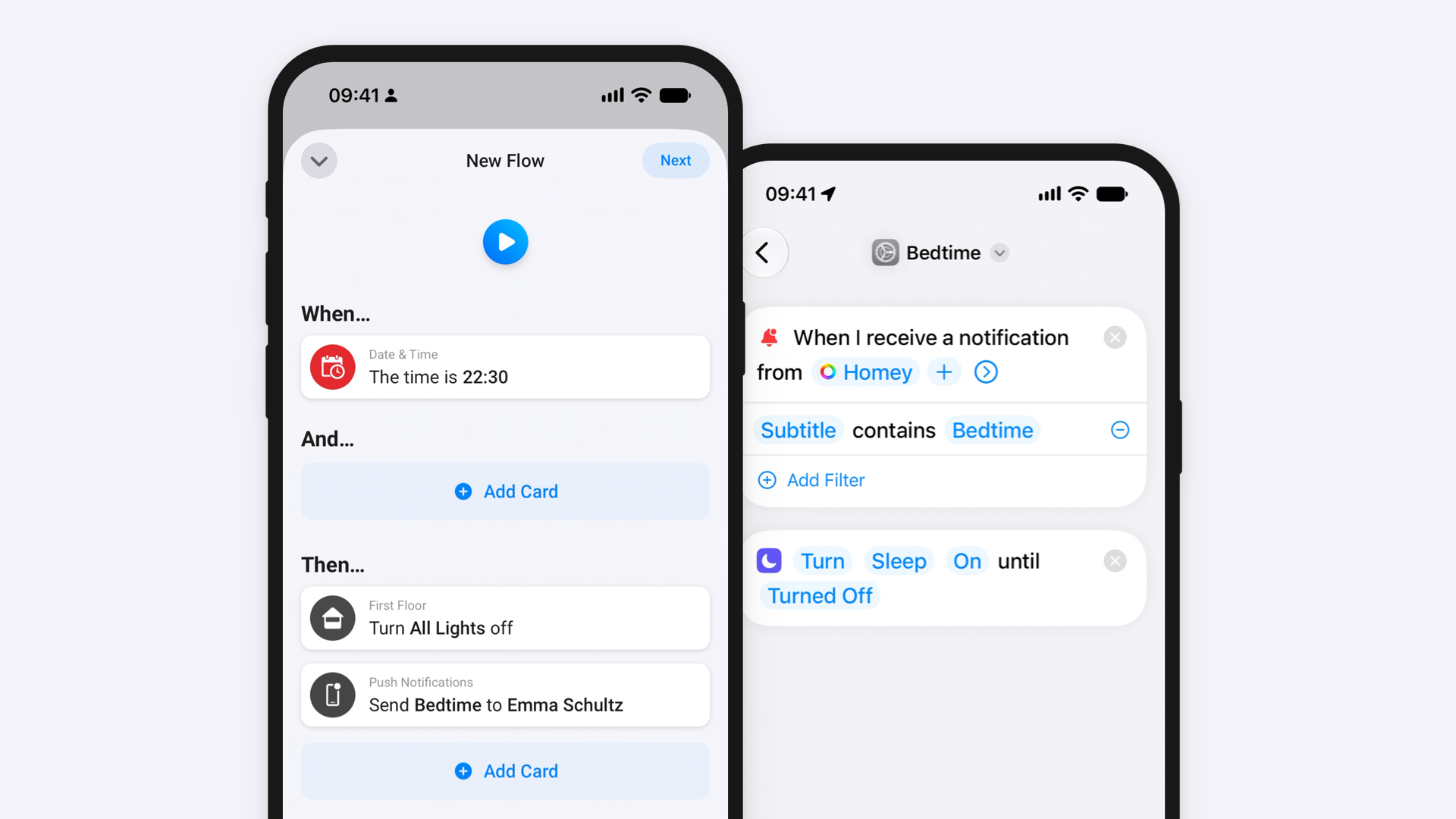
Cartes Flow

Cliquez sur un appareil ci-dessus pour afficher uniquement les cartes Flow associées.

Quand...

Battery
Le niveau de la batterie a changé
Battery
L'état de charge de la batterie a changé ...
Battery
L'énergie a changé
Battery
Firmware changed
Energy Meter
L'énergie a changé
Energy Meter
Grid status changed to Grid status
Energy Meter
Independent phase control changed to Phase control
EV AC Charger
Charge démarrée
EV AC Charger
Charge arrêtée
EV AC Charger
L'état de charge du chargeur VE a changé ...
EV AC Charger
L'énergie a changé
EV DC Charger
Charge démarrée
EV DC Charger
Charge arrêtée
EV DC Charger
L'état de charge du chargeur VE a changé ...
EV DC Charger
L'énergie a changé
EV DC Charger
Le courant électrique a changé
EV DC Charger
DC charger state changed to State
Inverter
L'énergie a changé
Inverter
Le compteur électrique a changé
Plant
Le niveau de la batterie a changé

Et...

Battery
L'état de charge de la batterie est ...
EV AC Charger
N'est en cours de charge
EV AC Charger
L'état de charge du chargeur VE est ...
EV DC Charger
N'est en cours de charge
EV DC Charger
L'état de charge du chargeur VE est ...
Plant
Battery is held
i
True while 'Hold the battery at its current level' is active, until 'Release the battery hold' runs.
Plant
EMS mode is Mode

Alors...

Energy Meter
Set max grid export power to Power (kW) kW
i
Caps how much power may be fed into the grid at the connection point. Set 0 to stop exporting entirely. Requires a grid sensor and applies regardless of EMS mode.
Energy Meter
Set max grid import power to Power (kW) kW
i
Caps how much power may be drawn from the grid at the connection point, for example to stay under a fuse rating. Requires a grid sensor and applies regardless of EMS mode.
EV AC Charger
Démarrer la charge
EV AC Charger
Arrêter la charge
EV DC Charger
Démarrer la charge
EV DC Charger
Arrêter la charge
EV DC Charger
Set max charging power to Power (kW) kW
EV DC Charger
Set max discharging power to Power (kW) kW
Plant
Force charge battery from grid at Power (kW) kW
i
Turns remote EMS on in 'Charge, grid first' mode and sets the max battery charge power to the given value. When done, turn remote EMS off and remove the max battery charge power limit.
Plant
Hold the battery at its current level
i
Stops the battery discharging, for example while the car is charging, and keeps AI mode running. Works by raising the discharge cut-off SOC to just below the current level, so it stops within a minute or two; solar can still charge the battery. While held, the house is also supplied from solar and the grid instead of the battery. Use 'Release the battery hold' afterwards to restore the previous cut-off SOC.
Plant
Release the battery hold
i
Restores the discharge cut-off SOC that applied before 'Hold the battery at its current level', so the battery can discharge normally again. Does nothing if the battery is not held.
Plant
Remove the max battery charge power limit
i
Lets the battery charge freely again by setting the limit to the system's rated charging power, shown under device settings. The battery is then no longer constrained, since it cannot exceed its rated power anyway.
Plant
Remove the max battery discharge power limit
i
Lets the battery discharge freely again by setting the limit to the system's rated discharging power, shown under device settings. The battery is then no longer constrained, since it cannot exceed its rated power anyway.
Plant
Remove the max solar power limit
i
Lets the solar panels produce freely again.
Plant
Set backup SOC to Backup SOC (%) %
i
Sets how much charge the battery keeps in reserve for a power outage, for example before a storm. In AI mode it does not stop the battery discharging - use 'Hold the battery at its current level' for that.
Plant
Set charge cut-off SOC to Charge cut-off SOC (%) %
i
Sets the level the battery stops charging at, for example 80 % in summer. Set 100 % to let it charge fully again.
Plant
Set max battery charge power to Power (kW) kW
i
Caps how much power the battery may draw. Set 0 to stop it charging completely, for example to send surplus solar to the grid instead. Applies to the whole system. Some firmware ignores these limits in AI mode.
Plant
Set max battery discharge power to Power (kW) kW
i
Caps how much power the battery may supply. Set 0 to stop it discharging completely, for example while the car is charging. Applies to the whole system. Some firmware ignores this limit in AI mode - if the battery keeps discharging, use remote EMS Standby instead.
Plant
Set max solar power to Power (kW) kW
i
Caps how much power the solar panels may produce, for example while the feed-in price is negative. Works in every EMS mode, including AI mode. Unlike a grid export limit it also reduces solar charging of the battery. Set 0 to stop solar production completely. Use 'Remove the max solar power limit' afterwards.
Plant
Turn remote EMS State
i
While remote EMS is on, the system follows the remote EMS control mode set from Homey and ignores the mode chosen in mySigen. Turning it off hands control back to the system's own EMS, but some firmware falls back to Max self consumption rather than AI mode - re-select AI mode in mySigen if needed. Limits set with the max charge/discharge power cards stay in place until removed.
Plant
Set remote EMS control mode to Mode
i
Turns remote EMS on and sets what the system does. Standby holds the battery. Charge modes charge the battery, from the grid or PV first, at up to the max battery charge power. Discharge modes export, from PV or the battery first. Turn remote EMS off to hand control back to the system (some firmware then runs Max self consumption instead of AI mode).

Widgets

Vous pouvez ajouter les widgets de cette application à votre tableau de bord ou à votre écran d’accueil dans l’application mobile.

Live view
Live view
Live view compact
Live view compact

Assistance

Vous avez un problème avec cette appli ? Contacter le développeur ici.

Nouveautés

Version 0.8.0 — New flow cards on the Plant device: limit solar power (for example at negative feed-in prices), set backup SOC, set charge cut-off SOC, and conditions for 'battery is held' and 'EMS mode is'. Hold the battery now stops discharge within a minute or two instead of after a percent or more.

Afficher le journal des modifications

Sigenergy

Sigenergy n’est pas compatible avec le Homey sélectionné.

Sigenergy va s’installer sur Homey dans un instant.
Installer