





What Is KNX? A Technical Deep Dive for Smart Home Enthusiasts
KNX is not just another smart home protocol. It is a formal international standard for building automation, widely used in homes, offices, hotels, hospitals and airports. Homey supports KNX out of the box, allowing you to expand the capabilities of your existing KNX network with all the devices you've added to Homey.
At its core, KNX is a distributed control system. Every device has its own intelligence and communicates directly with other devices over a shared bus. There is no single controller that everything depends on. If one device fails, the rest of the system keeps working as programmed.
For smart home enthusiasts coming from Zigbee hubs, Wi-Fi plugs and Matter bridges, KNX often feels closer to industrial automation. It is conservative in its design, deterministic in its behavior and built to run a building quietly for decades rather than just power one clever lamp.
KNX as a Standard, Not a Product
KNX is managed by the KNX Association, a non-profit organisation based in Brussels. The Association maintains the specifications, defines how devices should behave and tests products for compliance. More than 500 manufacturers produce KNX-certified devices, all expected to work together within the same installation.
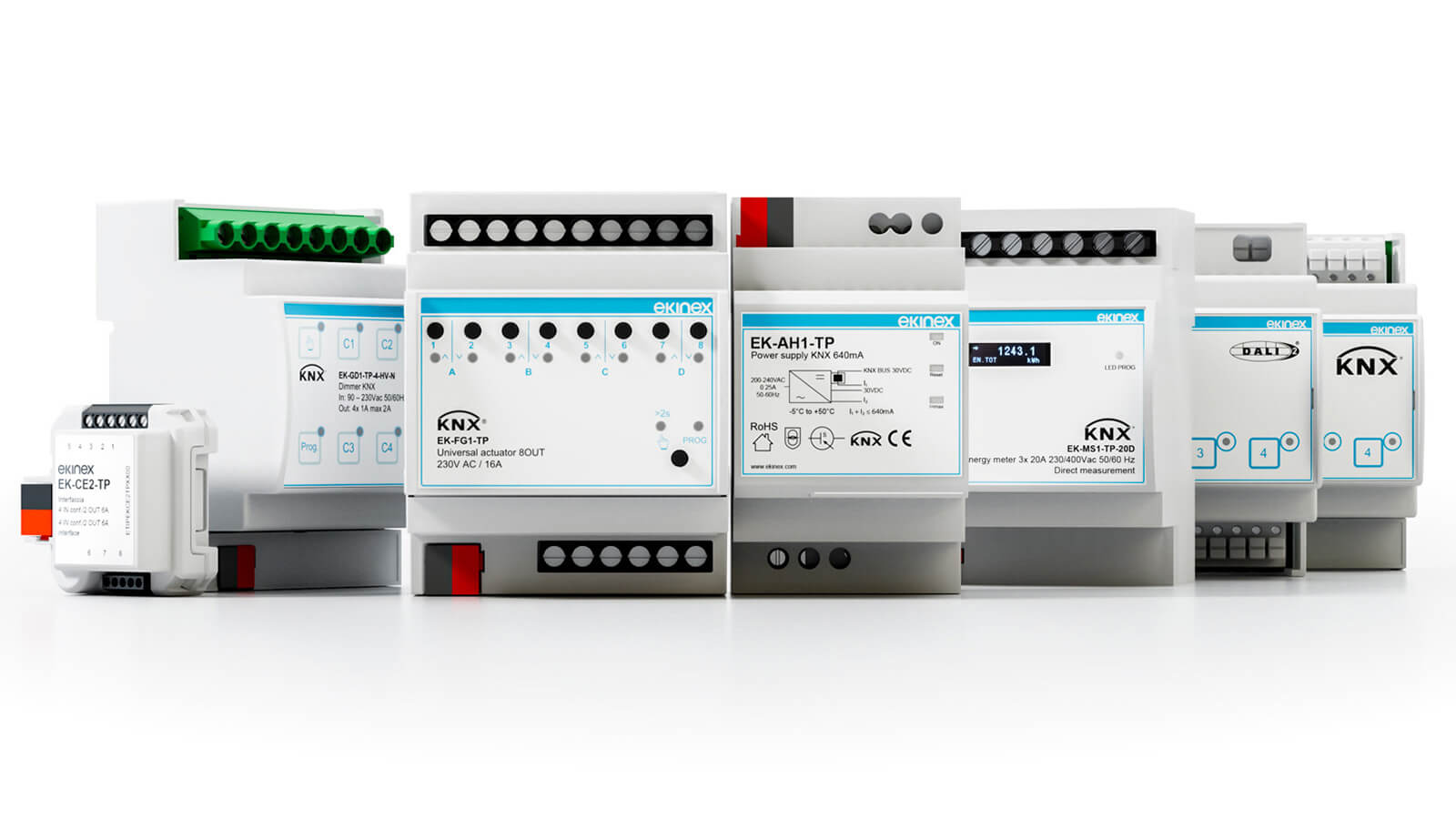
The standard covers the full stack of home automation. It defines the physical media over which communication runs, including twisted pair cable, powerline, radio and IP. It specifies the communication layers from link to transport, describes configuration modes for how devices are set up, and defines the application layer with datapoint types that ensure lighting, shading, HVAC and other functions behave consistently across brands.
The goal is vendor neutrality. A KNX actuator from one manufacturer should respond correctly to a KNX sensor from another, as long as both are configured with compatible datapoint types and share the same group addresses. KNX is the common language. Devices from different manufacturers simply speak it.
Physical Media: Twisted Pair, RF, Powerline and IP
Originally, KNX was built around a dedicated twisted pair bus called TP1. This is a two-wire cable that carries both power and data. The bus runs at 9600 bps and supplies connected devices with 30 V DC. Devices connect to this bus and exchange KNX telegrams by modulating the voltage. In residential projects, TP1 remains the most common and trusted medium.
Over time, KNX expanded to other physical layers. Powerline variants reuse existing mains wiring to carry telegrams, though they are less common in modern installations. KNX RF introduces a wireless option at 868 MHz in Europe, making it easier to add devices where pulling new cable is difficult or impossible. KNX IP, often called KNXnet/IP, encapsulates KNX telegrams in UDP packets and transports them across standard Ethernet networks.
In many real-world installations, these media are combined. Field devices like switches and actuators typically sit on twisted pair, while IP routers connect different parts of the installation and link KNX to visualisation servers or smart home platforms over Ethernet.
Topology: Lines, Areas and a Structured Bus
A KNX installation is not just one long wire with every device connected to it. The standard defines a structured topology designed to scale from small homes to large commercial buildings.
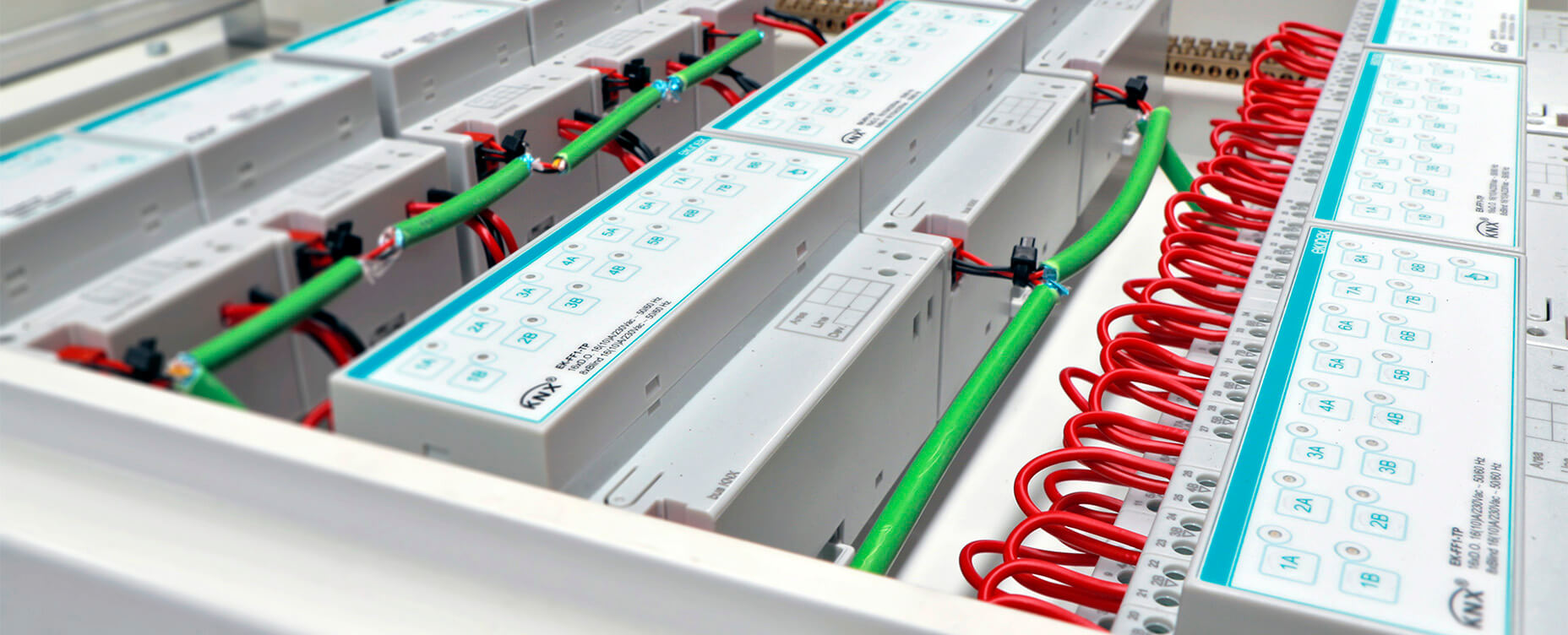
The fundamental unit is the line. A line includes a dedicated power supply and can host up to 64 bus devices. When more capacity is needed, multiple lines are combined into an area via line couplers. These couplers manage traffic, isolate faults and keep broadcast telegrams under control.
Above the areas sits a backbone, often implemented over IP using KNX routers. Together, backbone, areas and lines form a hierarchical tree-like structure that makes it easier to manage addressing, power distribution and bus load. In a compact home, a single line is typically enough. Larger buildings usually rely on multiple lines and areas to stay scalable and maintainable.
Communication Model: Group Addresses and Telegrams
Communication in KNX is built around telegrams and group addresses. A telegram is a small data packet that travels across the bus. It contains a source address, a destination and a payload. Devices can communicate directly using individual addresses, but in day-to-day operation KNX relies mainly on group addresses.
A group address represents a function rather than a specific device. Instead of a switch targeting a specific actuator, it sends a telegram to a group such as "Living room main light on/off". Any actuator configured to listen to that group responds when it receives the telegram.
In a typical installation, a group address like 1/0/1 might represent "Living room main light on/off" and 2/1/0 might represent "First floor blinds up/down". Several wall switches can be configured to send to the same group address, so multiple buttons operate the same light circuit. A single presence sensor can send to both a lighting group and a scene group, triggering multiple loads from one detection event.
Because of this model, behavior lives inside the network rather than inside a single central box. A presence sensor turns on lights by sending a group write directly, without any controller waking up to interpret the event. The result is a system that is inherently decentralized and resilient.
Datapoint Types: Making Values Interoperable
To make multi-vendor communication reliable, KNX defines Datapoint Types, commonly referred to as DPTs. A datapoint type describes what a value means and how it is encoded, including how many bits or bytes it uses, how those bits are interpreted and what physical quantity they represent.
Common examples include a one-bit Boolean for simple on/off control, a one-byte value representing a percentage from 0 to 100%, a two-byte floating-point temperature in degrees Celsius and four-byte integers for counters or energy values.
If an actuator's group object is configured with DPT 1.001 and a sensor uses the same DPT, both sides agree that a logical "1" means "on" and a logical "0" means "off". That shared understanding is what makes it possible to mix brands freely. As long as the devices involved in a function use the same datapoint type for a given group address, they will interpret each other's telegrams correctly.
In practice, a significant part of KNX engineering comes down to selecting appropriate DPTs and aligning them across sensors, actuators and any integration systems involved.
Configuration and ETS
KNX devices are configured and commissioned using ETS, the Engineering Tool Software. ETS is the official configuration suite maintained by the KNX Association and used by integrators worldwide.
In ETS, the integrator first designs the project topology, deciding which lines and areas exist and which devices sit where. Every device receives an individual address that uniquely identifies it on the bus. The integrator then defines group addresses to represent functions like lights, blinds, scenes, HVAC setpoints and more.
Each KNX device exposes one or more group objects, which serve as the logical endpoints for communication. The integrator links these group objects to the relevant group addresses, sets the parameters and chooses datapoint types so that all linked devices interpret values the same way. Once the configuration is ready, ETS downloads it into the devices over the bus.
After commissioning, the system runs on its own. Each device knows which groups to listen to, which groups to send to and how to interpret the values it receives. There is no central server holding all the logic. Compared to most consumer smart home hubs where rules live in a single box, KNX spreads intelligence across the entire network.
KNX RF and Secure Variants
KNX RF brings the KNX model into the wireless world. Devices communicate over 868.3 MHz using FSK modulation and integrate with twisted pair segments via RF media couplers. From the perspective of ETS and the KNX application layer, RF devices behave like their wired counterparts. They present group objects, use DPTs and participate in group communication like any other node.
As installations have become more connected and IP networks more exposed, security has grown in importance. KNX Secure adds authenticated encryption to address this. KNX IP Secure protects KNXnet/IP communication on Ethernet networks, while KNX Data Secure protects telegrams directly on the fieldbus, whether they travel over twisted pair or RF.
For technically inclined homeowners, the key takeaway is that KNX has evolved from a single wired bus into a family of compatible media and security options, all sharing the same logical and application model.
KNX as the Backbone of Your Smart Home
KNX takes a different path than most smart home protocols. It targets entire buildings, prioritizes longevity, determinism and vendor independence over quick setup. Telegrams stay small, intelligence spreads across the network and the learning curve runs steeper than buying a few Wi-Fi sockets.
The reward is a system that can quietly run a building for decades. Lighting scenes, shading, climate control and energy management all operate on a robust standardized backbone that does not depend on a single hub or cloud service.
When you combine KNX with a modern smart home platform like Homey, you get the best of both worlds. KNX provides the reliable wired infrastructure inside your walls, and Homey connects that backbone to Zigbee, Matter, Wi-Fi devices, voice assistants and cloud services. KNX keeps the building stable. Homey makes it feel smart, flexible and easy to live with.
FAQ
Is KNX a protocol, a product or a brand?
KNX is a standard and an ecosystem, not a single product. Many vendors make KNX-certified devices that implement the same standard and share the same bus.
Does KNX always use twisted pair cabling?
No, twisted pair (TP1) is the most common, especially in homes, but KNX can also run over powerline, RF and IP. Many projects use twisted pair for field devices and IP for the backbone and integrations.
Can I use KNX in a small house, or is it only for large buildings?
KNX works well in small homes too. You simply use fewer devices and lines. The technology scales down to compact projects and up to very large ones.
Do I need a central controller for KNX?
No. KNX is designed to work without a central controller. Devices communicate via group addresses and contain their own logic. Servers are usually added for visualisation, remote access or integration, not for basic operation.
Does KNX support secure communication?
Yes. KNX Secure introduces encryption and authentication at both IP level (KNX IP Secure) and fieldbus level (KNX Data Secure). This helps protect against tampering and eavesdropping on shared or exposed networks.
Is KNX open source?
The KNX standard is open and publicly available. Implementations can be proprietary or open-source. There are commercial stacks, open projects and a wide variety of tools and devices.
Can KNX talk to modern smart home platforms?
Yes. With KNX IP gateways and bridges such as Homey, KNX group addresses can be exposed as normal smart home devices. That makes it possible to combine KNX lighting, blinds and HVAC with Zigbee, Z-Wave, Matter, Wi-Fi and cloud services in one integrated system.
Glossary
Twisted Pair (TP1)
Twisted pair is the classic KNX medium using a two-core bus cable. It carries 30 V DC power and 9600 bps KNX telegrams simultaneously. Devices connect in line, tree, or star configurations to share the same physical bus.
KNX RF
KNX RF is the radio-based variant typically operating around 868 MHz. it uses the same logical model as twisted pair and integrates via media couplers. This allows wireless devices to participate fully in a standard KNX installation.
Group Address
A group address is a logical multicast address used for specific functions. Sensors send telegrams to these addresses to trigger actions like switching lights or moving blinds. Actuators subscribed to these groups respond to the commands immediately.
Individual Address
Every KNX device receives a unique individual address during configuration. It identifies the hardware on the bus for diagnostics and point-to-point communication. This address is essential for managing the physical topology of the project.
ETS (Engineering Tool Software)
ETS is the official software suite for designing and commissioning installations. It manages the project structure and downloads configurations directly into the hardware. Using this tool is the standard requirement for any professional KNX project.
KNXnet/IP
This protocol transports KNX telegrams over standard IP networks. IP interfaces and routers use it to bridge twisted pair segments with Ethernet backbones. It is the primary method for connecting KNX to external smart home systems.
KNX Secure
KNX Secure adds encryption and authentication to the communication layer. IP Secure protects network traffic while Data Secure protects telegrams on the fieldbus. These extensions prevent tampering and eavesdropping in sensitive installations.


