Widgetkeeper

Custom dashboard widgets for your Homey.

Read more ›

Flow cards

When...

Widgetkeeper
Counter became overdue
i
A Days Since counter turned red (its Red after days have passed since the reset), even with no dashboard open.
Widgetkeeper
A timer finished
i
A timer started from the Timers widget ran out, even with no dashboard open.

And...

Widgetkeeper
Counter is overdue
i
Whether a Days Since counter is red now. With Any counter: whether any is.

Then...

Widgetkeeper
Reset Counter
i
Starts the counter again from now, on every Days Since widget that shows it.
Widgetkeeper
Set Counter to Days days ago
i
As if it was reset that many days ago: for something done before the widget was set up.
Widgetkeeper
Set the button colour of Flow to Colour
i
Colours the Flow Buttons that start this flow, on every dashboard. Default gives the button its own colour again.
Widgetkeeper
Return Smart Stacks to rotation
i
Ends every 'Bring forward' that is still running.
Widgetkeeper
Bring Widget forward on Smart Stacks for Minutes minutes
i
Every Smart Stack with this widget among its pages shows it, on every screen, until the time is up or a Flow returns the stacks to rotation.
Widgetkeeper
Clear the note Note
i
The widgets show their own message again.
Widgetkeeper
Write Text on the note Note
i
Every Notes widget with this note name shows it, on every screen. The name is the widget's Note name setting (Note by default).
Widgetkeeper
Write Text on the note Note in Colour
i
As Write on a note, with a colour: a tinted tile, or the Post-it's paper. Default uses the widget's own colour.
Widgetkeeper
Set the tile colour of Device value to Colour
i
Colours the Device Values tiles that show this value, on every dashboard. Default gives the tile its normal look again.

Widgets

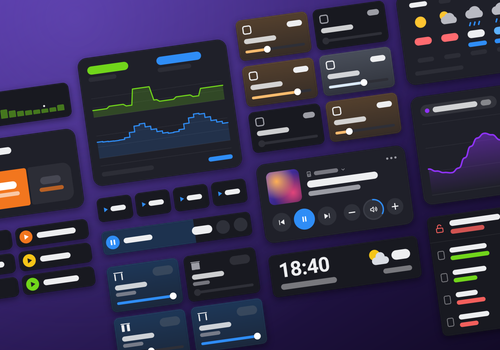
You can add this app’s widgets to your dashboard or homescreen in the mobile app.

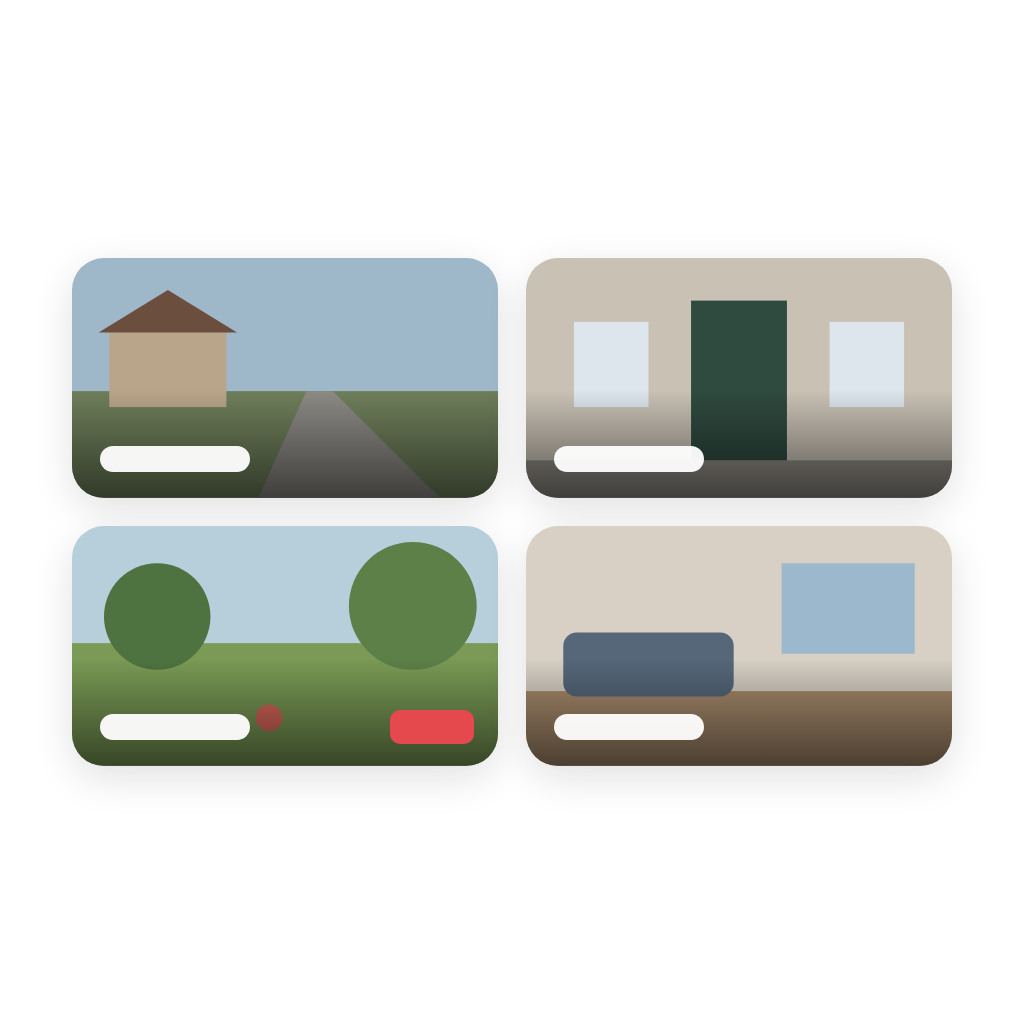
Cameras
Cameras
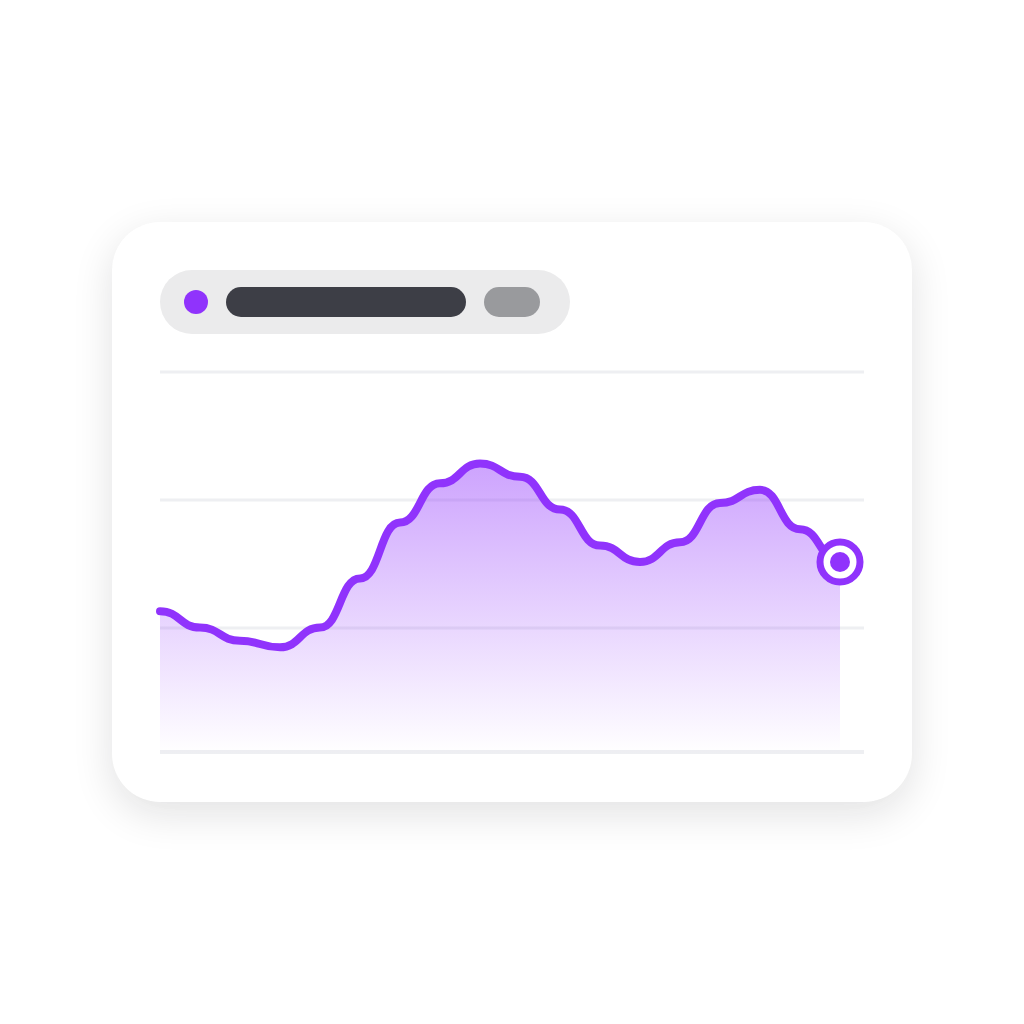
Charts
Charts
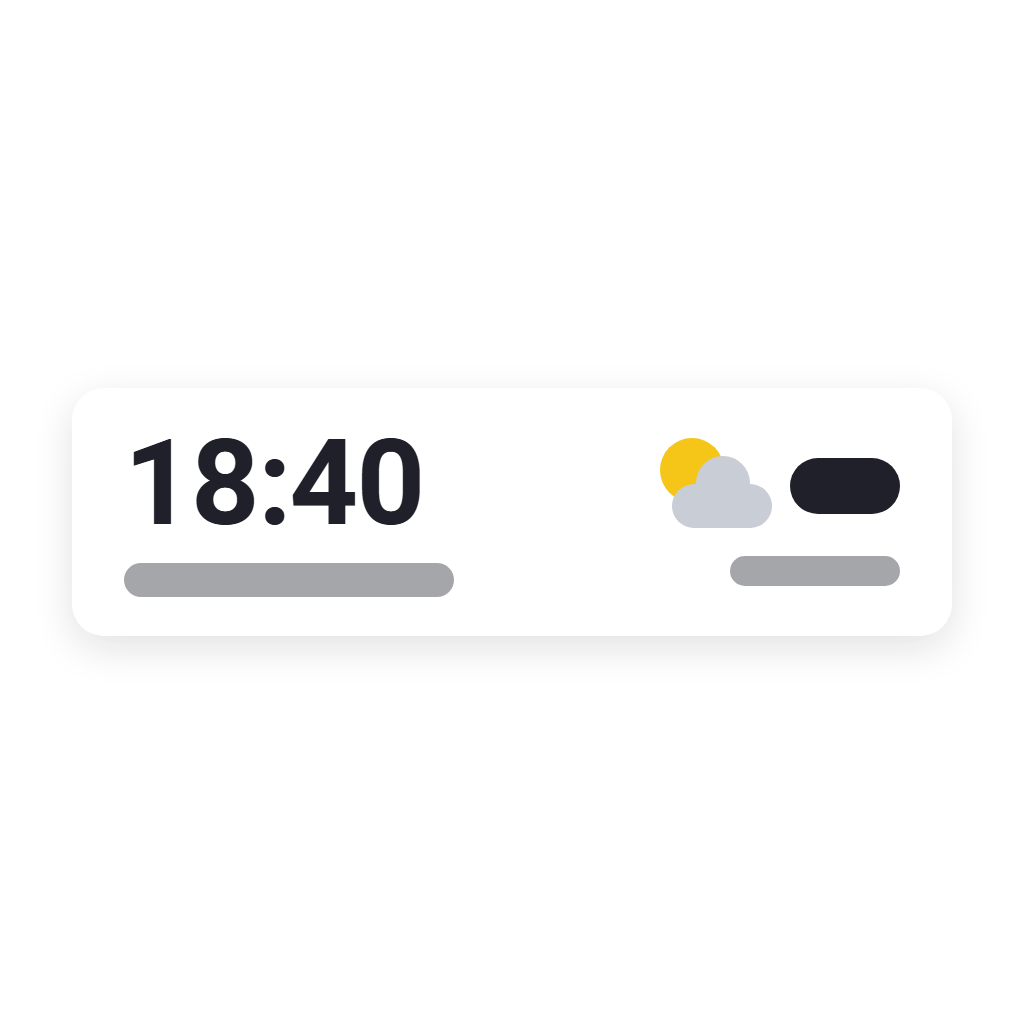
Clock
Clock
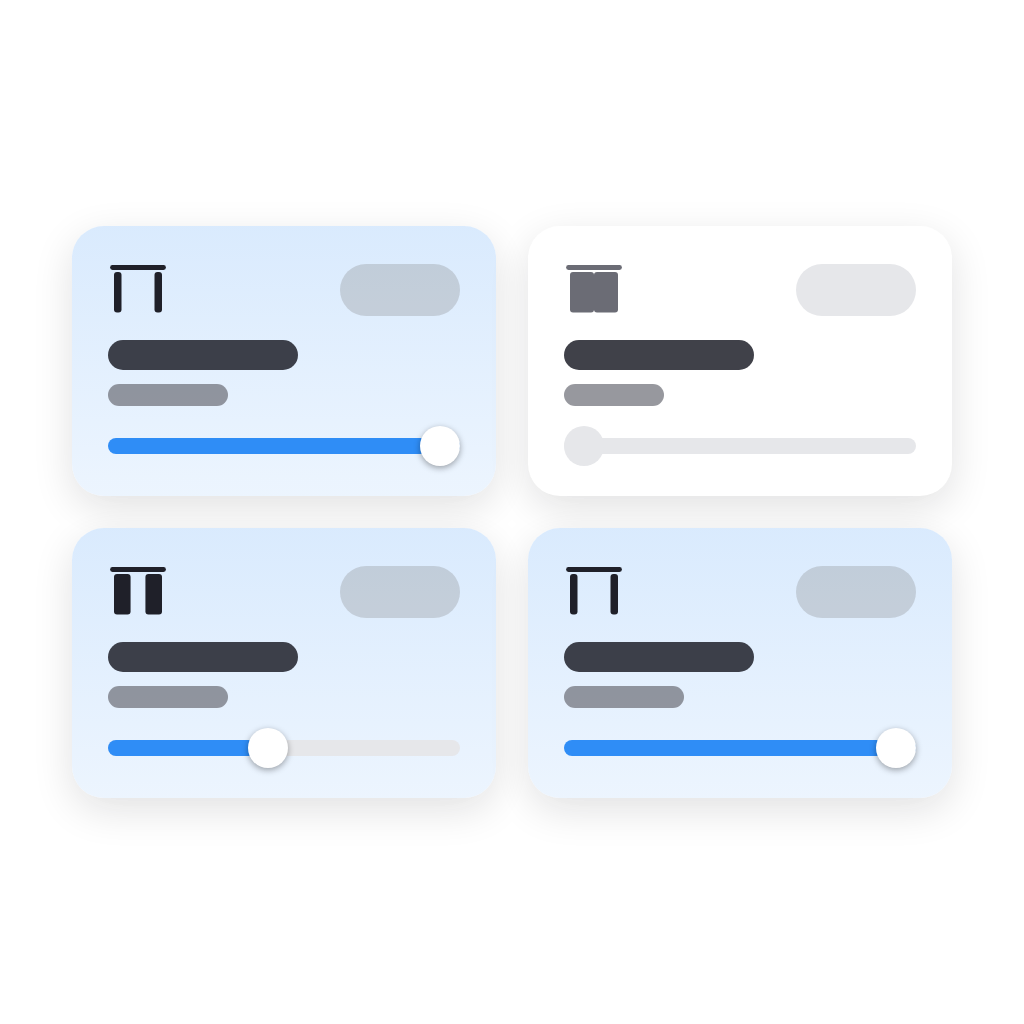
Curtains
Curtains
Days Since
Days Since
Electricity Overview
Flow Buttons
Flow Buttons
Insights Heatmap
Insights Heatmap
Light Controls
Light Controls
Locks and Doors
Locks and Doors
Media
Media
Energy Price Strip
Energy Price Strip
Device Quick Actions
Room Health
Room Health
Sensor Alarms
Sensor Alarms
Activity Dots
Activity Dots
Dashboard Shortcuts
Dashboard Shortcuts
Spacer
Spacer
Sparklines
Sparklines
Smart Stack
Smart Stack
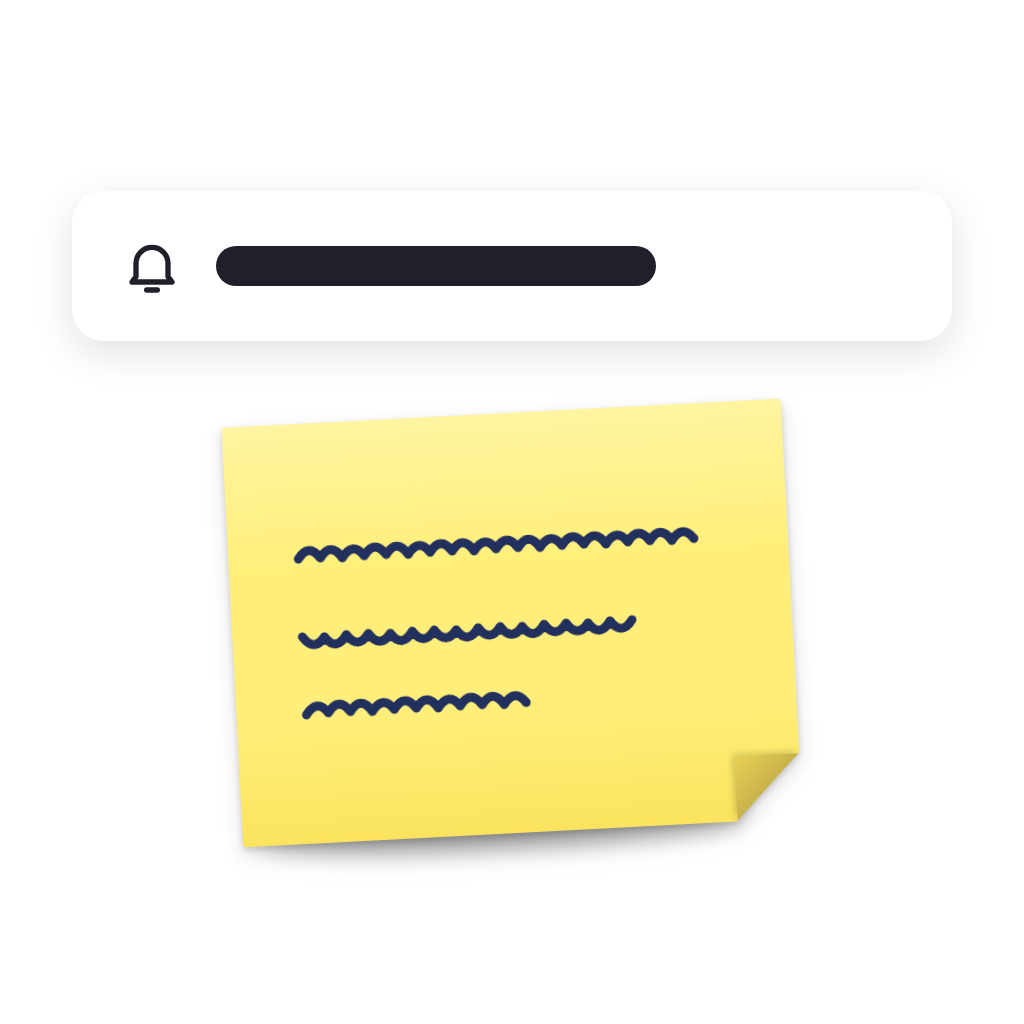
Notes
Notes
Thermostat Presets
Thermostat Presets
Timers
Timers
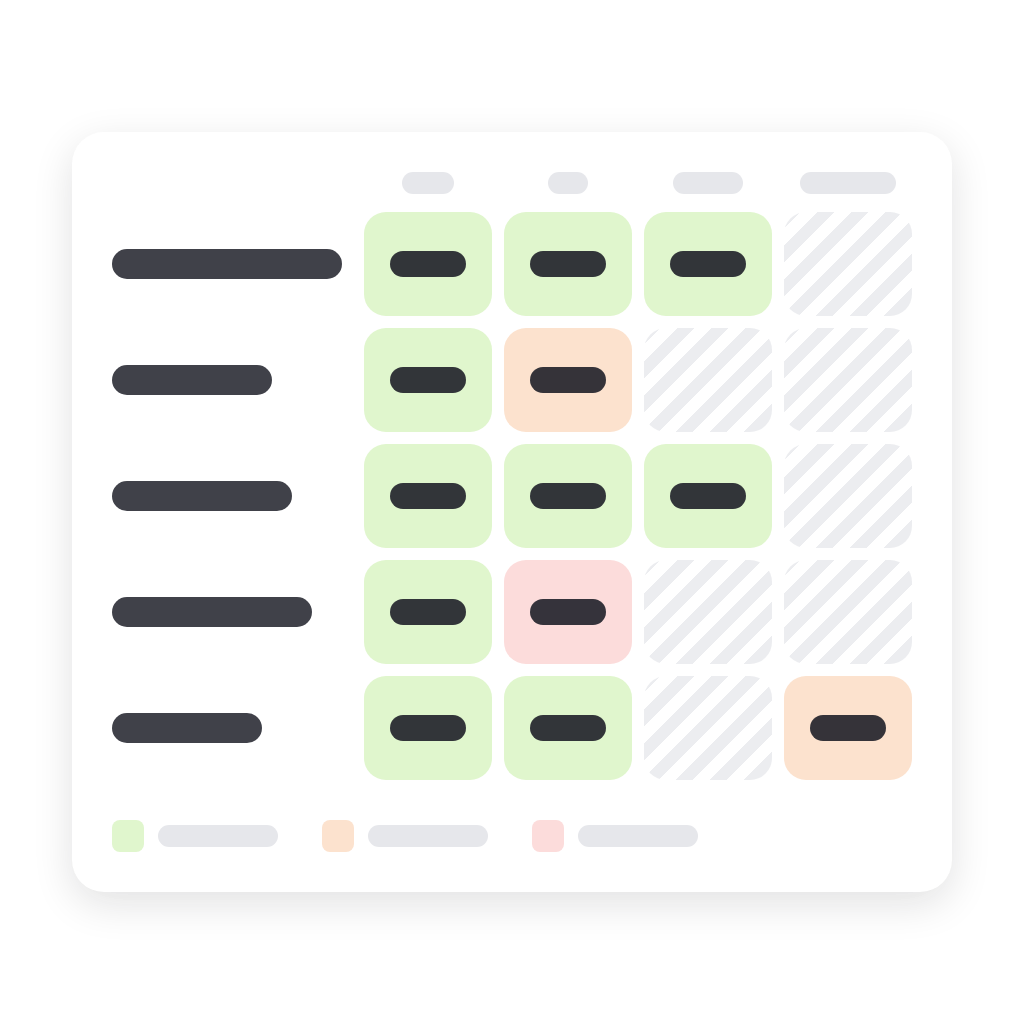
Value Matrix
Value Matrix
Device Values
Device Values
Variables
Variables
Variable Presets
Variable Presets
Weather Forecast
Weather Forecast

Support

Having an issue with this app? Report issues via the developer issue tracker.

What’s new

Version 1.0.3 — Web dashboards: Keep screen on and Dim in the front page's Settings, for a wall tablet; both are per browser. Light Controls: Widen the last tile, so an odd last tile fills the row. Clock, Locks and Doors, Activity Dots and Cameras: a Time format setting for 24 or 12 hours, whatever the language.

View changelog

Widgetkeeper

This app can manage your entire Homey.

Widgetkeeper is not compatible with the selected Homey.

Widgetkeeper will install on Homey shortly.
Install App