








MCP AI Bridge
The generic alarm turned on
Click on a device above to show related Flow cards only.
Having an issue with this app? Contact the developer via the developer website.
Version 5.2.7 — A calendar card in a stack, under another card in the same spot on the dashboard, stayed on "No calendar": its address was never kept. It now works there like anywhere else. A calendar that cannot be fetched writes the reason in the app's log, so a diagnostics report shows it.
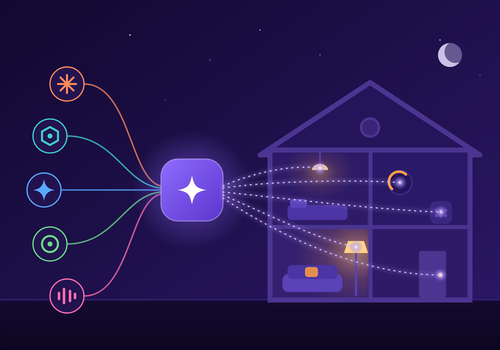
 This app can manage your entire Homey.
MCP AI Bridge is not compatible with the selected Homey.
 MCP AI Bridge will install on Homey shortly.
We’ll let Danny van Soerland know you love the app.
We’ll notify Danny van Soerland you’ve sent a suggestion.
 Belgium
 Bulgaria
 Croatia
 Cyprus
 Czech Republic
 Estonia
 Finland
 Greece
 Hungary
 Iceland
 Ireland
 Latvia
 Lithuania
 Malta
Malta
 Moldova
 The Netherlands
 Portugal
 Romania
 Slovakia
 Slovenia
 Türkiye
 Ukraine
 United Kingdom


