





433 MHz Range and RF Basics for Smart Homes
433 MHz is known for “good range”, but in a real house that phrase needs unpacking. Why does a smart plug work perfectly in one socket but not in another two meters away? Why does moving you smart home hub 30 centimeters suddenly fix everything?
To make 433 MHz behave, you don’t need to be a radio engineer. You just need a basic understanding of how RF behaves in buildings.
Note: The content here applies to both 433 MHz (Europe) and 434 MHz (North America). These bands are functionally compatible in Homey and follow the same setup steps. Read more about 434 MHz.
Frequency, Wavelength and Walls
433 MHz has a wavelength of roughly 70 centimeters. That’s long enough that walls, floors and furniture don’t look like “hard barriers” in the same way they do at higher frequencies. The wave can bend, diffract and find paths around obstacles.
Compared with 2.4 GHz (wavelength ~12.5 cm), 433 MHz generally penetrates walls a bit better and suffers slightly less attenuation. That’s why you often see “point-to-point” ranges above 100 meters quoted for 433 MHz hardware.
However, real homes are messy: reinforced concrete, steel beams, foil-backed insulation, big appliances and mirrors can all reflect or absorb RF. The result is that the signal strength at a given point is the sum of many paths, some adding, some canceling. Move a receiver by half a wavelength — about 35 cm — and the pattern can change dramatically.
Line of Sight vs Real Paths
Line of sight helps, but radio rarely travels in straight, clean lines indoors. Instead, it:
- Passes through some materials with a bit of loss.
- Reflects off metal and large surfaces.
- Diffracts around edges and doorways.
When 433 MHz “just works”, it’s because enough of these paths add up constructively. When it fails, you’re often sitting in a null, where destructive interference cancels the useful signal.
This is why moving a plug from behind a metal cabinet to the other side of a shelf can make the difference between “never works” and “always works”.
Hub Placement: The Single Best Lever
Because typical 433 MHz setups are star-shaped — everything talks directly to the hub — where you place that hub is critical.
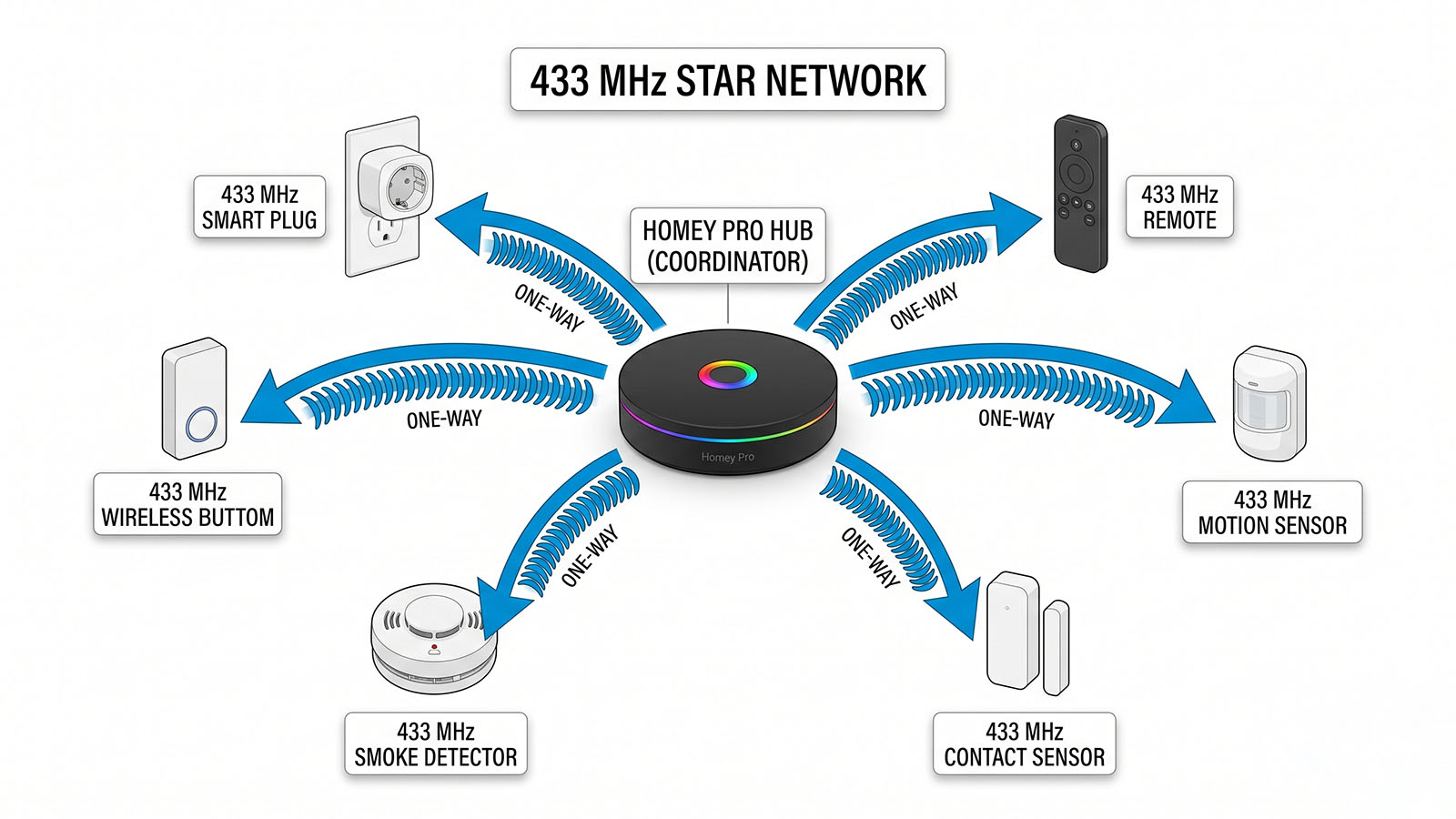
A few practical guidelines:
- Aim for geometric center of the area you want to cover, rather than a corner.
- Put the hub in the open, not inside a metal rack or behind the TV.
- Avoid placing it directly against large metal surfaces or very close to thick reinforced walls.
Think of the hub as a small radio lighthouse. Everything is easier if you give it a clear view of as much of the house as possible.
Antenna Orientation and Device Form Factor
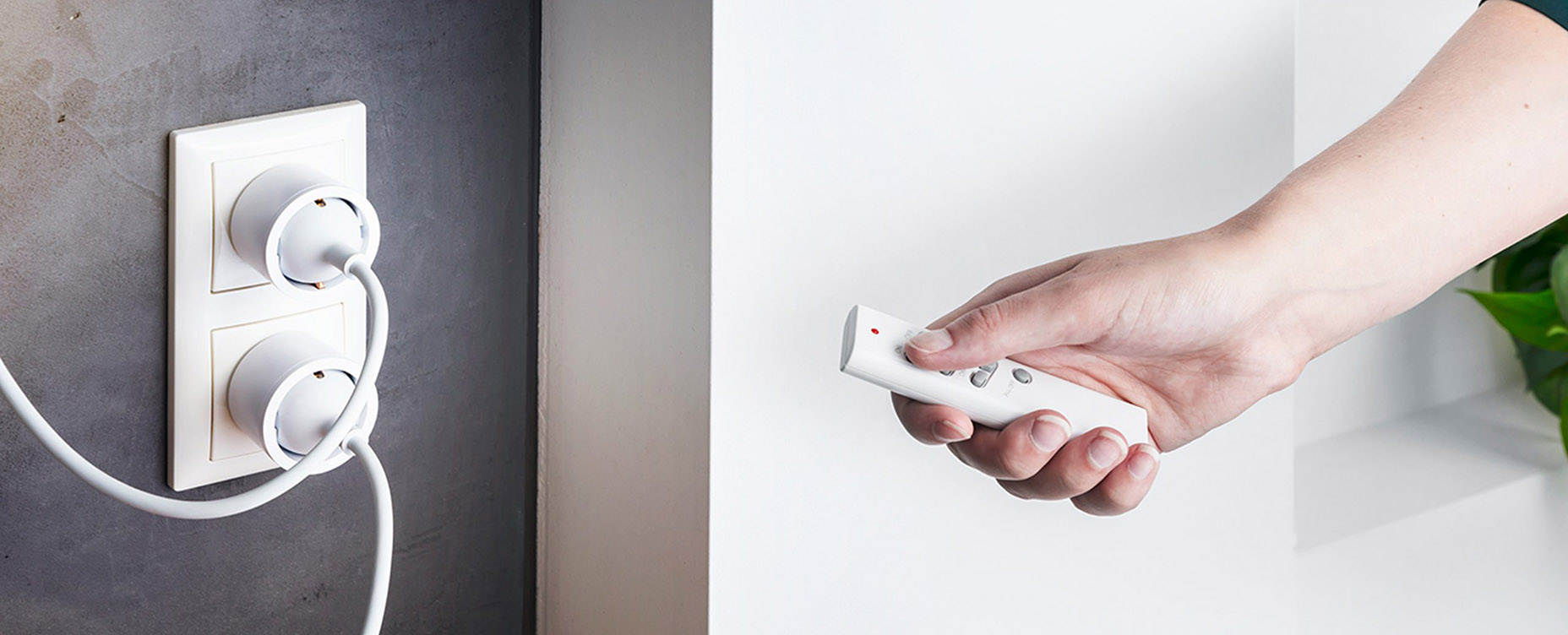
Most consumer devices hide their antennas inside plastic housings. You don’t see them, but their orientation still matters. If a receiver is plugged sideways or upside down, its effective antenna orientation changes relative to the hub’s. In some cases, rotating a smart plug by 90 degrees improves reception simply because the polarization aligns better.
You don’t need to know the exact antenna geometry; just remember that “try rotating it” is a legitimate troubleshooting step, not superstition.
Conclusion: Small Changes, Big RF Effects
RF at 433 MHz is forgiving in some ways and finicky in others. The comforting part is that you rarely need to redesign your entire home. Small moves — a hub up on a shelf, a plug out from behind a metal object, a slight rotation — can dramatically change the RF picture.
Once you internalize that, 433 MHz stops feeling random. It becomes a system you can nudge into behaving well, especially when combined with a multi-protocol hub like Homey that lets you see where devices struggle and compensate accordingly.
FAQ
Why does my 433 MHz plug work in one socket but not the next?
Because the RF pattern in your room isn't uniform. A small physical move can take the device from a signal peak into a null.
Is 433 MHz always better through walls than 2.4 GHz?
Not always, but often. Lower frequencies generally penetrate building materials better, though specific materials and layouts matter.
Does placing Homey higher improve 433 MHz range?
Often yes. Higher placement reduces the number of obstacles between the hub and devices.
Does orientation of plugs really affect reception?
It can. Changing orientation changes how the internal antenna couples to the field, which can improve or worsen reception.
Can I "boost" 433 MHz power on Homey?
No. Output power is fixed by design and by regulations. Your best tools are placement and environment.
Do mirrors and large windows affect RF?
Mirrors often have metal backing and can reflect RF. Double-glazed windows with metallic films can also influence propagation.
Is it better to put the hub near my router?
From RF perspective, they don't have to be neighbours. It's more important that the hub has a good RF position than that it sits next to the router.
Do plants affect 433 MHz signals?
Large, dense plants can absorb some RF, especially if very wet, but they are usually a minor factor compared to walls and metal.
Can thick concrete floors block 433 MHz entirely?
They can heavily attenuate it, especially if reinforced. That's why placement relative to stairwells and openings matters.
How can I test the best position for my hub?
Use devices you know are marginal, move the hub in small steps and observe where responses become more consistent.
Glossary
Wavelength
The distance between successive peaks of a radio wave. At 433 MHz, the wavelength is about 70 cm, which influences how it interacts with objects.
Attenuation
Reduction in signal strength as it passes through a medium or over distance. Walls, floors and air all cause attenuation.
Multipath
The phenomenon where a signal reaches a receiver via multiple paths, due to reflections and diffractions. Multipath can cause constructive or destructive interference.
Null
A location where destructive interference causes the net signal to be very weak, even if the transmitter is relatively close.
Polarization
The orientation of the electric field in a radio wave. If transmitter and receiver antennas have mismatched polarization, effective signal strength can drop.
Path Loss
A measure of signal reduction over distance and obstacles. Path loss models are used to estimate coverage, though real homes often deviate.
Star Topology
A network topology where all nodes connect directly to a central hub. 433 MHz smart home setups typically use star topology.
Lighthouse Analogy
Thinking of the hub as a lighthouse emphasises the importance of its position and surroundings for coverage.
RF Shadow
An area where direct RF signals are blocked or strongly attenuated by an object, such as a large metal cabinet.
Fine-Tuning Placement
The practice of adjusting hub or device positions in small increments to move from poor to good RF conditions without structural changes.


