








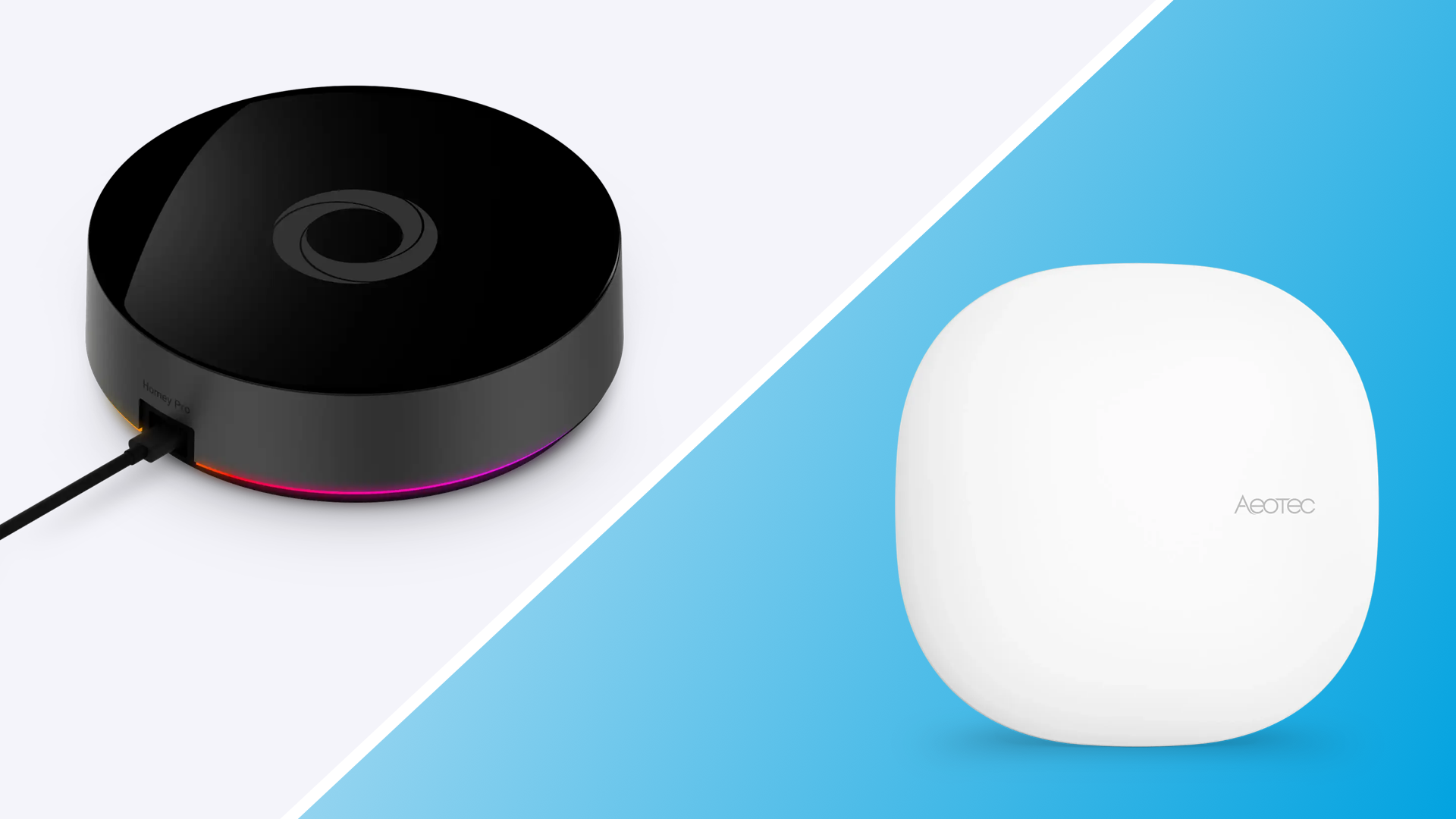
SmartThings transfer to Homey
SmartThings users have been moving to Homey for years, usually citing slow development on the SmartThings side and the flexibility of Homey as the reason. In 2026, Samsung gave SmartThings users a much more concrete reason to look elsewhere: it started charging for access to the API that many SmartThings automations, dashboards, and third-party integrations depend on.
This article covers what changed with SmartThings, what it means if you rely on the platform for anything beyond the official app, and how to move your setup to Homey. If you want to learn more of how Homey compares to SmartThings, check out this article.
The SmartThings API is no longer free
In June 2026, Samsung announced it is introducing paid tiers for the SmartThings API, the layer that lets third-party apps, dashboards, and platforms read and control SmartThings devices. Free access is discontinued, with the new pricing taking effect in October 2026: a $4.99 per month plan for non-commercial, individual developers, plus separate commercial tiers for businesses building on top of SmartThings.
Samsung has been clear that this does not affect people who only use the official SmartThings app with supported devices. What it does affect is anyone whose automations, dashboards, or integrations pull data through the API, including the popular SmartThings integration in Home Assistant, custom dashboards, short-term rental and property management tools, and any script or app built on top of SmartThings over the past decade.
Why this matters if you built anything on SmartThings
This is not the first time SmartThings has changed the ground under its users. Samsung discontinued the original SmartThings hubs in 2021, forcing early adopters to migrate to newer hardware. The API change is a similar pattern: functionality that used to be free now depends on an ongoing subscription, decided unilaterally by Samsung, for infrastructure you do not control.
If your automations currently reach outside the SmartThings app, this is worth taking seriously. A $4.99 monthly fee is not large on its own, but it sets a precedent: the platform your smart home depends on can add a recurring cost to features you already considered part of the product.
SmartThings vs Homey Pro
SmartThings is built around a Samsung account and a cloud backend. The hub itself can run some functions locally, but device pairing, routines, and most third-party access still route through Samsung's servers, which is exactly why the API pricing change matters.
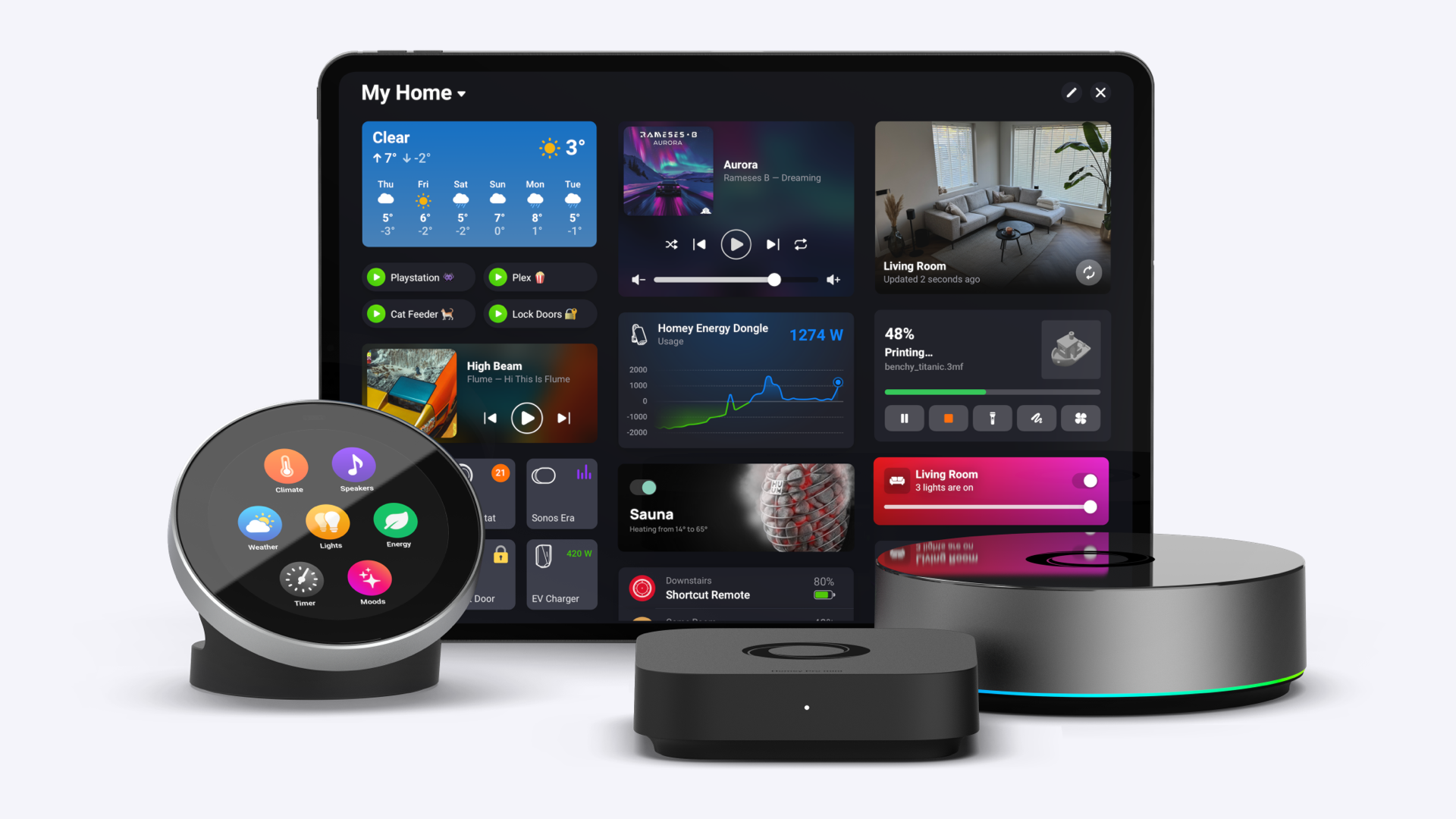
Homey Pro takes the opposite approach: Zigbee, Z-Wave, Matter, Thread, Wi-Fi, Bluetooth, Infrared, and 433 MHz devices are all processed on the hub itself, so your automations keep running even if your internet connection drops, and local API keys are built in rather than sold as a separate tier.
Device support tells a similar story. SmartThings compatibility depends heavily on its Works With SmartThings partner program and, more recently, Matter. That covers a lot of mainstream devices, but it leaves out protocols SmartThings never adopted, such as Infrared for TVs and AC units, or 433 MHz for older wireless sockets and doorbells. Homey Pro supports all of these alongside Zigbee, Z-Wave, Matter, and Thread, which matters most once your home includes devices bought years apart from different brands.
Automation depth is another gap. SmartThings routines cover the basics: a trigger, a condition, an action. Homey Flow works the same way for everyday automations, but Advanced Flow and HomeyScript let you build logic that SmartThings routines were never designed for, without paying extra or hitting a usage limit.
The pattern that matters most is longevity. SmartThings has already discontinued a hub generation once, in 2021, and is now monetizing API access that used to be free. Homey Pro is committed to software updates until at least June 2031, runs core functions locally regardless of what Athom decides about pricing later, and even offers a Self-Hosted Server option if you want to run the platform on your own hardware entirely. For anyone who has already been burned by a platform changing the rules after the purchase, that difference is the whole argument.
What Homey does differently
Homey Pro processes Zigbee, Z-Wave, Matter, Thread, Wi-Fi, Bluetooth, Infrared, and 433 MHz devices locally, on the hub itself, rather than routing control through a manufacturer's cloud API. Local API keys are also available directly on the device, so building your own apps does not require going through an external paid tier.
Automations run through Flow and Advanced Flow, both included at no extra cost on Homey Pro. Energy tracking, Insights, and Dashboards are also built in, rather than gated behind a separate subscription tier.
Homey today, in four forms
| Option | What it is | Price |
|---|---|---|
| Homey Cloud | No hub required, runs in the cloud, good for a simple entry setup | $2.99/mo |
| Homey Pro mini | A smaller local hub covering the core protocols, Zigbee and Matter | $249 |
| Homey Pro | The full local hub, with Advanced Flow, HomeyScript, and every supported protocol | $449 |
| Homey Self-Hosted Server | Homey Pro's software, hosted on your own hardware, extendable with Homey Bridge | $4.99/mo or $149 lifetime |
Moving your devices over
Moving your devices and setup from SmartThings to Homey is very simple:
Wi-Fi devices. Anything that connects directly to your network, such as a Wi-Fi thermostat or a Wi-Fi camera, is the easiest to move. Set up Homey on the same Wi-Fi network, open the Homey app, select Add Device, and Homey scans for recognized devices. These can stay registered in SmartThings at the same time, and you can remove after you successfully migrate.
Zigbee devices. Light bulbs and other Zigbee accessories need to be reset before they can join a new controller. In the Homey app, select Add Device, choose the brand, and follow the pairing steps, which usually involve power-cycling the device or entering pairing mode. Once paired to Homey, the device leaves SmartThings and can be fully controlled through Homey.
Z-Wave devices. Sensors and switches from brands such as Fibaro and Aeotec also need a reset first. Homey's Z-Wave settings include a Reset Any Device option, which walks you through putting the device into pairing mode and confirming the reset. After that, add it the normal way through Add Device.
Matter devices. Devices that already support Matter can often be shared between SmartThings and Homey without a full reset, using Matter's multi-admin feature to add the same device to a second controller. This is the one category where SmartThings' own move toward Matter actually makes leaving easier.
Where this leaves SmartThings users
Nothing about the API change breaks a basic SmartThings setup overnight. But it adds a recurring cost to exactly the kind of usage that power users and developers tend to build on, at the same time that Homey Pro keeps that functionality local, included, and outside any third party's pricing decisions.
Most existing devices can move to Homey within an hour, and Wi-Fi and Matter devices are faster still.
FAQ
Does the SmartThings API change affect the SmartThings app?
No. Samsung has stated this only affects third-party apps, dashboards, and integrations that use the SmartThings API, not people using the official SmartThings app with supported devices.
When does the SmartThings API stop being free?
Free access continues through Q3 2026. The new paid tiers, including a $4.99 per month plan for non-commercial users, are targeted for October 2026.
Does Homey depend on a paid API for local automations?
No. Homey Pro processes Zigbee, Z-Wave, Matter, Thread, Wi-Fi, Bluetooth, Infrared, and 433 MHz devices locally, and offers local API keys directly on the device.
Do I need to reset my devices to move them to Homey?
Wi-Fi devices generally do not need a reset. Zigbee and Z-Wave devices need to be reset before they can be added to a new controller. Matter devices can often be shared between controllers without a reset.
How much does Homey cost?
Homey Cloud starts at $2.99 per month with no hub required. Homey Pro mini is $249, and Homey Pro is $449, both one-time purchases with no subscription needed for core features.
Terms
SmartThings API
The programming interface that lets third-party apps, dashboards, and platforms such as Home Assistant read and control SmartThings devices.
Local API key
A Homey Pro feature that allows API access to your smart home directly from the device, without routing through the cloud.
Satellite Mode
A Homey Pro setup that uses one or more Homey Bridge units to extend Zigbee, Z-Wave, 433 MHz, and Infrared range through the home.
Matter multi-admin
A Matter feature that lets a single device be added to and controlled by more than one smart home platform at the same time.
HomeyScript
A Homey Pro feature that lets you write and run custom scripts against Homey's Web API for advanced, personalized automations.


