



How to Control Philips Hue Lights with Homey
Philips Hue is the lighting system many smart homes start with. Built by Signify, it covers bulbs, lamps, light strips and outdoor lights, along with the switches and sensors that control them. Hue lights talk to each other over a Zigbee mesh network, which keeps them fast and reliable even in larger homes.
With Homey, your Hue lights stop working on their own and start reacting to the rest of your home. A doorbell press can flash the living room lamp, a Hue button on the nightstand can lock the front door, and your TV lighting can start with the movie. This guide covers the Hue lineup, the ways it connects to Homey, and the Flows worth building first.
The Philips Hue Lineup
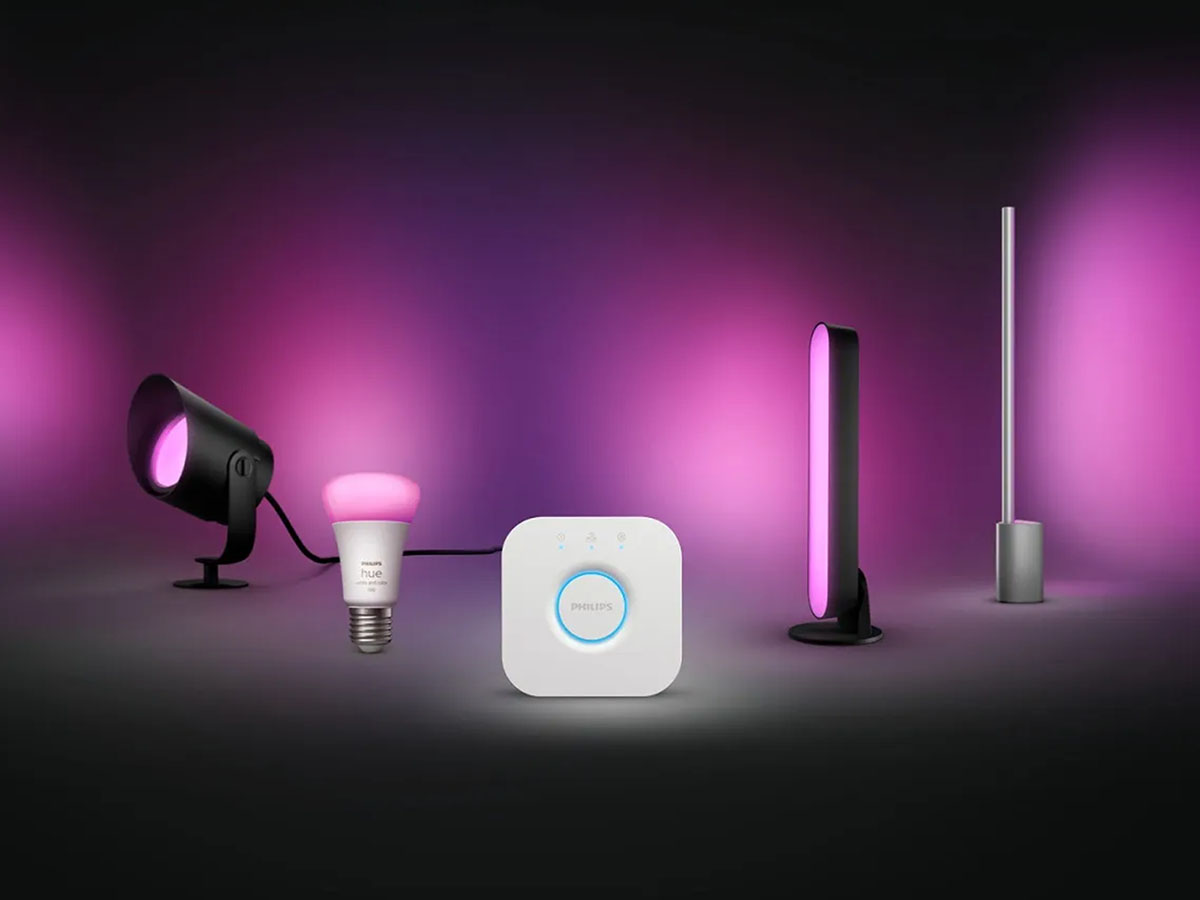
Hue's range has grown far beyond the classic color bulb. Today it includes lights for every room, a full set of wireless controls, and a hub that can turn the lights themselves into motion sensors. Here is what each part of the system does.
Bulbs, Lamps and Light Strips
Most Hue setups begin with bulbs. They come in dimmable white, tunable white, and full color versions in all common fittings. From there, the range expands into table and floor lamps, ceiling lights, spots and weatherproof outdoor fixtures.
Gradient products take color a step further. A gradient light strip or lamp shows several colors at once, blending them along its length. The new Play Gradient Lightstrips can be cut to size for TVs up to 100 inches, while the Play table and floor lamps extend the effect across the room.
Switches, Dials and Sensors
A smart light still needs a physical control. Hue offers the Dimmer Switch, the compact Smart Button and the Tap Dial Switch, which pairs four buttons with a rotating dial for smooth dimming. The Wall Switch Module fits behind an existing switch, so the switch you already use controls your Hue lights.
Sensors bring awareness to the system. Hue's indoor and outdoor Motion Sensors detect movement and daylight, and the Contact Sensor reports when a door or window opens. The Hue Smart Plug rounds things out by turning an ordinary lamp into a connected one.
Hue Bridge Pro and MotionAware

The Hue Bridge connects all of these devices and unlocks Hue's full feature set. Its successor, the Bridge Pro, supports more than 150 lights, 50 accessories and 500 scenes, and responds five times faster than the original. It can also connect over WiFi, so it no longer needs a spot next to your router.
The Bridge Pro also brings MotionAware, a feature exclusive to it. MotionAware reads how movement disturbs the Zigbee signals between lights, so at least three compatible lights in one room work together as a motion sensor. You get motion detection in that room without adding a separate sensor.
Three Ways Hue Connects to Homey
Hue connects to Homey in three ways, and the right one depends on whether you own a Hue Bridge. Each route gives you control over your lights and their Flows, but they differ in which Hue features come along.
The official Philips Hue app for Homey connects through the Hue Bridge, which this app always requires. On Homey Pro, Homey Pro mini and Homey Self-Hosted Server, it talks to the bridge locally over your network and supports one or several bridges. Homey Cloud connects through your Hue account instead, and the other platforms can use this cloud connection as well. This route keeps Hue's own scenes, effects and gradients, while the local connection also adds the Play HDMI Sync Box and MotionAware Areas.
Without a Hue Bridge, your lights still work with Homey. The community app Philips Hue, without the bridge pairs Hue lights and accessories directly to Homey over Zigbee. It runs on Homey Pro, Homey Pro mini and Homey Self-Hosted Server, where your Hue lights join Homey's own Zigbee network alongside your other Zigbee devices. Hue scenes and TV sync stay with the Hue Bridge, but on and off, dimming, color and button controls all work in Flows.
Matter gives you a third route. Hue devices with Matter over WiFi and Matter over Thread pair directly with Homey Pro, Homey Pro mini and Homey Self-Hosted Server. If you own a Hue Bridge, it can also share its Zigbee lights and accessories with these platforms over Matter. The Play HDMI Sync Box and the dial on the Tap Dial Switch are not available over Matter, which makes the official app the more complete choice for bridge owners.
Lighting That Follows Your Day
Good lighting changes as the day moves on. Bright and cool helps in the morning, while warm and dim suits the evening. With Homey, your Hue lights make those changes on their own, so you rarely need to open an app.
A Gentle Wake Up Light
A dark winter morning makes the alarm feel even harsher. A slowly brightening room makes it much easier to get out of bed.
Create a Flow that starts at 06:30 on weekdays. Homey turns on the bedroom Hue light at 1% with a warm color temperature, then dims it up to full brightness over 20 minutes. By the time your alarm goes off, the room is already light.
Scenes That Shift with the Time of Day
You have probably built a few favorite scenes in the Hue app already. Homey can bring each one in at the right moment.

One Flow activates a bright, cool scene in the kitchen every morning. A second Flow starts at sunset and switches the living room to a warm relax scene. Since Homey activates the scenes you saved in the Hue app, any change you make there carries straight into your Flows. This Flow uses the Hue Bridge connection.
One Press to Say Good Night
Going to bed often means a final walk through the house to check lights, doors and heating. A single Hue button can take over that routine.
Place a Hue Smart Button or Tap Dial Switch on your nightstand. One press turns off every light in the house, locks the front door and lowers the thermostat to 18°C. Since Homey handles the button press, the same Hue control now works with every brand in your smart home system.
Hue Lights as Signals Around the Home
A light is easy to notice from anywhere in a room. That makes your Hue lights a useful way for Homey to tell you something without a sound or a phone notification.
A Flash When Someone Rings the Doorbell
With headphones on or music playing, the doorbell is easy to miss. A visual signal makes sure you notice the visitor waiting outside.
When your smart doorbell rings, Homey blinks the Hue lights in the living room and the home office. The lights return to their previous state right after, so nothing else in the room changes.
A Color Cue When the Laundry Is Done
Wet laundry left in the drum is a familiar problem. A quiet color cue reminds you before it starts to smell.
Homey can tell when the washing machine finishes, either through a connected washer or a smart plug that sees its power drop. When that happens, Homey sets a Hue light strip to a soft blue. A second Flow returns it to normal once the washer door opens or after 30 minutes.
Contact Sensors That Watch the Back Door
The back door is easy to forget when everyone leaves through the front. A Hue Contact Sensor keeps an eye on it for you.
When the sensor reports the door opening while nobody is home, Homey sends a notification to your phone and turns the hallway light red. The sensor also reports tampering, so Homey can alert you if someone tries to remove it.
Movie Nights and an Empty House
Some of Hue's most advanced features become even more useful inside Homey. The Play HDMI Sync Box and MotionAware both use the local Hue Bridge connection on Homey Pro, Homey Pro mini and Homey Self-Hosted Server, and both can drive Flows across the whole house.
Sync Box Lighting That Starts with the TV
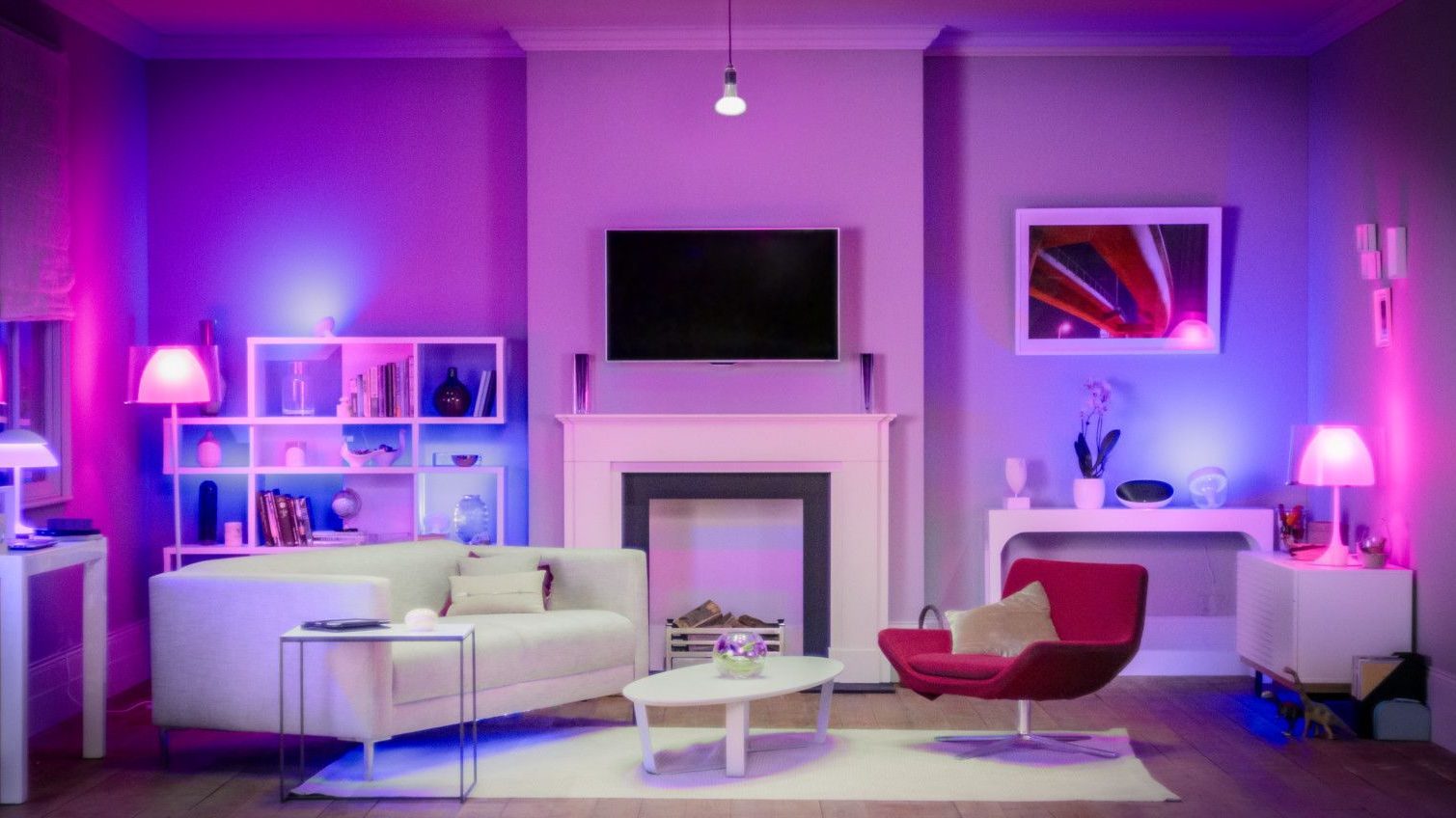
The Play HDMI Sync Box matches your Hue lights to what is on the screen. Homey decides when that experience starts and prepares the rest of the room.
When the Sync Box switches to the input of your game console, Homey turns on light sync, dims the ceiling lights and closes the blinds. Switching back to the TV input turns sync off again, so normal viewing keeps its usual lighting.
MotionAware Areas as Presence Sensors
With a Bridge Pro, every MotionAware Area appears in Homey as its own motion sensor. That turns the lights you already own into presence detection for the rest of your home.
When the living room area reports no motion for 15 minutes, Homey turns off the TV and the heater along with the lights. While you are away, the same area works as a simple alert. If it detects motion when nobody is home, Homey sends a notification to your phone. Homey can also disable an area at night, so walking through the room does not switch on the lights.
Getting Started with Philips Hue and Homey
With a Hue Bridge, install the official Philips Hue app on Homey from the Homey App Store. Homey Pro, Homey Pro mini and Homey Self-Hosted Server find the bridge on your local network, and Homey Cloud connects through your Hue account. Your lights, switches and sensors then appear in Homey, ready for Flows.
Without a bridge, install Philips Hue, without the bridge and pair each light directly over Zigbee. Start with one Flow either way. The wake up light is a good first choice, and you will notice it the very next morning.
FAQ
Does Philips Hue work with Homey?
Yes. The official Philips Hue app for Homey connects through the Hue Bridge and supports Hue lights, plugs, switches, buttons, motion sensors and contact sensors. Hue lights can also connect over Matter or pair directly to Homey over Zigbee.
Can I use Philips Hue with Homey without a Hue Bridge?
Yes. The community app Philips Hue, without the bridge pairs Hue lights and accessories directly to Homey Pro, Homey Pro mini and Homey Self-Hosted Server over Zigbee. You can control and automate them in Flows, while Hue scenes and TV sync still require a Hue Bridge.
Does Philips Hue work with Homey Cloud?
Yes. Homey Cloud connects to your Hue Bridge through your Hue account. Your lights, plugs, switches and sensors then appear in Homey and work in Flows.
Can Homey use Hue MotionAware?
Yes. With a Hue Bridge Pro, each MotionAware Area appears as a motion sensor on Homey Pro, Homey Pro mini and Homey Self-Hosted Server. Homey can start Flows when motion is detected or stops, and it can enable or disable an area.
Can Homey control the Hue Play HDMI Sync Box?
Yes, on Homey Pro, Homey Pro mini and Homey Self-Hosted Server. Homey can turn the Sync Box on and off, change its brightness and input, and start or stop light sync. It can also start Flows when the input changes or sync turns on.
Glossary
Zigbee Mesh Network
A Zigbee mesh network lets mains powered devices pass signals on to each other. Every Hue light extends the network, so coverage and reliability grow as you add more lights.
Gradient Light
A gradient light shows several colors at the same time and blends them along its length. Hue uses gradient technology in light strips and lamps, often to extend TV colors into the room.
MotionAware
MotionAware is a Hue Bridge Pro feature that detects movement by reading changes in the Zigbee signals between lights. At least three compatible lights in one room form a motion area without a separate sensor.
Light Scene
A light scene is a saved combination of brightness and color for a group of lights. Activating it sets every light in the group at once, instead of adjusting each one by hand.
Matter Bridge
A Matter bridge shares devices that use another protocol with Matter controllers. The Hue Bridge works this way, making its Zigbee lights available to Matter platforms like Homey Pro.


