Power Guard monitors your household power consumption in real-time using a HAN electricity meter and automatically controls devices when you approach your grid limit. It prevents costly peak penalties and tripped breakers by intelligently managing EV chargers, thermostats and other appliances.
Supports Easee and Zaptec chargers, Easee Equalizer as a power meter, and all common HAN meters (Frient, Futurehome, Tibber Pulse, Aidon, Kaifa). Works with any thermostat brand.
When power consumption gets too high, Power Guard steps in — reducing charger current, lowering thermostat temperatures or turning off devices in your chosen priority order. Once consumption drops to a safe level, everything is automatically restored. Set it up once and let it protect your home around the clock.
Click on a device above to show related Flow cards only.

When...
Charge Now
Turned on
Charge Now
Turned off
EV Battery
The battery level changed
Power Guard
Turned on
Power Guard
Turned off
Power Guard
The generic alarm turned on
Power Guard
The generic alarm turned off
Power Guard
Power limit exceeded
i
Triggers when total power consumption exceeds the configured limit. Use this to get notified or trigger emergency actions.
Power Guard
Mitigation applied to a device
i
Triggers when Power Guard turns off or reduces a device to stay under the power limit.
Power Guard
Mitigation cleared
i
Triggers when Power Guard restores a previously reduced device back to normal.
Power Guard
Active profile changed
i
Triggers when the power management profile changes, e.g. from Normal to Strict.
Power Guard
Mode changed
i
Triggers when the home mode changes between Home, Night, Away or Holiday.
Power Guard
Charger current should change
i
Triggers when Power Guard calculates a new optimal charging current for an EV charger.
Power Guard
Charger should pause
i
Triggers when Power Guard determines the EV charger should stop to free up capacity.
Power Guard
Charger should resume
i
Triggers when Power Guard determines there is enough capacity to resume EV charging.
Power Guard
Charging plan calculated
i
Triggers when Power Guard calculates which hours the car will charge. Use the 'Planned hours' token to send a notification or display the schedule.
Power Guard
All devices exhausted — still over limit
i
Triggers when Power Guard has reduced all controllable devices but power consumption is still too high.
And...
Charge Now
Is turned on
Power Guard
Is turned on
Power Guard
The generic alarm is on
Power Guard
Power Guard is enabled
i
Checks whether Power Guard is currently active and monitoring power consumption.
Power Guard
Power is over limit
i
Checks whether current power consumption exceeds the configured limit right now.
Power Guard
Current hour is a planned charge hour
i
True if the current hour is among the cheapest hours selected by 'Plan N charging hours before deadline'. Intended for chargers that Power Guard does not control directly — use in an hourly flow to start/stop charging yourself. If Power Guard controls your charger, use 'Plan charging hours' instead and let Power Guard handle it automatically.
Power Guard
Active profile is Profile
Power Guard
Active mode is Mode
Then...
Charge Now
Turn on
Charge Now
Turn off
Charge Now
Toggle on or off
Power Guard
Turn on
Power Guard
Turn off
Power Guard
Toggle on or off
Power Guard
Enable Power Guard
i
Turns on Power Guard so it starts monitoring and controlling power consumption.
Power Guard
Disable Power Guard
i
Turns off Power Guard so it stops controlling devices. Useful during maintenance or manual overrides.
Power Guard
Set active profile to Profile
Power Guard
Set mode to Mode
Power Guard
Reset statistics
i
Clears all accumulated power statistics. Useful at the start of a new billing period.
Power Guard
Report current power consumption as Power (W) W
Power Guard
Suspend HAN missing-data protection for Duration (minutes) minutes
Power Guard
Report Charger: Power (W) W
Power Guard
Report Charger: car Status
Power Guard
Report Battery level (%)% battery for Charger
Power Guard
Set active car: Charger — Battery capacity (kWh) kWh, target Charge to (%)%
i
Use this when two cars share the same charger. Call this action when a new car connects so Power Guard uses the correct battery size and target level.
Power Guard
Set active temperature plan to Plan
i
Activates a temperature plan and deactivates all others. Use this to switch between Home, Away, Night and Holiday heating schedules.
Power Guard
Enable temperature plan Plan
i
Enables a specific temperature plan without affecting other plans. The plan will start controlling thermostats according to its schedule.
Power Guard
Disable temperature plan Plan
i
Disables a specific temperature plan so it no longer controls thermostats.
Power Guard
Disable all temperature plans
i
Disables all temperature plans at once. Useful as a starting point before activating a specific plan.
Power Guard
Plan Number of hours charging hours before Deadline (HH:MM)
i
Tells Power Guard to pick the N cheapest hours before the deadline and charge only during those hours. All Power Guard power limits still apply. Use this in a flow triggered when the car connects. Example: 3 hours before 07:00.
Power Guard
Pause Charger until Pause until (HH:MM)
i
Pauses the EV charger until the specified time, even if Power Guard would normally resume it. Useful when you want to delay charging without turning off Smart Price Control.
Power Guard
Charge now (override price control)
i
Forces EV charging to maximum immediately, ignoring price. Power Guard's power limit still applies — the charger will not exceed your grid limit. The override is automatically cleared when the car disconnects, or you can cancel it manually with 'Cancel charge now'.
Power Guard
Cancel 'Charge now'
i
Cancels the 'Charge now' override and returns to normal price-controlled charging. Use this if you want to stop forcing max charge before the car disconnects.
Power Guard
Charge now: Charger
i
Forces the selected EV charger to charge immediately, ignoring price and allowed-hours. Power Guard's power limit still applies. The override is cleared automatically when the car disconnects.
Power Guard
Cancel 'Charge now' for Charger
i
Cancels the 'Charge now' override for the selected charger and returns it to normal price-controlled charging.
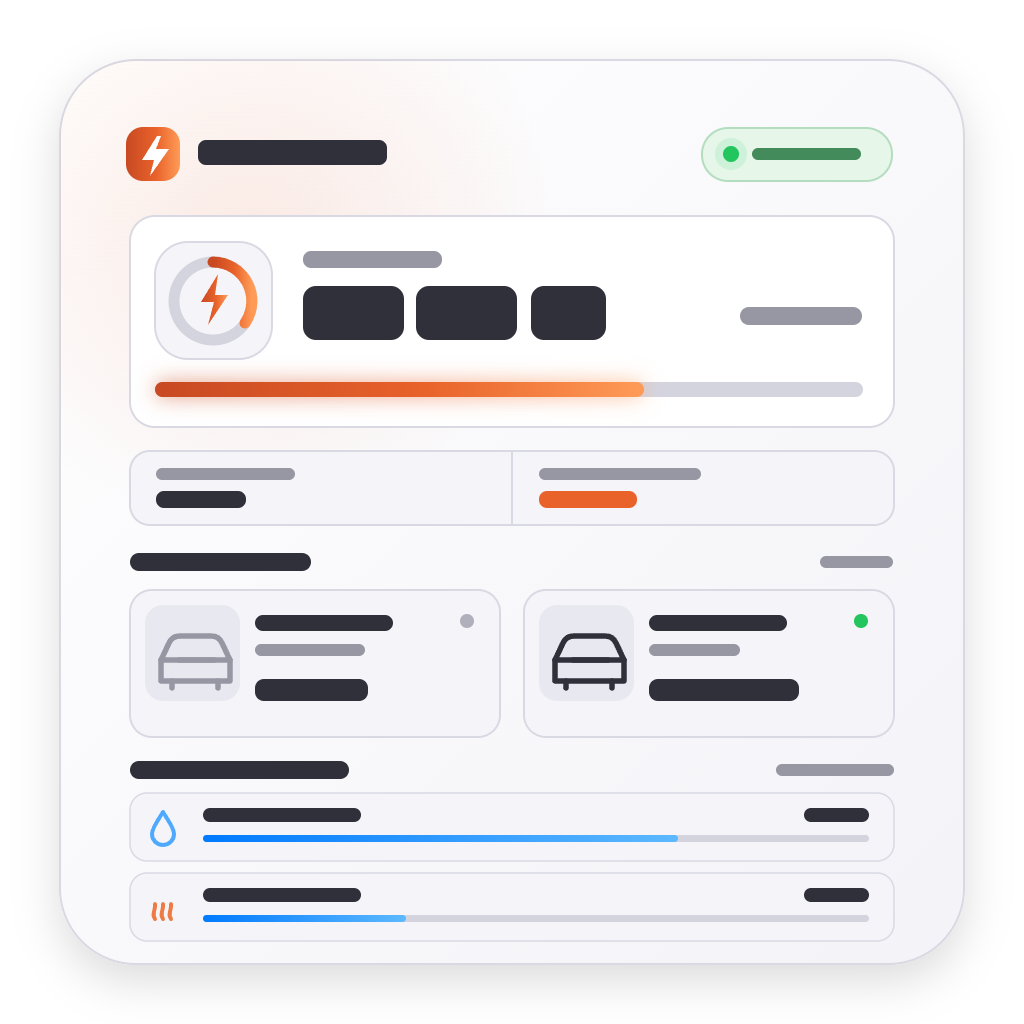
Widgets
You can add this app’s widgets to your dashboard or homescreen in the mobile app.
Power Guard
EV Chargers
Capacity Tariff
Activity Log
Mitigations
Electricity Price
Device Power
Energy History
Support
Having an issue with this app?
Contact the developer via the developer website.
What’s new
Version 0.8.121 — Fix: Price tab shows Off when charge window holds charger,Fix: Prevent app crash when saving settings,Fix: Install error for missing widget asset,Fix: Respect manual user changes when restoring devices,Feat: Restore reconciliation with pre-mitigation snapshot metadata,Fix: Log skips when restore preserves user changes