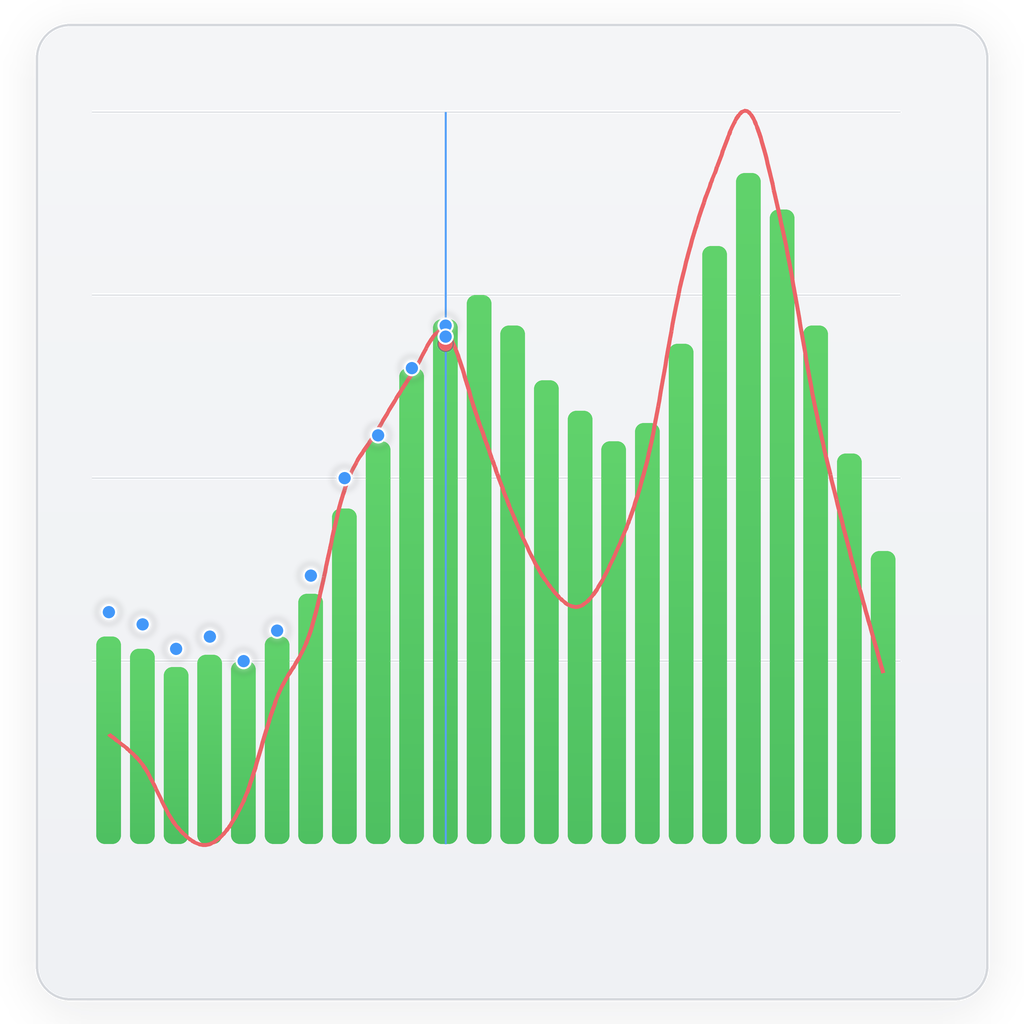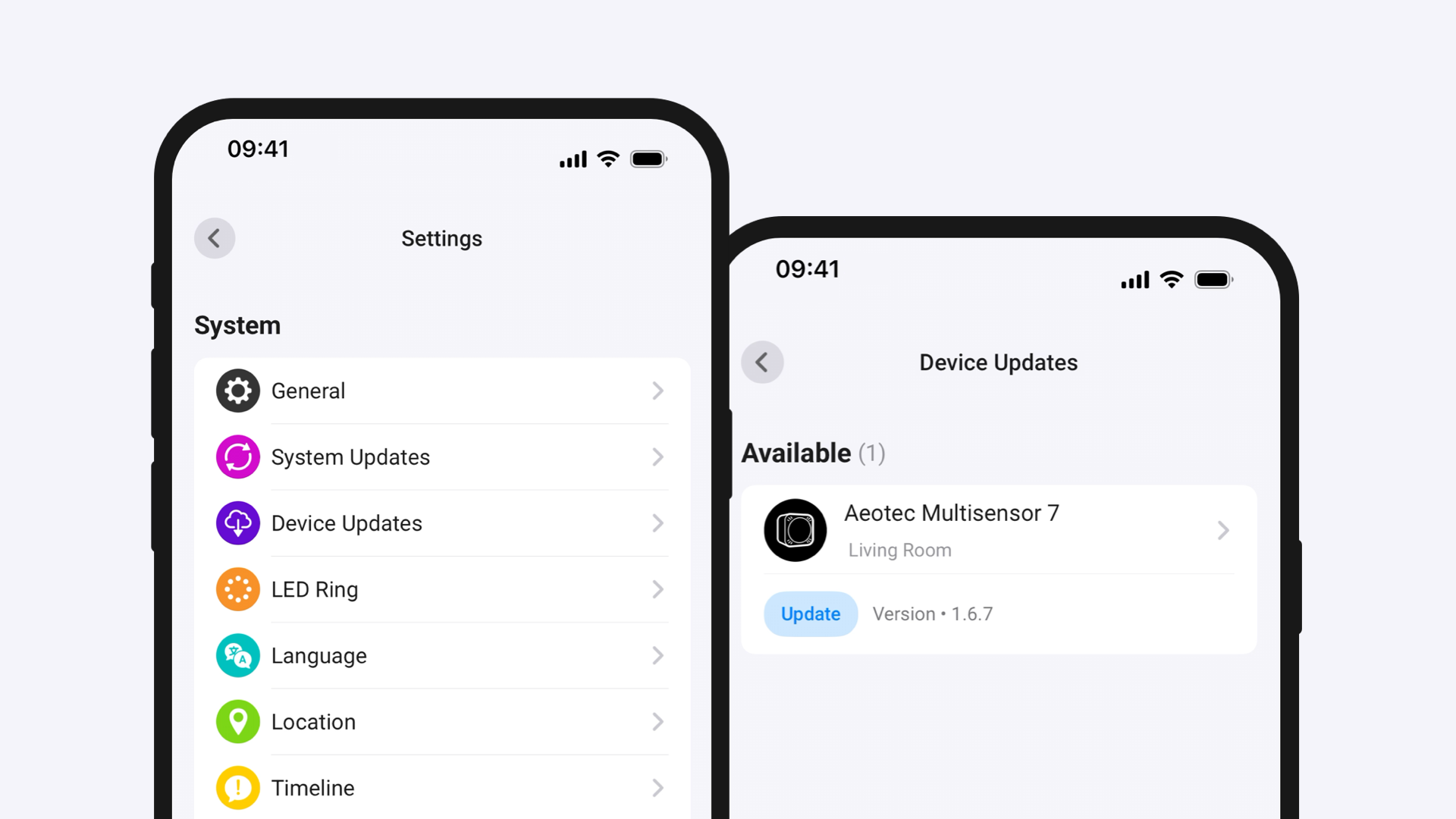



PELS keeps your home under a chosen power limit and moves EV charging, heating, hot water, or ventilation to the cheapest hours — automatically lowering, pausing, or turning off lower-priority devices when needed. Or set a goal with a deadline, like the car charged by morning, and PELS finds the cheapest way to hit it. It watches whole-home power from Homey Energy, Tibber Pulse, AMS/HAN/P1 meters, or Flow data, and acts before the limit is crossed; when available power returns, it resumes devices in priority order.
PELS (Pris- og Effektstyrt Energilagringssystem) can use spot prices from Homey Energy or external Flow prices; in Norway it can also factor in grid tariffs and strømstøtte/Norgespris. Flexible devices run in cheaper hours when there is room, while the power limit still takes priority. Use modes such as Home, Away and Night to give each routine its own comfort targets and priorities, and set a daily budget when you want PELS to pace energy use across the day. One-off goals with a deadline — charging the EV by morning, warming a room before you get home, or heating water before it is needed — are called Smart tasks in the app.
Læs mere ›
Flow-kort
Klik på en enhed ovenfor for kun at vise relaterede Flow-kort.
Når...
PELS Energy Manager
Hard cap breach imminent — no managed devices left to limit

PELS Energy Manager
Hard cap breach imminent for at least Must last at least (seconds) seconds — no managed devices left to limit
PELS Energy Manager
Daily budget adjusted for the weather forecast
PELS Energy Manager
Smart task ended for Device
PELS Energy Manager
Smart task schedule changed for Device
PELS Energy Manager
Smart task status changed for Device
PELS Energy Manager
PELS wants Device at a different step
PELS Energy Manager
Operating mode changed to Operating mode
PELS Energy Manager
Price level changed to Price level
PELS Energy Manager
PELS price list was updated
PELS Energy Manager
Current price is one of Lowest count lowest in the Hours hours before End hour:00
PELS Energy Manager
Current price is one of Lowest count lowest prices today
PELS Energy Manager
Device smart task has Hours remaining (or fewer) hours or fewer remaining
Og...
PELS Energy Manager
Device smart task is Status
PELS Energy Manager
Device has a smart task
PELS Energy Manager
Is there enough available power for Required power (kW) kW?
PELS Energy Manager
Does Device have available power for Required power (kW) kW?
PELS Energy Manager
Operating mode is Mode
PELS Energy Manager
Device has budget exemption
PELS Energy Manager
Is power-limit control enabled for Device?
PELS Energy Manager
Is Device managed by PELS?
PELS Energy Manager
Price level is Price level
PELS Energy Manager
Current price is one of Lowest count lowest in the Hours hours before End hour:00
PELS Energy Manager
Current price is one of Lowest count lowest prices today
Så...
PELS Energy Manager
Add budget exemption for Device
PELS Energy Manager
Allow Device's smart task to Permission When
PELS Energy Manager
Clear smart task for Device
PELS Energy Manager
Disable power-limit control for Device
PELS Energy Manager
Enable power-limit control for Device
PELS Energy Manager
Remove budget exemption for Device
PELS Energy Manager
Report battery level for Charger device as Battery level (%) %
PELS Energy Manager
Report power Power (W) W
PELS Energy Manager
Report stepped load for Device as Step
PELS Energy Manager
Report stepped load for Device matching Power
PELS Energy Manager
Set capacity limit to Limit (kW) kW
PELS Energy Manager
Set operating mode to Mode (e.g. home, away, vacation)
PELS Energy Manager
Set daily budget to Budget (kWh) kWh
PELS Energy Manager
Charge EV charger to Target battery (%) % by Ready by
PELS Energy Manager
Set EV charger charging phase to Phase
PELS Energy Manager
Set external prices for today from Price data (JSON)
PELS Energy Manager
Set external prices for tomorrow from Price data (JSON)
PELS Energy Manager
Heat Device to Target temperature (°C) °C by Ready by
Support
Har du et problem med denne app?
Kontakt udvikleren ved at sende en e-mail.
Hvad er nyt
Version 2.23.2 — Right after a device resumes, a brief power spike no longer makes PELS switch off other devices straight away: while the resumed device is still settling and the hour has room, PELS waits a short moment bounded by the energy at stake before limiting anything, so thermostats and water heaters are no longer paused for spikes that resolve on their own. Devices that are switched on or off are now confirmed on the device's own acknowledgement rather than on what it does afterwards, so a slow-starting EV charger is no longer reported as not responding and its charging starting or stopping is picked up as an ordinary reading. When several meters are marked as tracking total home consumption, PELS no longer guesses which one is the whole-home meter under Automatic; choose the correct meter directly under Power source, as the setup guide now describes.
The Overview shows one Boost state for every kind of device, explained as being given priority over other devices, and a car that is unplugged below its charge level no longer claims that priority. A thermostat is shown as a temperature card only when both its current and target readings are available, a stepped device that cannot reach the level it was asked for no longer shows as resuming, and the power bar always names whether this hour's pace or today's budget sets the safe pace. Smart task history is now kept safely when the app briefly cannot read it, and a settings change of an unexpected kind no longer stops the settings screen from updating.
Se ændringslog