








VarView
A message is showing
Har du problem med den här appen? Kontakta utvecklaren genom att skicka ett e-postmeddelande.
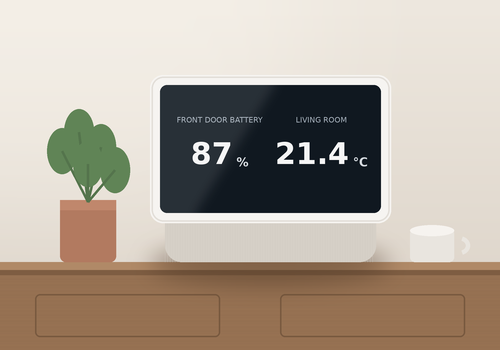
Version 4.4.0 — New Flow cards to set the brightness and opacity of the background image, for example for a darker display at night. The brightness can also be set in the app settings or per screen with bgbrightness.
 Den här appen kan hantera hela Homey.
VarView är inte kompatibelt med vald Homey.
 VarView installeras på Homey inom kort.
Vi låter Dennis Klatt veta att du älskar appen. Överväg att stödja Dennis Klatt genom att göra en donation?
Utvecklaren av VarView tar emot donationer.
Gör en donation för att tacka!
Vi skickar ett meddelande till Dennis Klatt om att du har skickat ett förslag.
 Belgium
 Bulgaria
 Croatia
 Cyprus
 Czech Republic
 Estonia
 Finland
 Greece
 Hungary
 Iceland
 Ireland
 Latvia
 Lithuania
 Malta
Malta
 Moldova
 The Netherlands
 Portugal
 Romania
 Slovakia
 Slovenia
 Türkiye
 Ukraine
 United Kingdom


