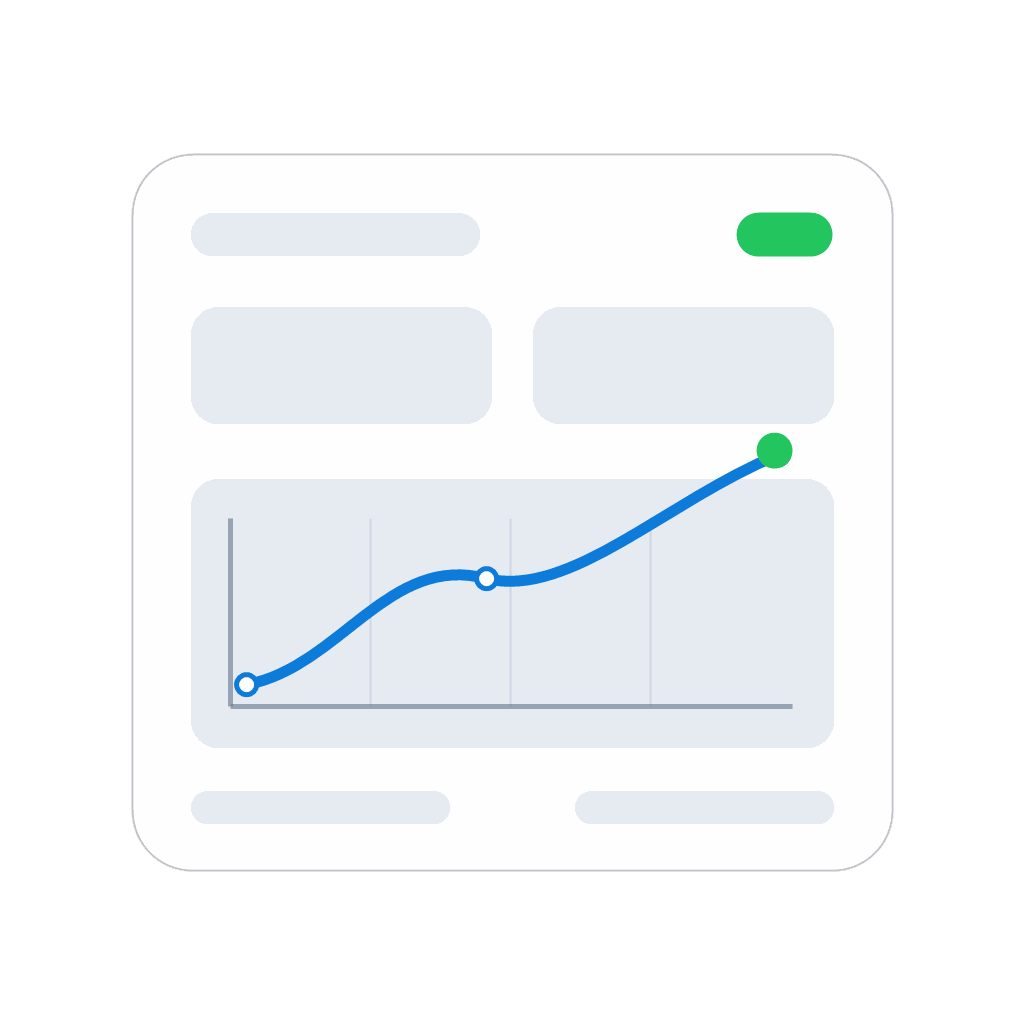
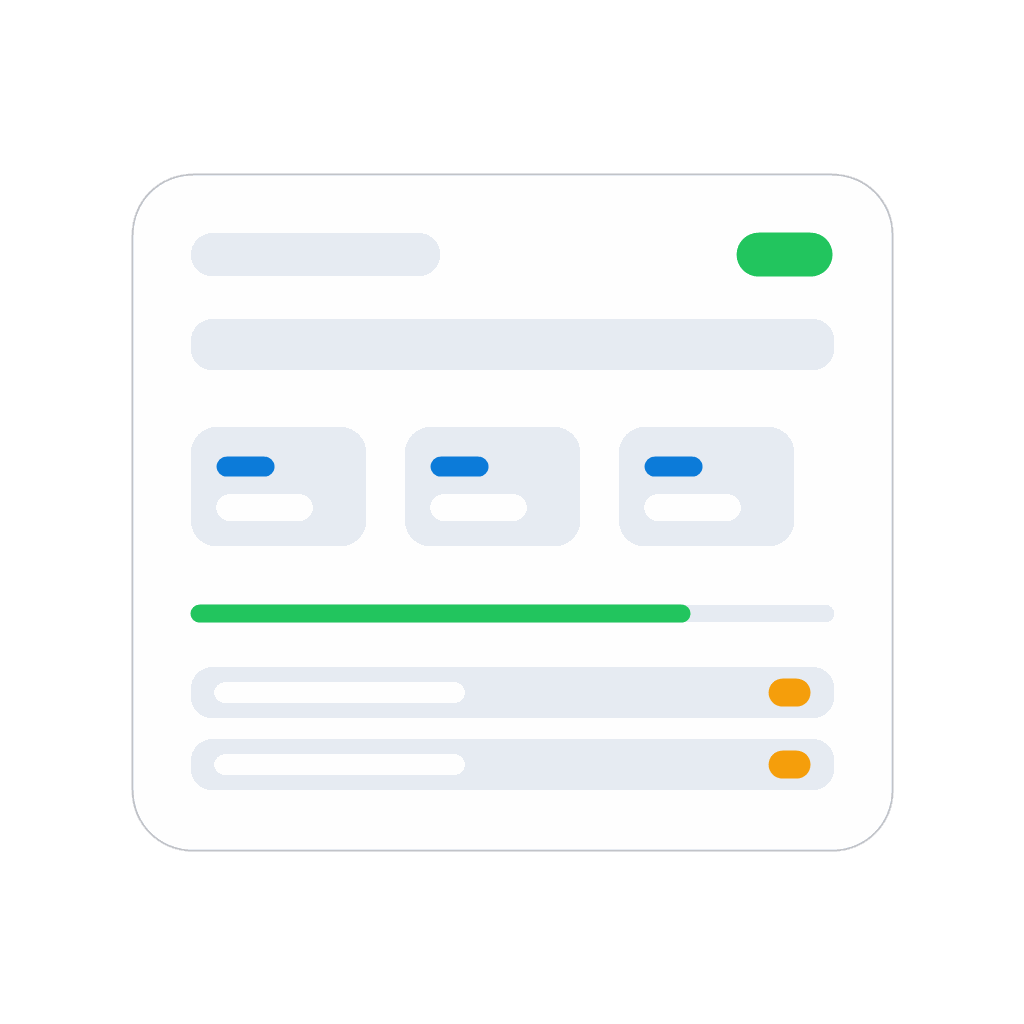
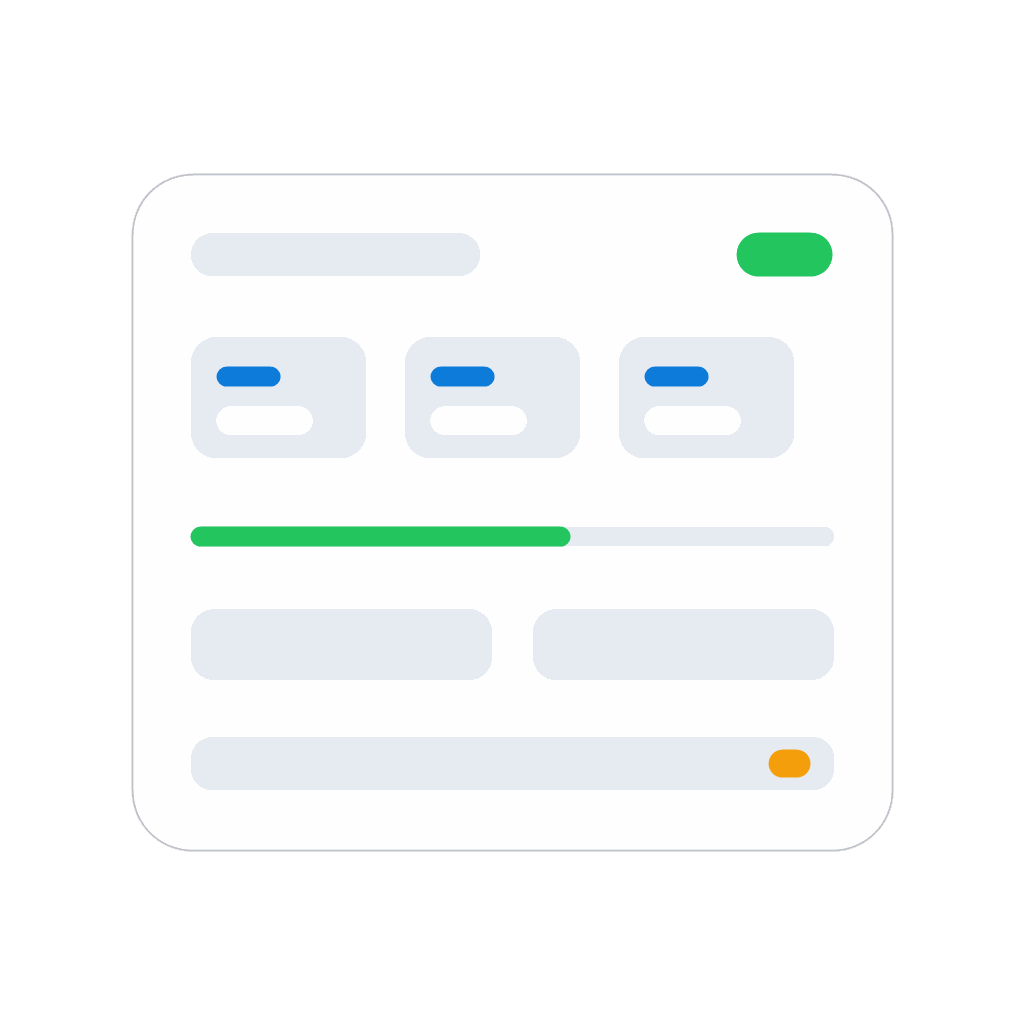
Zone Control

Professional lux-based lighting control with zone dashboards, Flow cards and tuning insights.

Läs mer ›

Enheter som stöds

Flow-kort

Klicka på en enhet ovan för att visa endast relaterade Flow-kort.

När...

Curve
Curve output changed
i
Fires when the curve device publishes a new output value.
Zone Controller
Aktiverad
Zone Controller
Inaktiverad
Zone Controller
Dimningsnivå ändrades
Zone Controller
Luminansen ändrades
Zone Controller
Lux input changed
i
Fires on every validated lux input change, including clear/unavailable transitions.
Zone Controller
Light level changed (0-100%)
i
Fires when the zone light level changes.
Zone Controller
Zone became unoccupied
i
Fires when the zone changes from occupied to unoccupied.
Zone Controller
Zone became occupied
i
Fires when the zone changes from unoccupied to occupied.
Zone Controller
Zone active again (cancel timers)
i
Fires when the zone re-enters active state and timers are cancelled.
Zone Controller
Zone inactive (fade)
i
Fires when afterglow fade starts; token is the fade duration.
Zone Controller
Zone inactive (hold)
i
Fires when the inactive hold/off-delay starts after fade. Token is hold duration in seconds.
Zone Controller
Zone inactive (off)
i
Fires when the zone reaches full OFF after afterglow/hold has ended.

Och...

Zone Controller
Är på
Zone Controller
Zone is in afterglow
Zone Controller
Zone is occupied
Zone Controller
mode is Mode

Då...

Curve
Set curve input = Value
i
Feeds a generic numeric input value to the curve device.
Curve
Set curve JSON = Curve JSON
i
Accepts either an array of {x,y} points or a full curve object with points and optional metadata.
Curve
Set curve specification = Curve spec JSON
i
Apply a full curve specification object, including points and optional formatting/dynamics metadata.
Zone Controller
Aktivera
Zone Controller
Stäng av
Zone Controller
Växla på och av
Zone Controller
Dimma till %
Zone Controller
Ställ in relativ dimnivå %
i
Dimma eller ljusa upp med avseende på enhetens aktuella dimnivå.
Zone Controller
Clear measured lux input
i
Invalidates the lux input immediately. No stale lux is retained for control.
Zone Controller
Pulse occupied for [[device]]
i
Retriggers occupancy without forcing a full mode reset when the zone is already occupied.
Zone Controller
Set measured lux (PV) = Lux lx
i
Override/update the measured lux for the zone controller.
Zone Controller
Set mode = Mode
i
Switch control mode (auto/manual/on/off/night).
Zone Controller
Set occupied = Occupied
i
Forces the zone to occupied or unoccupied. Use this when an external sensor or flow decides whether the room is in use.
Zone Controller
Set manual light level = Light level (%)%
i
Switches the zone to Manual mode and sets the light level. Example: 25 sets the zone to Manual and drives the light to 25%, limited by min/max output.
Zone Controller
Set PID: Kp=Kp Ti=Ti (s) Td=Td (s) β=Beta N=Filter N
i
Optionally provide any subset of PID parameters.
Zone Controller
Set Auto start level to Level (%)%
i
Changes the level Auto uses when the light first turns on. Example: 40 means Auto starts at 40% before fine regulation takes over.
Zone Controller
Set target lux = Lux lx
i
Set the lux setpoint for PI control.
Zone Controller
Set max output to Maximum (%)%
i
Set the maximum output limit (%).
Zone Controller
Set min output to Minimum (%)%
i
Set the minimum output limit (%).
Zone Controller
Skip postfade hold phase
i
Skips the last hold phase (postfade) and goes directly to off after fade completes. Can be called during prefade, fade, or postfade. Ignored if the zone is active.
Zone Controller
Skip prefade hold phase
i
Skips the first hold phase (prefade) and jumps directly to fade. Fade and postfade hold are preserved. Ignored if the zone is active.

Widgetar

Du kan lägga till den här appens widgetar på din instrumentpanel eller hemskärm i mobilappen.

Curve
Curve
Zone Dashboard
Zone Dashboard
Zone Controller
Zone Controller

Support

Har du problem med den här appen? Kontakta utvecklaren genom att skicka ett e-postmeddelande.

Vad är nytt?

Version 5.0.1 — Added widgets

Visa ändringslogg

Zone Control

Zone Control är inte kompatibelt med vald Homey.

Zone Control installeras på Homey inom kort.
Installera