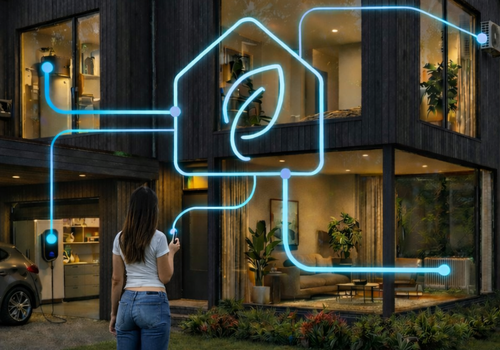
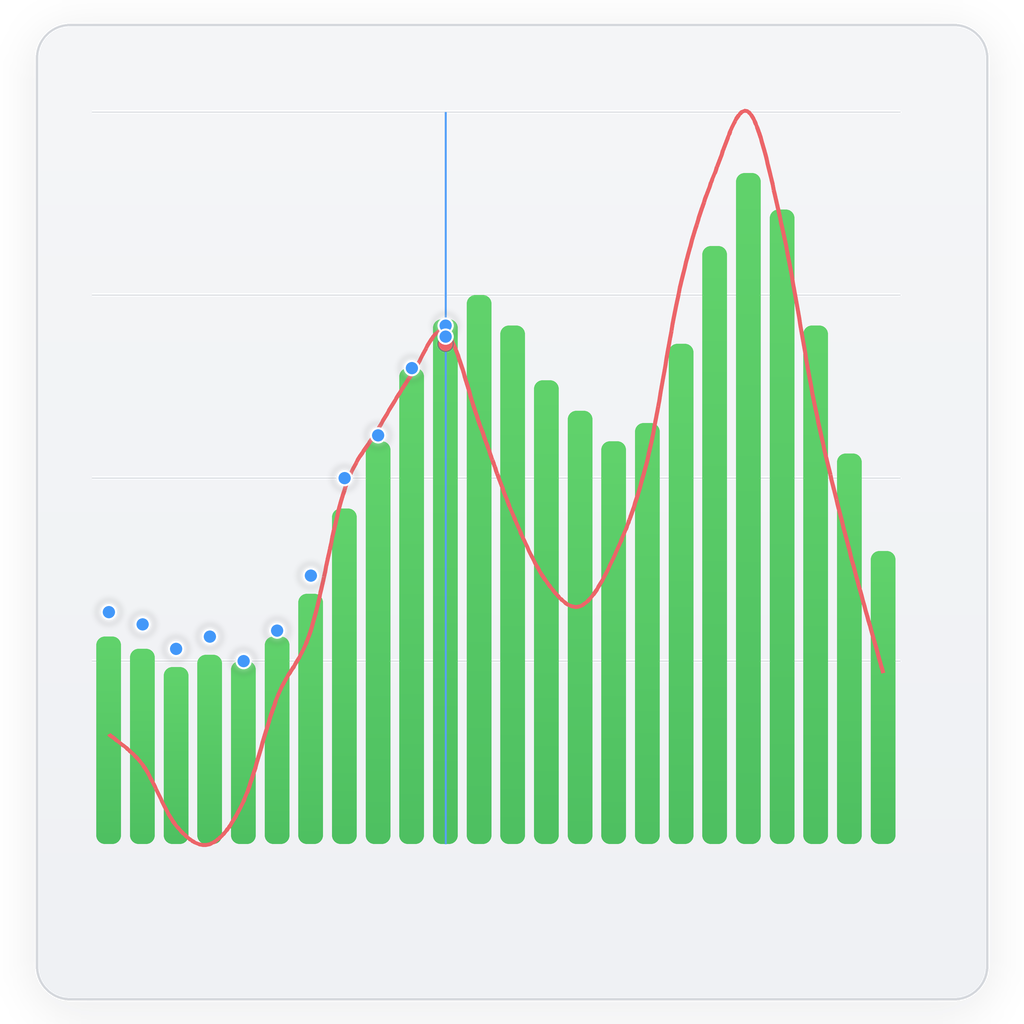
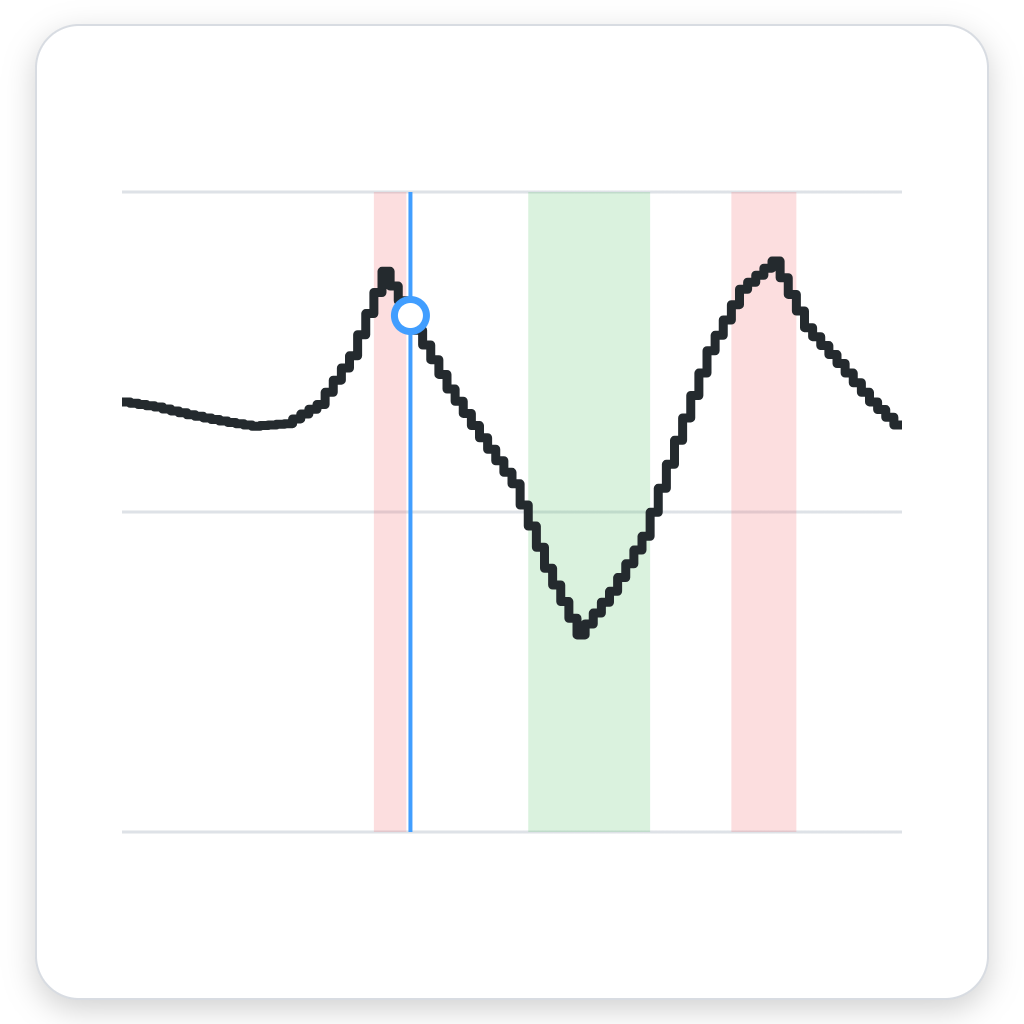
Elbilsladdning och uppvärmning står ofta för en stor del av elräkningen. PELS använder styrfunktionerna i enheternas Homey-appar för att flytta laddning och uppvärmning till billigare timmar. Appen kan bland annat styra laddboxar från Easee och Zaptec, värmepumpar, termostater och varmvattenberedare. Du väljer temperaturer och vilka enheter som ska prioriteras. Appen kan styra utrustning från olika tillverkare.
Elpriserna kommer från Homey Energy, Power by the Hour eller dina Flows. När tidsberoende nätavgifter ingår i den valda priskällan tar PELS med dem i planeringen. Temperaturstyrningen kan även följa kvartspriser och anpassa både värme och kyla.
Med Smart tasks kan målet vara 80 % i bilbatteriet klockan 07, ett varmt vardagsrum när du kommer hem eller en viss mängd energi till varmvattenberedaren. PELS väljer de billigaste timmarna fram till sluttiden. PELS kan också använda batterinivån i laddplanen när den finns i Homey.
Capacity limit hjälper till att hålla nere effekttopparna om du betalar effektavgift. Grid import limit gäller effekten du tar från elnätet just nu. Gränserna kan användas var för sig eller tillsammans. PELS följer hela hemmets förbrukning, sänker laddströmmen, justerar värmen och pausar de minst prioriterade enheterna. När mer effekt finns tillgänglig höjs laddströmmen och pausade enheter startas igen.
PELS använder solöverskott till varmvatten, uppvärmning, kyla och billaddning och anpassar laddströmmen efter produktionen. Priset för såld el ingår också i planeringen, även när det är negativt. Ett hembatteri, till exempel Sessy eller Marstek Venus, kan lagra överskottet och leverera effekt när hushållet närmar sig din gräns. PELS begränsar också batteriets laddning när andra enheter behöver effekten.
Home, Away och Night har egna temperaturer och prioriteringar och kan växlas med Flows. Smart tasks kan också startas direkt från Homey-dashboarden.
Den guidade konfigurationen finns under Homey > Mer > Appar > PELS > Inställningar. Simulation mode visar hur PELS skulle styra enheterna innan du slår på automatisk styrning.
Läs mer ›
Flow-kort
Klicka på en enhet ovan för att visa endast relaterade Flow-kort.
När...
PELS Energistyrning
Hard cap breach imminent — no managed devices left to limit
PELS Energistyrning
Hard cap breach imminent for at least Must last at least (seconds) seconds — no managed devices left to limit
PELS Energistyrning
Daily budget adjusted for the weather forecast
PELS Energistyrning
Smart task ended for Device
PELS Energistyrning
Smart task schedule changed for Device
PELS Energistyrning
Smart task status changed for Device
PELS Energistyrning
PELS wants Device at a different step
PELS Energistyrning
No car matched to EV charger after Wait (minutes) minutes
PELS Energistyrning
Operating mode changed to Operating mode
PELS Energistyrning
Price level changed to Price level
PELS Energistyrning
PELS price list was updated
PELS Energistyrning
Current price is one of Lowest count lowest in the Hours hours before End hour:00
PELS Energistyrning
Current price is one of Lowest count lowest prices today
PELS Energistyrning
Device smart task has Hours remaining (or fewer) hours or fewer remaining
Och...
PELS Energistyrning
Device smart task is Status
PELS Energistyrning
EV charger is waiting to match a car
PELS Energistyrning
Device has a smart task
PELS Energistyrning
Is there enough available power for Required power (kW) kW?
PELS Energistyrning
Does Device have available power for Required power (kW) kW?
PELS Energistyrning
Operating mode is Mode
PELS Energistyrning
Device has budget exemption
PELS Energistyrning
Is power-limit control enabled for Device?
PELS Energistyrning
Is Device managed by PELS?
PELS Energistyrning
Price level changes to Price level within Hours h
PELS Energistyrning
Price level is Price level
PELS Energistyrning
Current price is one of Lowest count lowest in the Hours hours before End hour:00
PELS Energistyrning
Current price is one of Lowest count lowest prices today
Då...
PELS Energistyrning
Add budget exemption for Device
PELS Energistyrning
Allow Device's smart task to Permission When
PELS Energistyrning
Clear smart task for Device
PELS Energistyrning
Associate Car with EV charger for this connection
PELS Energistyrning
Disable power-limit control for Device
PELS Energistyrning
Enable power-limit control for Device
PELS Energistyrning
Remove budget exemption for Device
PELS Energistyrning
Report battery level for Charger device as Battery level (%) %
PELS Energistyrning
Report power Power (W) W
PELS Energistyrning
Report stepped load for Device as Step
PELS Energistyrning
Report stepped load for Device matching Power
PELS Energistyrning
Set capacity limit to Limit (kW) kW
PELS Energistyrning
Set operating mode to Mode (e.g. home, away, vacation)
PELS Energistyrning
Set daily budget to Budget (kWh) kWh
PELS Energistyrning
Set the temperature for Device in Mode to Target temperature (°C) °C
PELS Energistyrning
Set the Adjustment for Device to Amount (°C) °C
PELS Energistyrning
Set what happens when the temperature of Device changes outside PELS: Choice
PELS Energistyrning
Deliver Energy (kWh) kWh to Device by Ready by
PELS Energistyrning
Charge EV charger to Target battery (%) % by Ready by
PELS Energistyrning
Set EV charger charging phase to Phase
PELS Energistyrning
Set external prices for today from Price data (JSON)
PELS Energistyrning
Set external prices for tomorrow from Price data (JSON)
PELS Energistyrning
Heat Device to Target temperature (°C) °C by Ready by
Vad är nytt?
Version 3.19.0 — New Device insight widget: pick one managed device and see its status, its own figure such as temperature against target or battery level, why PELS is limiting it, and its smart task. Tap the tile to open its smart task, or to create one for that device. The other two smart task widgets are now called Create smart task and Smart task list.
When a car app is slow to report the plug-in, you can now tell PELS which car is connected. Use Confirm connected car in the charger's Car section, or the new Flow cards: a trigger when no car is matched after a wait you choose, a waiting condition, and an action that associates a car for this connection. A smart task that waits for this now says it is waiting to identify the connected car.
Visa ändringslogg








 Den här appen kan hantera hela Homey.
 PELS Energistyrning installeras på Homey inom kort.
 Belgium
 Bulgaria
 Croatia
 Cyprus
 Czech Republic
 Estonia
 Finland
 Greece
 Hungary
 Iceland
 Ireland
 Latvia
 Lithuania
 Malta
Malta
 Moldova
 The Netherlands
 Portugal
 Romania
 Slovakia
 Slovenia
 Türkiye
 Ukraine
 United Kingdom


