




PELS

Save energy and money with automatic capacity control and price-aware load shifting.

Let op! Deze app werkt mogelijk niet.

Deze app versie wordt op dit moment getest, en is nog niet goedgekeurd.
Let extra goed op bij het gebruiken van deze app.

« Terug naar de reguliere versie

Save energy and money with automatic capacity control and price-aware load shifting.

Lees meer ›

Ondersteunde apparaten

Flow-kaarten

Klik op een apparaat hierboven om gerelateerde Flow-kaarten te zien.
Als...

PELS
Capacity guard predicts hourly hard-cap budget breach; manual action required
i
Triggers when PELS projects that the hourly hard-cap budget will be breached at the current run rate and there are no controllable devices left to shed. This is an emergency situation requiring immediate manual intervention. Note: This only triggers for hourly hard-cap budget breaches, never for daily budget soft-limit violations.
PELS
Desired stepped load changed for Device
i
Triggers when PELS wants a stepped-load device to move to another configured step.
PELS
Operating mode changed to Operating mode
i
Use this to trigger flows when PELS switches to a different operating mode.
PELS
Price level changed to Price level
PELS
Current price is one of Lowest count lowest in the Hours hours before End hour:00
PELS
Current price is one of Lowest count lowest prices today

En...

PELS
Is there enough headroom for Required power (kW) kW?
i
Use this to check if current headroom is enough to add the requested load.
PELS
Does Device have headroom for Required power (kW) kW?
i
Checks if the current headroom plus the device's estimated usage is enough to add the requested load. Built-in hysteresis keeps this false for about 60 seconds after a meaningful step-down or recent PELS control on the same device, and repeated failed re-activations require extra headroom before it turns true again.
PELS
Operating mode is Mode
i
Use this to create flows that only run when PELS is in a specific mode (e.g., Home, Away, Night).
PELS
Device has budget exemption
i
Use this to check if the selected device is ignored by daily budget soft-limit control while still counting in real usage and capacity management.
PELS
Is Device capacity controlled?
i
Use this to check if PELS can shed or restore the selected device based on capacity limits.
PELS
Is Device managed by PELS?
i
Use this to check if PELS is currently managing the selected device.
PELS
Price level is Price level
PELS
Current price is one of Lowest count lowest in the Hours hours before End hour:00
PELS
Current price is one of Lowest count lowest prices today

Dan...

PELS
Add budget exemption for Device
i
Exclude this device from daily budget soft-limit control. Real usage still counts in charts and budget reporting, and capacity management still applies.
PELS
Disable capacity control for Device
i
Keep PELS from shedding or restoring this device while capacity control is disabled.
PELS
Enable capacity control for Device
i
Allow PELS to shed or restore this device based on capacity limits.
PELS
Remove budget exemption for Device
i
Make this device follow daily budget soft-limit control again. Capacity management is unchanged.
PELS
Report power Power (W) W
i
Feed instantaneous power (W) from a meter to track hourly energy usage and feed capacity guard.
PELS
Report stepped load for Device as Step
i
Use this after a vendor-specific action card, or when the device changes step outside PELS, so PELS knows which configured step is currently selected.
PELS
Report stepped load for Device matching Power
i
Use this when a device app gives you a power value instead of a step name. PELS matches the configured step by planning power. Accepts values like 1750 or 1750 W.
PELS
Set capacity limit to Limit (kW) kW
i
Use this to dynamically adjust your power limit based on time of day, electricity prices, or other conditions.
PELS
Set operating mode to Mode (e.g. home, away, vacation)
i
Use this to automatically switch PELS modes based on time, presence, or other triggers in your flows.
PELS
Set daily budget to Budget (kWh) kWh
i
Use this to adjust your daily energy budget from flows. Set to 0 to disable the daily budget.
PELS
Set external prices for today from Price data (JSON)
i
Paste the price JSON from Power by the Hour's "price changed" card tag. Single quotes are accepted (e.g., {'0':0.2747,'1':0.2678,...}).
PELS
Set external prices for tomorrow from Price data (JSON)
i
Paste the price JSON from Power by the Hour's "price changed" card tag. Single quotes are accepted (e.g., {'0':0.2747,'1':0.2678,'2':0.261,...}).

Widgets

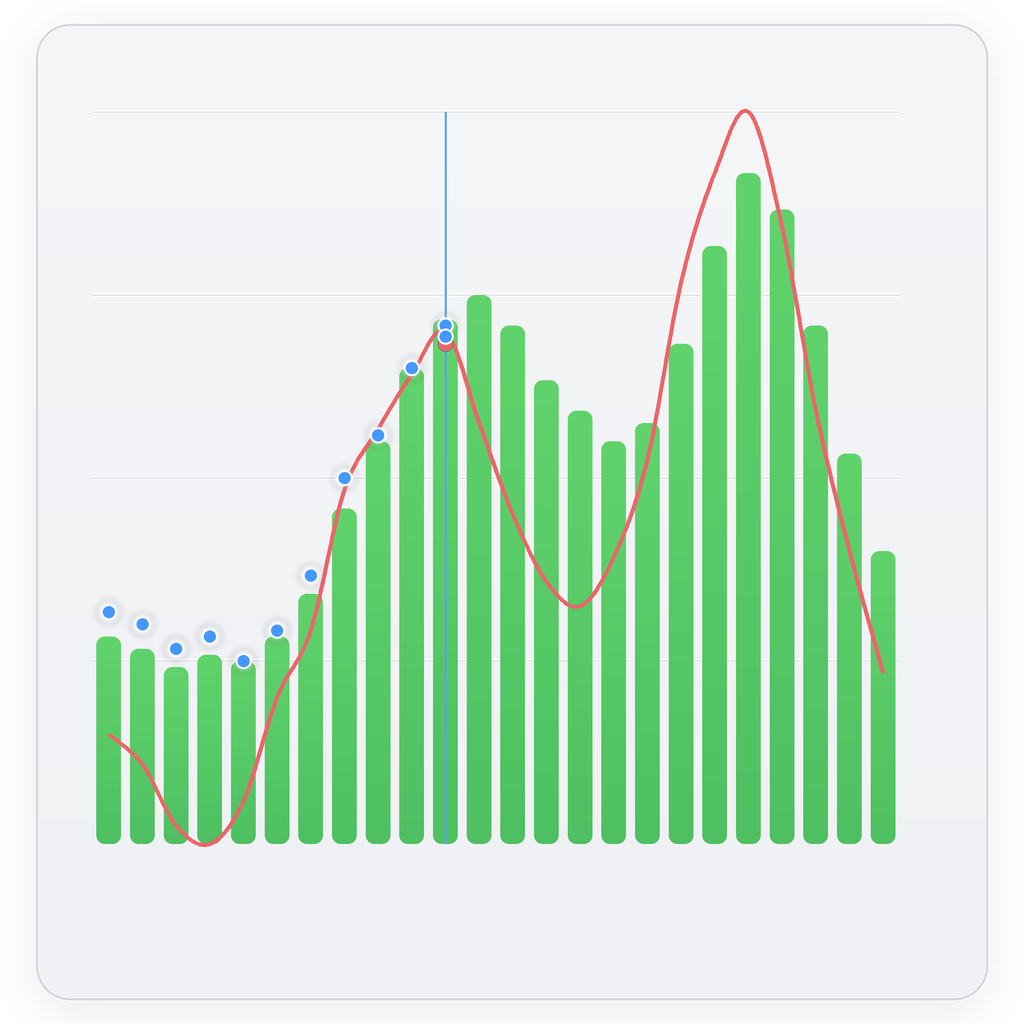
Je kunt de widgets van deze app toevoegen aan je dashboard of startscherm in de mobiele app.

Budget and Price
Budget and Price

Ondersteuning

Heb je een probleem met deze app? Neem contact op met de ontwikkelaar per e-mail.

Wat is nieuw

Versie 2.1.25 — Implements various stability fixes.

Bekijk changelog

PELS

Deze app kan je hele Homey beheren.

PELS is niet compatibel met de geselecteerde Homey

PELS wordt op Homey geïnstalleerd.
Installeer App