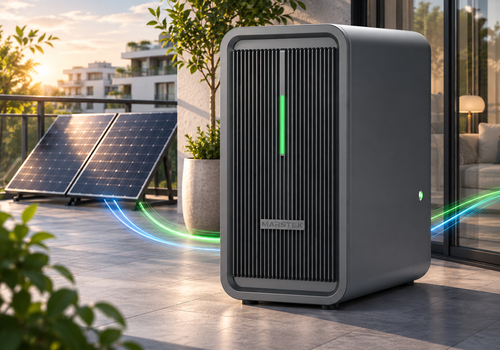





Connect your Marstek B2500 battery storage system to Homey via MQTT or Bluetooth LE.
Choose your connection
The MQTT devices require your own MQTT broker and a B2500 configured to communicate with it. The app does not include a broker. The BLE devices connect directly via Homey's Bluetooth, without an MQTT broker. Bluetooth range and support for your Homey or Bridge satellite must be checked. This app does not use your Marstek cloud account.
The BLE battery device also offers optional Wi-Fi and MQTT configuration through its Repair screen. Network changes require explicit confirmation and may interrupt existing connections. BLE support is new and requires hardware verification; HMJ-2 firmware 116.6 is the initial test target.
Supported devices:
The app currently supports the Marstek B2500 family. Compatibility depends on the model and firmware; not all variants have been tested.
Four Homey device types are available:
- Marstek B2500 (MQTT): battery status, output power, depth of discharge and schedule management.
- Marstek B2500 PV (MQTT): solar power and energy monitoring, including both PV inputs.
- Marstek B2500 (BLE): battery monitoring and control via Bluetooth, including optional Wi-Fi and MQTT setup.
- Marstek B2500 PV (BLE): solar monitoring over the battery's shared Bluetooth connection.
Adding a battery via MQTT or BLE also adds its PV device. Existing devices are kept unchanged. The separate PV setup remains available to add a missing companion.
Use only one connection method per physical battery for energy accounting and automation to avoid duplicate measurements and competing controls. Bluetooth connections are released between transactions so other tools can connect.
For requirements, setup instructions and usage guidance, visit our topic in the Homey Community. You can find it via the community or support link on this app page. You can also ask questions and share feedback there.
자세히 읽기 ›