








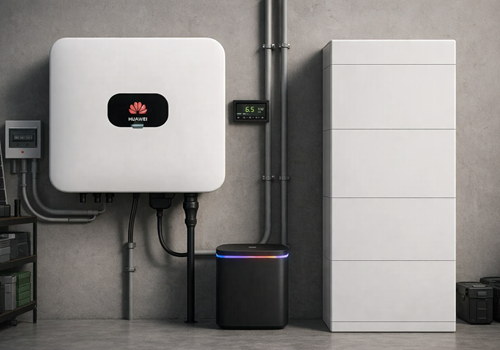
Battery LUNA 2000 (EMMA Modbus)
소비 전력이 변경되면
위의 디바이스를 클릭하면 관련 Flow 카드만 표시됩니다.





이 앱에 문제가 있습니까? 개발자에게 문의하려면 여기를 클릭하세요..
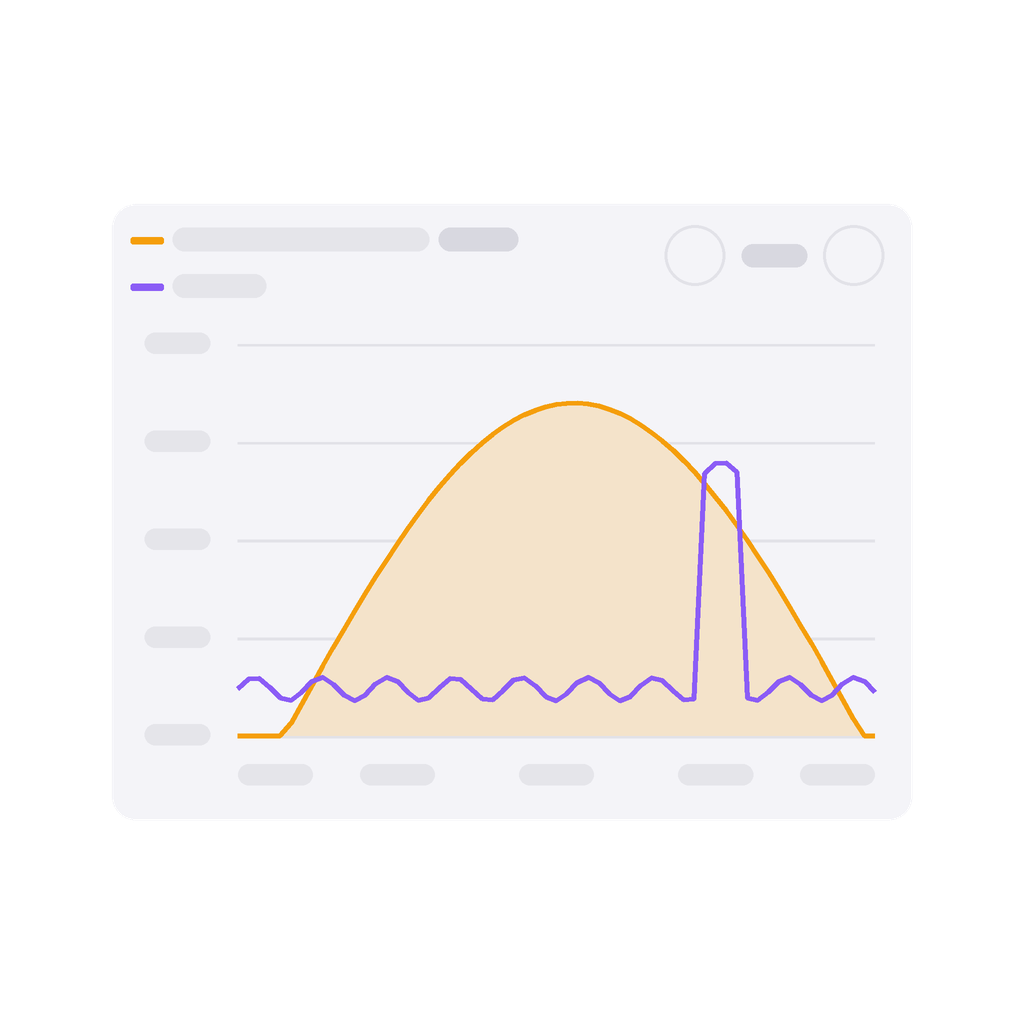
버전 1.3.9 — Widgets: a plant with several inverters and batteries over Modbus — two SUN2000 with a LUNA2000 each, say — is now shown as a whole. Until now every widget showed the first inverter and battery paired, and the power flow worked out the house from that inverter alone. Solar power, battery power, today's yield and charge/discharge add up; the batteries' state of charge is weighted by their capacity, so 90 % of 5 kWh and 30 % of 15 kWh show as 45 %. The grid comes from the inverter the meter is wired to, whichever was paired first.
 선택하신 Homey에 Huawei FusionSolar Manager이(가) 호환되지 않습니다.
 Huawei FusionSolar Manager이(가) 곧 Homey에 설치됩니다.
 Belgium
 Bulgaria
 Croatia
 Cyprus
 Czech Republic
 Estonia
 Finland
 Greece
 Hungary
 Iceland
 Ireland
 Latvia
 Lithuania
 Malta
Malta
 Moldova
 The Netherlands
 Portugal
 Romania
 Slovakia
 Slovenia
 Türkiye
 Ukraine
 United Kingdom


