








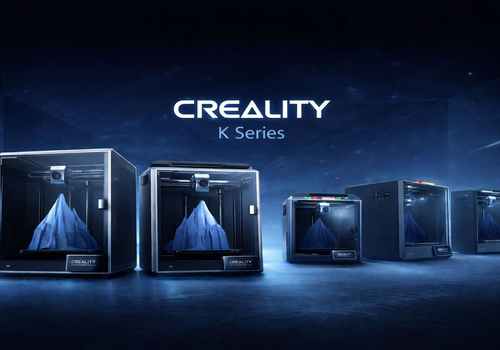
Creality CR-M4
Print completed
Clicca su un dispositivo qui sopra per visualizzare solo le schede dei Flow correlate.

Hai un problema con questa app? Contatta lo sviluppatore inviando un’email.
Versione 1.2.11 — Fixed live camera playback on K1 Max printers whose MJPEG port is unavailable. The app now verifies the MJPEG stream before registering it and uses WebRTC when the printer supports it. Camera snapshots appear only when a valid image is available. Added print details to Flow triggers and optional Homey notifications for print events. Improved print-state detection and command safety. Added filament estimates for Moonraker printers when slicer metadata is available. Expanded the Hi Combo CFS widget with material editing, a four-slot view, and saved colour presets.
 Creality non è compatibile con l’Homey selezionato.
 Crealityverrà installato a breve su Homey.
Faremo sapere a Uğur BENEK che ami l’applicazione. Forse potresti considerare di supportare Uğur BENEK facendo una donazione?
Lo sviluppatore di Creality accetta donazioni.
Fai una donazione per ringraziarlo!
Avviseremo Uğur BENEK che hai inviato un suggerimento.
 Belgium
 Bulgaria
 Croatia
 Cyprus
 Czech Republic
 Estonia
 Finland
 Greece
 Hungary
 Iceland
 Ireland
 Latvia
 Lithuania
 Malta
Malta
 Moldova
 The Netherlands
 Portugal
 Romania
 Slovakia
 Slovenia
 Türkiye
 Ukraine
 United Kingdom


