








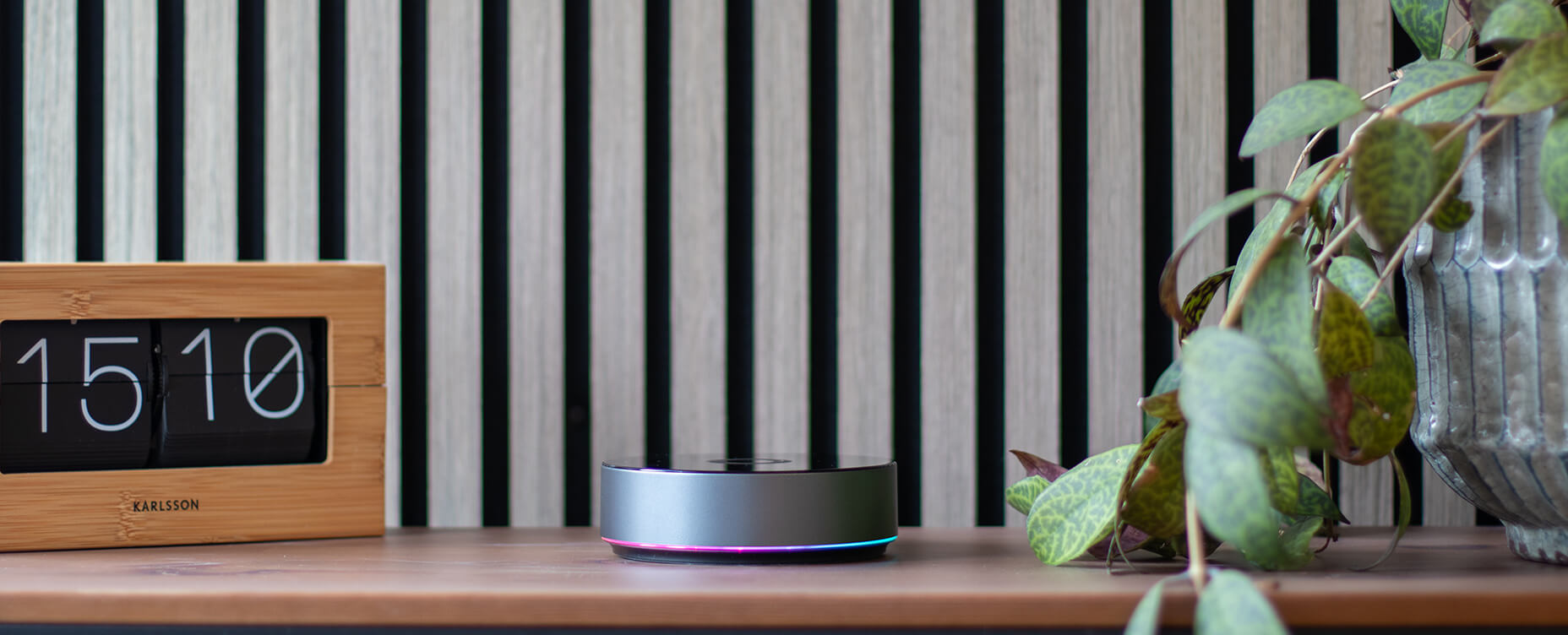
Keep Your Smart Home Running Without Internet with Homey Pro
A smart home that stops working the moment your Wi-Fi drops isn't really smart. If your lights, heating, and security routines all depend on a round trip to a distant cloud server, a slow connection or a router restart becomes a household problem instead of a minor inconvenience.
Homey Pro and Homey Pro mini both take a different approach. Automations, device connections, and Flows run locally on the hub itself, so your everyday routines keep working whether or not your internet connection cooperates.
Why Local Control Matters
Running automations locally cuts out the delay of sending a command to the cloud and waiting for a response. Lights turn on the instant motion is detected, thermostats adjust on schedule, and door sensors trigger their routines without a network round trip in between.
That speed comes with two other benefits. Local automations keep working during internet outages, which matters most for the routines you rely on for comfort and security. And because the logic runs on your own hub rather than a remote server, less of your daily activity data needs to leave your home network.
How Homey Pro's Local-First Architecture Works
Both Homey Pro and Homey Pro mini process Flows directly on the hub, so the device itself handles the decision-making rather than forwarding every trigger to an external service. This local processing is backed by hardware built to support it.
Homey Pro mini connects to Wi-Fi, Zigbee, Thread, and Matter devices natively, and adds Z-Wave, Bluetooth LE, 433 MHz, and Infrared support with a Homey Bridge. Homey Pro supports all of these protocols directly on the hub itself, including Zigbee, Z-Wave and Thread, which form a mesh network across your home as each powered device helps relay signals to extend range and reliability.
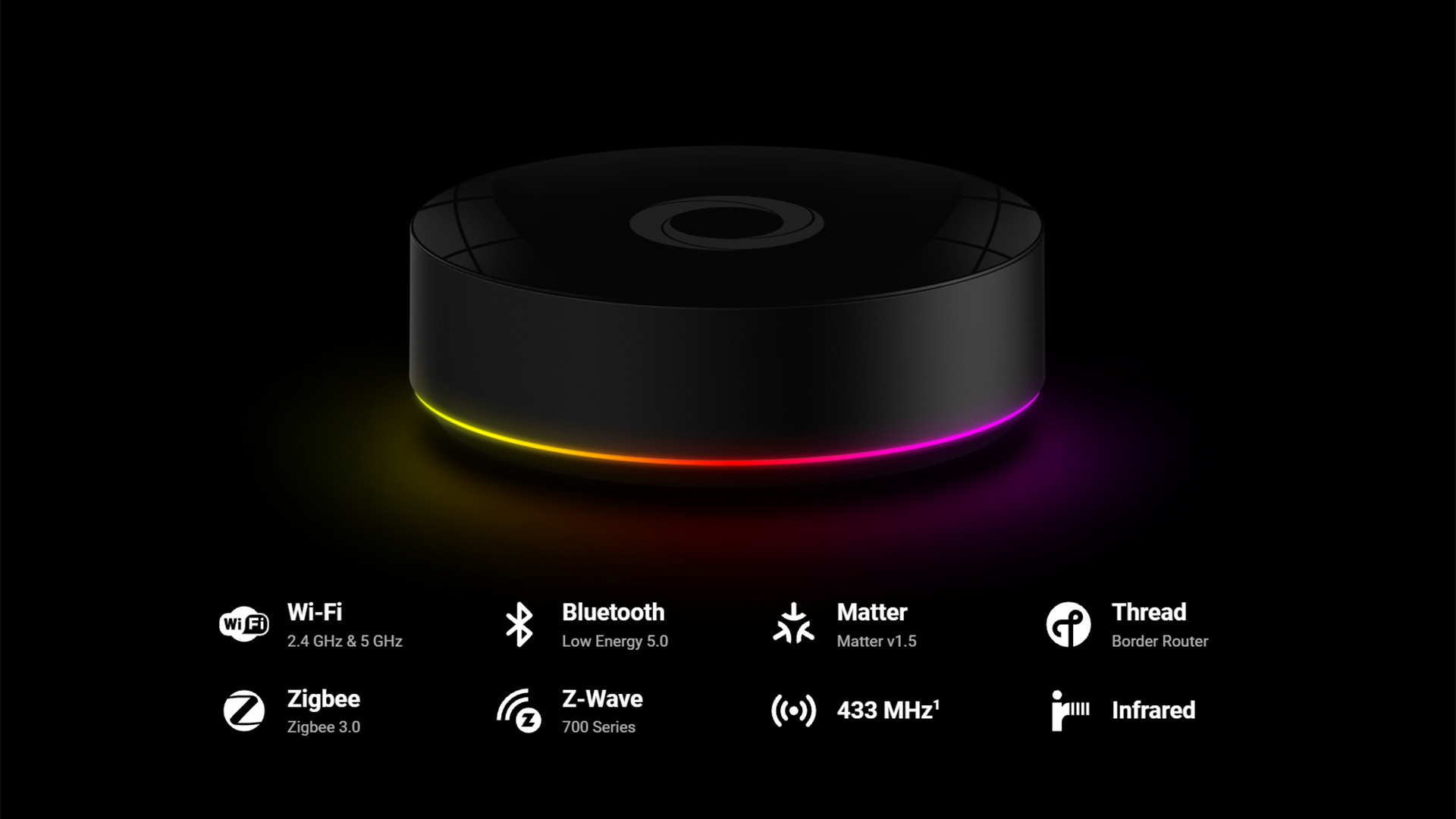
A wired connection through the Homey Pro Ethernet Adapter keeps Homey Pro online with a stable connection instead of relying on Wi-Fi. A Homey Bridge set to Satellite Mode can extend wireless coverage into larger homes or rooms with a weaker signal, for either hub.
Together, these pieces mean your Flows aren't just fast when everything is working. They're built to keep working when something isn't.
Automations That Keep Working Offline
Local-first design shows up most clearly in the routines you use every day. A few examples:
- A smart plug can switch on the entry lamp as soon as your phone connects to the home network.
- A motion sensor can bring up the stair lights at night and switch them off again once you've passed.
- A door or window sensor can trigger a "welcome home" scene with lighting and music.
- A smart thermostat can lower the heat while you're out and pre-warm the living room before you're back.
Because these Flows run on Homey Pro itself, they stay responsive even on a night when your internet connection isn't cooperating.
What Still Depends on the Internet
Locally connected devices and their Flows keep working without an internet connection. What pauses is anything that needs to reach outside your home network, and that's true of cloud-based integrations on any smart home platform, not just Homey.
Remote control through the app while you're away, voice assistant commands, and push notifications all rely on an internet connection to reach your phone or a voice service. The same goes for any connected device whose own integration is cloud-based rather than local. Some devices communicate with Homey through the manufacturer's cloud service rather than a direct local connection, and those integrations will pause along with everything else that depends on the internet, regardless of which smart home hub they're paired with.
The practical takeaway is to know which of your devices connect locally and which route through a manufacturer's cloud, so you know what to expect if your connection drops. Locally connected devices and their Flows keep running. Cloud-dependent integrations and remote access resume once the connection is back.
Building a More Resilient Local Network
A stronger local setup doesn't require an overhaul of your smart home. A few practical steps:
- Connect Homey Pro directly with the Ethernet Adapter instead of relying on Wi-Fi for the hub itself.
- Add a Homey Bridge in Satellite Mode to extend coverage into rooms with a weaker signal.
- Add more powered Zigbee, Z-Wave or Thread devices, such as smart plugs, since each one helps strengthen the mesh network for the devices around it.
- Place battery-powered sensors within range of a powered device rather than at the far edge of your network.
Each addition makes the mesh a little stronger and your automations a little more dependable, without needing to plan the whole system out in advance.
The Takeaway
A dependable smart home is one that keeps working when conditions aren't ideal. Homey's local-first design, whether you use Homey Pro or Homey Pro mini, means your everyday routines, from lighting to heating to security, keep running on their own schedule regardless of what your internet connection is doing.
Start with a device or two that connects locally, build a Flow around it, and let the rest of your setup grow from there.
FAQ
Does my smart home still work if the internet goes out?
Yes. Homey Pro runs Flows locally, so lights, switches, and sensors that connect locally keep responding. Only remote access and cloud-based services pause until the connection returns.
Is local control actually faster than cloud control?
Yes. Without a round trip to a remote server, locally connected lights, sensors, and switches respond noticeably quicker.
What do I need to get started with local automations?
Homey Pro plus a few locally connected devices, such as a smart plug, a motion sensor, or a door sensor, is enough to build your first Flow.
Which features stop working without internet?
Remote control while away from home, voice assistant commands, push notifications, and any device that integrates through a manufacturer's cloud service. Locally connected devices and their Flows keep running.
How can I make my setup more reliable?
Use a wired connection for the hub where possible, extend coverage with a satellite, and add powered devices like smart plugs to strengthen your Zigbee or Z-Wave mesh.
Glossary
Local control
Local control means a smart home hub processes automations and device commands on the hub itself, without sending them to an external server first. This keeps response times fast and lets routines keep working even when the internet connection drops.
Mesh network
A mesh network is a setup where connected devices relay signals to one another instead of all communicating directly with the hub. Each powered device, such as a smart plug, can extend the network's range and give nearby battery-powered devices a more reliable connection.
Flow
A Flow is an automation rule that links a trigger, such as motion being detected, to one or more actions, such as turning on a light. Flows can run locally on the hub, which is what allows them to keep working during an internet outage.
Satellite mode
Satellite mode lets a secondary device, such as a Homey Bridge, extend a hub's wireless coverage into rooms or areas with a weaker signal. It expands the reach of the local network without adding a separate hub.
Cloud integration
A cloud integration is a connection between a device and a hub that routes through the manufacturer's remote servers rather than communicating directly. These integrations depend on an internet connection and pause during an outage, which is a general trait of cloud-based connections rather than something specific to any one platform.


