








How Bas turns his house into a Halloween show
Some households put out a few pumpkins and call it a night. Bas van der Ploeg, a tech enthusiast from the Netherlands, turns his entire house into an interactive Halloween show, powered by Homey.
When Bas came across a video of animated Halloween scenes being projected onto house windows in the US, he didn’t just watch it and move on. He borrowed a projector from a friend, hung a white bedsheet on his street-facing window, and hooked up some computer speakers. A few foam skulls and pumpkins later, he had his first Halloween display.
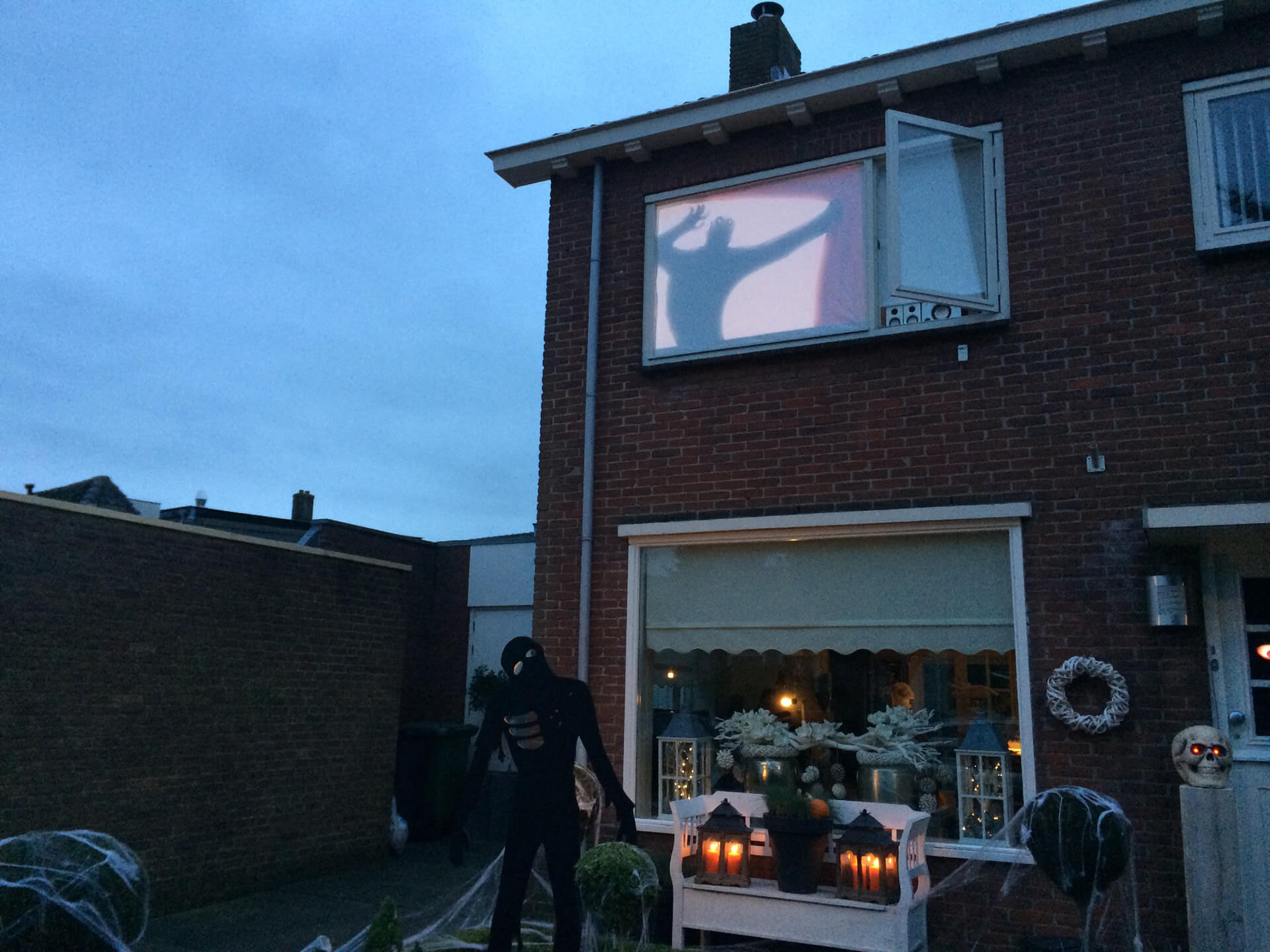
To his surprise, many children showed up for candy that first year. The reactions were so positive that Bas decided to expand.
When Homey turned tricks into triggers
The following year, he added more decorations, more candy, a real speaker set, and a smoke machine. Year after year, his Halloween display grew: more visitors, more effects, and his favorite part, more technology. But no matter who walked by, the display played the same loop. Bas wanted visitors to set off the effects themselves, so he added Homey to the setup.
At that time, smart doorbells with advanced features weren’t yet common, so he took a simple KlikAanKlikUit wireless doorbell and connected it to his Homey Pro. Behind his front-door window, he installed a projector linked to a MacBook running a Keynote presentation. One of the slides contained a carefully timed jump-scare video.
To connect the two, he created a Homey Flow. Whenever a visitor pressed the doorbell, Homey instantly sent an SSH command to the MacBook, which triggered a keypress and played the jump-scare video on the door. The kids loved it, and his Halloween show officially had a brain.
A button everyone wants to press
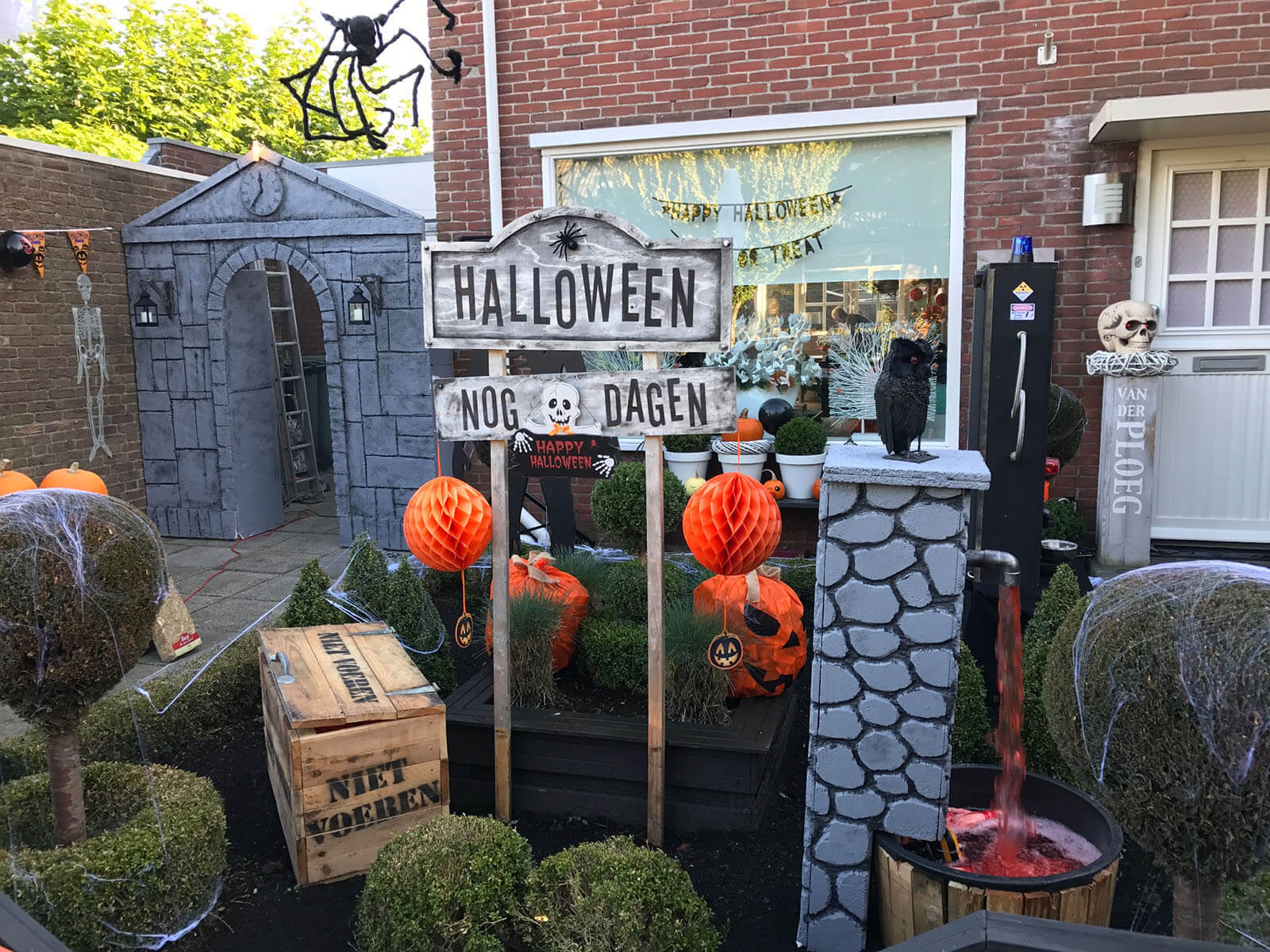
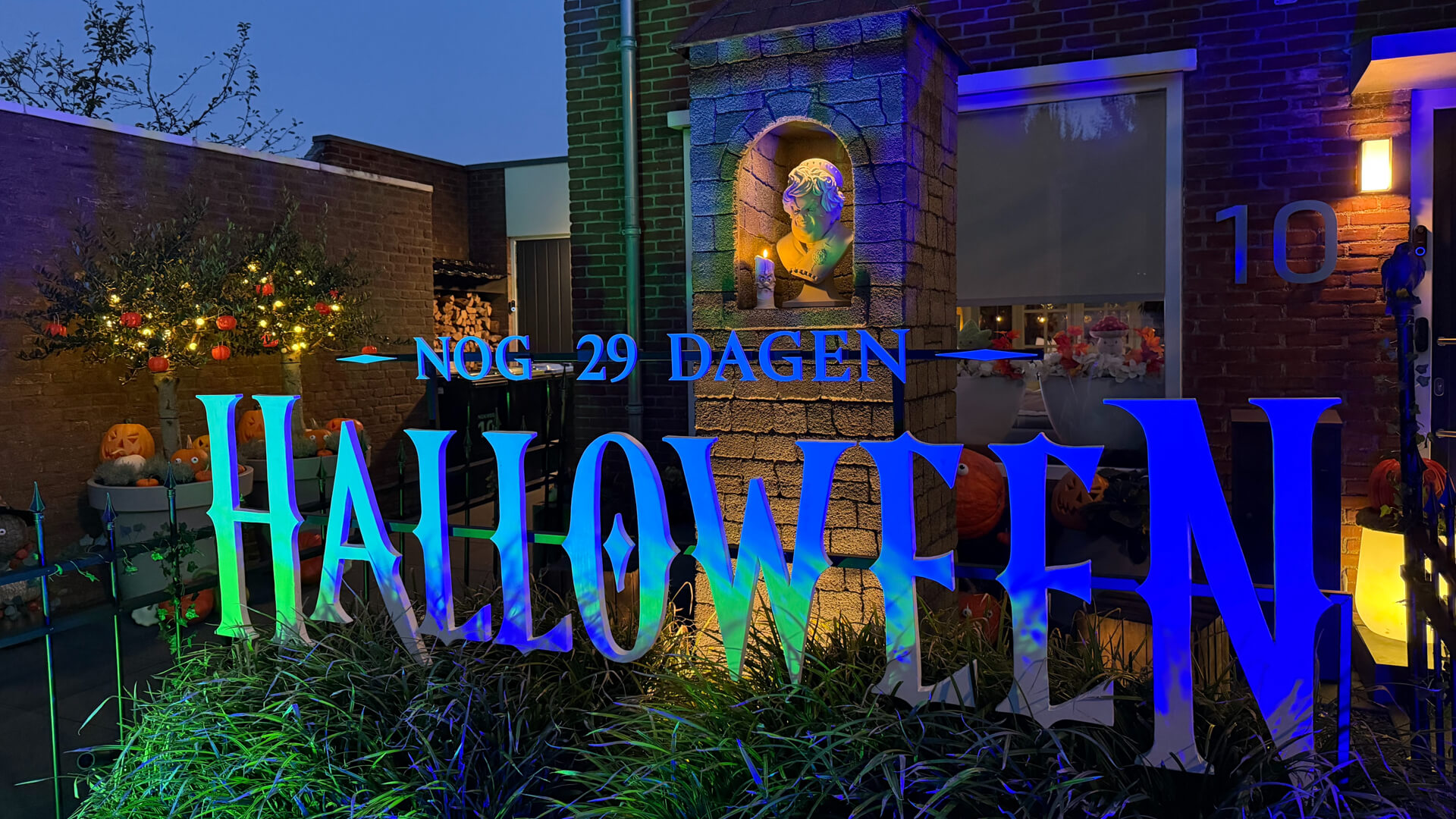
A few years later, he decided to build excitement long before Halloween night. At the beginning of October, he placed a large sign in his front yard that counted down the days to Halloween. To get passersby involved, he added a smart button they could press.
Since rain and cold are constant companions in Dutch autumns, the button needed to survive the weather and the enthusiasm of dozens of children. Bas took an IKEA TRÅDFRI Shortcut Button, soldered wires to the contact points, and attached them to a large mushroom button. Everything was fitted into a waterproof enclosure, resulting in a durable Zigbee button that communicated directly with Homey.
Whenever the button was pressed, Homey started the show. The outdoor lights dimmed, colored RGBW spotlights lit up the display, and small animatronics powered by Zigbee smart plugs began to move. At the same time, speakers played spooky sound effects and the smoke machines switched on. To gain more control over the lighting zones, Bas also introduced a simple DMX controller to split light channels. Even in this early form, his Homey Pro was already coordinating everything through Flows.
Homey also sent a photo from the doorbell camera to Bas’s phone, so he could see who had triggered the show. A number variable in Homey counted every button press. Each evening, a Telegram message reported the total, and the counter reset to zero. The button quickly became a hit with the whole neighborhood.
A house-sized stage
While the mushroom button was popular with kids, the real show began on Halloween night. Bas covered the front of his house with a large white tarp, turning it into a projection screen. Across the street, he built a small scaffolding platform and mounted a 4K projector. With basic projection mapping, he created animations that followed the outline of his home, so the house itself became the stage.
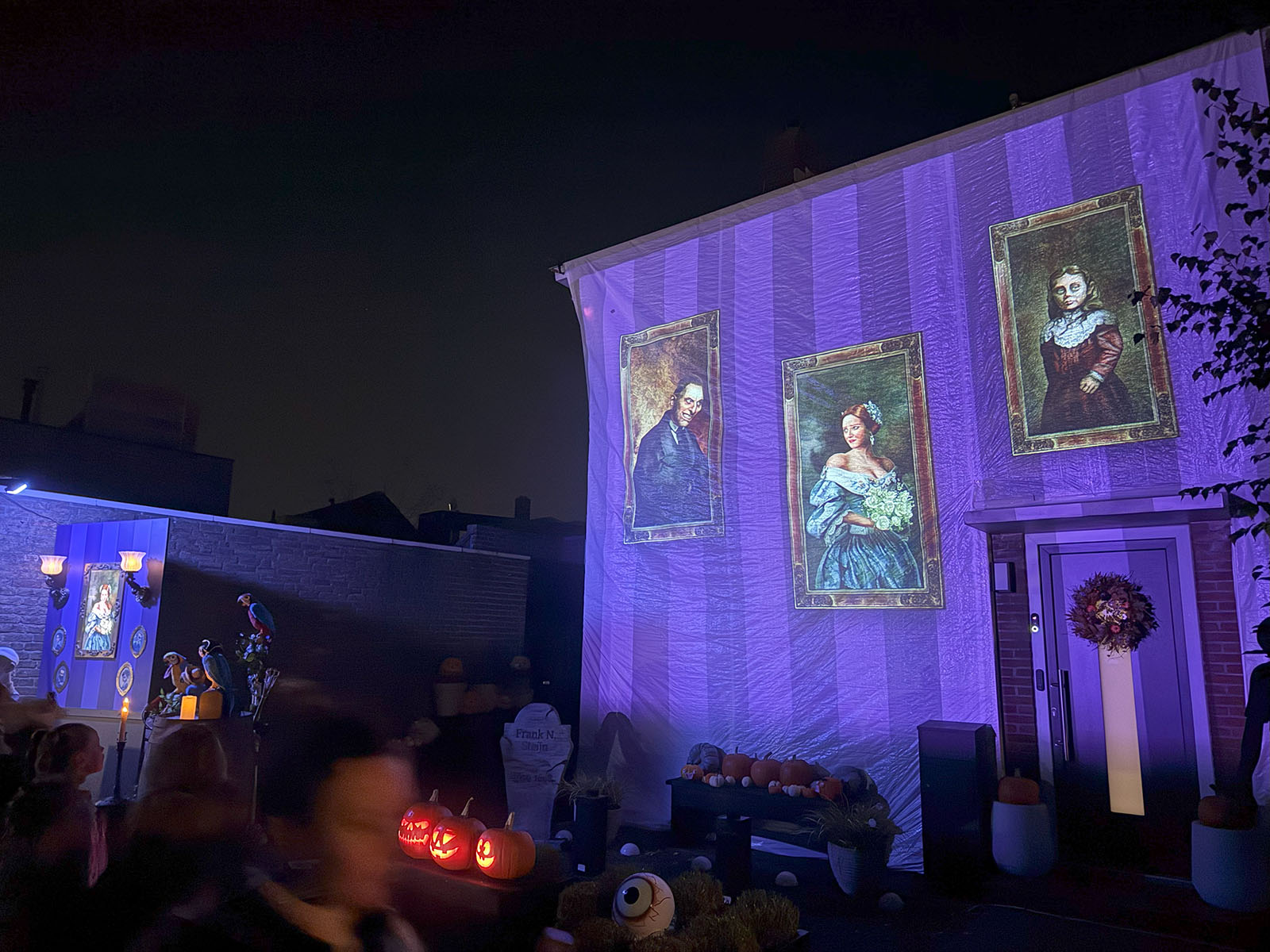
As the show grew, he added DMX-controllable bubble machines and real flamethrowers for sudden bursts of fire, all triggered through timed effects. Since playing multiple videos and effects across different devices can be challenging, Bas used dedicated QLab show software, which allowed him to mix animations, DMX lighting, smoke, and flame effects into single scenes. A Zigbee remote connected to Homey Pro sent web requests to QLab to trigger new sequences instantly. From across the yard, one button press set the whole house in motion.
Children, parents, and curious onlookers gathered every year to see what he would come up with next. The show became a fixture in the neighborhood, something people talked about long before the night arrived.
Donate, and the lion delivers
Each year, Bas makes custom candy boxes for his visitors. Hundreds of children and their parents leave his Halloween house with a handmade box.
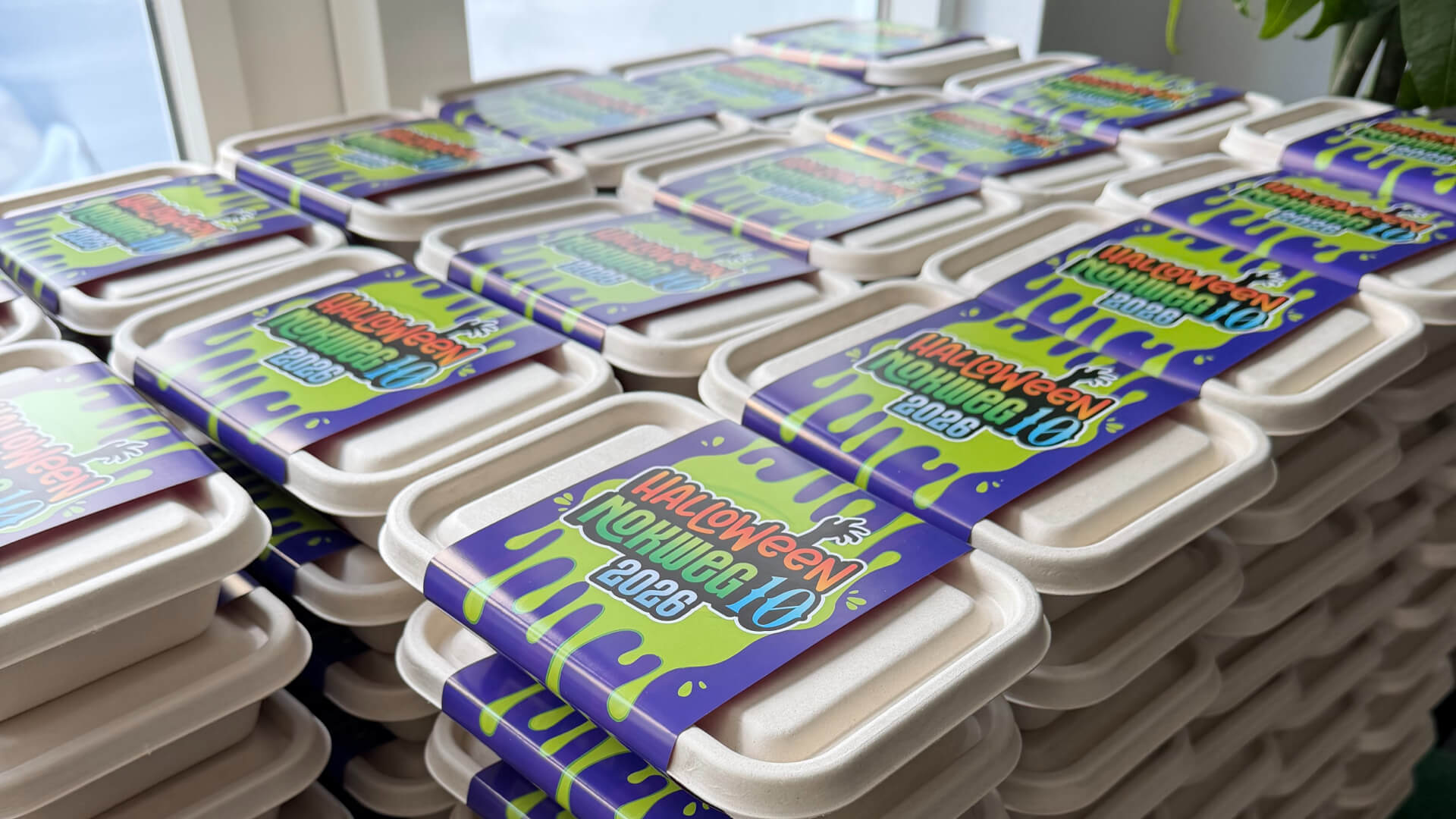
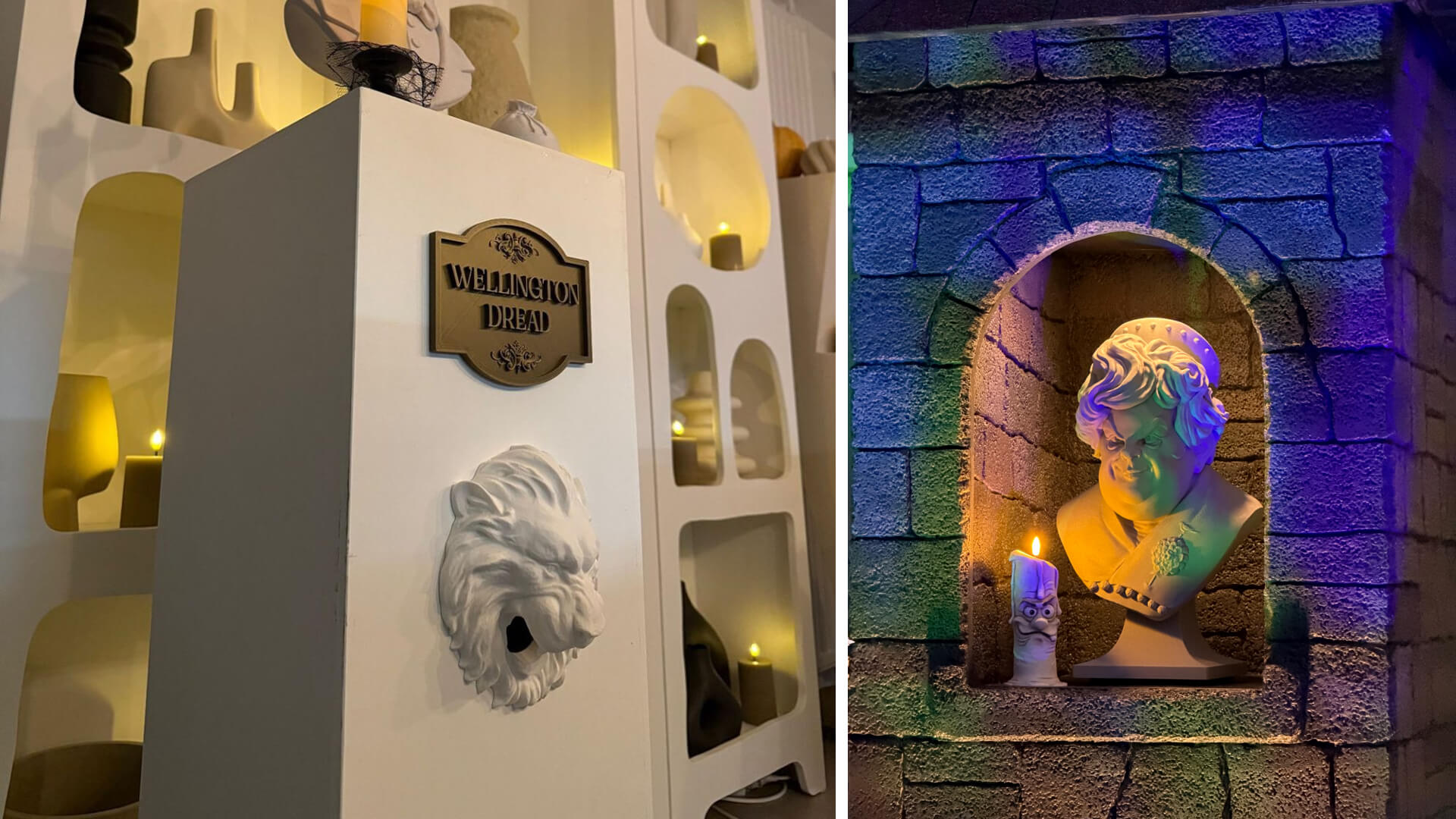
More recently, Bas added a candy dispenser that responded to donations. Visitors could scan a QR code to make a small donation through Tikkie, a Dutch mobile payment service. Homey monitored his account for transactions containing the phrase “Halloween Donation.” Whenever a donation came in, Homey sent a Zigbee command that triggered an Aqara C1 Pet Feeder.
The feeder was brand new and filled with M&M’s. Bas built it into a pedestal, which he topped with a 3D-printed statue and fitted with a separate 3D-printed lion head on the front. With each donation, the feeder activated and candy poured out of the lion’s mouth. It quickly became a favorite with visitors.
A statue that won’t sit still
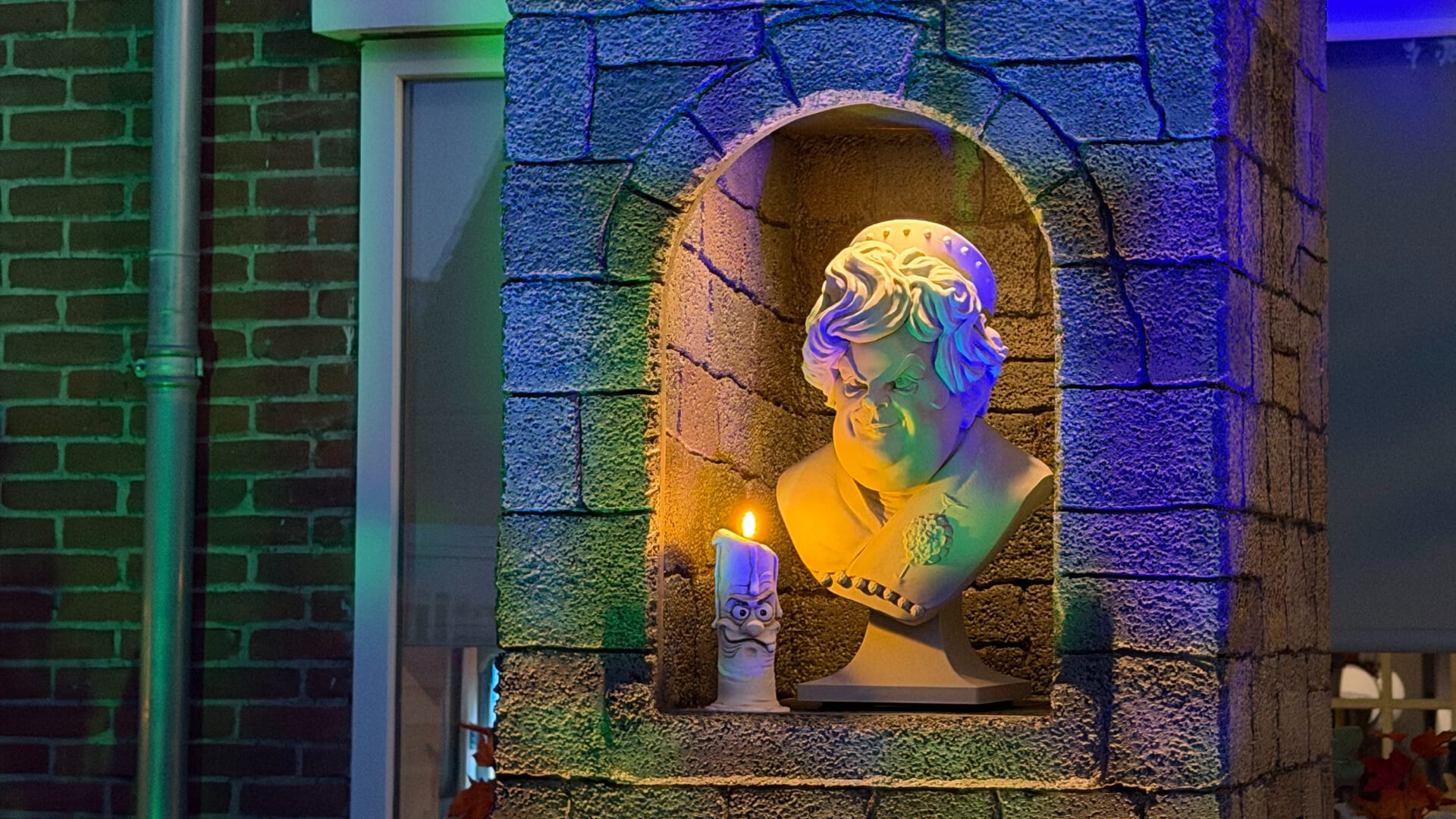
The newest piece in the show is another statue that Bas 3D-printed from top to bottom. It stands in a lit stone niche, next to a candle with a grumpy face of its own. At first glance, it looks like an old marble bust. Then its head slowly starts to turn.
What’s next for the show
Bas already uses DMX lighting for basic effects. Now he wants to learn more advanced programming for smooth transitions, timed chases, and light shows that follow the music and projections. He is also exploring new stage effects, such as cold-spark machines.
The project takes both time and money, but he keeps investing in it because it combines his love of creativity, technology, and community. Local businesses now help by sponsoring equipment and materials, so the show can grow further every season.
Homey calls the cues
From a bedsheet and a borrowed projector to a full interactive display, Bas’s Halloween setup has grown into a show with Homey at its center. It connects Zigbee buttons, smart plugs, smart lights, flamethrowers, and candy dispensers so they all work together.
Every button press, light change, and burst of smoke is coordinated through Homey. What began as a small experiment is now a Halloween tradition for his whole neighborhood.


