




🖤 Save 700 kr on Homey Pro and up to 29% on everything else No code needed • Discount automatically applied at checkout

ShadeWise

Smart blinds that follow the sun, the heat and the forecast

Warning! This app might not work properly.

This app version is currently being tested, and has not yet been reviewed. It might not work as expected.
Be extra careful when installing this app.
« Back to the regular version

Smart blinds that follow the sun, the heat and the forecast

Read more ›

Supported devices

Flow cards

Click on a device above to show related Flow cards only.

When...

ShadeWise
Access closed
ShadeWise
Access did not close
ShadeWise
Access was left open
ShadeWise
Access opened
ShadeWise
ShadeWise resumed
ShadeWise
ShadeWise was suspended
ShadeWise
A blind was paused after a manual command
ShadeWise
A blind is not responding
i
The blind did not reach the requested position after two attempts, or cannot be reached.
ShadeWise
A blind resumed automatic control
ShadeWise
A nap ended
ShadeWise
A nap started
i
A blind with nap mode was closed by hand during the nap hours: ShadeWise leaves it alone until it is raised again.
ShadeWise
A new position was calculated for Blind
i
Use this card to drive any blind, even one ShadeWise cannot control directly.
ShadeWise
A weather safety was activated or lifted
i
Wind, rain or frost. Handy to get a notification.
ShadeWise
The season changed
i
In automatic mode, the season follows the months, adjusted by the outside temperature (last 24 h and tomorrow's forecast), unless a season is forced.
ShadeWise blind
The generic alarm turned on
ShadeWise blind
The generic alarm turned off

And...

ShadeWise
Access is open
ShadeWise
ShadeWise automation is active
i
Active means turned on and not suspended.
ShadeWise
Blind is faulty
ShadeWise
Nap in progress for Blind
ShadeWise
Automation of Blind is paused
ShadeWise
The season is Season
ShadeWise
The sun shines on the facade of Blind
ShadeWise
Vacation mode is on
ShadeWise blind
The generic alarm is on

Then...

ShadeWise
Close Access
i
With an opening sensor, ShadeWise only sends the pulse when it is needed (never the opposite of what you ask).
ShadeWise
Close all open accesses
i
Only accesses with an opening sensor (or a garage door device) are closed.
ShadeWise
Open Access
i
With an opening sensor, ShadeWise only sends the pulse when it is needed (never the opposite of what you ask).
ShadeWise
Open or close Access
i
With an opening sensor, ShadeWise only sends the pulse when it is needed (never the opposite of what you ask).
ShadeWise
End the nap for Blind
ShadeWise
Pause automation of Blind for Minutes minutes
ShadeWise
Recalculate and apply all blinds now
ShadeWise
Resume ShadeWise
i
Ends a suspension (or turns automation back on) and recalculates every blind.
ShadeWise
Resume automation of Blind
ShadeWise
Turn ShadeWise automation State
ShadeWise
Set Measurement to Value
i
For sensors ShadeWise cannot read directly. Select the 'Flow' source in the settings. A value stays valid for 2 hours.
ShadeWise
Set the season to Season
i
"automatic" lets ShadeWise follow the temperature again.
ShadeWise
Turn vacation mode State
i
Maximum heat protection, blinds closed every night at a slightly different time.
ShadeWise
Start a nap for Blind
i
ShadeWise no longer moves this blind until the nap ends (blind raised by hand, end card, or maximum duration).
ShadeWise
Suspend all ShadeWise automation for Minutes minutes
i
No blind is moved by ShadeWise until the time is up, then automation resumes on its own.

Widgets

You can add this app’s widgets to your dashboard or homescreen in the mobile app.

Comfort report
Comfort report
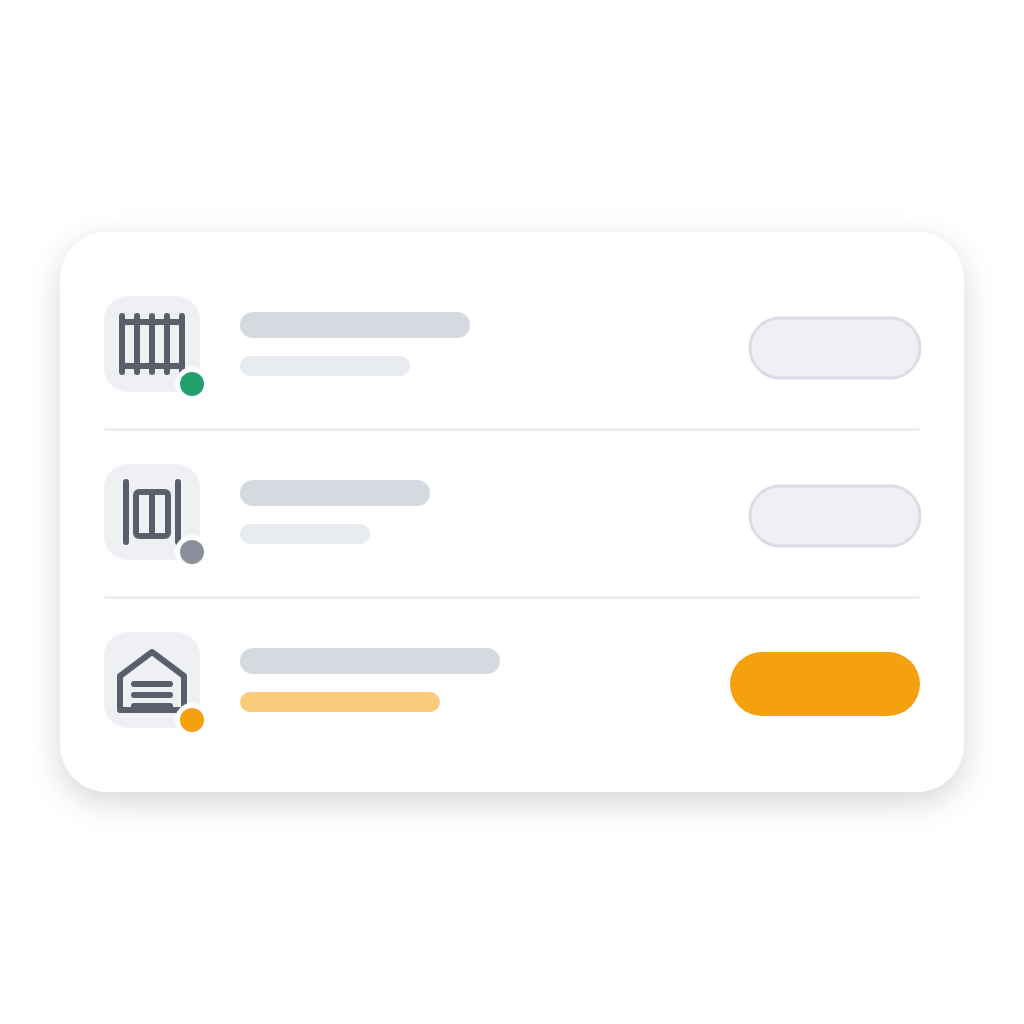
My gates
My gates
My blinds
My blinds
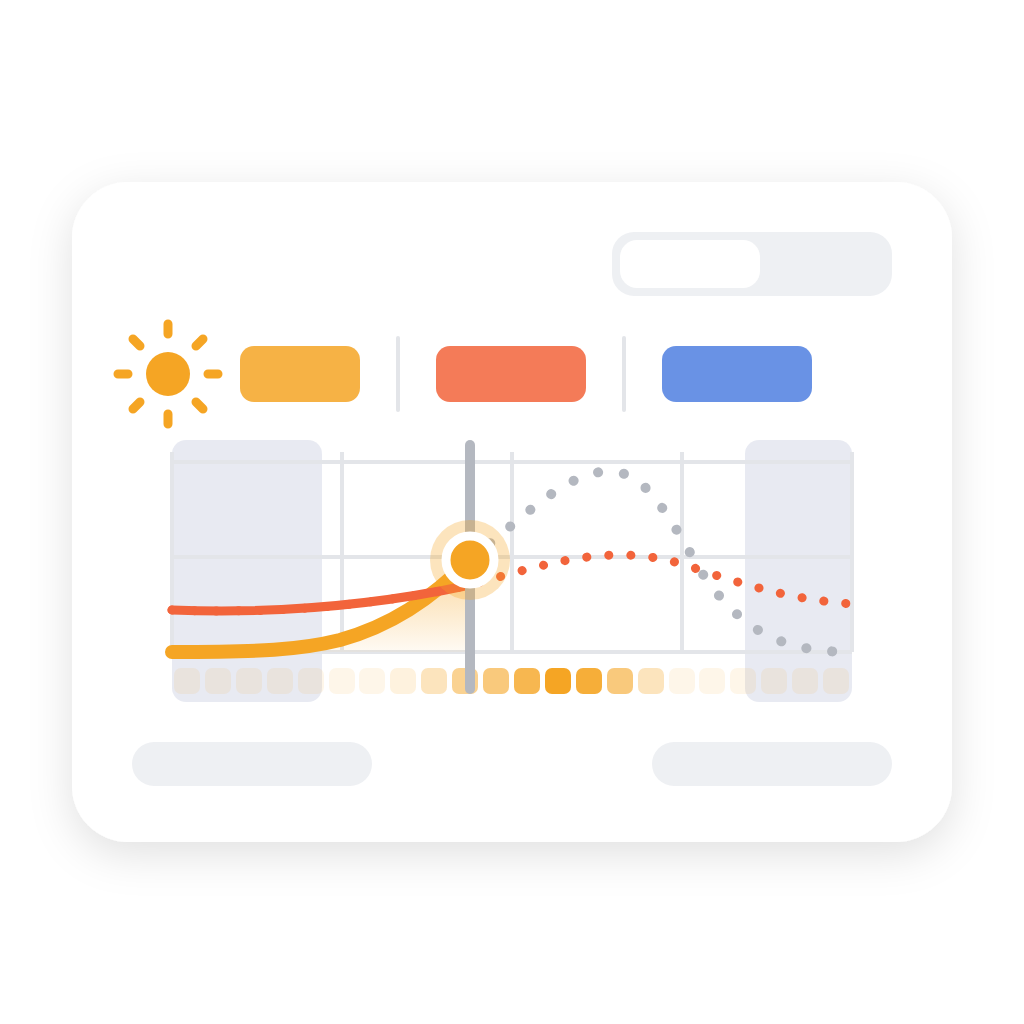
Sunny day
Sunny day

Support

Having an issue with this app? Contact the developer via email.

What’s new

Version 1.6.7 — New preview for the "My gates" widget. The app description now presents the Access section (gates and garage doors).

View changelog

ShadeWise

This app can manage your entire Homey.

ShadeWise is not compatible with the selected Homey.

ShadeWise will install on Homey shortly.
Install App