








Introducing Homey for Android TV & webOS
Homey is now available as an app for Android TV and webOS, designed for the big screen and your remote.
Get Homey for your TV
Using Homey on your TV is easy. Install the Homey app on your Android TV or webOS TV, then scan the QR code to sign in with your Homey account.
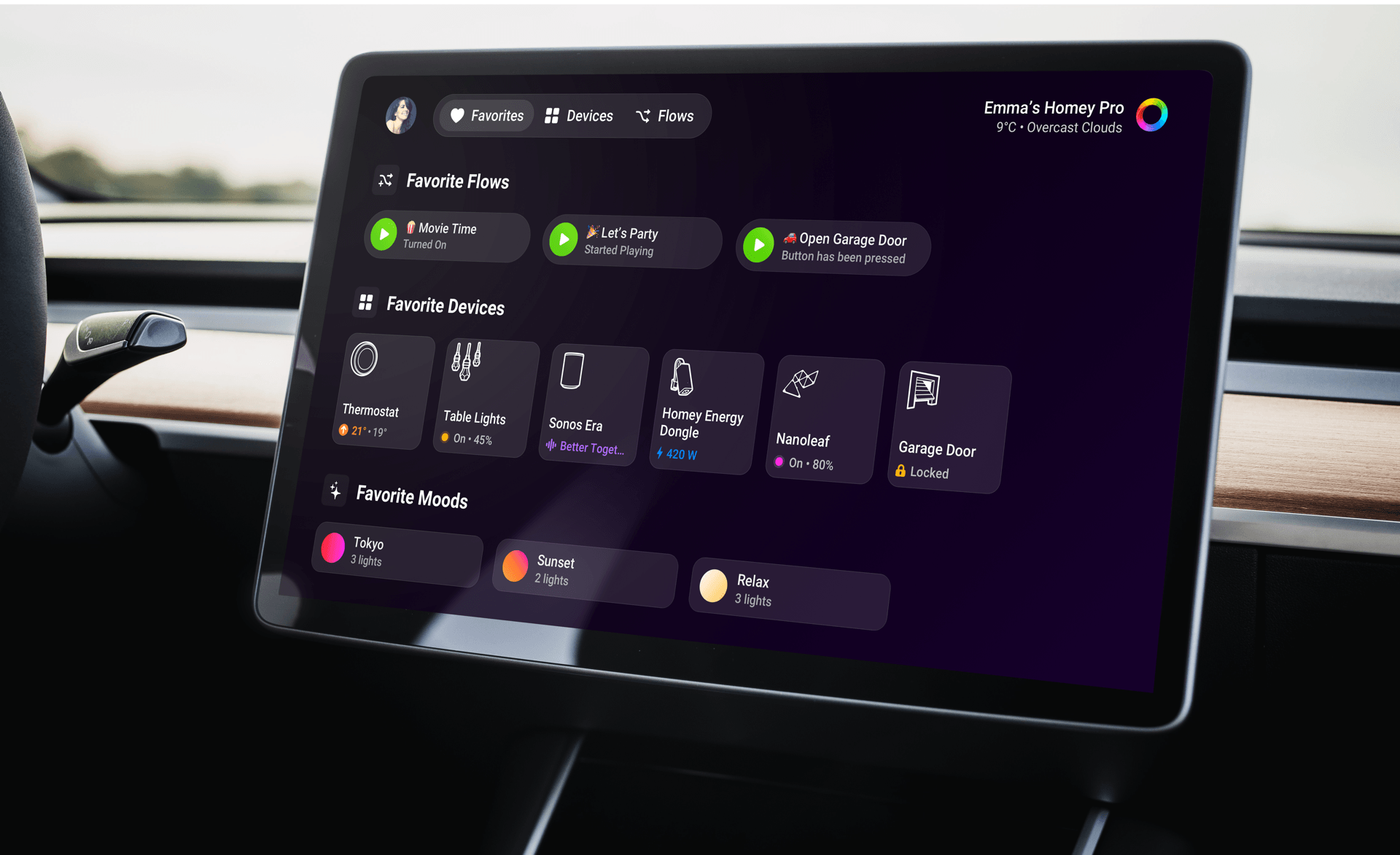
Once you’re in, Favorites come first, so you can quickly control a device, start a favorite Flow, or set a Mood. Head to Devices for a full overview, or go to Flows to run your other automations.
Works on any browser
You can also open homey.tv in a browser, including the one in your Tesla. Handy for quick things like opening the garage door before you pull in.
Compatibility
The Homey app for Android TV and webOS works with Homey Cloud, Homey Pro, Homey Pro mini, and Homey Self-Hosted Server. The webOS app supports LG Smart TVs released in 2021 or later. Availability may vary by model and country.


