








Control your Anker SOLIX battery with Homey
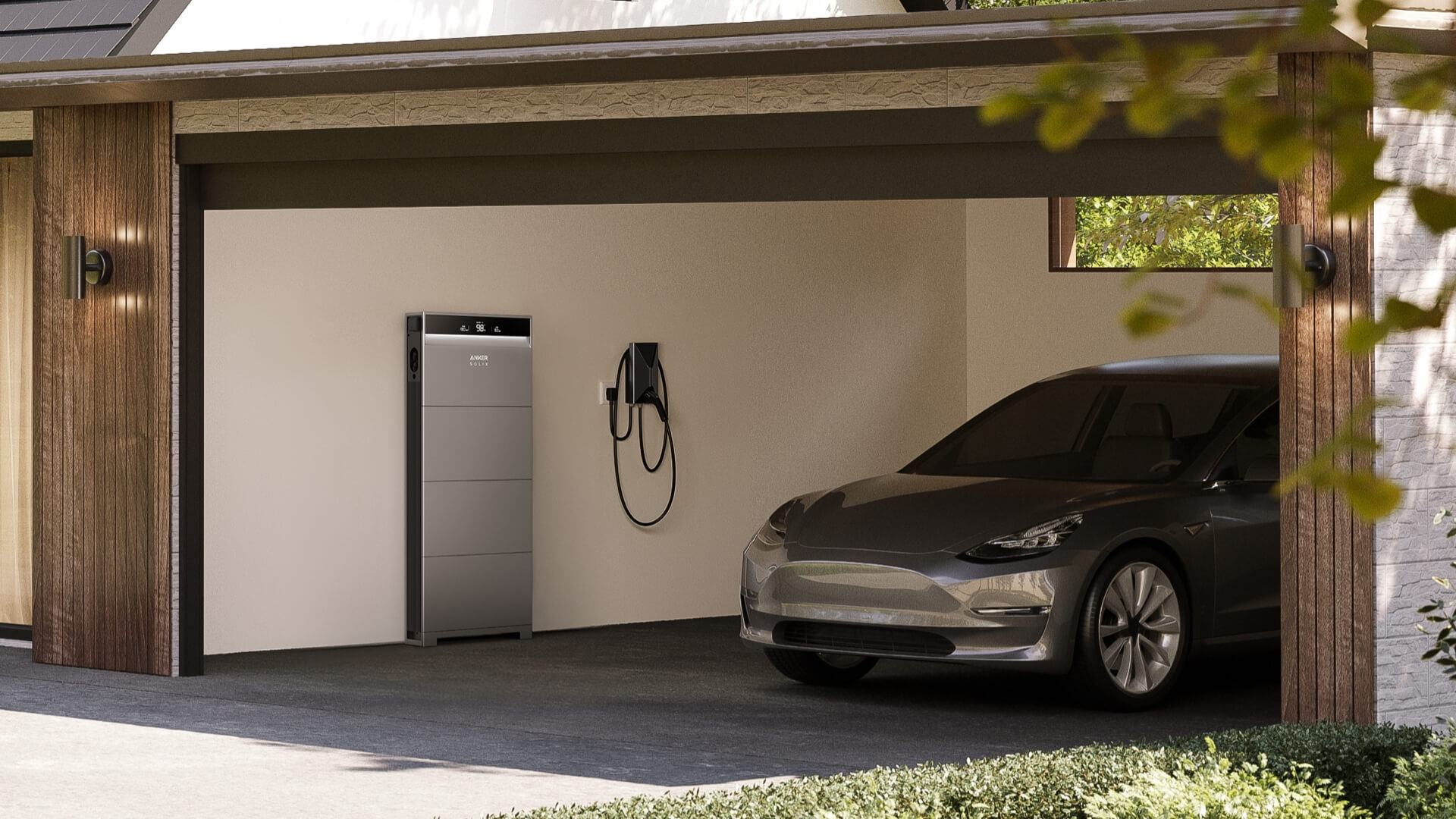
The official Anker SOLIX app for Homey is now available. Monitor and control your Anker SOLIX home battery over your local network.
The app supports the Solarbank Max AC, Solarbank Max, Solarbank 4 Pro, and XE home battery system. You can also add the Anker SOLIX Smart Meter for detailed three-phase measurements, and the Anker SOLIX Smart Plug to switch devices and track their power use.
Your battery in Homey
Once added, your Anker SOLIX battery appears in Homey. You can track its charge level in real time and see whether it’s charging or discharging, and how fast. You can also adjust the charging power, operating mode, and battery limits.
In Homey, your battery works alongside your other energy devices, like your solar panels, EV charger, and smart meter. See how they all perform in one overview in Homey Energy.
Charge and discharge at the right time
Your battery stores excess solar energy instead of sending it to the grid. With a Homey Flow, you decide when and how much of it to use. If you use Dynamic Electricity Prices in Homey Energy, save your stored energy for the hours when electricity is most expensive. Or have Homey adjust the target power automatically as your home’s consumption changes.
Keeps working without internet
The app connects to your battery over Modbus TCP on your local network. Once it’s set up, Homey talks to your battery without going through the cloud, so monitoring and control keep working even when your internet connection is down.
Homey finds your battery on your network by its IP address. Give it a fixed address in your router, and the connection stays in place without you having to update anything in Homey later.
Get started
The Anker SOLIX app works with Homey Pro, Homey Pro mini, and Homey Self-Hosted Server. Because it connects over your local network, it’s not available for Homey Cloud.
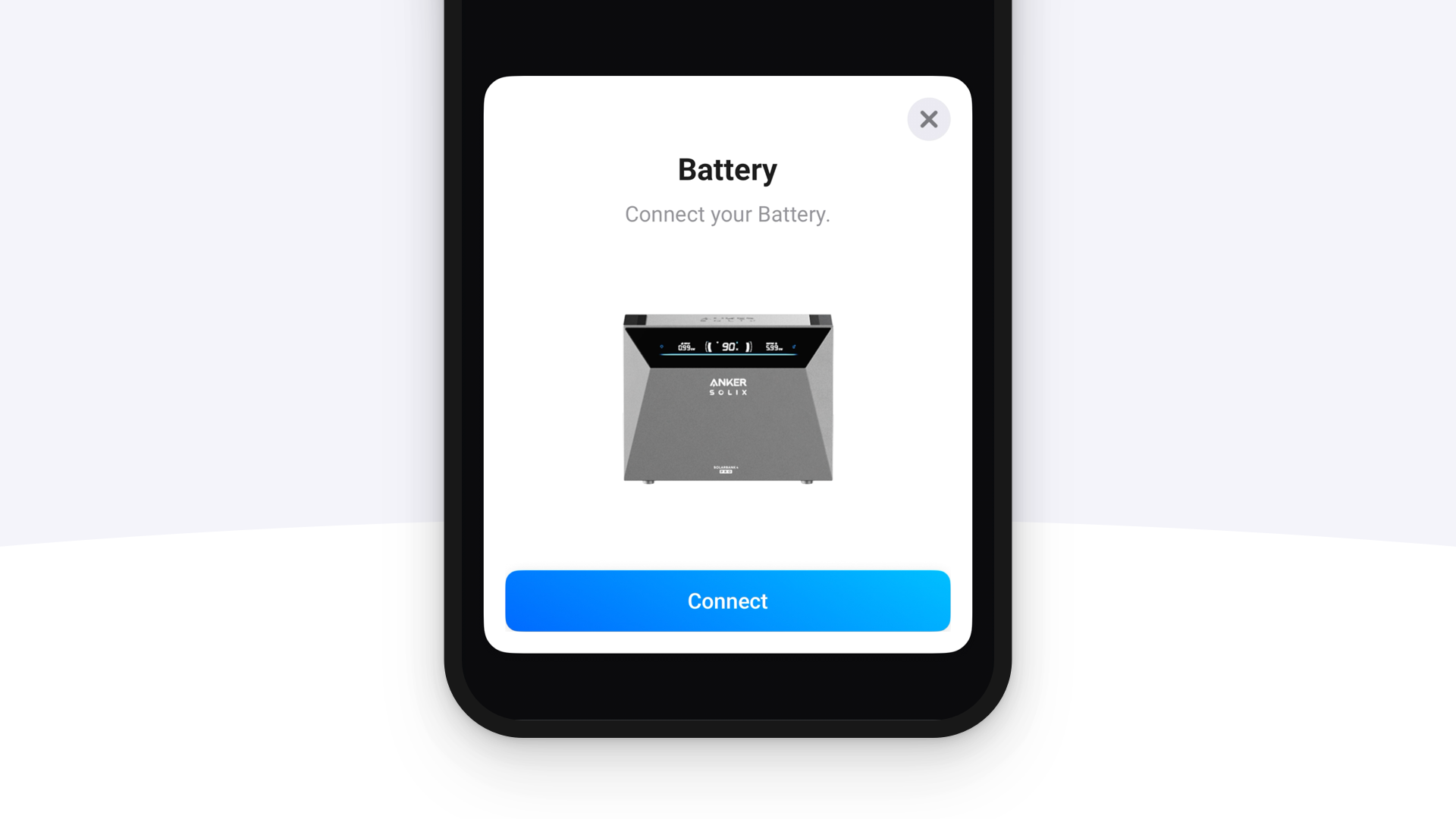
- In the Anker mobile app, enable Modbus TCP and look up your device’s IP address.
- Install the Anker SOLIX app from the Homey App Store.
- Add your device in Homey and enter the IP address.


