



Real Energy Insights From Your P1 Port in Homey
Most homes already contain a surprisingly powerful device for understanding energy: the smart meter. It quietly records every kilowatt-hour you draw from the grid and, if you have solar, every kilowatt-hour you feed back. The challenge is that this information usually stays locked away behind utility portals and monthly summaries.
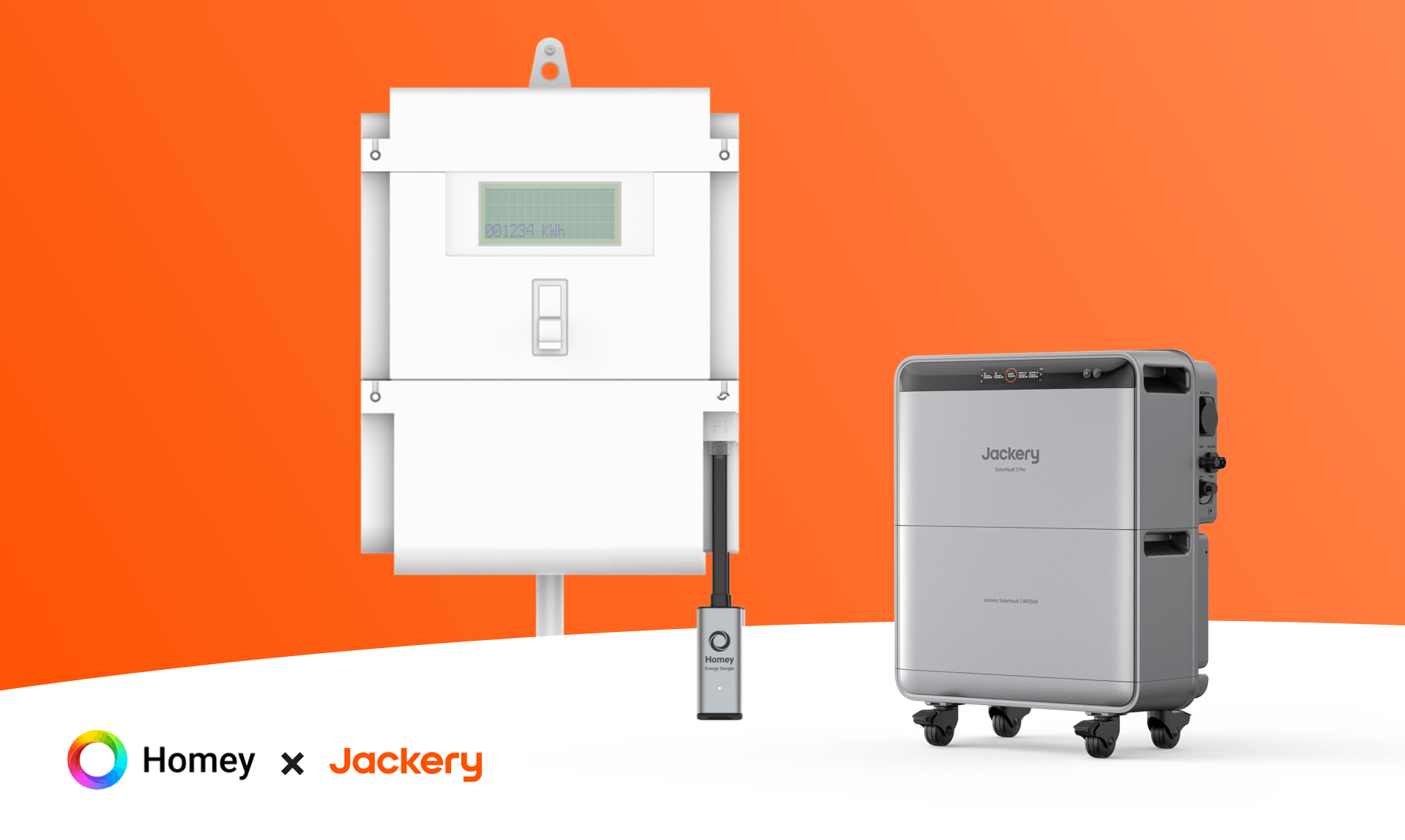
Connecting your smart meter’s P1 port to Homey changes that. It transforms the meter from a distant accounting tool into a real-time sensor for your HEMS.
Seeing Your Home As The Meter Sees It
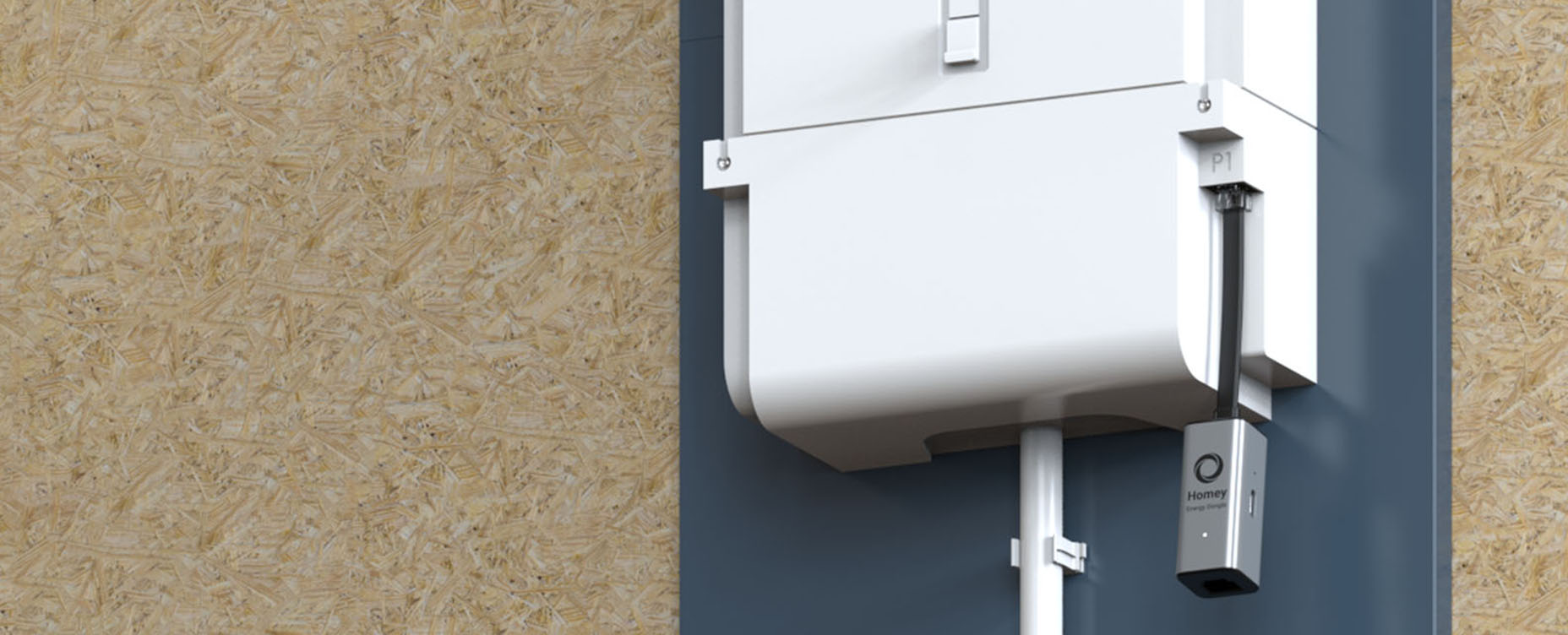
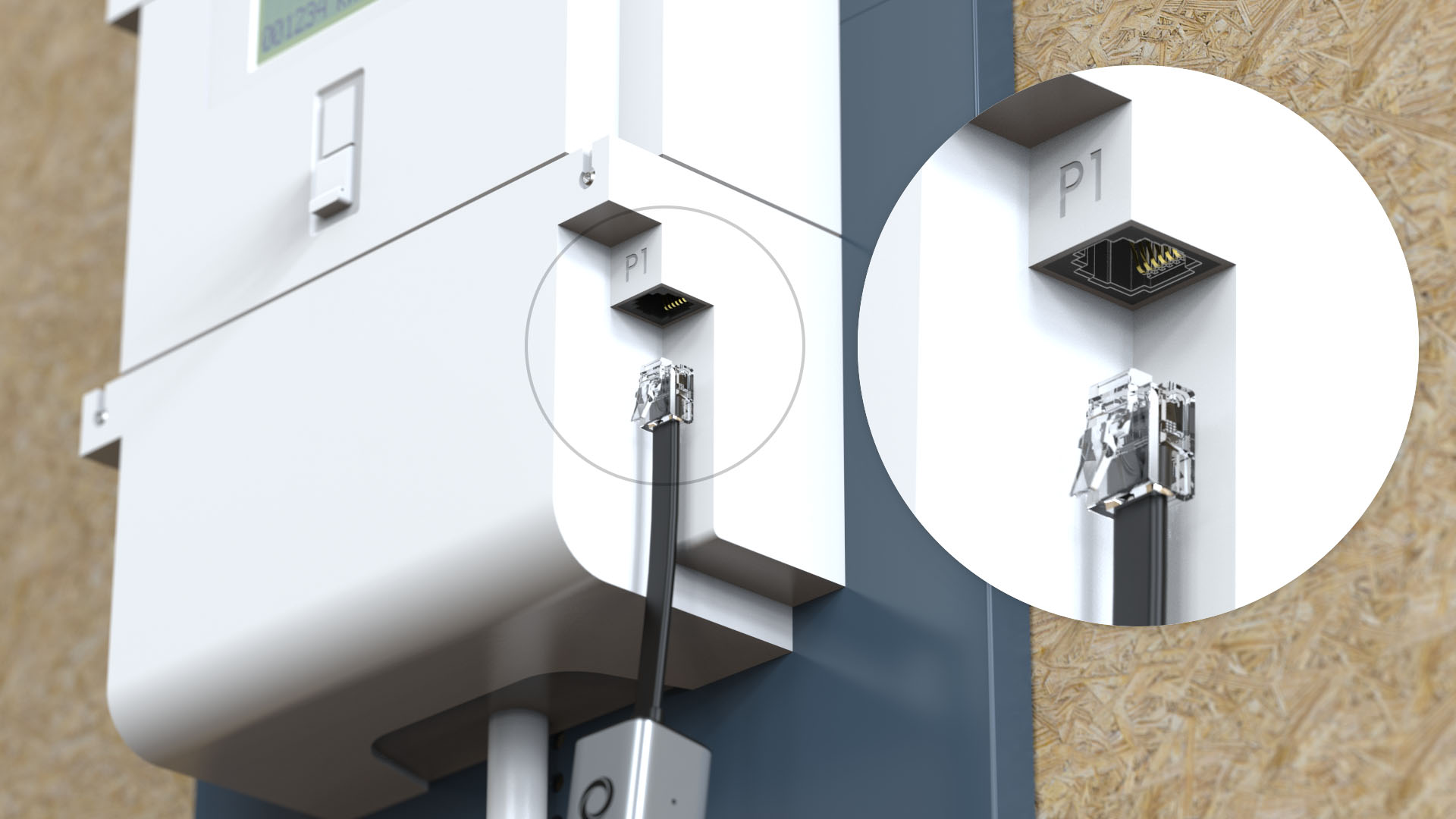
When you attach a P1 dongle to a compatible smart meter and integrate it with Homey, you give your HEMS access to the same data your energy provider uses. You see total consumption and, where applicable, total injection in near real time.
This total view is crucial. Device-level readings from smart plugs and connected appliances show you what specific devices are doing. P1 data shows how all devices together add up. It reveals patterns that are almost impossible to spot otherwise.
For example, you may discover that your “night idle” usage is far higher than you imagined, or that certain times of day consistently feature unexplained peaks. These are not just interesting facts—they are starting points for targeted improvements.
Base Load: Finding What Never Sleeps
One of the first things you notice with P1 data in Homey is your base load: the steady, continuous power draw when nothing obvious is running. It’s the sum of fridges, routers, chargers, pumps, set-top boxes, always-on electronics and any other hidden consumers.
Without live meter data, base load is easy to ignore. With it, it becomes a visible line on a graph that you can push down over time. You can experiment with switching off certain circuits or devices and immediately see the impact. You can move “always on” devices onto smart plugs and let Homey manage their behaviour during the night or when the house is empty.
Even small reductions in base load, once spread over 24 hours a day and 365 days a year, turn into meaningful savings. P1 energy data in Homey lets you treat this systematically instead of guessing.
Peaks: Understanding and Managing High-Load Moments
Smart meter data also shows you peak loads—those short periods when your house draws a lot of power at once. These often occur when several large devices run together: maybe the oven is on, the heat pump is running and the EV starts charging all at the same time.
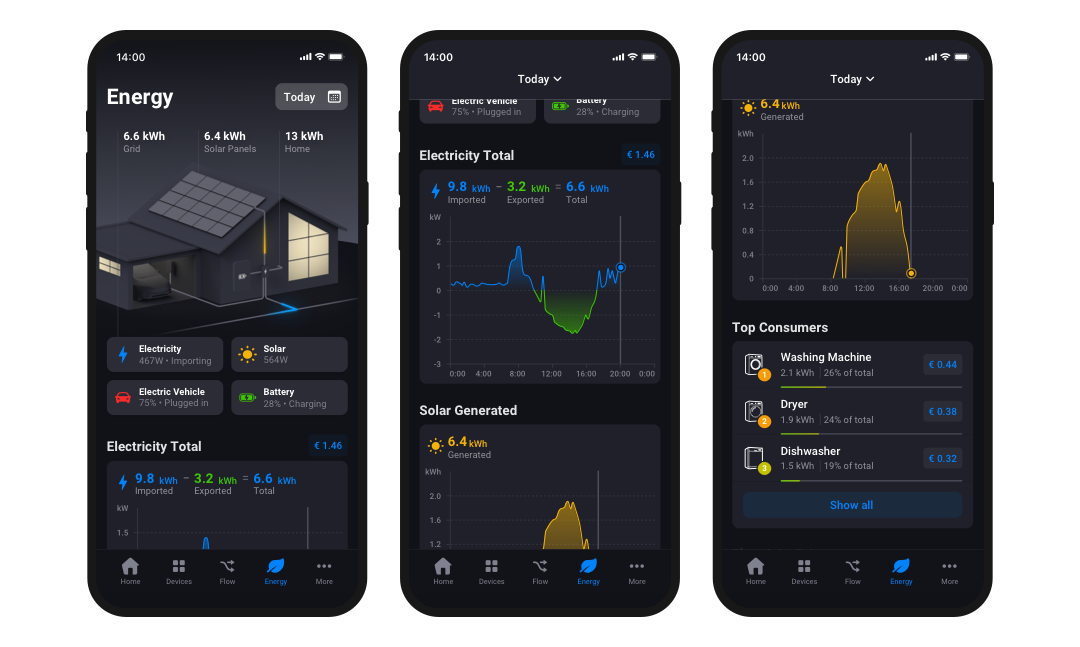
With Homey reading P1 data, these peaks are no longer abstract “maybe this happens” events. They are measured occurrences you can react to. You can use this information in two ways.
First, manually, by adjusting habits. If you see that turning on the dryer while the car is charging consistently creates high peaks, you might choose to stagger those activities.
Second, automatically, by letting Homey respond. For example, you can build Flows that react when total power exceeds a certain threshold by temporarily pausing less critical loads. The EV charger might reduce its power or stop for a short while, or the dishwasher might wait until the peak has passed.
In this way, smart meter data helps you protect your connection, avoid tripping limits, grid load and reduce stress on your installation.
Turning Insights Into Behaviour
What makes the P1 integration especially powerful in a Homey-based HEMS is that insight is only one step away from action. Once total consumption and injection are available inside Homey, they can be used like any other trigger or condition in Flows and Advanced Flows.
You can express logic such as:
- “If my total consumption is low and solar is high, allow certain devices to start.”
- “If total consumption plus EV charging reaches a level I don’t consider comfortable, dial back the charger.”
- “If overnight consumption never drops below a certain level, send me a notification to investigate base load.”
These are decisions you might make yourself if you had live access to the meter and enough time to watch it. With Homey, those decisions become consistent, automatic behavior that you never have to worry about.
From Invisible Box to Central Instrument
By connecting the P1 port to Homey , your smart meter stops being an invisible box that occasionally generates a bill. It becomes a central instrument in your HEMS, a real-time indicator of how your home behaves as a whole.
You gain the ability to see changes, test ideas and verify the impact of your automations. Over time, that feedback loop gives you more than numbers; it gives you confidence. You can feel that your home isn’t just equipped with smart devices—it’s actually using energy more intelligently
FAQs
Why should I connect my smart meter to Homey?
Connecting your smart meter transforms it from a simple billing device into a real-time sensor. It provides a total view of your home's energy usage, revealing patterns and issues that individual smart plugs cannot detect, such as high base loads or unexpected consumption peaks.
What is "base load" and why does it matter?
Base load is the steady flow of power your home consumes when nothing obvious is running, generated by devices like fridges, routers, and standby electronics. Identifying and reducing this load is crucial because even small reductions, calculated over 24 hours a day year-round, result in meaningful savings.
How does P1 data differ from device-level readings?
Device-level readings show you what a single appliance is doing, while P1 data shows how all devices interact together. This global view helps you understand the cumulative effect of your appliances, allowing you to spot aggregate peaks or high idle usage that individual plugs miss.
Can Homey automatically manage high energy peaks?
Yes, Homey can actively monitor your total power draw via the P1 connection. If usage exceeds a safe threshold, Homey can trigger Flows to temporarily pause or throttle non-critical heavy loads, such as an EV charger or dishwasher, preventing grid stress or tripped breakers.
How do I turn these insights into automation?
Once P1 data is available in Homey, it acts as a trigger for your Flows. You can create logic that allows devices to run only when total consumption is low, or sends alerts if overnight usage stays unexpectedly high, turning manual observation into consistent, automated behaviour.
Glossary
Smart Meter
A device that records every kilowatt-hour drawn from or fed back to the grid. While typically used by utilities for billing, it becomes a powerful real-time energy monitor when integrated into a local smart home system.
P1 Port
A physical communication port found on compatible smart meters. It allows you to connect a dongle that reads electricity data locally and instantly, bypassing the delays associated with standard utility apps or portals.
Base Load
The continuous, "always-on" power draw of a home caused by appliances that never sleep, such as internet routers, pumps, and devices in standby mode. This is often the first target for optimization when viewing live energy data.
Peak Load
Short periods where the home draws a significant amount of power simultaneously, often caused by running multiple high-wattage appliances like ovens, heat pumps, and EV chargers at the same time.
HEMS
A Home Energy Management System (HEMS) places a central controller, such as Homey, in charge of your energy flows. It unifies your solar inverter, battery, and appliances into a single responsive network that adapts usage based on real-time production and consumption data.


