Warning! This app might not work properly.
This app version is currently being tested, and has not yet been reviewed. It might not work as expected.
« Back to the regular version
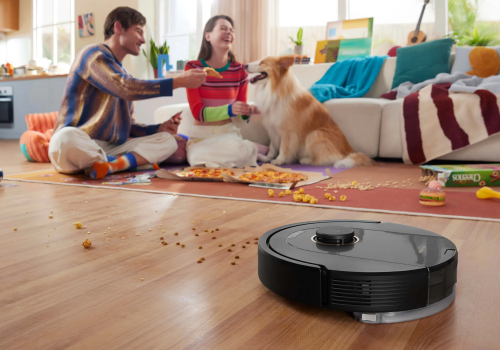
Keep your home effortlessly clean with the Roborock Homey App, the ultimate companion for your Roborock robot vacuums and
washing machines! This Homey extension gives you unprecedented control and flexibility in managing your Roborock robot
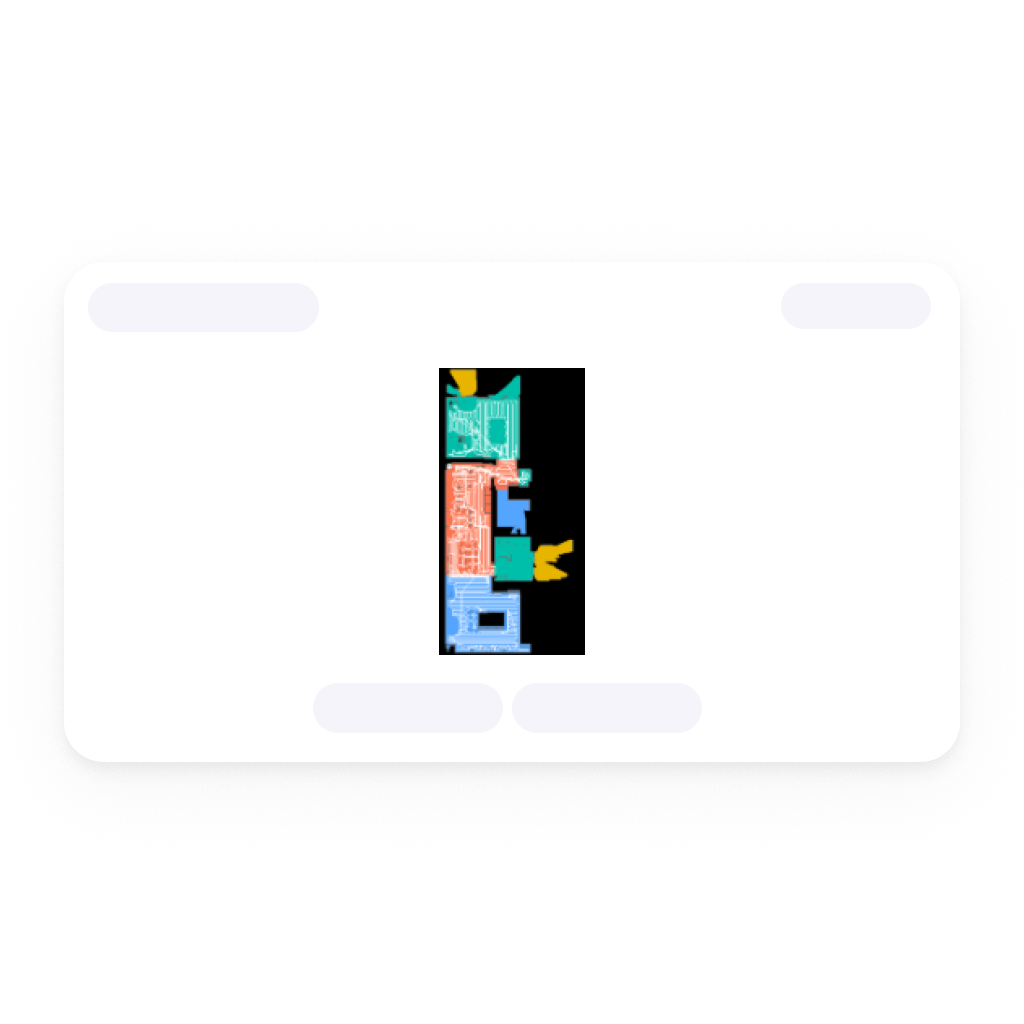
vacuum and washing machines. Whether you’re scheduling daily clean-ups, customizing cleaning zones, or adjusting suction
power, the Roborock Homey App allows you to configure every detail with ease. Say goodbye to manual adjustments and
hello to smart automation, ensuring your floors stay spotless without lifting a finger.
This app does not rely on the Xiaomi token assigned to your device, this implies that your robot or Zeo device MUST be registered
inside the Roborock app, it will not work if you use the Xiaomi app.
It makes use of the Roborock API directly and only needs your credentials, either using the full cloud API, or by using
the device directly.
Read more ›
Supported devices
Dyad Series
Mower Series (experimental)
Robot Vacuum
Zeo Series
Flow cards
Click on a device above to show related Flow cards only.
When...
Dyad Series
The operational state changed to ...
Dyad Series
A problem is detected
Dyad Series
The problem is solved
Mower Series (experimental)
The lawnmower state changed ...
Mower Series (experimental)
The battery level changed
Mower Series (experimental)
The battery charging state changed ...
Mower Series (experimental)
A problem is detected
Mower Series (experimental)
The problem is solved
Mower Series (experimental)
The mower activity changed to activity
Robot Vacuum
The battery level changed
Robot Vacuum
The battery charging state changed ...
Robot Vacuum
The active map was changed
Robot Vacuum
The dustbin is no longer full
Robot Vacuum
The dustbin became full
Robot Vacuum
The problem was resolved
Robot Vacuum
A problem occurred
Robot Vacuum
The robot is no longer stuck
Robot Vacuum
The robot got stuck
Robot Vacuum
The clean water tank is no longer empty
Robot Vacuum
The clean water tank became empty
Robot Vacuum
The dirty water tank is no longer full
Robot Vacuum
The dirty water tank became full
Robot Vacuum
The water tank is no longer empty
Robot Vacuum
The water tank became empty
Robot Vacuum
The battery is full
Robot Vacuum
The robot left the dock
Robot Vacuum
The robot docked
Robot Vacuum
An error occurred
Robot Vacuum
Finished cleaning
Robot Vacuum
Started cleaning
Robot Vacuum
The mop was removed
Robot Vacuum
The mop was attached
Robot Vacuum
The mop finished drying
Robot Vacuum
The mop started drying
Robot Vacuum
The water tank was removed
Robot Vacuum
The water tank was attached
Zeo Series
The operational state changed to ...
Zeo Series
The program changed to ...
Zeo Series
The speed changed to ...
And...
Dyad Series
The operational state is ...
Dyad Series
There is a problem
Mower Series (experimental)
The lawnmower is ...
Mower Series (experimental)
The battery charging state is ...
Mower Series (experimental)
There is a problem
Mower Series (experimental)
The mower activity is activity
Robot Vacuum
The battery charging state is ...
Robot Vacuum
Battery level is above battery percentage %
Robot Vacuum
Battery level is below battery percentage %
Robot Vacuum
Last clean is older than hours hours
Robot Vacuum
The mop is attached
Robot Vacuum
The mop is being washed
Robot Vacuum
The water tank is attached
Zeo Series
The operational state is ...
Zeo Series
The program is ...
Zeo Series
The speed is ...
Then...
Dyad Series
Toggle on or off
Dyad Series
Start cleaning
Mower Series (experimental)
Start mowing
Mower Series (experimental)
Pause mowing
Mower Series (experimental)
Return to dock
Mower Series (experimental)
Cut the edges
Mower Series (experimental)
Set the anti-theft protection to enabled
Mower Series (experimental)
Set do-not-disturb to enabled from start hour :start minute to end hour :end minute
Mower Series (experimental)
Set mowing plan plan to enabled
Mower Series (experimental)
Set the rain protection to enabled (wait hours to wait hours)
Mower Series (experimental)
Stop mowing
Mower Series (experimental)
Mow zone zone
Robot Vacuum
Clean all rooms
Robot Vacuum
Clean rooms (... x)
Robot Vacuum
Clean room (... x)
Robot Vacuum
Clean room and room (... x)
Robot Vacuum
Clean room , room and room (... x)
Robot Vacuum
Clean room , room , room and room (... x)
Robot Vacuum
Clean room , room , room , room and room (... x)
Robot Vacuum
Clean rooms (count x) with mode cleaning mode , suction vacuum intensity , scrub mop intensity and route mop route
Robot Vacuum
Clean the current spot
Robot Vacuum
Clean zone from x1 coordinate , y1 coordinate to x2 coordinate , y2 coordinate (... x)
Robot Vacuum
Clear the do-not-disturb window
Robot Vacuum
Return to docking station
Robot Vacuum
Empty dustbin
Robot Vacuum
Move to x coordinate , y coordinate
Robot Vacuum
Load the map map
Robot Vacuum
Pause cleaning
Robot Vacuum
Send method command with parameters params
Robot Vacuum
Send payload command
Robot Vacuum
Repeat the last cleaning task
Robot Vacuum
Reset the consumable cleaning-life counter
Robot Vacuum
Resume cleaning
Robot Vacuum
Set the carpet mode to enabled
Robot Vacuum
Set the child lock to enabled
Robot Vacuum
Set cleaning mode to cleaning mode
Robot Vacuum
Set do-not-disturb from start hour :start minute to end hour :end minute
Robot Vacuum
Set the mop route to mop route
Robot Vacuum
Set the mop intensity to mop intensity
Robot Vacuum
Set the vacuum intensity to vacuum intensity
Robot Vacuum
Set the voice volume to volume
Robot Vacuum
Start routine routine
Robot Vacuum
Stop cleaning
Robot Vacuum
Wash the mop
Zeo Series
Toggle on or off
Zeo Series
Set the speed to ...
Zeo Series
Send method command with parameters params
Zeo Series
Send payload command
Zeo Series
Start routine routine
Zeo Series
Pause laundry washer
Zeo Series
Shutdown laundry washer
Zeo Series
Start laundry washer
What’s new
Version 5.1.0 — New flow condition: the mop is being washed. The Zeo laundry washer now shows its remaining time as h:mm.
View changelog








 Roborock Cloud is not compatible with the selected Homey.
 Roborock Cloud will install on Homey shortly.
 Belgium
 Bulgaria
 Croatia
 Cyprus
 Czech Republic
 Estonia
 Finland
 Greece
 Hungary
 Iceland
 Ireland
 Latvia
 Lithuania
 Malta
Malta
 Moldova
 The Netherlands
 Portugal
 Romania
 Slovakia
 Slovenia
 Türkiye
 Ukraine
 United Kingdom


