








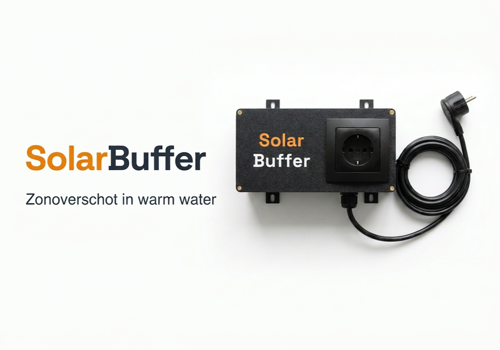
SolarBuffer
Turned on
Click on a device above to show related Flow cards only.
Having an issue with this app? Contact the developer via email.
Version 0.3.0 — Flow-kaarten voor de warmtevoorraad en de legionellaronde. Je kunt nu een flow laten beginnen bij een veranderd warmteniveau, bij een vat dat doorgewarmd is, bij het begin en het einde van een ronde, en bij een doorwarming die nodig wordt. Daarnaast drie voorwaarden om op het niveau en op de stand van de ronde te toetsen.
 SolarBuffer is not compatible with the selected Homey.
 SolarBuffer will install on Homey shortly.
We’ll let Enis vd Veld know you love the app.
We’ll notify Enis vd Veld you’ve sent a suggestion.
 Belgium
 Bulgaria
 Croatia
 Cyprus
 Czech Republic
 Estonia
 Finland
 Greece
 Hungary
 Iceland
 Ireland
 Latvia
 Lithuania
 Malta
Malta
 Moldova
 The Netherlands
 Portugal
 Romania
 Slovakia
 Slovenia
 Türkiye
 Ukraine
 United Kingdom


