








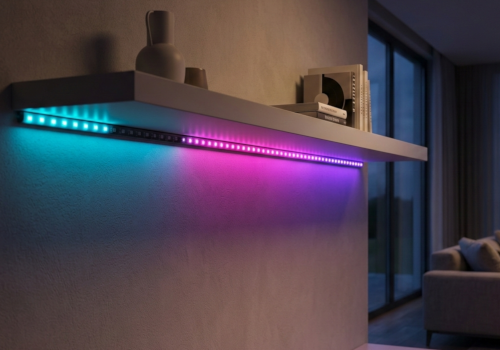
WLED Strip
Turned on
Click on a device above to show related Flow cards only.
Having an issue with this app? Contact the developer via email.
Version 2.3.1 — A colour you pick in the WLED app now also shows in Homey within 30 seconds, and the next slide uses it instead of the old colour. A warm or cool white set in Homey stays as it is. Effects and segments you set up in WLED are kept when the strip slides on or off from Homey. A strip that is already on or off no longer flashes when it is switched to the same state again, for example when a whole room is switched off.
 YAWSEE is not compatible with the selected Homey.
 YAWSEE will install on Homey shortly.
We’ll let Peter Persson know you love the app.
We’ll notify Peter Persson you’ve sent a suggestion.
 Belgium
 Bulgaria
 Croatia
 Cyprus
 Czech Republic
 Estonia
 Finland
 Greece
 Hungary
 Iceland
 Ireland
 Latvia
 Lithuania
 Malta
 Moldova
 The Netherlands
 Portugal
 Romania
 Slovakia
 Slovenia
 Türkiye
 Ukraine
 United Kingdom


