


Eaton xComfort

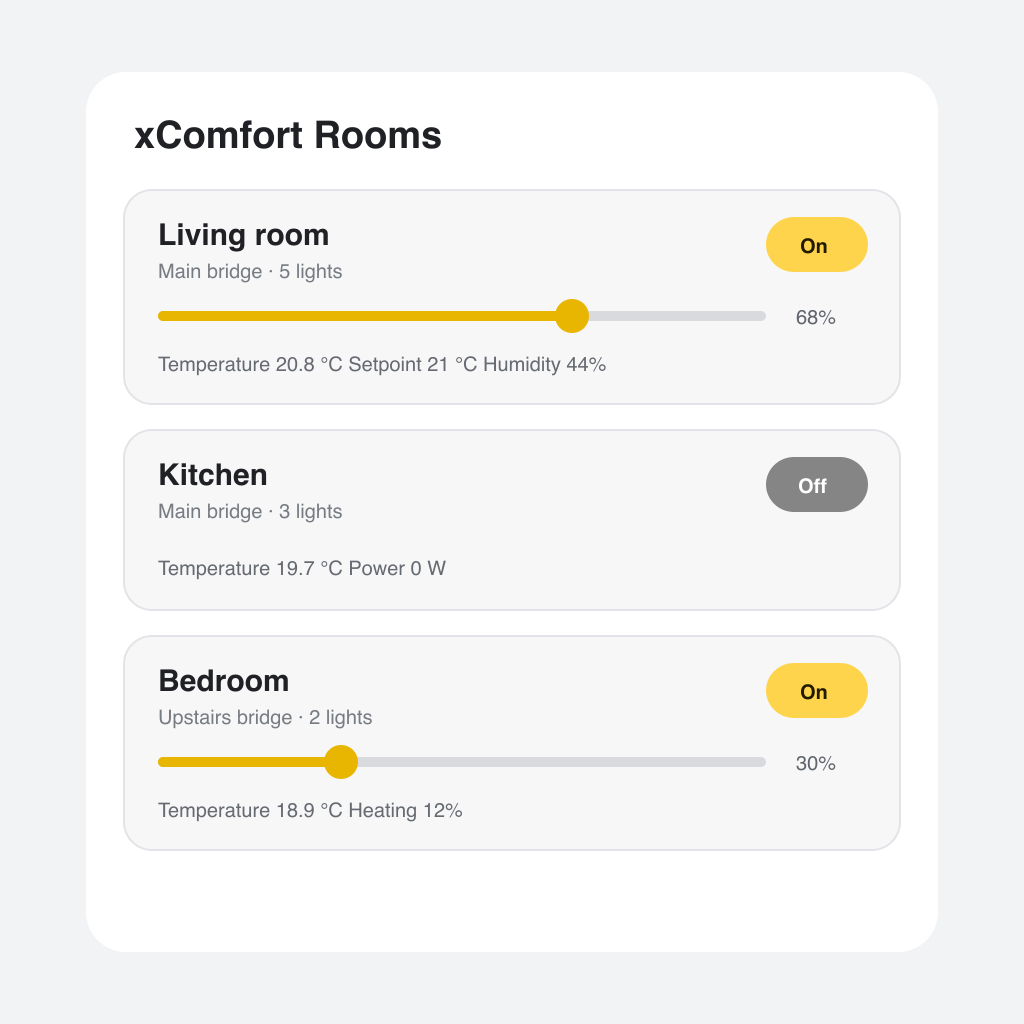
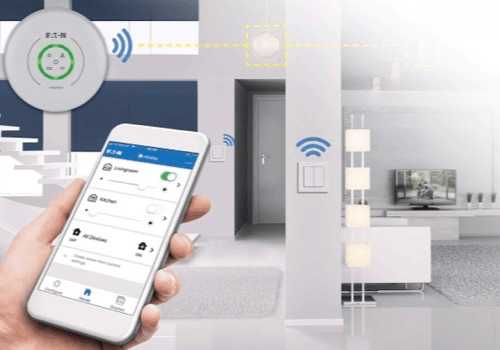
Local Eaton xComfort control for lights, shades, heating, sensors, and energy.

Warning! This app might not work properly.

This app version is currently being tested, and has not yet been reviewed. It might not work as expected.
Be extra careful when installing this app.
« Back to the regular version

Local Eaton xComfort control for lights, shades, heating, sensors, and energy.

Read more ›

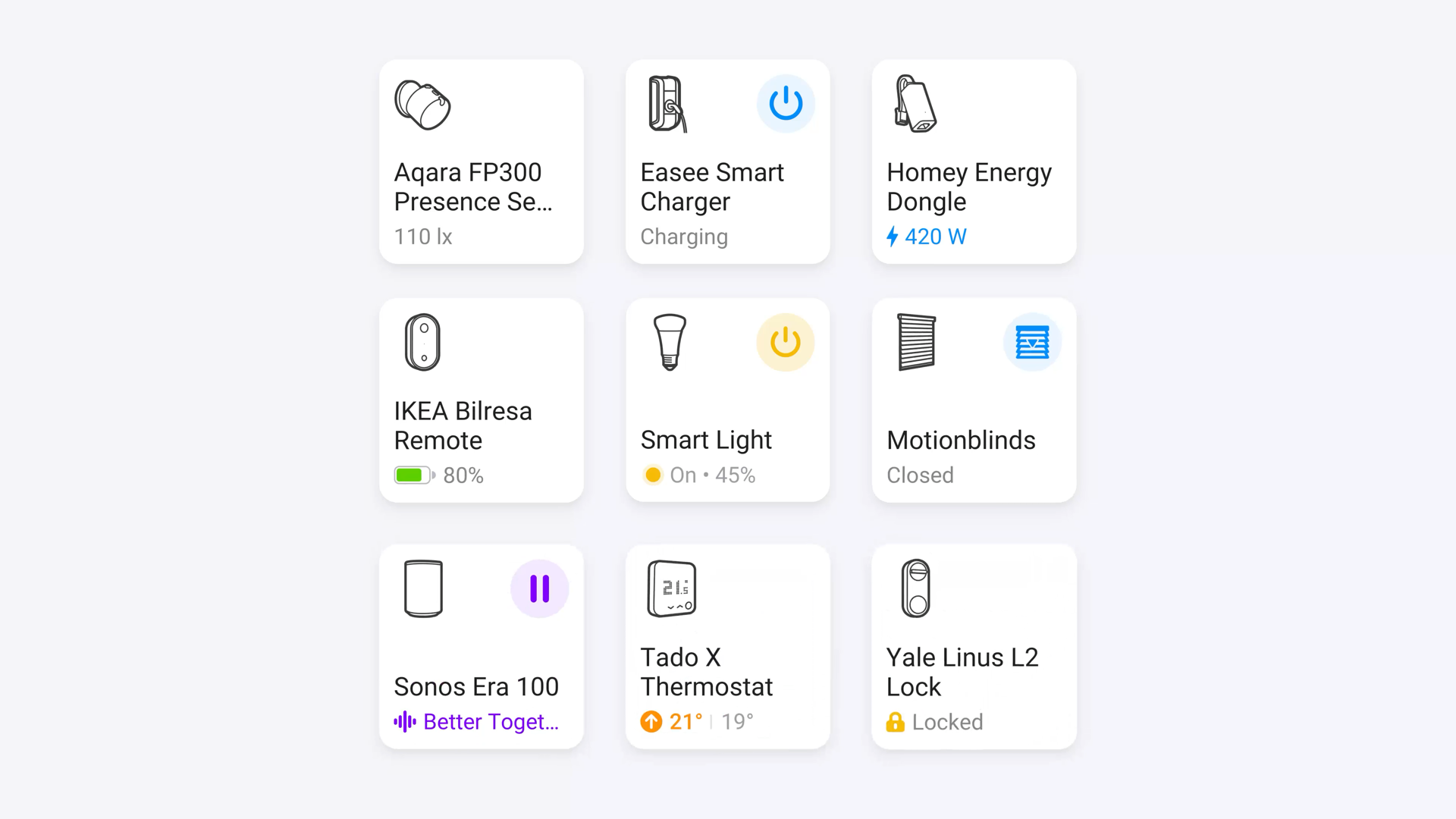
Supported devices

Flow cards

Click on a device above to show related Flow cards only.
When...

Actuator / Dimmer
Turned on
Actuator / Dimmer
Turned off
Actuator / Dimmer
The dim level changed
Binary Input
The generic alarm turned on
Binary Input
The generic alarm turned off
Door / Window Sensor
The contact alarm turned on
Door / Window Sensor
The contact alarm turned off
Eaton xComfort
Bridge connected
i
Triggers when a bridge connection is (re)established.
Eaton xComfort
Bridge disconnected
i
Triggers when a bridge connection is lost.
Energy Meter
The power changed
Energy Meter
The power meter changed
Energy Meter
The electric current changed
Energy Meter
The voltage changed
Motion Sensor
The motion alarm turned on
Motion Sensor
The motion alarm turned off
Shading / Blinds
The state changed ...
Shading / Blinds
The position changed
Shading / Blinds
The generic alarm turned on
Shading / Blinds
The generic alarm turned off
Thermostat / Heating
The temperature changes
Thermostat / Heating
The target temperature changed
Thermostat / Heating
Thermostat mode changed ...
Thermostat / Heating
Thermostat right button pressed
Thermostat / Heating
Thermostat left button pressed
Thermostat / Heating
Heating preset changed
Wall Switch
Turned on
Wall Switch
Turned off
Wall Switch
Wall switch pressed
Wall Switch
Wall switch pressed up
Wall Switch
Wall switch pressed down
Wall Switch
Wall switch double pressed up
Wall Switch
Wall switch double pressed down
Water Sensor
The water alarm turned on
Water Sensor
The water alarm turned off

And...

Actuator / Dimmer
Is turned on
Binary Input
The generic alarm is on
Door / Window Sensor
The contact alarm is on
Eaton xComfort
Astro period is ...
Eaton xComfort
Bridge Bridge is connected
Motion Sensor
The motion alarm is on
Shading / Blinds
The state is  ...
Shading / Blinds
The generic alarm is on
Thermostat / Heating
Thermostat mode is ...
Thermostat / Heating
Heating preset is ...
Wall Switch
Is turned on
Water Sensor
The water alarm is on
Water Sensor
Water valve is open

Then...

Actuator / Dimmer
Turn on
Actuator / Dimmer
Turn off
Actuator / Dimmer
Toggle on or off
Actuator / Dimmer
Dim to %
Actuator / Dimmer
Set relative dim-level %
i
Dim or brighten with respect to the device's current dim-level.
Eaton xComfort
Reset energy meter of ...
Eaton xComfort
Activate scene Scene
Eaton xComfort
Switch room Room lights ...
Eaton xComfort
Set bridge Bridge remote access to ...
Eaton xComfort
Dim room Room lights to 50 %
i
Dims all dimmable lights in an xComfort room with a single bridge command. 0% switches the room lights off.
Energy Meter
Set energy load mode to ...
Energy Meter
Refresh energy data
Shading / Blinds
Set state ...
Shading / Blinds
Set the position to %
i
Change the position to open (100%), closed (0%), or a value in between.
Thermostat / Heating
Set the temperature °C
Thermostat / Heating
Set the mode ...
Thermostat / Heating
Set heating preset to ...
Wall Switch
Turn on
Wall Switch
Turn off
Wall Switch
Toggle on or off
Water Sensor
Set water valve to ...

Widgets

You can add this app’s widgets to your dashboard or homescreen in the mobile app.

xComfort Bridge Status

Support

Having an issue with this app? Contact the developer via the developer website.

What’s new

Version 1.7.5 — Flow improvements: safer dropdown argument handling for room lights, water valve, dim level, and bridge remote access; wall-switch up/down and bridge connectivity triggers now expose more useful tokens.

View changelog

Eaton xComfort

Eaton xComfort is not compatible with the selected Homey.

Eaton xComfort will install on Homey shortly.
Install App