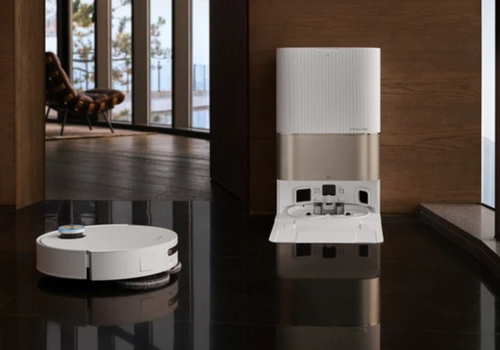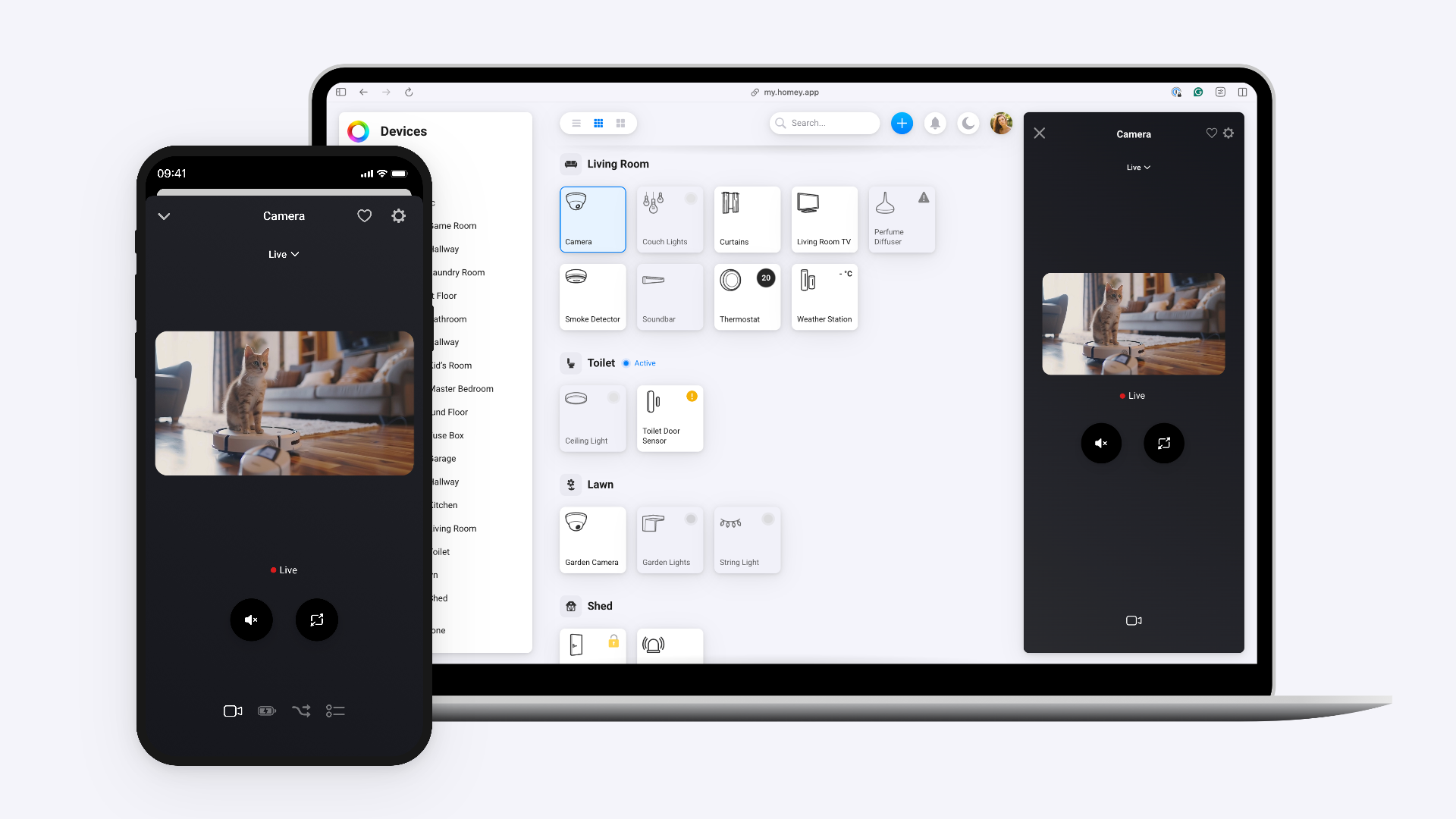
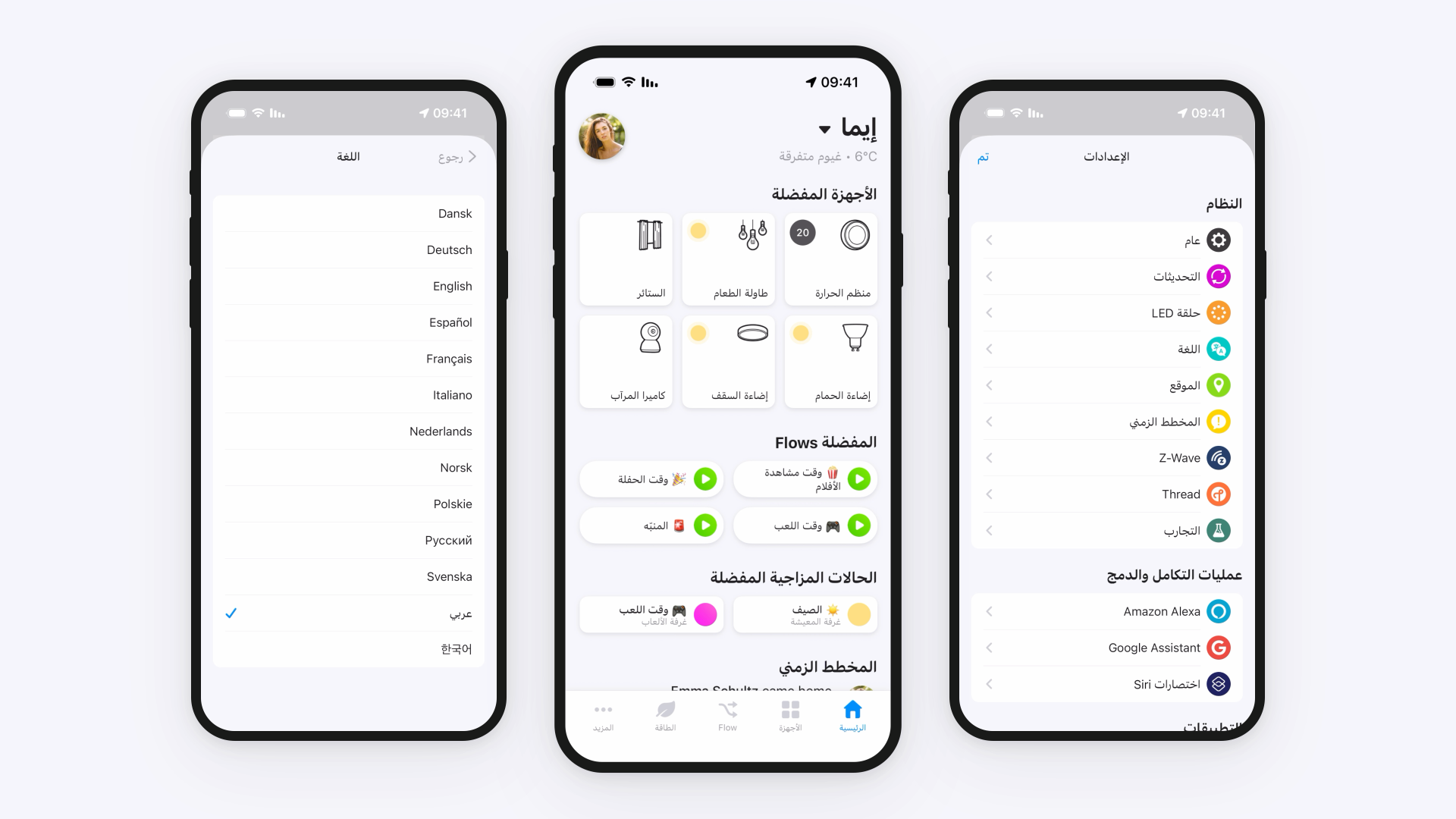



Control your Dreame robot vacuum with Homey via the Dreame Home cloud API.
Have a Matter-compatible Dreame vacuum? Try Dreame Matter Cleaner (https://homey.app/nl-be/app/com.dreame.cleaner.pro/Dreame-Matter-Cleaner/) first — it offers local control without cloud dependency. This app is mainly intended for older or non-Matter Dreame vacuums that can only be controlled via the Dreame Home cloud API.
**Usage**
- Install this app on your Homey
- Add a device and select Dreame > Robot Vacuum
- Log in with your Dreame Home account credentials
- Select your robot vacuum from the list
Only email/password login is supported. Third-party login (Google, Apple, etc.) is not supported.
If you signed up using Google, Apple, or another third-party login, you need to set a password first: open the Dreame Home app, go to Profile > Settings > Account and Security > Password, and set a new password. Use your email and this password to pair in Homey.
We recommend using a separate Dreame Home account for Homey to avoid potential session conflicts.
**Supported Features**
- Cleaning: Start, Stop, Pause, Return to Dock
- Cleaning Modes: Sweeping, Mopping, Sweeping & Mopping
- Suction Level: Quiet, Standard, Strong, Turbo
- Water Volume: Low, Medium, High
- CleanGenius: Off, Routine Cleaning, Deep Cleaning
- Cleaning Route: Standard, Intensive, Quick
- Mop Wash Frequency: Per room, Per 15 mins, Per 10 mins
- Dock Features: Auto Empty, Self Clean, Drying
- Consumable Monitoring: Main Brush, Side Brush, Filter, Mop Pad, Sensor
- Sensors: Battery, Cleaned Area, Cleaning Time, Error Status
- Flow Cards: Triggers, Conditions, and Actions for all features
**Not Supported**
Some features from the Dreame Home app or Tasshack/dreame-vacuum (Home Assistant) cannot be implemented on Homey:
- Live map / room selection: Homey has no UI for interactive maps. Room cleaning by ID is available via Flow cards.
- Live camera feed: Homey does not support real-time video streams.
- Saved maps / map editing: No map rendering UI on Homey.
- Virtual walls / no-go zones: Requires a map canvas to draw zones.
- Furniture / obstacle detection: Requires image/map overlay.
- Cleaning history / statistics: No historical charts on Homey. Current session data (area, time) is available.
- Custom room schedules: Use Homey Flows for time-based automations instead.
- Real-time MQTT events: This app uses cloud polling (default 15s). Tasshack uses local MQTT for instant updates, which is not possible for Homey cloud apps.
- OTA firmware updates: Not relevant for a Homey app.
Homey excels at automations (Flow cards), device control, and status monitoring. For map-based features, camera, or visual AI, use the Dreame Home app alongside Homey.
**Supported Devices**
Works with Dreame robot vacuums controllable via the Dreame Home app, including the X40, X30, L20, L10, and other models.
Read more ›