








A31
Lautstärke hat sich geändert
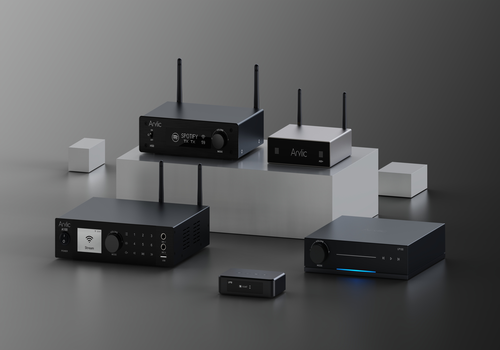
Klicke oben auf ein Gerät, um nur verwandte Flow-Karten anzuzeigen.
Hast du Probleme mit dieser App? Den Entwickler kontaktieren durch Senden einer E-Mail.
Version 1.0.13 — Separate LP / LA and A31 setup entries with product images and model-specific icons. Updated A31 TCP volume commands to match GoControl. Improved album artwork delivery, playback state after reconnecting, and AirPlay track-change Flows. Fixed split LUCI messages being discarded and require authenticated TLS for the LP metadata connection. Added pairing guidance and localized device and input-source labels.
 Arylic ist mit dem gewählten Homey nicht kompatibel.
 Arylic wird in Kürze auf Homey installiert.
Wir lassen Rakoit wissen, dass du die App magst.
Wir werden Rakoit benachrichtigen, dass du einen Vorschlag gesendet hast.
 Belgium
 Bulgaria
 Croatia
 Cyprus
 Czech Republic
 Estonia
 Finland
 Greece
 Hungary
 Iceland
 Ireland
 Latvia
 Lithuania
 Malta
Malta
 Moldova
 The Netherlands
 Portugal
 Romania
 Slovakia
 Slovenia
 Türkiye
 Ukraine
 United Kingdom


