








VarView
A message is showing
Hast du Probleme mit dieser App? Den Entwickler kontaktieren durch Senden einer E-Mail.
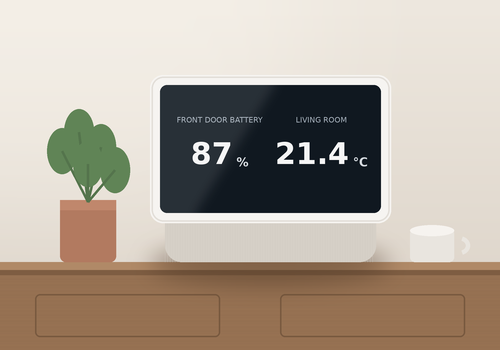
Version 4.4.0 — New Flow cards to set the brightness and opacity of the background image, for example for a darker display at night. The brightness can also be set in the app settings or per screen with bgbrightness.
 Diese App kann dein gesamtes Heim verwalten.
VarView ist mit dem gewählten Homey nicht kompatibel.
 VarView wird in Kürze auf Homey installiert.
Wir lassen Dennis Klatt wissen, dass du die App magst. Vielleicht erwägst du, Dennis Klatt durch eine Spende zu unterstützen?
Der Entwickler von VarView akzeptiert Spenden.
Spende etwas, um Danke zu sagen!
Wir werden Dennis Klatt benachrichtigen, dass du einen Vorschlag gesendet hast.
 Belgium
 Bulgaria
 Croatia
 Cyprus
 Czech Republic
 Estonia
 Finland
 Greece
 Hungary
 Iceland
 Ireland
 Latvia
 Lithuania
 Malta
Malta
 Moldova
 The Netherlands
 Portugal
 Romania
 Slovakia
 Slovenia
 Türkiye
 Ukraine
 United Kingdom


