







TV Parental Control
Child mode was turned off
이 앱에 문제가 있습니까? 개발자에게 문의하려면 여기를 클릭하세요..
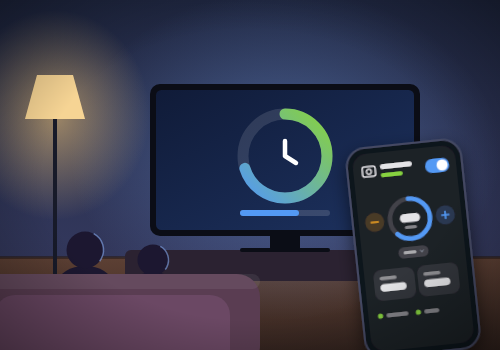
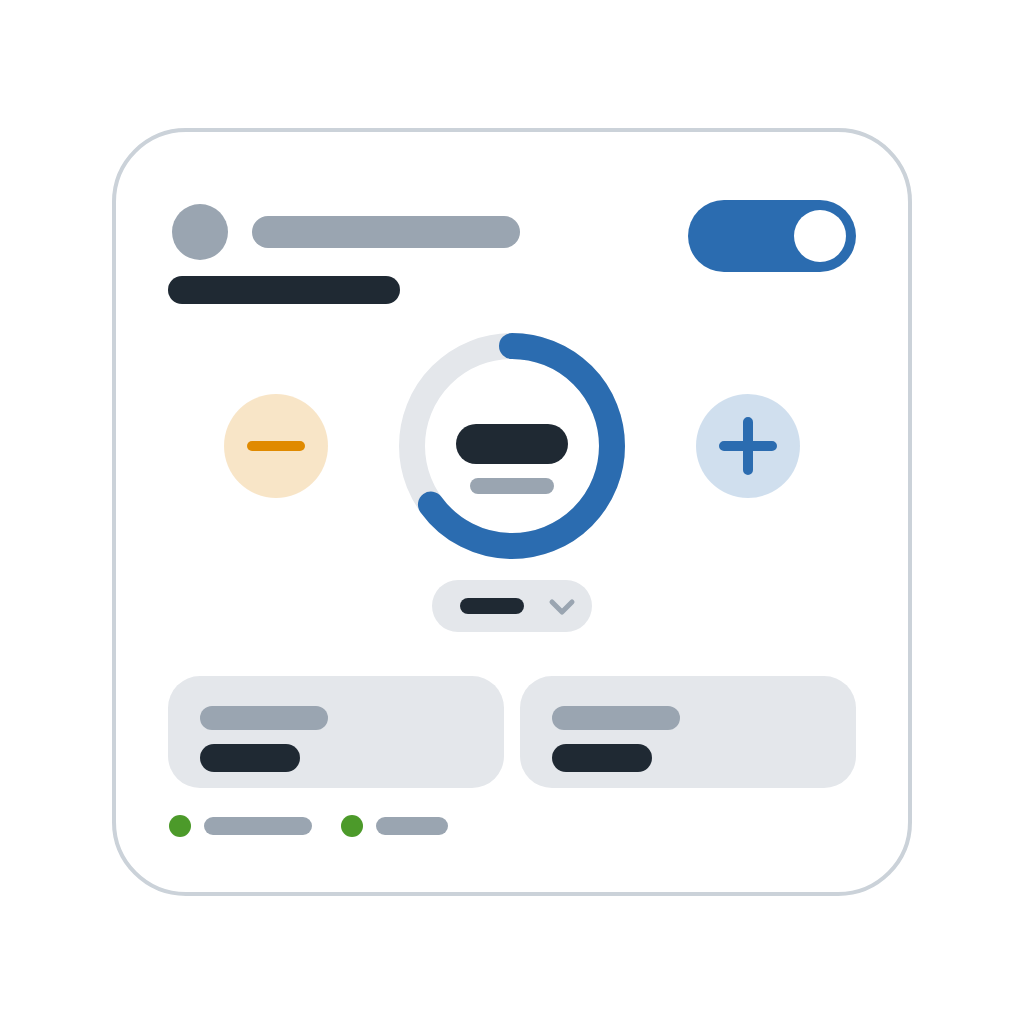
버전 1.0.1 — New Flow cards: Flows can turn Child mode on or off, give or remove time, and check whether Child mode is on, whether time is up or how many minutes are left. They can react when Child mode is switched on or off, when a chosen number of minutes is left, when time is up, when the TV is turned off because time is up, and to every message for the TV, so a TV of any brand can have its messages read aloud on a speaker or sent to a phone.
 이 앱으로 Homey 전체를 관리할 수 있습니다.
선택하신 Homey에 TV Parental Control이(가) 호환되지 않습니다.
 TV Parental Control이(가) 곧 Homey에 설치됩니다.
Erik Salhus 님께 앱을 잘 사용하고 있다고 알려주세요.
제안을 보내주셨다고 Erik Salhus 님에게 알리겠습니다.
 Belgium
 Bulgaria
 Croatia
 Cyprus
 Czech Republic
 Estonia
 Finland
 Greece
 Hungary
 Iceland
 Ireland
 Latvia
 Lithuania
 Malta
 Moldova
 The Netherlands
 Portugal
 Romania
 Slovakia
 Slovenia
 Türkiye
 Ukraine
 United Kingdom


