








Zigbee Visualizer
See how your devices really reach each other, and where the signal struggles.
경고! 이 앱이 제대로 작동하지 않을 수 있습니다.
이 앱 버전은 현재 테스트 중이며 아직 검토되지 않았습니다. 기대한 대로 작동하지 않을 수 있습니다.
이 앱을 설치할 때는 각별히 주의하세요.
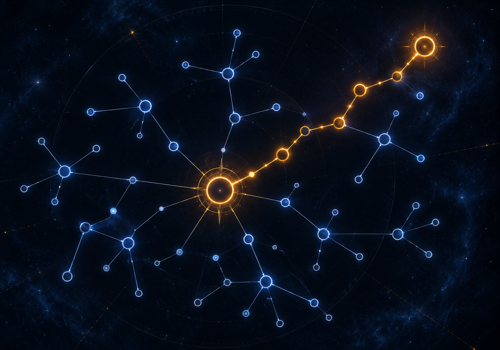
This is a diagnostic tool for your Zigbee network. It maps every device in the mesh, traces the route each one takes back to Homey hop by hop, and grades every link on how much of its traffic gets through on the first try. The weakest links are ranked worst first, so the trouble in your network is the first thing you see rather than something you have to go hunting for.
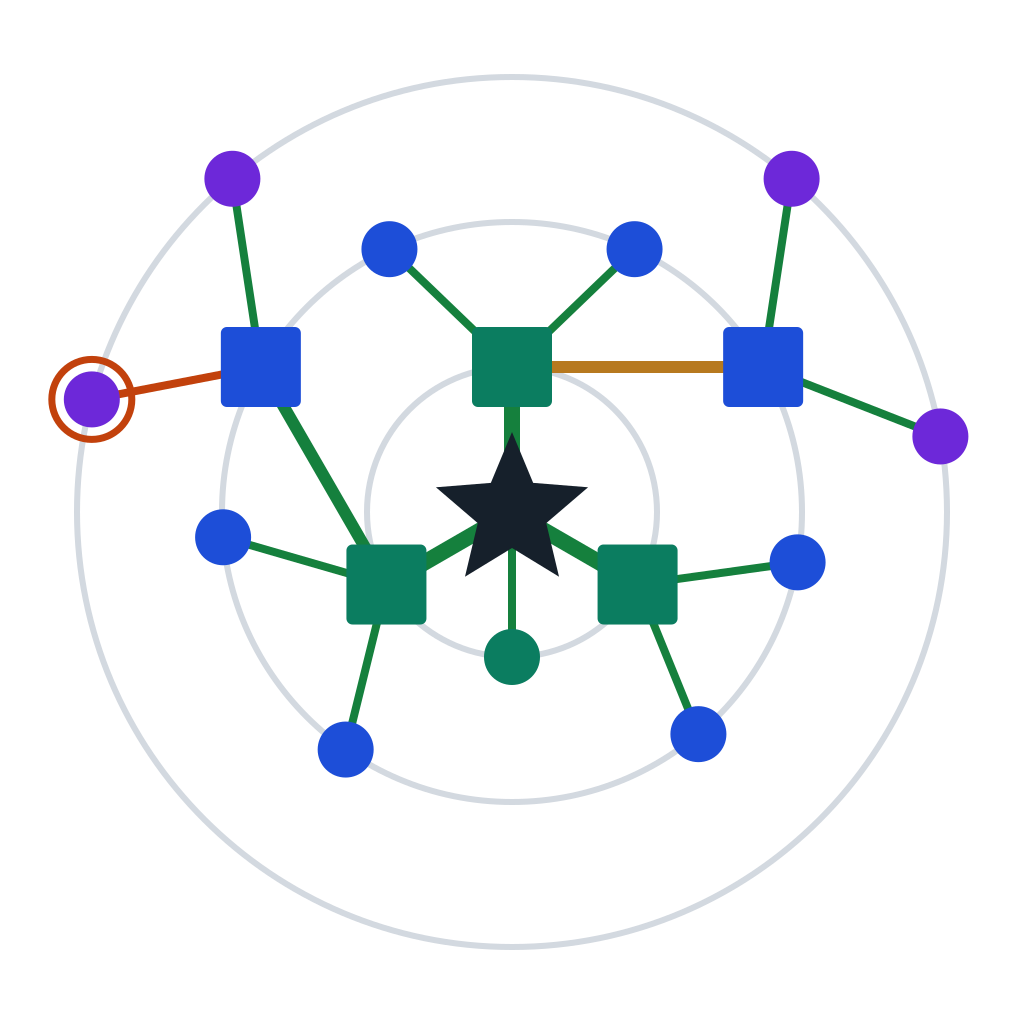
That matters because most devices never reach Homey directly. They reach it through each other, and when a relay is overloaded, sitting too far from the next device, or gone entirely, everything behind it turns slow and unreliable or stops reporting altogether, with nothing anywhere to say why. Drawn out in front of you, the one device holding back a whole branch is obvious, and so is the fix: move it, replace it, or put something mains-powered in between.
To keep an eye on the mesh from a dashboard, add the Zigbee map widget. It draws the same map in the space you give it, counts the links per grade, and shows a device's route back to Homey when you tap it. In the widget's settings you choose its shape, which devices are named, and how often it refreshes.
For the full visualizer, switch on Browser view at the bottom of the settings page. Homey itself then serves it on your local network, and on a computer the Browser button opens it in its own tab. There the map gets the whole screen, with a traffic overview of the busiest devices and panels you can fold away. It has no login, so anyone on your network can open it while it is on; switch it off again when you are done.
A mesh changes over time, so a single picture only tells part of the story. Switch on the snapshot history with the gear in the browser view, and the app saves your network on the clock, every 1, 2, 4 or 8 hours, keeping up to 24 snapshots. Step back through them to see how the network looked, and see at a glance what changed: devices that switched parent, joined or left are marked on the map and listed per snapshot, and every device shows its route history, with a warning when it keeps switching parents. That kind of restlessness is often the first sign of a weak link.
The app also points out problems Homey itself stays quiet about: two devices reporting the same network address, and old routes left behind by a device that rejoined, with a warning when Homey's record of that device looks out of date.
When you want a second opinion, the download button saves the whole history as one file, summarised and explained so you can hand it straight to an AI assistant for analysis. The network key is never included, but device names are, so keep that in mind before you share it.
위젯
지원
이 앱에 문제가 있습니까? 개발자에게 문의하려면 여기를 클릭하세요..
새로운 기능
버전 1.3.1 — Helping add Z-Wave, Thread or Matter to the visualizer: the Load dialog in the browser view can now download a raw dump of every network on your Homey, to share on the forum. Network keys and other secrets are left out.
Zigbee Visualizer
 이 앱으로 Homey 전체를 관리할 수 있습니다.
선택하신 Homey에 Zigbee Visualizer이(가) 호환되지 않습니다.
 Zigbee Visualizer이(가) 곧 Homey에 설치됩니다.
업데이트 로그
Arve Bjørnerud 님에게 고맙다는 인사를 전해드리겠습니다!
Arve Bjørnerud 님께 앱을 잘 사용하고 있다고 알려주세요.
제안이 전송되었습니다.
제안을 보내주셨다고 Arve Bjørnerud 님에게 알리겠습니다.
Africa


Asia


Europe

 Belgium
Deutsch English
 Bulgaria
 Croatia
 Cyprus
 Czech Republic

 Estonia
 Finland


 Greece

 Hungary
 Iceland
 Ireland

 Latvia
 Lithuania

 Malta
 Moldova
 The Netherlands


 Portugal
 Romania
 Slovakia
 Slovenia


 Türkiye
 Ukraine
 United Kingdom


