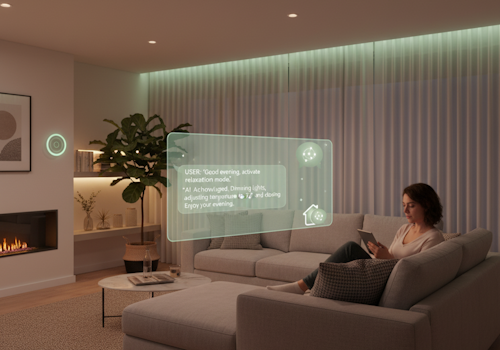
AI Chat Control brings the power of AI to your smart home by connecting your Homey to advanced AI assistants like Claude. Using natural language, you can ask your AI assistant to control devices, trigger flows and activate moods, analyze historical data, troubleshoot problems and get information about your home - all without navigating through apps or remembering exact commands. The app uses the Model Context Protocol (MCP) standard, making it compatible with any MCP-enabled AI assistant.
The app works by running a local server on your Homey that communicates with your AI assistant. This means you need to be on the same network as your Homey for the connection to work. The app also provides a special Flow trigger card that lets you define custom AI tools - by adding this card to a Flow, you make that Flow available as a tool to your AI assistant. The AI can then trigger your Flow when needed with the appropriate parameters, from playing a specific radio station to running complex multi-device routines.
New in version 4.0: diagnostics. Ask why a Zigbee sensor keeps dropping out; the AI can see which routers each device connects through, when devices were last seen and how many transmissions fail (the Zigbee network key is never shared with the AI). Ask why Homey restarted or feels slow; the AI can see the reboot reason, memory, Wi-Fi, and crashed apps. Ask which sensors stopped reporting; the AI can see when each device last reported. Device states are also about 45% more compact, so the AI can look at your whole home at once. The app itself is lighter too: it uses about 20% less memory on your Homey and its package is a quarter of the size.
New in version 3.0: Progressive disclosure - the AI now only sees a handful of tools upfront and searches for the rest as needed, instead of all tools being loaded into its context at once. This means less tool overload in the context, so the AI stays faster and more focused, even as the app's capabilities keep growing. Also new: mood support (ask about configured mood/light scenes and which zones they belong to) and read-only access to Logic variables.
New in version 2.0: Query historical sensor data ("What was the temperature yesterday?"), analyze energy consumption over time, and discover which flows exist and ask which flows use specific devices or apps.
자세히 읽기 ›